The Reels announcement
Turn the single best portrait into a vertical clip that opens a feed post better than a static image does.

Upload one picture and let this wedding photo to video tool generate real motion inside it — a cinematic few seconds you can post, send, or keep. It is an online AI generator, not a wedding videography service.
Per image · JPG, PNG or WebP · up to 20.0 MB · up to 6000×6000px
Sign in with Google — eligible Gmail or googlemail accounts get free credits, no card needed to start. Upload one wedding photo, describe the camera move and the mood, and get a finished clip in minutes.
Reviewed by ImgVid TeamUpdated
See it in action
Every clip below started as a single still. Nothing was stitched together, and no footage was filmed — the model generated the frames in between.
How it works
Three steps, one picture, no editing timeline. Free to start with credits from signing in, and every export is watermark-free.
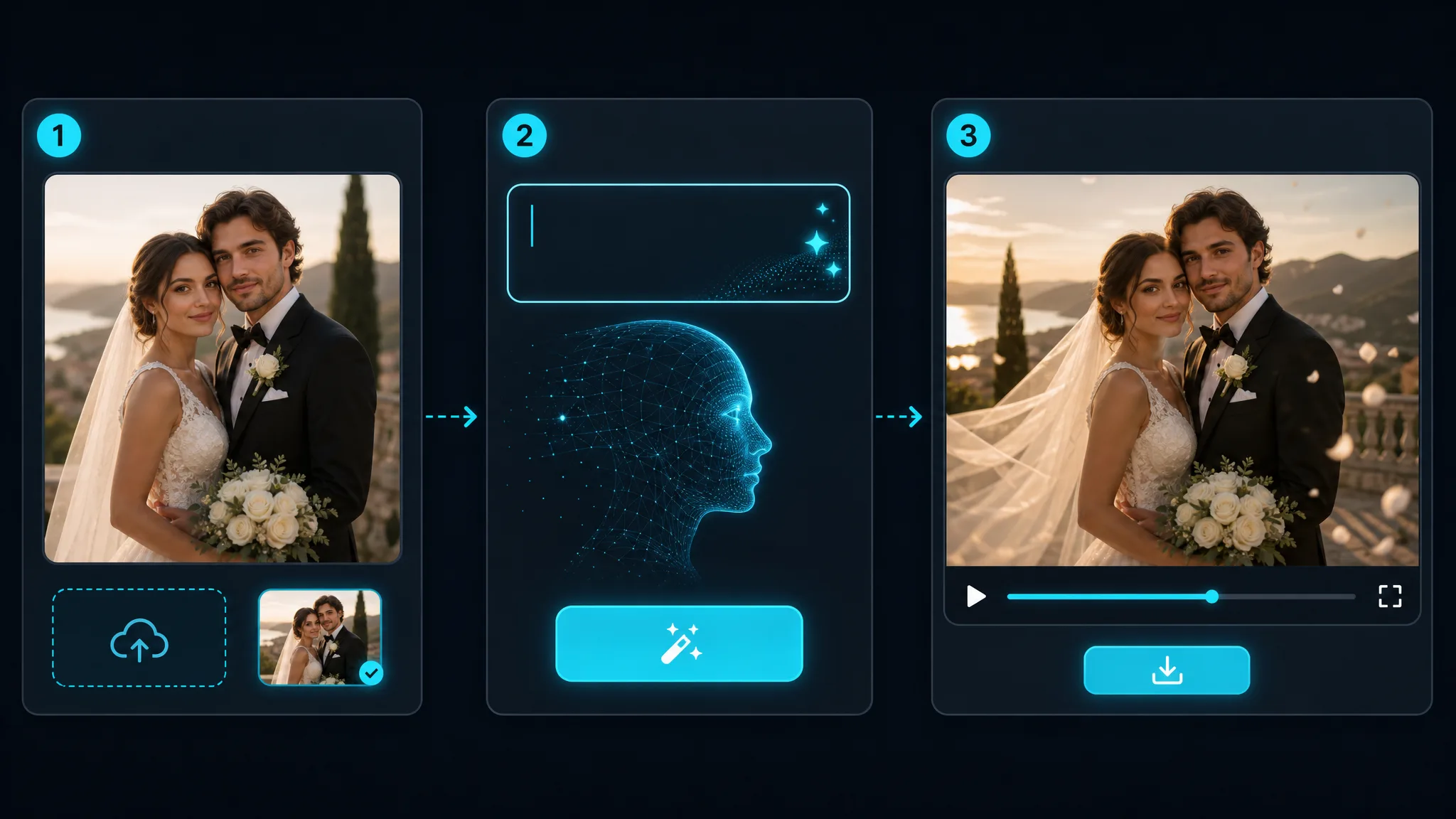
Sign in with Google and drop in the single picture you want to animate — a portrait, a ceremony frame, a detail shot, or a scanned print. One image is all this wedding photo to video generator takes: no album import, no stitching, so pick the frame that carries the moment. Sharper files help, though phone photos hold up well.
Write a sentence about what should move and how the camera behaves — "slow push-in, warm afternoon light, veil drifting" or "handheld drift, golden hour, confetti falling". On models that return sound you can name a musical mood in the same prompt; you describe the style in words, since there is no audio upload or music library here.
The model predicts new frames from your still and returns a clip you can play immediately. Try a second prompt if the movement feels too strong or too subtle — most renders finish in about a minute. When a take feels right, download it watermark-free for Reels, a group chat, or a wedding website.
What you can do
Most couples have hundreds of stills and no footage of the moments in between. Point this at one of them and you get an ai wedding video built from that frame alone — the model generates movement inside the picture instead of sliding a camera across it. Because ai wedding videos render one photograph at a time, each frame becomes its own clip.
Animate a wedding photoSend something that moves. Upload the invitation artwork or a favourite portrait, and this ai wedding invitation video maker turns it into a few seconds of motion you can attach to a message instead of a flat image. The same flow covers save-the-date cards and ceremony announcements.
Make a moving invitationShoot days produce more usable frames than any couple ends up posting. As an ai pre wedding video generator, this turns a spare portrait into a clip for the announcement post; as an ai marriage video generator it does the same for ceremony stills. The ai pre wedding video generator flow also covers save-the-date frames — one ai marriage video generator run per picture.
Animate a shoot frameA wedding anniversary video maker does not need new material to work with. Scan one print, upload it, and the model adds believable motion to a photograph taken long before anyone was filming — the kind of thing that lands well on a milestone anniversary.
Revive an old printWhy imgvid
The difference that matters here is whether the picture itself moves, or whether a camera simply slides across it.
The model invents new frames inside the photograph, so fabric shifts, hair moves, and the light changes. A slideshow tool can only zoom and cross-fade what is already there.
It asks for the one picture that matters, not an album. That constraint is why the result reads as a moment rather than a montage.
Push-ins, drifts, and slow orbits come from the prompt, giving a posed portrait the feel of filmed footage.
Renders usually land in about a minute, so you can compare a restrained take against a dramatic one.
Faded prints, film scans, and low-resolution phone shots all work, which is what makes anniversary clips practical.
Sign in with Google and eligible accounts get free credits. No card to begin, and nothing is stamped across the finished clip.
Use cases
Same tool, one uploaded picture, six very different moments people actually send.
Turn the single best portrait into a vertical clip that opens a feed post better than a static image does.
Attach a few seconds of motion to the invite so it stands out in a thread full of flat JPEGs.
Send guests a moving frame from the day, not a captioned group photo.
A wedding anniversary video maker run brings one photograph back every year, moving a little differently each time.
Give a site header a looping clip built from a photo the couple already loves.
Hand clients a moving version of one hero frame alongside the gallery.
FAQ
One still picture goes in and a short video comes out. The AI generates new frames from that single image, so the people and the scene move rather than the camera sliding across a fixed photograph. That is how to make a wedding video with pictures you already have: upload one, describe the movement, and download the clip. No footage, and no timeline to edit.
No — one image per render. That is a real limit, not a plan setting: there is a single upload slot, so no album import, no photo collage wedding video, and no stitching of frames into one clip. For several moving moments, animate the pictures one at a time and assemble them in your own editor.
A slideshow moves a camera across pictures that never change. This generates motion inside the picture itself, which is why fabric drifts, light shifts, and expressions soften — an ai wedding couple video rather than a pan. If what you want is a sequence of stills set to a song, a slideshow tool is the right choice. If you want one photograph to look like it was filmed, this is.
Not as an upload. Some models generate sound from your prompt, so you describe the mood in words — an instrument, a genre, a feeling — rather than supplying a file. There is no audio upload and no music catalogue here. For one exact song, add the track in your own editor afterwards.
Yes — that is one of the main uses. Upload the invitation artwork, a save-the-date card, or a portrait, and the model animates it into a few seconds of motion — a free video animation wedding guests actually watch, because it plays inline in most messaging apps.
Usually, yes. Scans of older prints, film photographs, and compressed phone pictures all animate, which is what makes it practical to create wedding photo to video clips from an album that predates digital cameras. Heavy grain, deep shadows, or badly blurred faces give the model less to work with, so expect gentler motion on a damaged scan than on a sharp file.
No — this is an online AI tool, not a service. Nobody is dispatched to an event, and there is no package, quote, or booking. If you are searching for coverage on the day, you want a local photographer. If you already have photographs and want one of them to move, you are in the right place.
Watermark-free, in vertical, square, or widescreen. The shapes available depend on the model and mode you pick, so clips fit Reels, TikTok, a wedding website, or a message thread without cropping. Nothing is stamped across the frame on any plan.
Free credits to start, then metered usage. Signing in with Google is required, and eligible accounts get those credits with no card. Each render spends credits, so the free allowance covers experimenting rather than unlimited output, and you can top up if you keep going.
Both animate one photograph, but they are tuned to different moments. This page covers ceremonies, invitations, engagement shoots, and anniversaries — the married couple ai video ideas for wedding video prompts live here. If you are making something for a birthday instead, the birthday video maker page covers cake, candles, and milestone clips with prompt ideas suited to those.
More tools
Sign in with Google, upload a single picture, and download a cinematic clip in minutes — free credits to start, watermark-free output.
Create a wedding photo to video clip