











Text to Image
Give a written idea a visual starting point
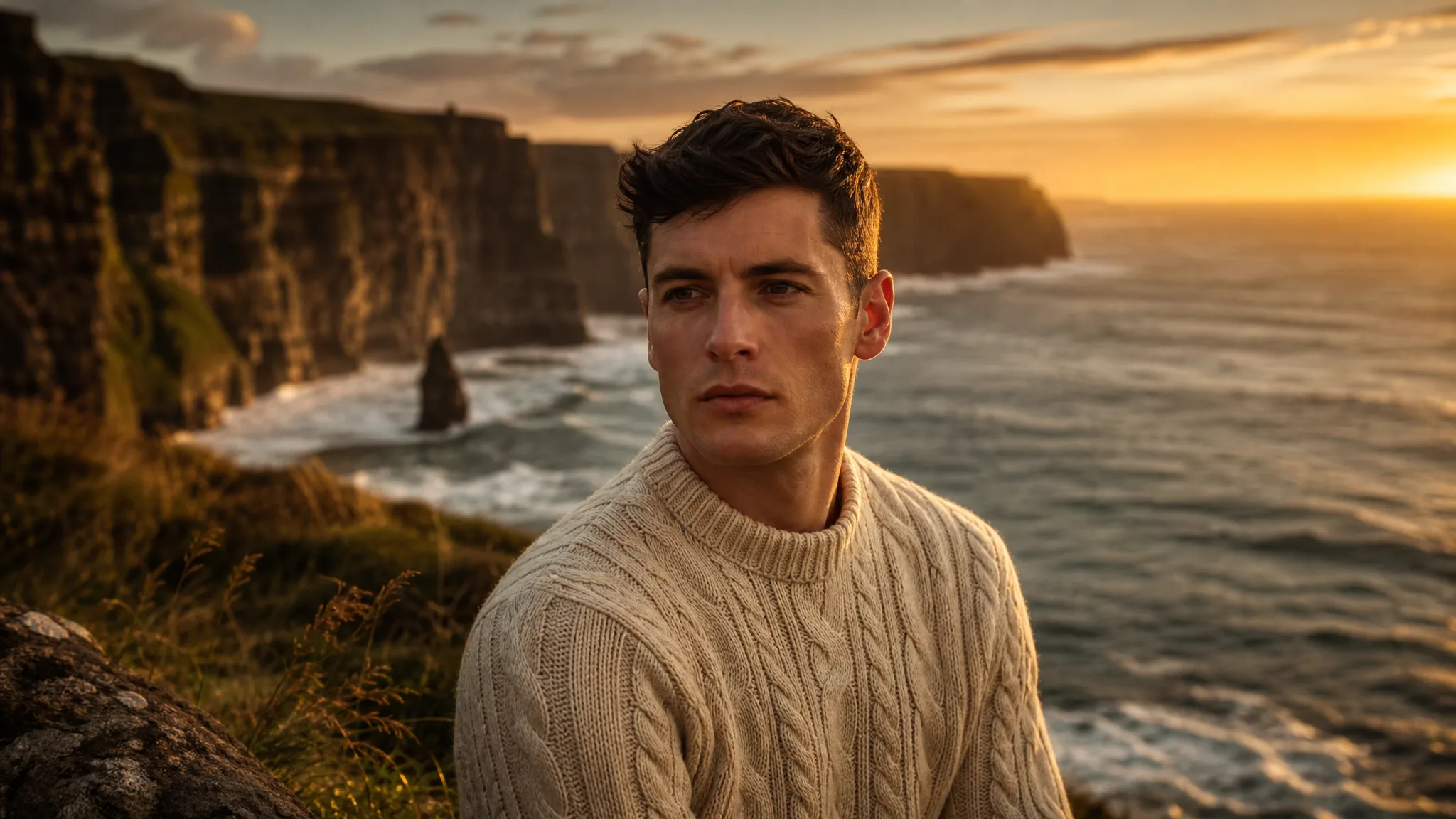
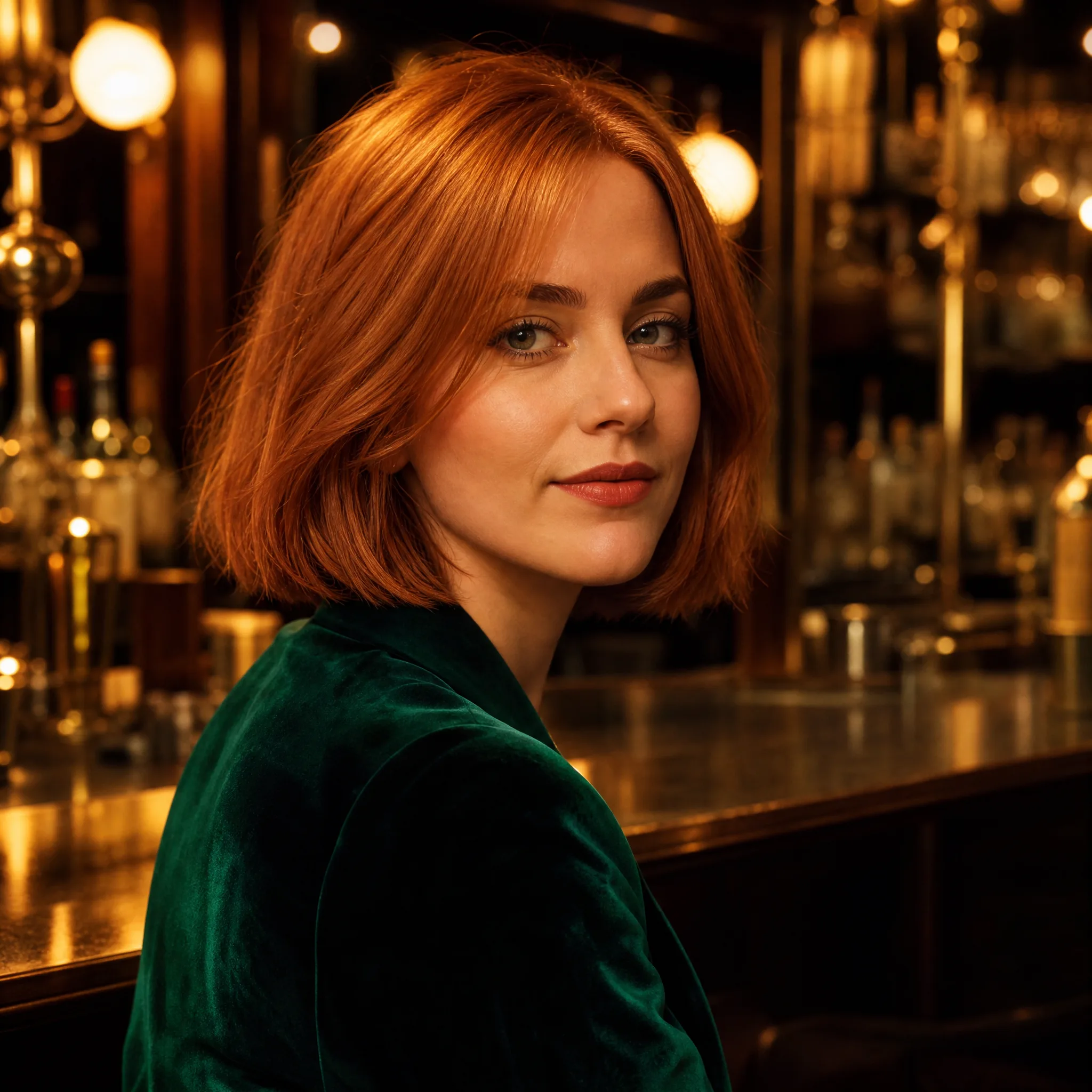
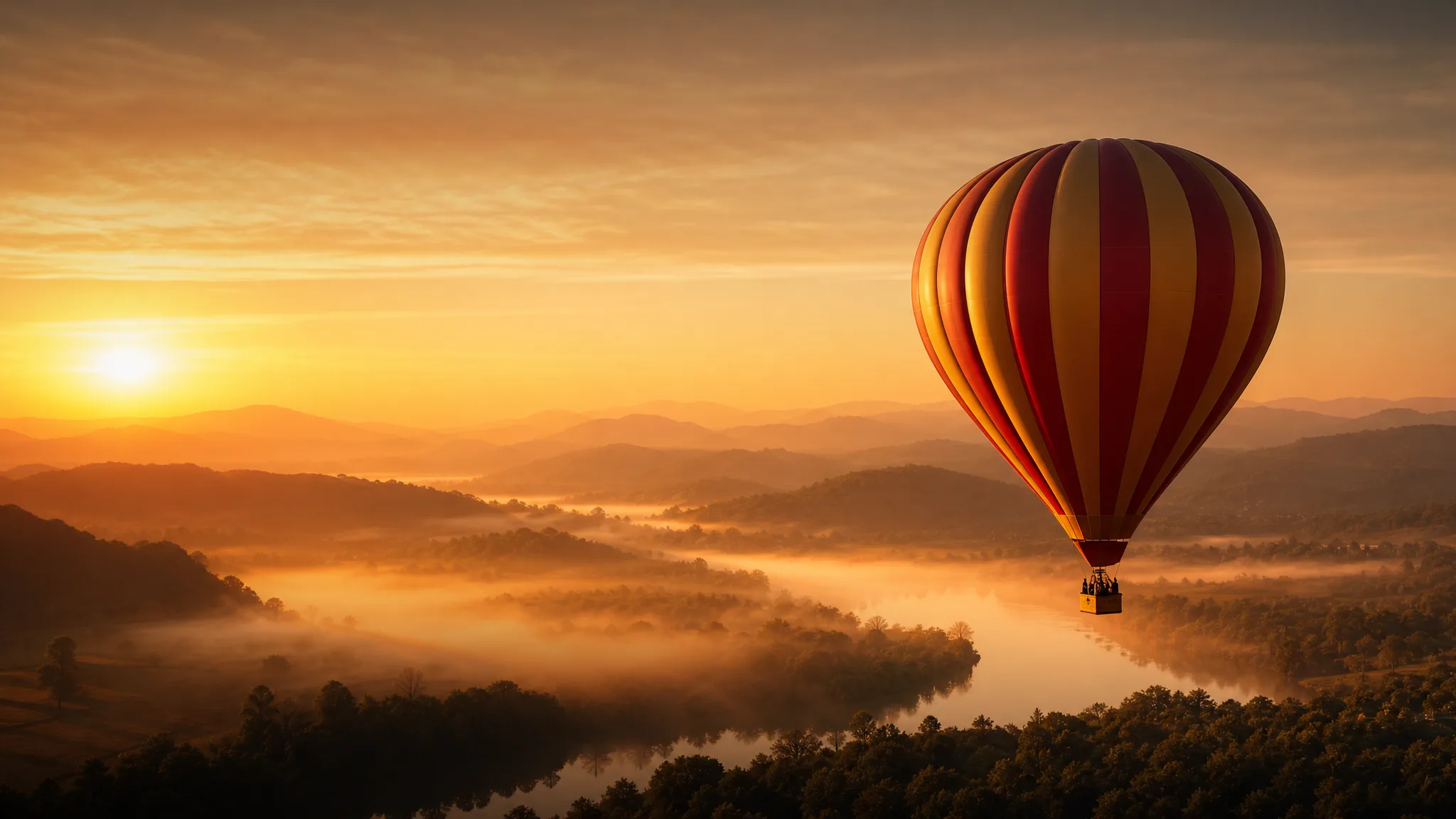
Describe a subject, setting and style to explore an image for your story, campaign or design. Choose a useful composition and finish the exact layout details separately.
Turn a photo into a moving video with a short prompt.
Pick an effect, add your photo and get a ready-made moment: hugs, dances, pet ideas and more.
Create images from words, edit a picture or turn a photo into video with focused tools for your next project.
Use the free AI video generator from image in three steps: upload a photo, describe the motion and generate a short video you can download and share.
Drop a JPG, PNG or WebP portrait, product shot, pet or landscape into the free AI video generator from image. You can also start from text, references or two frames when the scene calls for it.
Name what moves and how the camera follows: a smile, drifting clouds, a slow push-in. Pick the model whose look fits your idea.
Click Generate in the free AI video generator from image, preview the clip and download your video. Try a few takes for free and keep the one you like best.
See what one photo can become: cinematic scenes, anime, revived old photos, talking avatars and more.
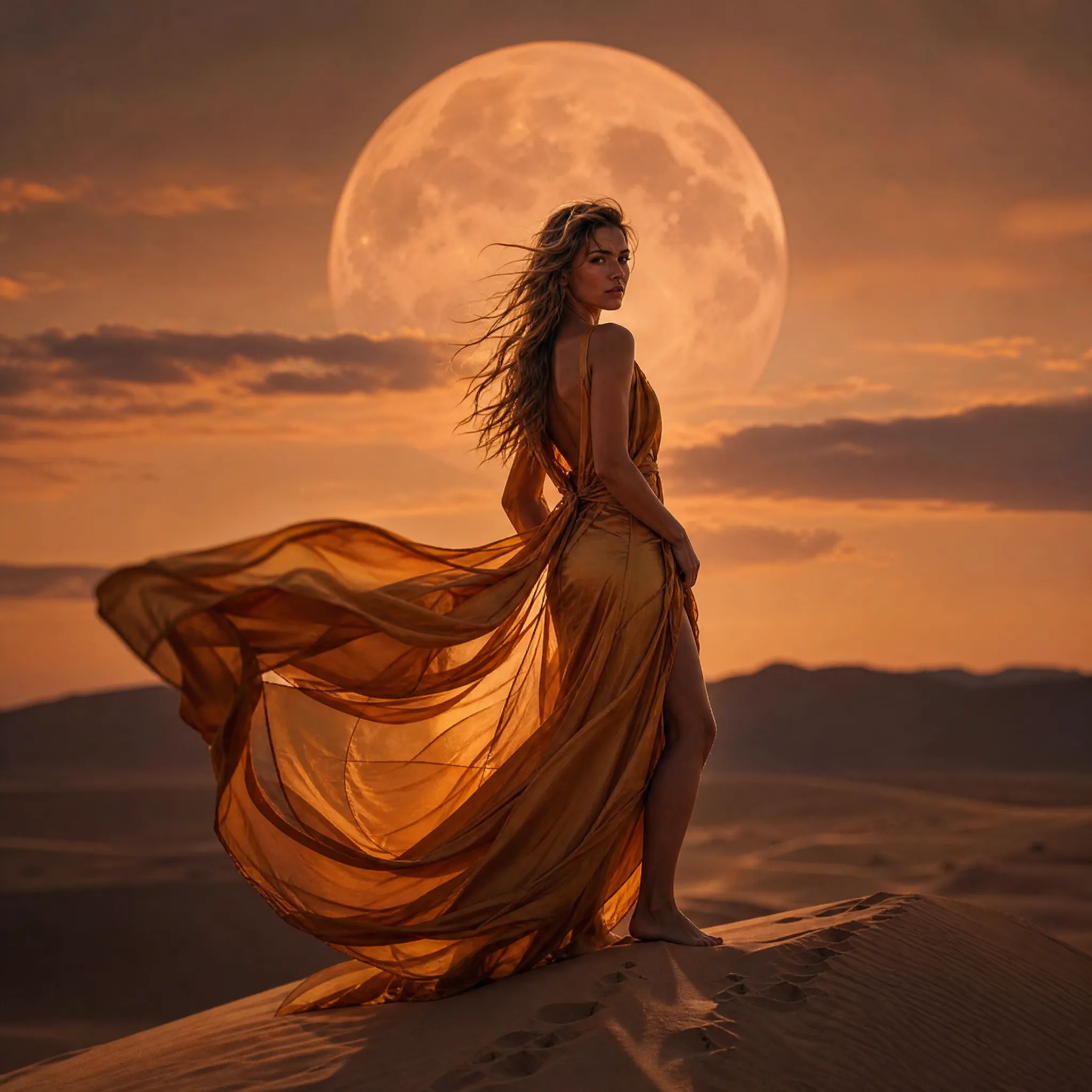
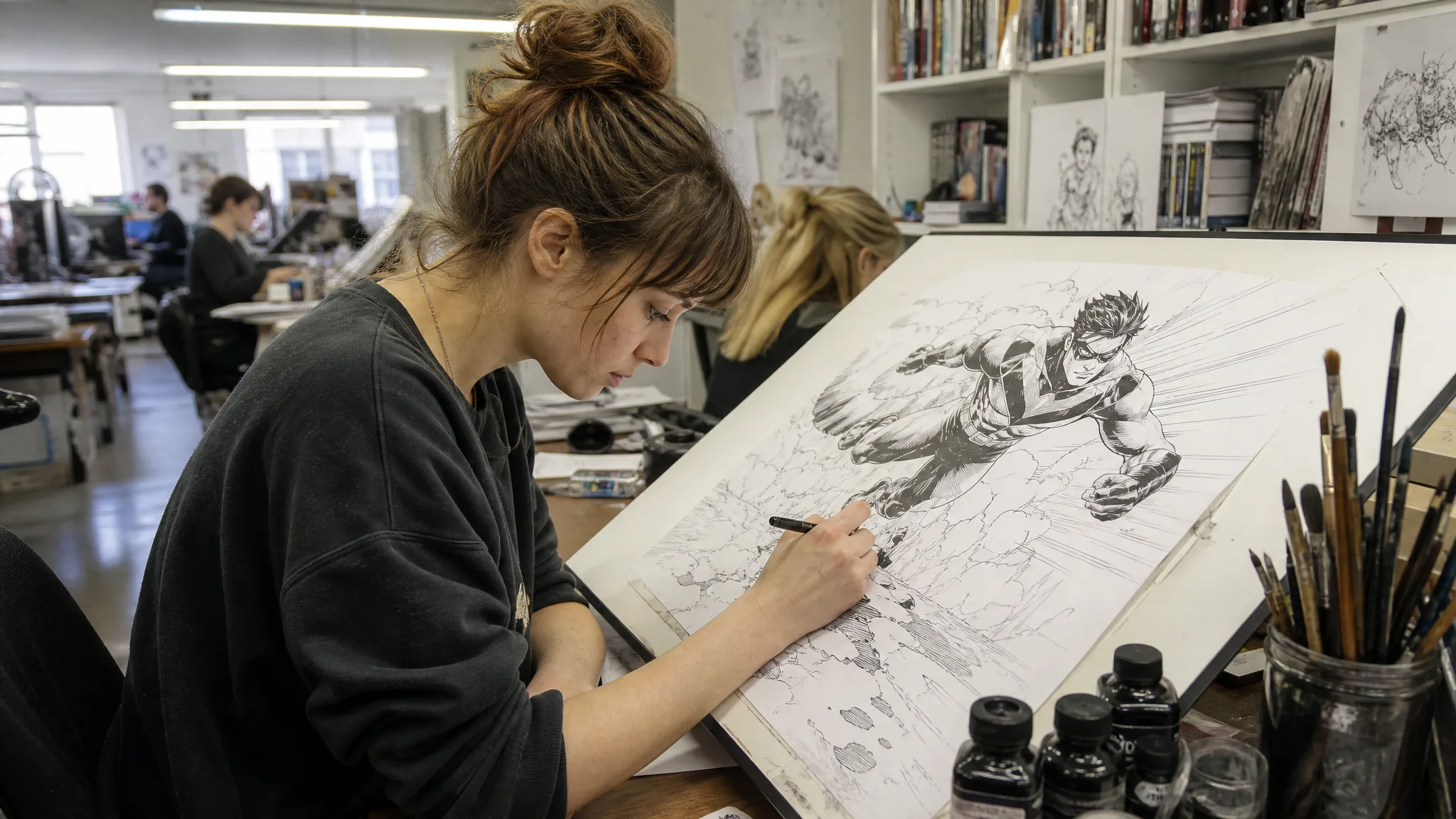
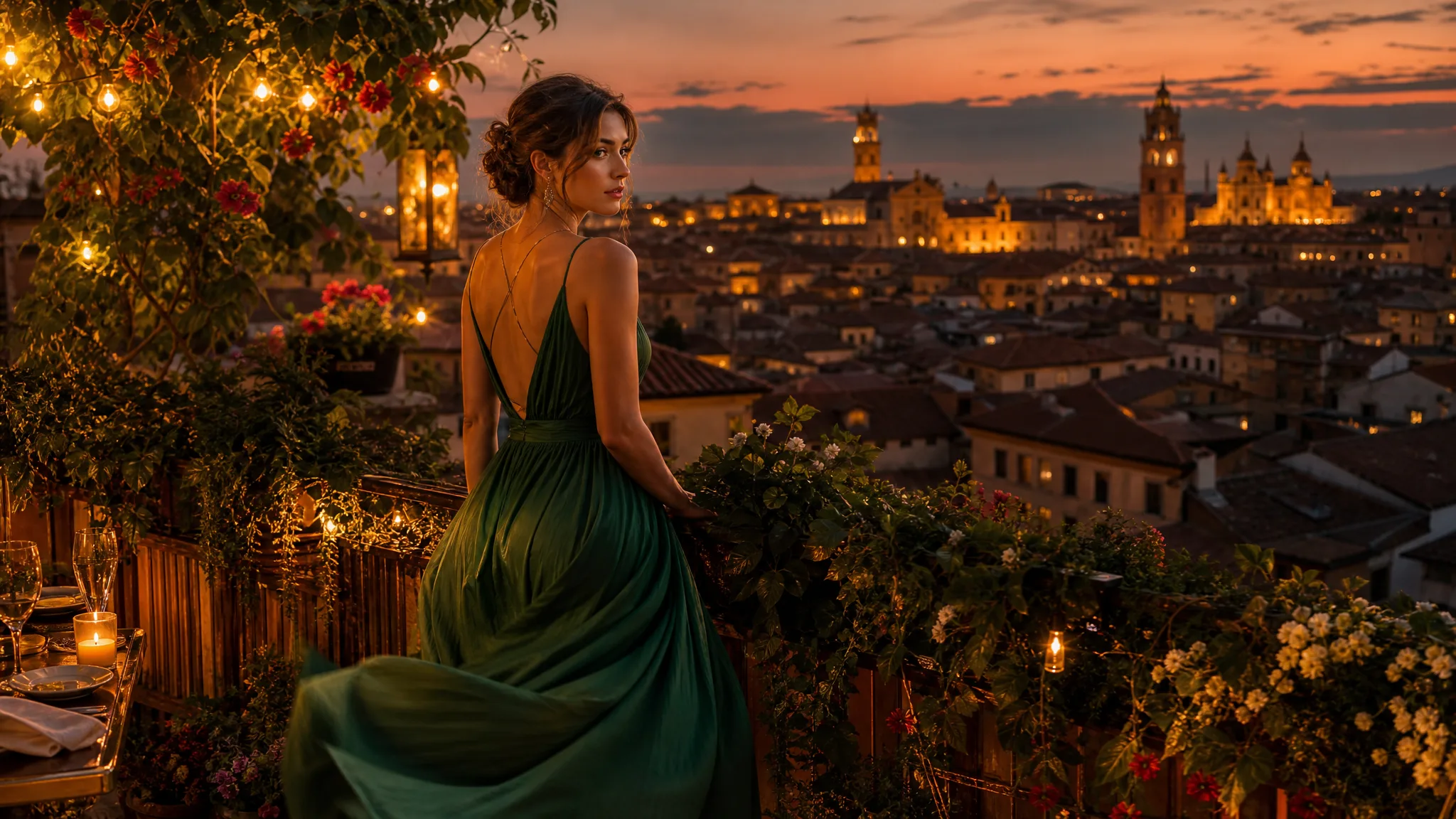
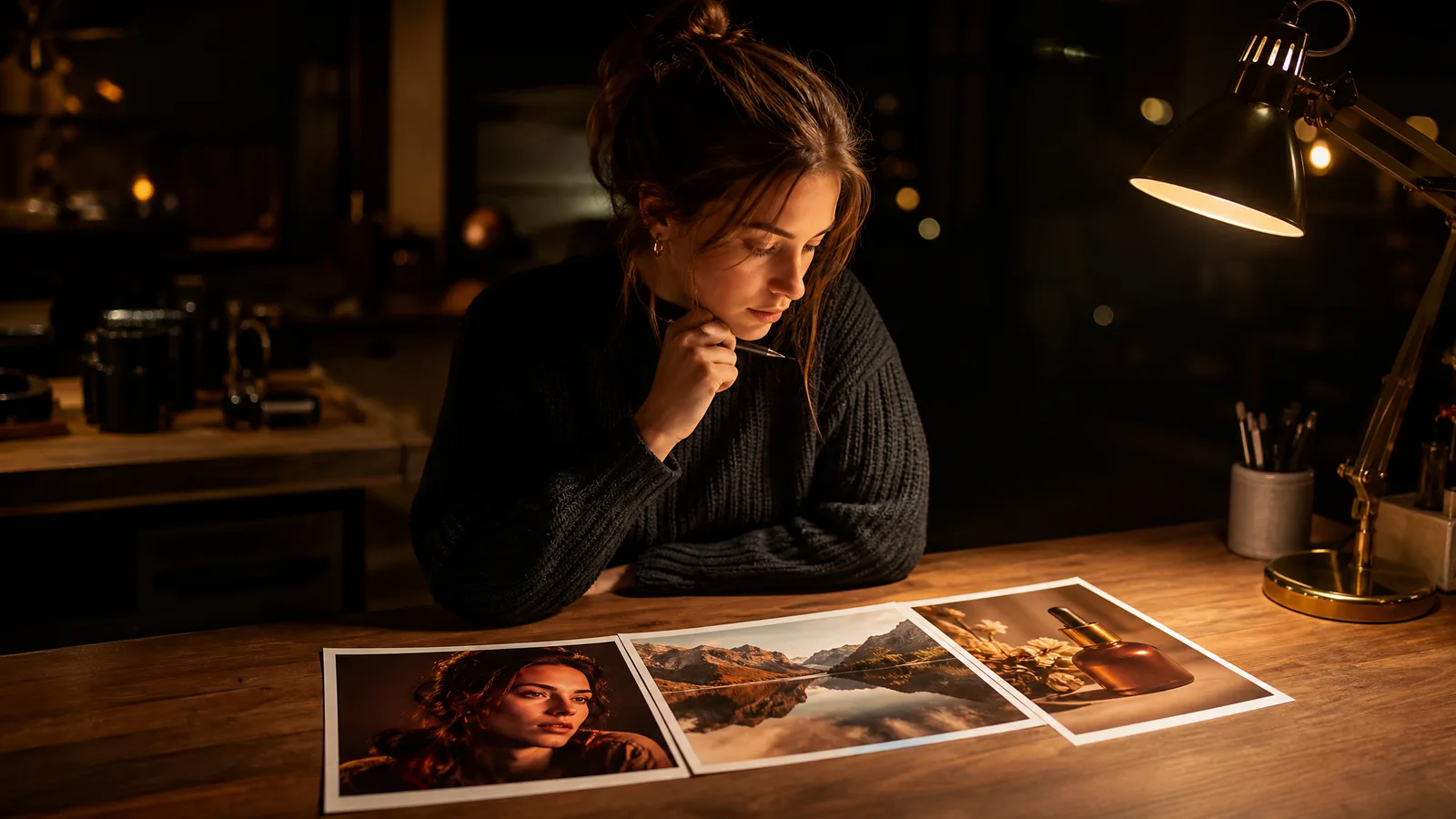
Describe a subject, setting and style to create a visual starting point. This illustration suggests a creative direction for your own project.
Six workflows in one place: animate a photo with the image to video generator, write a scene with text to video, guide a clip with references or start and end frames, and create or edit images.
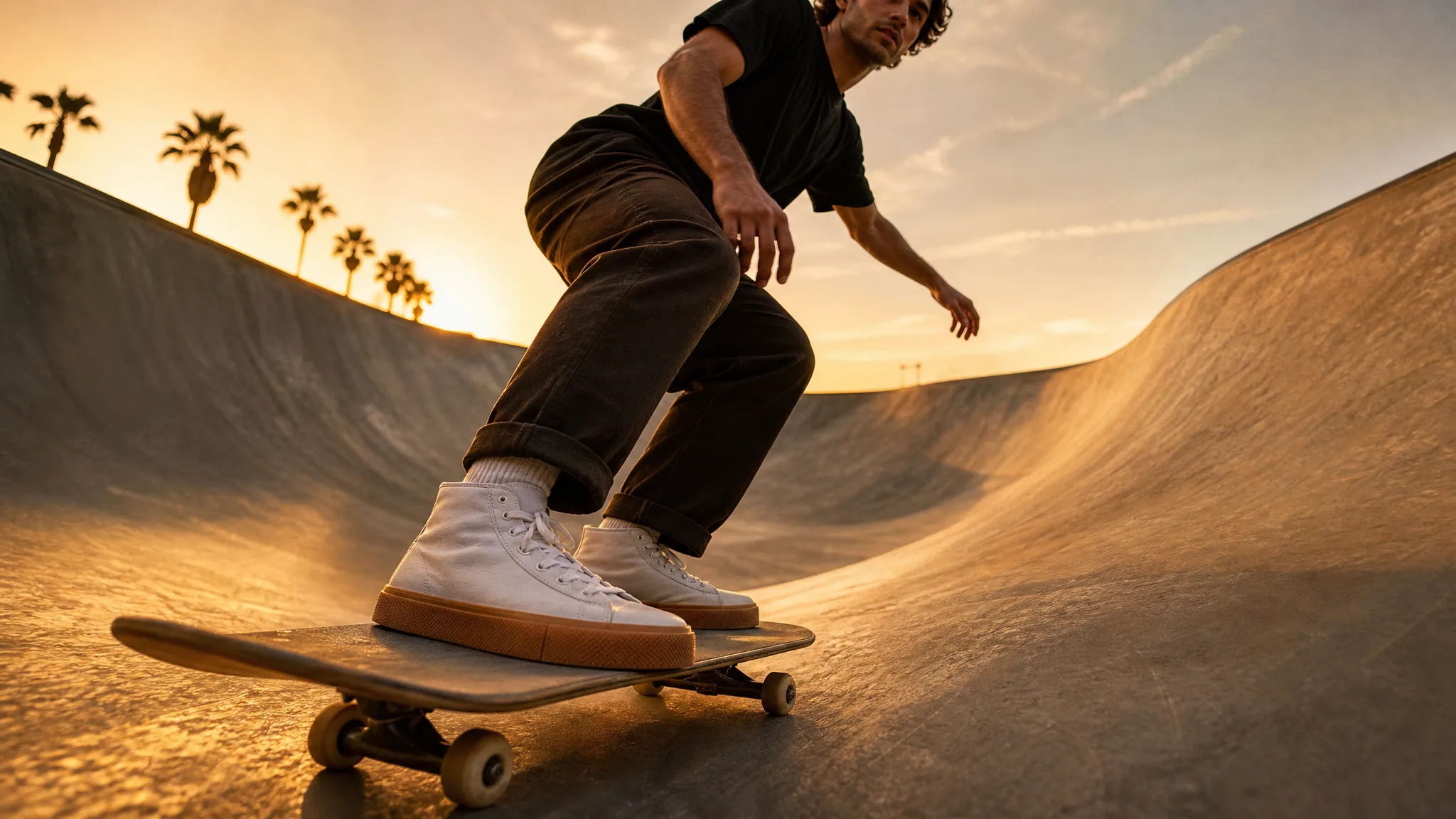
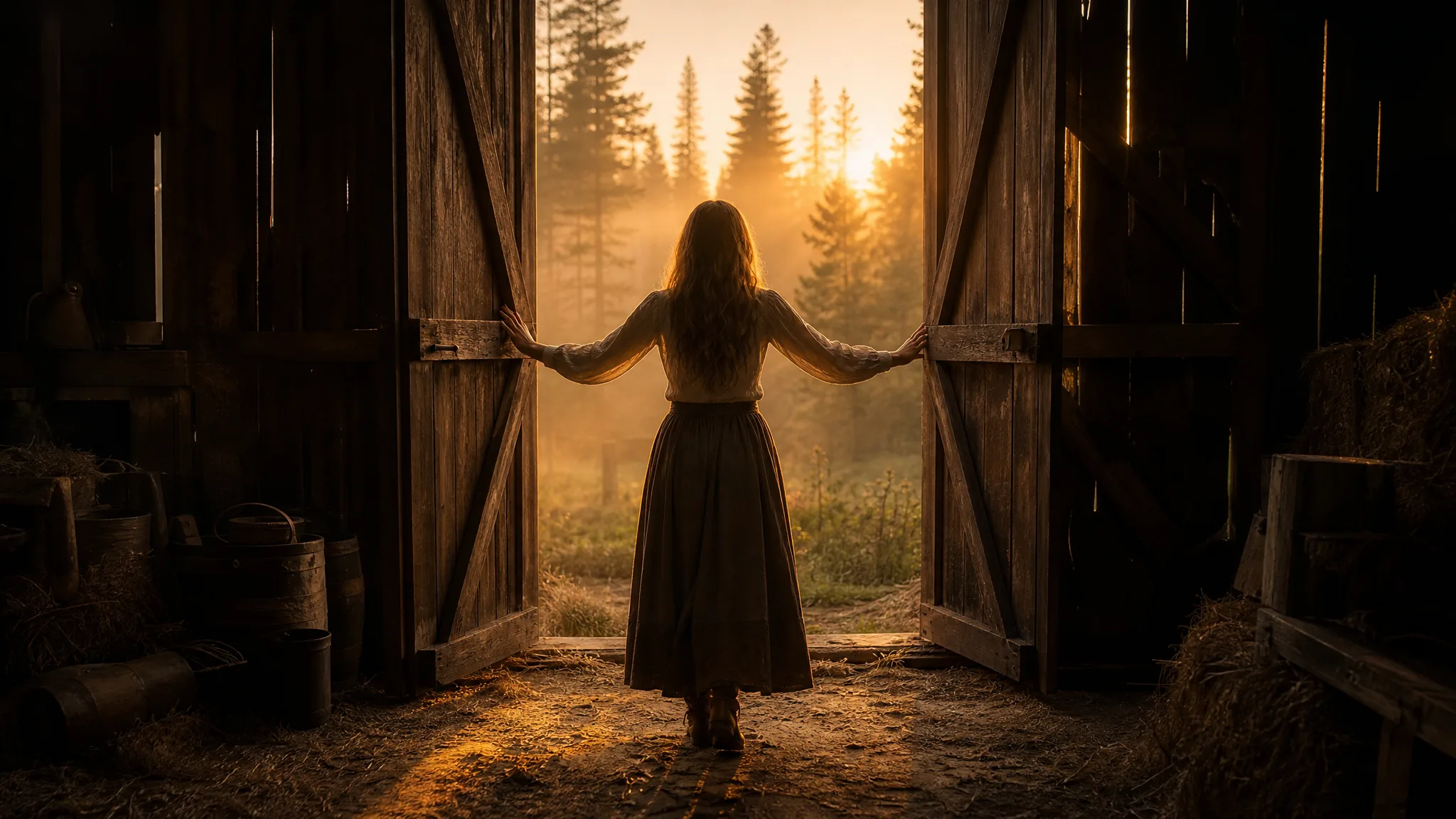
Give a written idea a visual starting point
Describe a subject, setting and style to explore an image for your story, campaign or design. Choose a useful composition and finish the exact layout details separately.
Develop the picture you already have
Use a photograph or drawing as a reference for a new visual interpretation. Describe the mood, materials or setting you want to explore and compare the result with the original.
Imagine a scene before you have footage
Put a subject, action and camera view into words. Explore a moving concept for a storyboard, pitch or opening shot, then choose the take that fits the idea.
Give a still picture its next moment
A glance, a breeze or a measured camera reveal can bring attention to a photograph. Describe the movement that belongs to the scene and review its important details.
Guide a new scene with visual references
Bring a character, product or style reference into a compatible video workflow. Describe the action and setting, then compare the resulting appearance with the material you supplied.
Set the visual endpoints of a transition
Choose how the shot opens and where it should arrive. Describe the change between those frames and explore the transition as a reveal or story beat.
Explore AI image to video free features that turn a still into a scene: prompt-led motion, several starting points, vertical formats and quick takes to compare.
Write a short prompt (an expression, a breeze, a camera reveal) and the free AI video generator from image turns your source image into a moving shot. Start free, online, right in your browser.
Create on desktop or phone right in your browser with the free AI video generator from image. Upload a picture, choose a model and generate; every clip is saved to your Asset Library.
Start from one photo, two endpoint frames for a reveal, or reference images that guide a character or product. Pick the input that tells your story best.
See how marketers, storytellers, educators and concept artists use an image to video AI generator like ImgVid AI to turn one picture into a moving scene for campaigns, lessons and pitches.
Use the free AI video generator from image to turn a product photo into a moving detail for a campaign concept or creative pitch. Choose the take that supports the message, then add branding and captions in your editor.
Turn an imagined setting or familiar photograph into a scene opening with the free AI video generator from image. Explore the action and camera view that give your story a clear visual hook.
Picture a lesson idea as an ImgVid illustration or a short moving example. Review the facts and visuals, then add the final explanation and labels in your teaching material.
Build a photo-led scene around one campaign idea with the free AI video generator from image. Keep the subject readable in the chosen framing and finish the post with a caption and sound.
Explore a storyboard moment, camera reveal or transition with the free AI video generator from image before planning the complete sequence. Use the moving draft to discuss the scene with collaborators.
Picture a character, environment or atmospheric scene for a visual concept, then turn it into a moving shot that brings the world to life for your team.
Before a product launch, I'd start with one clean photograph of the item and ask ImgVid for a few styled stills. Then I'd turn my favorite into a short close-up reveal with the free AI video generator from image, check that the label and shape stay accurate, and place the clip on my product page.
Quick answers about AI picture to video creation: turning photos into clips, starting free and choosing the best take.
Upload your photo to the free AI video generator from image, describe the motion you want, such as a smile, a breeze or a slow camera move, then choose a model and click Generate. Preview the clip and download it to share or keep editing.
ImgVid AI is free to start: sign up to get free credits right away, then check in every day for more, with streak rewards up to 4x on day 7. Spend them generating AI videos and AI images alike.
Yes — AI can turn your photo into a video. AI picture to video tools read your photo and your prompt, then animate the scene: expressions, hair, water, light or the camera itself. Portraits, pets, products and landscapes all work well as source photos.
Open the free AI video generator from image on ImgVid and upload a JPG, PNG or WebP. Describe what should move, click Generate, then download the result or try another take with a fresh prompt.
Use Start and End Frames to set an opening and a closing image and let the AI create the motion between them, or use Reference to Video to bring several reference images into one new scene.
Yes — you can turn a photo into a video on an iPhone. ImgVid runs in your iPhone browser, so you can pick a photo from your camera roll, generate the video and save it straight back to your phone, with no app to download.
The best free AI image to video generator gives you several strong models and room to compare takes. ImgVid brings AI image to video models together in one place, with free credits and daily check-in rewards so you can try a few and keep your favorite.
2026/09/28
How to Make Hotel Lobby AI Video (Quavo & Takeoff Trend)
How to make hotel lobby AI video: the Quavo & Takeoff Hotel Lobby trend explained, the two-photo rule, a copy-paste hotel lobby prompt, and mistakes to avoid.
2026/07/29
Is Higgsfield AI Free? Pricing and Limits Explained
Is Higgsfield AI free? A plain look at its pricing tiers, what a free plan actually covers, where the limits bite, and how to judge any AI video free tier.
2026/07/18
Image to Video Leaderboard: How to Pick the Best AI Model
Image to video leaderboard guide: pick the best AI image to video model by matching your inputs, comparing defaults, access and credits, then testing.
Free image to video starts here: upload a photo to the free AI video generator from image and describe the motion. Want a still instead? Open AI Image to create or edit a picture.
As featured on: