The best prompts for AI image to video name one subject action, one camera move and a low intensity, such as "she blinks softly and her hair drifts in a gentle breeze, slow push in." Copy a prompt below, swap in your subject, and change one variable per attempt.
These are starting-point ideas, not a tested cross-model benchmark or a guarantee of output. The source, model, settings and prompt all contribute, so use a compatible model and review each result.
What Makes the Best Prompts for AI Image to Video?
A good image-to-video prompt describes motion, not the scene. It names what moves, how fast, and how the camera behaves, in one or two plain sentences. The model already sees your photo, so you don't re-describe the subject.
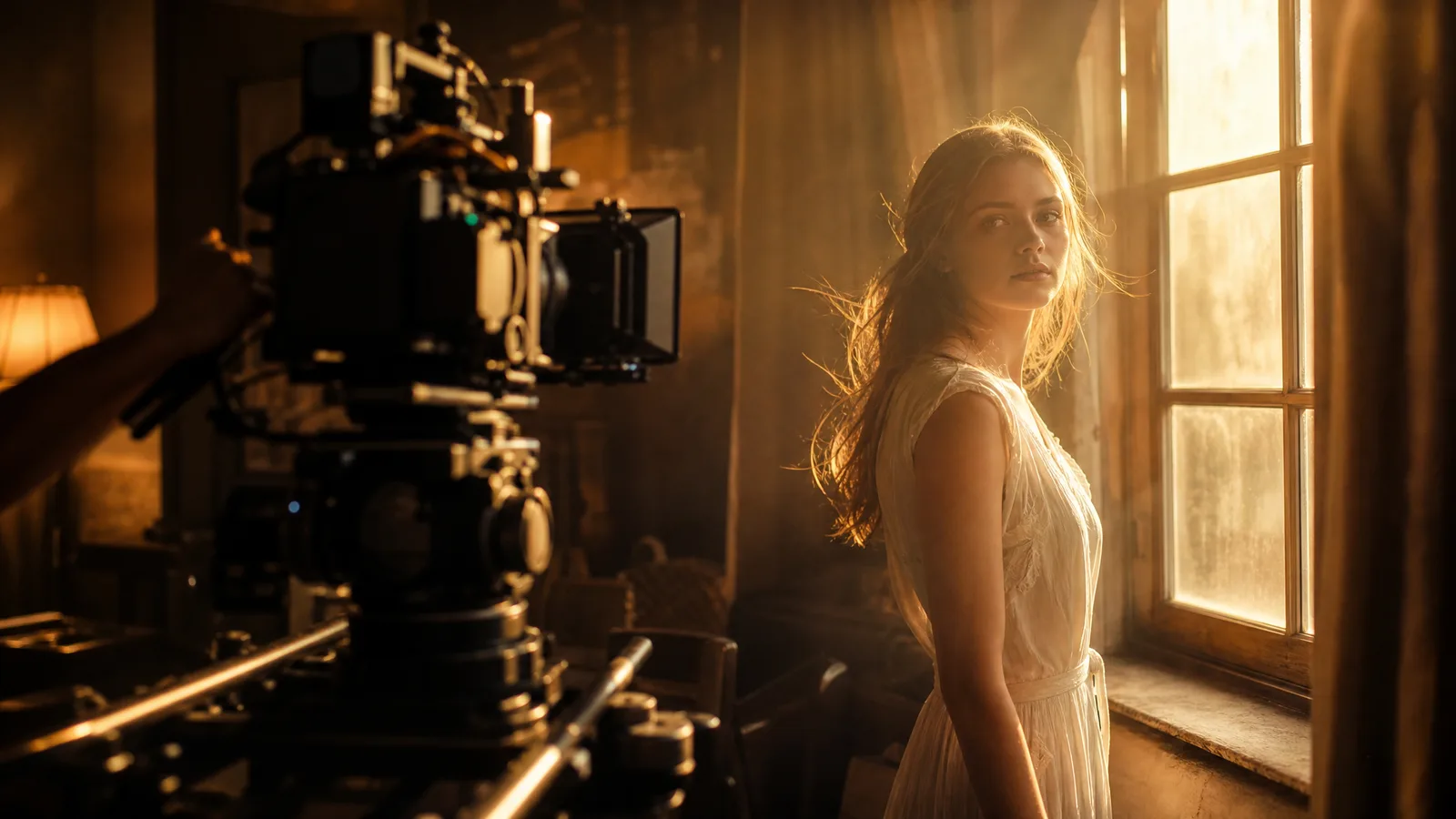
The most common beginner mistake is writing an image-to-video prompt like a text-to-video prompt. In text to video, the model builds everything from words, so you describe the whole world. In image to video, your photo is already the scene.
Words spent re-describing the photo are wasted; words spent on motion do the work. A strong prompt usually has four parts:
- Subject action: "hair drifts in the wind"
- Camera move: "slow push in"
- Speed or intensity: "subtle, gentle"
- Optional mood: "cinematic, warm light"
Keep it short. One or two sentences beats a paragraph, because long prompts pull the model in competing directions and often produce distortion. Here's the contrast most people learn the hard way:
| Weak prompt pattern | Strong prompt pattern | Why it's better |
|---|---|---|
| "make it move" | "gentle wind moves the leaves, subtle motion" | Names the specific action + intensity |
| "cinematic video amazing 4k epic" | "slow camera push in, shallow depth of field" | Describes a real camera move, not adjectives |
| "person walking running jumping dancing" | "she slowly turns her head and smiles" | One clear action, not five competing ones |
| re-describing the photo in detail | describing only what should change | The model already sees the image, so words are better spent on motion |
Write your prompt as if you're directing a one-take shot: one action, one camera move. If you want a second beat, generate a second clip and edit them together. That's more reliable than cramming two moves into a single prompt.
Lifelike Motion Prompts for Portraits, Nature and Products
For lifelike motion, keep intensity low and describe natural, physics-based movement: breathing, blinking, hair and fabric drifting, water rippling, steam rising. Add a word like "subtle" or "slow" so the model doesn't over-drive the action into distortion.
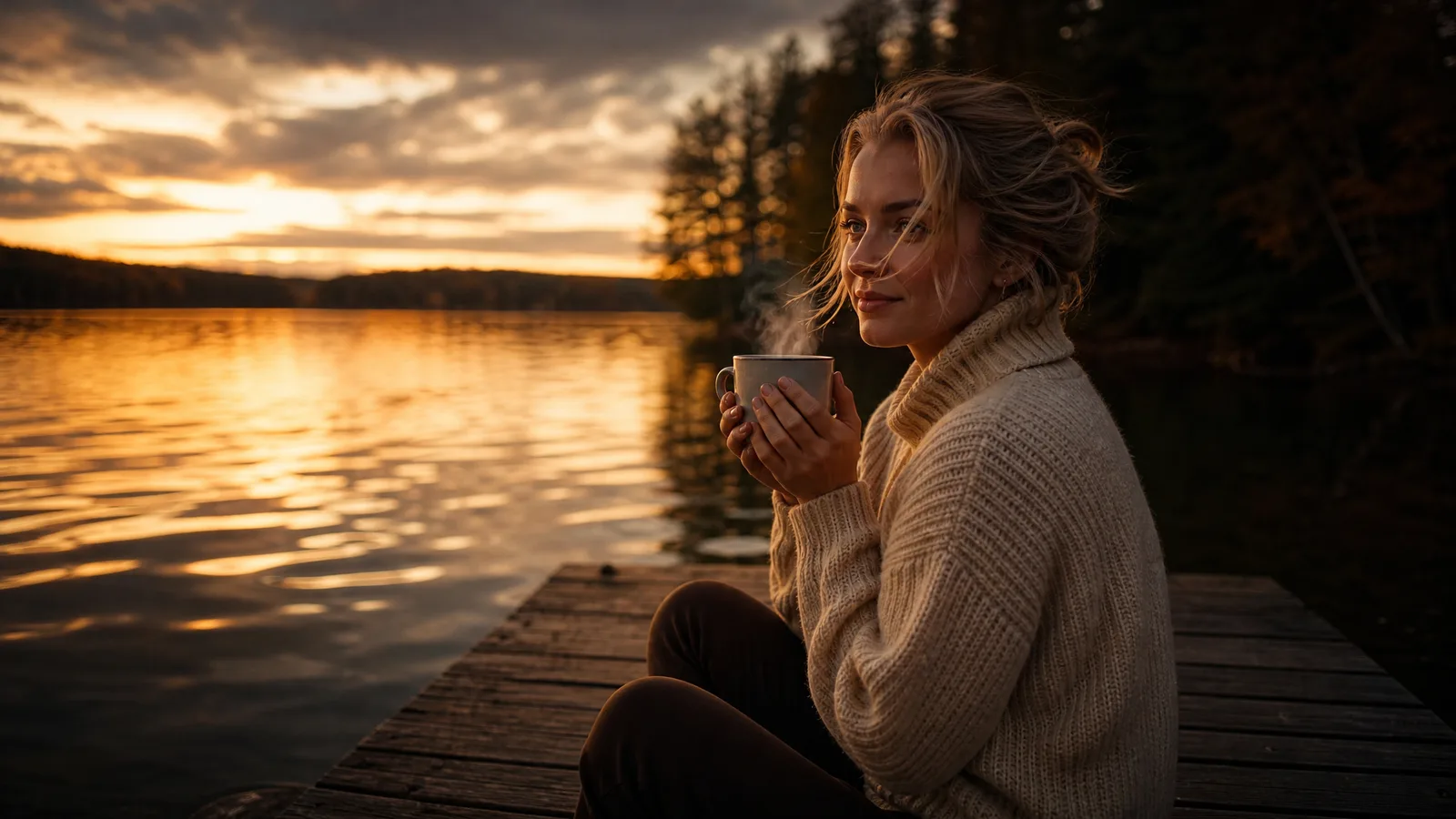
Realism comes from restraint: subtle motion reads as premium, aggressive motion reads as AI. Start with these and raise the intensity only if the clip feels too static.
When the same subject must stay consistent across several clips, a prompt alone won't hold identity. Pair these prompts with reference images in AI video and a reference to video generator to guide the character's appearance; references do not guarantee identical identity.
1. Portrait: Soft Blink and Hair Drift
Use it on a close or medium portrait where the face is clearly visible.
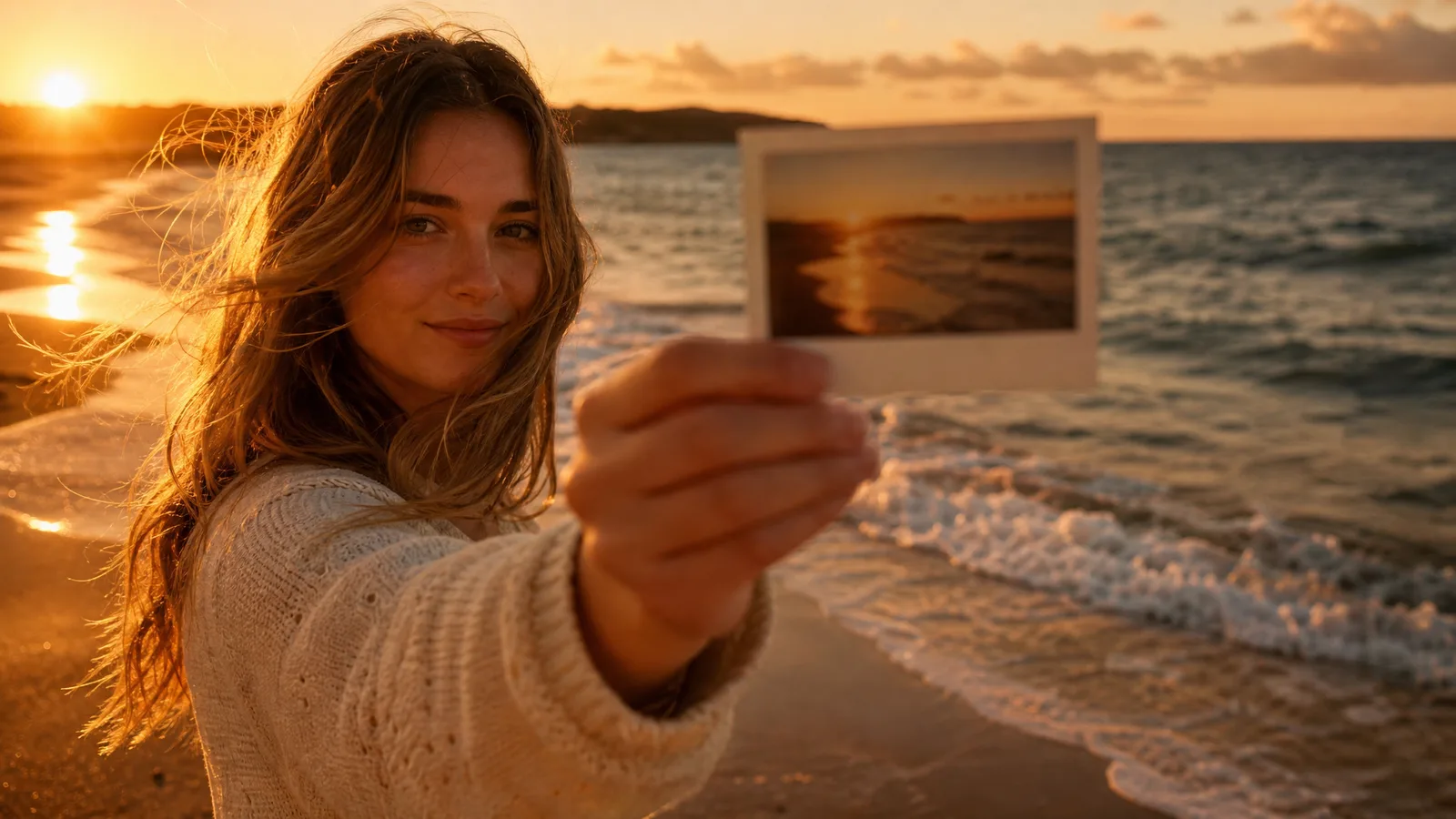
Subtle, natural motion: she blinks softly and her hair drifts in a
gentle breeze. Slight, believable movement only. Camera stays still.
2. Landscape: Wind in the Grass, Drifting Clouds
Use it on an open nature shot with sky and foreground vegetation.
Gentle wind moves the grass and clouds drift slowly across the sky.
Soft, realistic motion. Slow, almost imperceptible camera drift.
3. Food or Product: Rising Steam
Use it on a drink, a meal or a product photo with a warm atmosphere.
Steam rises slowly from the cup, light flickers warmly. Very subtle
motion, everything else stays still. Cinematic, cozy mood.
4. Coast: Gentle Waves and Shimmering Reflections
Use it on a beach, lake or harbor scene with visible water.
Waves ripple and roll gently toward the shore, reflections shimmer.
Calm, natural motion at real-world speed. Camera holds steady.
Notice the shared pattern: one action, an intensity qualifier, and an instruction to keep everything else calm. That is how to prompt image generators for AI video when your goal is believability rather than spectacle.
If a clip still warps a face or hands, simplify the requested action and inspect the available controls. A motion-strength setting is not universal, and distortion can have several causes. For a primer on how the models predict these frames, see what is image to video AI.
See image to video AI in action
Give a photograph its next moment. Describe the movement and explore a short scene for your story, campaign or creative project.
Try it freeCamera Movement Prompts for Cinematic Shots
Camera prompts add polish by naming a real film move, such as a push-in, orbit, crane or parallax drift, instead of vague adjectives. Your photo guides the opening composition, and the camera language moves a "virtual camera" through it.
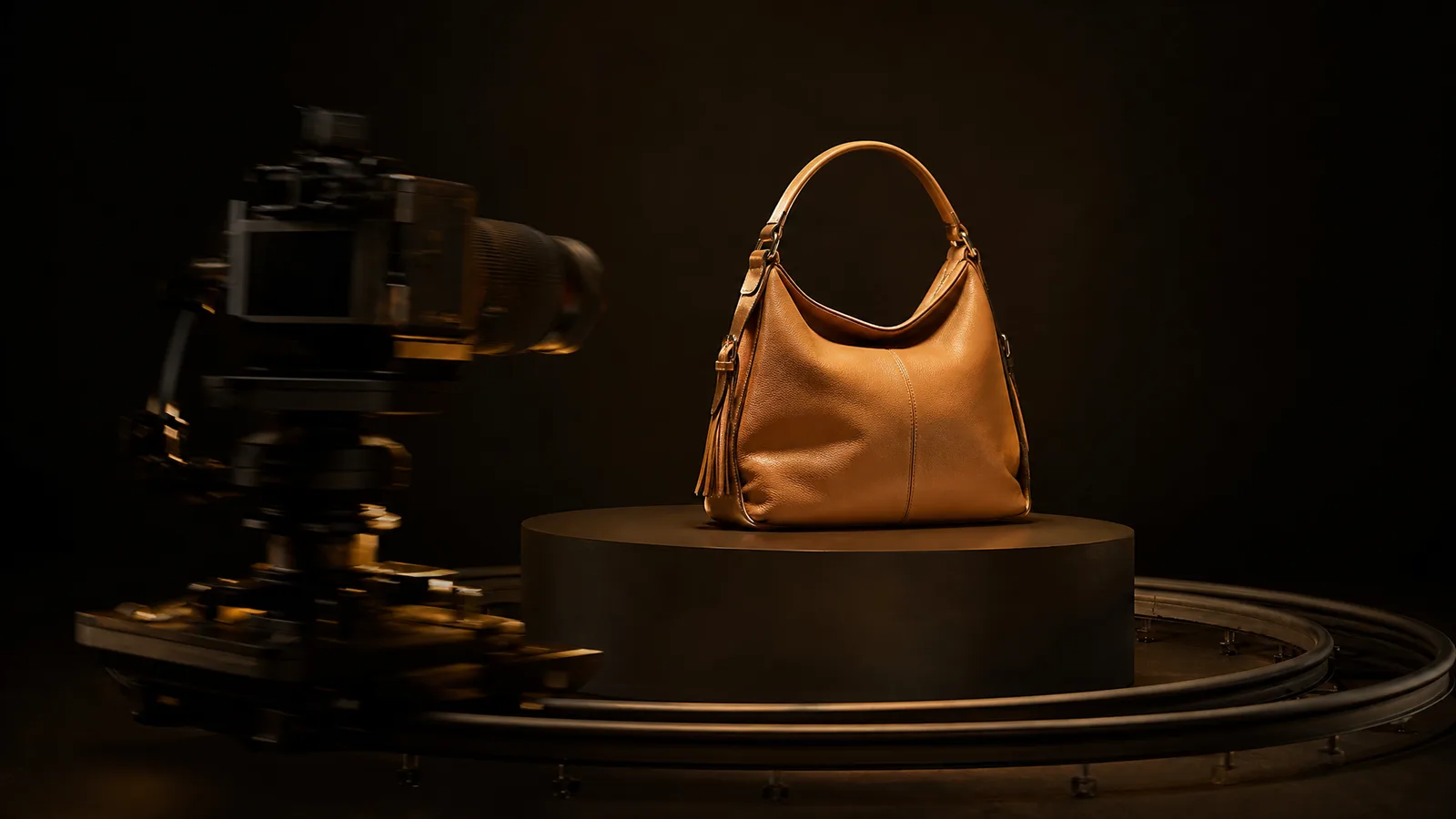
Camera moves are a fast way to make a still photo feel like footage. They tend to distort less than subject animation because the pixels shift together.
If you want a specific camera angle, name the move rather than the mood: "slow orbit" is clearer than "dynamic." Copy any of these and swap the subject.
5. Slow Cinematic Push-In
Good for portraits and hero shots.
Slow camera push in toward the subject, shallow depth of field,
cinematic. Background gently falls out of focus. Smooth, steady move.
6. Product Orbit
Good for e-commerce listings and image to video ads.
Camera slowly orbits around the product 20 degrees, studio lighting,
clean reflections. Subject stays centered and sharp. Smooth motion.
7. Parallax Drift Across a Landscape
Good for wide scenes with a clear foreground and background.
Slow left-to-right parallax drift across the scene, foreground moves
faster than background, sense of depth. Steady, cinematic pacing.
8. Crane Pull-Back Reveal
Good for an ending shot or a location reveal.
Camera slowly pulls back and rises to reveal the full scene,
epic wide shot, cinematic. Smooth, controlled crane movement.
9. Handheld Sway With a Soft Smile
You can combine a camera move with a light subject action, as long as both stay gentle. This handheld style is a reliable social favorite.
Subtle handheld camera sway with a slow drift forward, subject smiles
softly. Natural, documentary feel. Warm light, shallow depth of field.
Effect Prompts for Light, Weather and Atmosphere
Effect prompts work the same way: name one effect and keep it grounded. Models handle one styled effect far better than a pile of them, and every extra instruction is another chance to distort the frame.
10. Dreamy Light Leaks
Soft light leaks drift across the frame, warm bloom, slow motion.
Subject stays still and sharp.
11. Light Rain and Wet Reflections
Light rain falls and reflections shimmer on the wet ground,
moody atmosphere. Gentle, steady motion.
12. Floating Sparks and Embers
Sparks and embers float upward slowly, warm glow, cinematic.
Everything else stays calm.
Avoid stacking three effects at once. If a move looks stiff, compare the supported settings and try one configuration change at a time. This article does not establish that any named engine is best for a category.
For social video, these camera and effect prompts translate directly into vertical clips; see how to make Instagram Reels with photos for the format-specific workflow. To turn a set of shots into one sequence, see how to make a video out of photos.
Turn your image into a video now
Start with a photo and a motion idea. Create a moving scene for a personal story, a product reveal or your next social post.
Get startedReusable Image-to-Video Prompt Formula
Fill four slots, subject action, camera move, speed and mood, then tell the model to keep everything else still. This gives clear direction without the over-description that causes distortion, and it gives you a structured starting point for comparing attempts.
Copy this template and replace the brackets:
[Subject action: what moves, e.g. "her hair drifts and she blinks softly"].
[Camera move: e.g. "slow push in" / "gentle orbit" / "steady, no camera move"].
[Speed & intensity: e.g. "subtle, natural, slow motion"].
[Mood/light: e.g. "cinematic, warm light, shallow depth of field"].
Everything else stays still and stable.
The template works like a form: fill the slots and keep the structure. A copy-paste prompt still needs the subject and action adapted to your source.
A correct template can still fail if the model does not follow the motion, preserve details or support the requested task.
Filled-In Example: Watch on a Product Shot
The watch face catches the light and reflections shift slowly.
Camera slowly orbits 20 degrees around the product.
Subtle, smooth motion at real-world speed.
Studio lighting, clean and premium, shallow depth of field.
Everything else stays still and stable.
How Do You Customize These Prompts?
Keep the structure, swap the subject action to match your photo, and change one slot per attempt. These four suggestions keep the motion brief clear:
- One action, one camera move. Two of each compete and warp the frame. Split extra beats into extra clips.
- Always add an intensity word. "Subtle," "gentle" or "slow" requests restrained motion; inspect the result for distortions.
- Describe motion, never the photo. The model already sees the image, so words describing the subject's appearance are wasted.
- Iterate one variable at a time. If a clip isn't right, change only the camera move or only the intensity, then regenerate. Changing everything at once tells you nothing.
This table shows which slot to edit for common goals:
| If you want… | Change this slot | Example swap |
|---|---|---|
| Less distortion on faces | Speed & intensity | "fast" → "subtle, slow" |
| More sense of depth | Camera move | "camera stays still" → "slow parallax drift" |
| A different subject | Subject action | "hair drifts" → "steam rises from the cup" |
| A different feel | Mood/light | "warm light" → "moody, overcast light" |
You don't need a different tool for each style. Paste any of these prompts into the photo-to-video generator in your browser. ImgVid offers signup credits for eligible Gmail or googlemail accounts, so you can test several variations on the same image before deciding what works.
Save the two or three templates that consistently land for your images, and prompting stops being guesswork.
Before another attempt, review the current quote and your balance. The cost guide separates attempts from accepted clips. For a local workflow, the ComfyUI guide explains why model and node compatibility come before reusing a prompt.
FAQ
How do I write a prompt for making lifelike video from photos?
For lifelike video from photos, name a gentle, physics-based action such as breathing, blinking, drifting hair or rippling water, and add "subtle" or "slow" so the model doesn't over-drive it. Keep the camera still or barely moving. Restraint is what makes motion read as real instead of AI-generated.
Do I need a prompt at all for image to video?
It depends on the tool: some image-to-video tools can animate a photo without text, but ImgVid's video models require a short motion prompt. The prompt tells the model what moves and how the camera behaves; it communicates your intent but does not guarantee consistency.
Why does my image-to-video output look warped or melty?
Warped output can reflect the source, requested action, configuration or model limitations. Simplify the prompt to a single action and review available controls; not every model offers a motion-strength setting. Fast motion, competing actions, and small details like hands or text are the usual causes of distortion.
How do I prompt image generators for AI video camera moves?
To prompt for camera moves, name a real film move instead of adjectives: "slow push in," "gentle orbit," "parallax drift," or "pull back to reveal." Camera-move prompts often distort less than animating the subject, because the pixels shift together, and they quickly make a still photo feel like footage.
Do the same prompts work on Runway, Veo, Kling, and Luma?
You can use the same motion brief as a starting point with compatible image-to-video models. Supported modes and controls differ, and neither an exact first frame nor a particular result is guaranteed. Record those differences when comparing two engines. You can run the same prompt through the Runway image to video generator to compare.
Should I use one long prompt or several short ones?
Use short prompts. One or two sentences with a single action and camera move gives the most reliable output; long prompts pull the model in competing directions and cause distortion. For a multi-beat scene, generate several short clips and edit them together rather than cramming everything into one prompt.