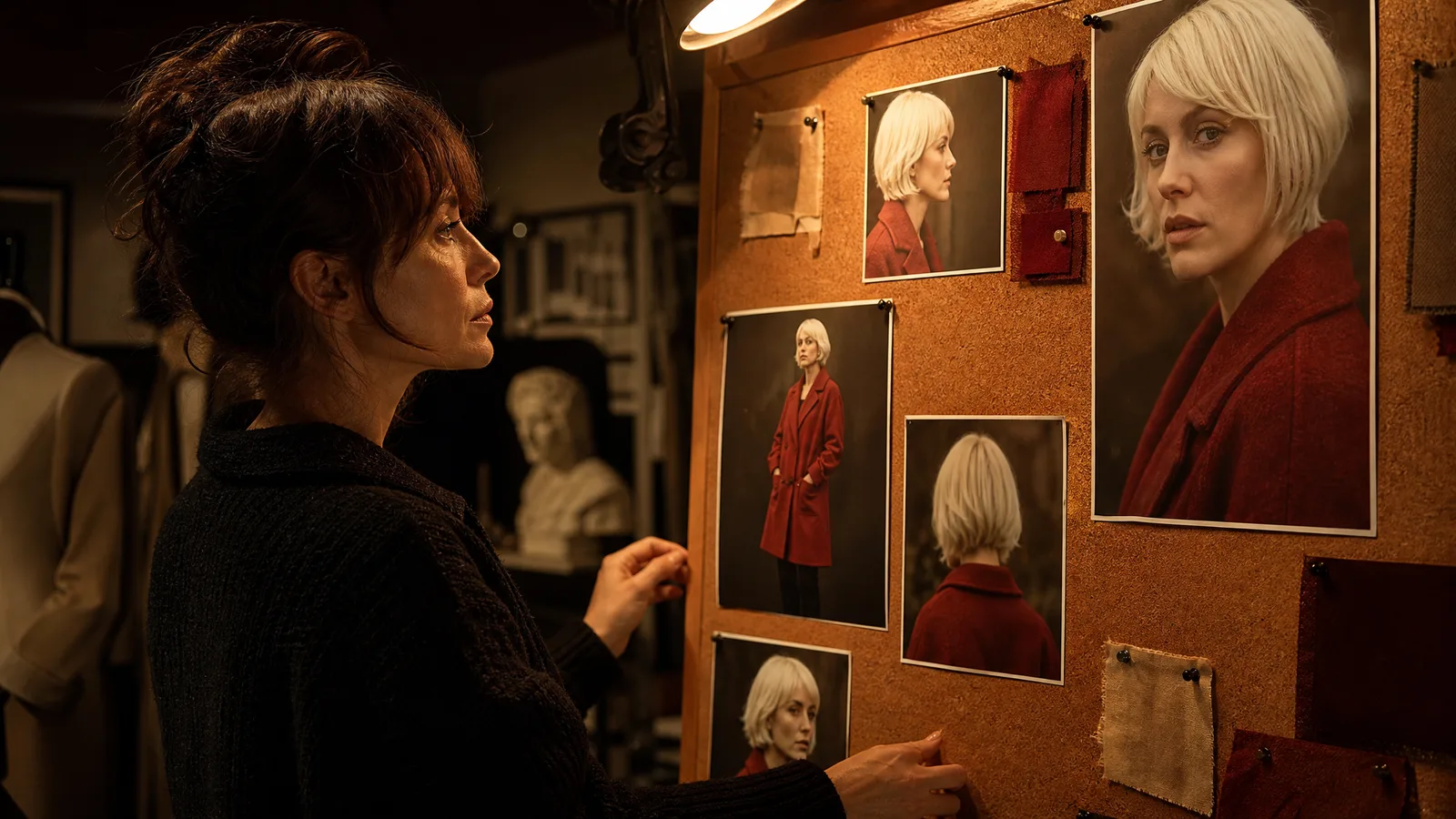
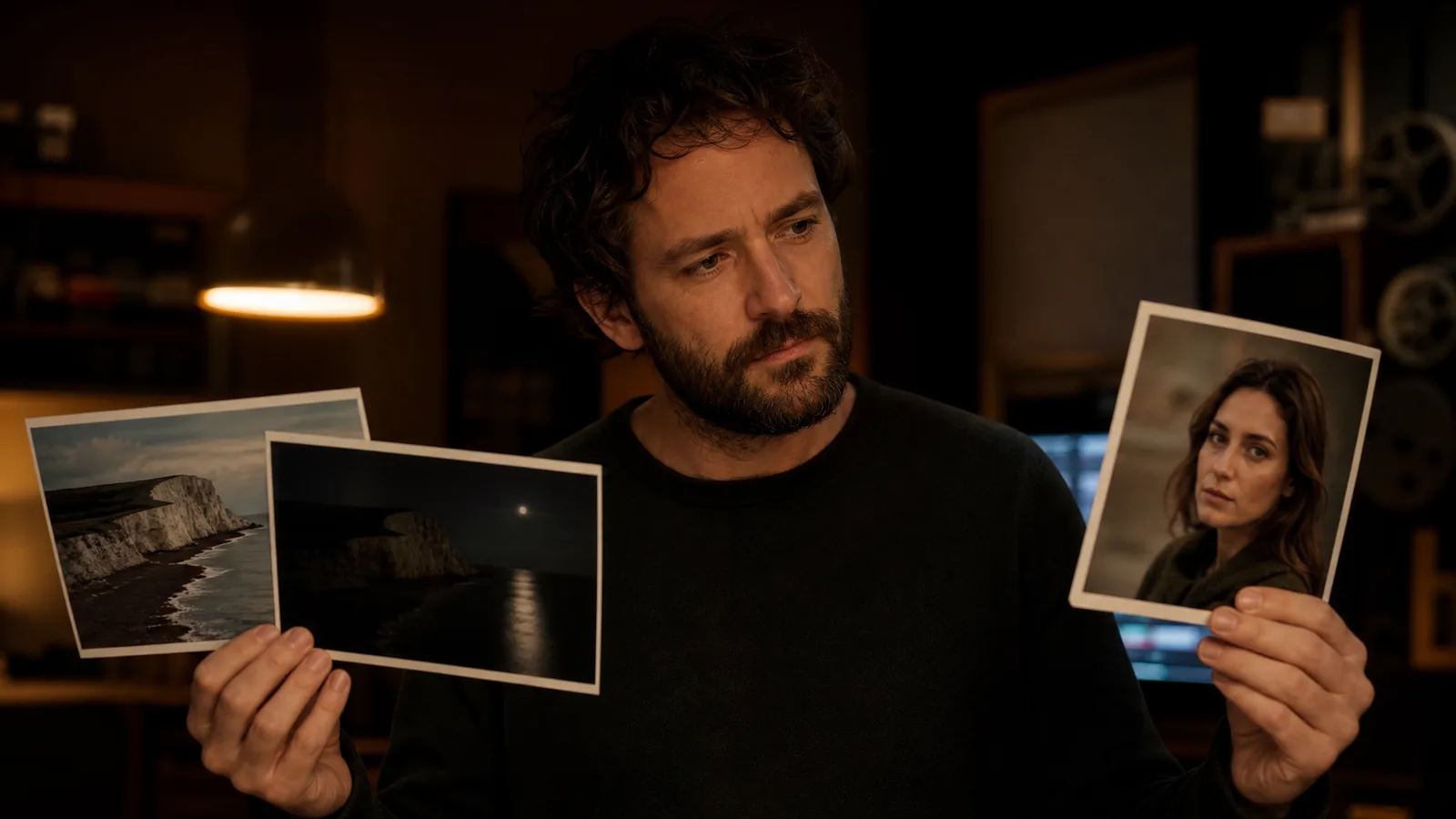
Choose reference to video when a character, product or style must stay recognizable and the model may choose the motion. Choose start and end frame when you already have the opening and closing shot and need a transition between them.
Reference to video vs start end frame is a question of what you want to control: look and identity, or where the clip begins and ends. Picking the wrong one wastes credits. This guide is not a hands-on test; it compares how the two methods work and when each fits.
Quick Verdict: Reference to Video vs Start End Frame at a Glance
Reference-to-video guides appearance and scene details, while start/end frame conditions the requested opening and closing compositions. Choose according to the inputs you already have and the controls the selected model supports; neither workflow guarantees identity or an exact transition path. Neither is strictly better; they target different jobs.
| Dimension | Reference-to-Video | Start/End Frame |
|---|---|---|
| Input | 1+ reference image(s) + text prompt | Two fixed frames (first + last) |
| What you control | Look, identity, style | The requested start and end compositions |
| What the model decides | The motion path (free) | The in-between frames (interpolated) |
| Best for | On-model characters, brand style, consistent subjects | Product reveals, transformations, loops, planned camera moves |
| Motion consistency | Organic but unpredictable | Endpoint guidance; intermediate motion still requires review |
| Ease of use | High: upload a reference, write a prompt | Medium: you must create two matching frames |
| Documented examples (official pages, Oct 11, 2026) | Veo 3.1 (up to 3 references), Vidu (1–7 references) | Veo 3.1 (first and last frame), Kling (Add End Frame), Luma Dream Machine (keyframes) |
Read the table as a decision tree, not a scoreboard. If your problem is "my character keeps changing faces between clips," that is a reference-to-video problem. If it is "I need this exact opening shot to become this exact closing shot," that is a start/end frame problem.
Which One Should You Use?
Use reference-to-video when consistency of a subject or style is the priority and you are comfortable letting the model choose the motion. Use start/end frame when you already know both the opening and closing shot and need a controlled transition between them. When in doubt, choose the input mode your selected model supports.
- Animating one photo with natural movement? Start with a single reference frame and a motion prompt. This is the everyday image to video path and the lowest-friction option.
- Keeping a character or product on-model across several clips? Use reference-to-video and feed the same subject image each time, so references guide appearance; the result still needs review.
- Building a precise transition, reveal or seamless loop? Reach for an AI video generator with start and end frame, with two carefully matched keyframes.
- Chaining a longer sequence? Combine both: reference for consistency, start/end frame at the seams where clips must connect cleanly.
The other practical factor is effort. Reference-to-video needs one good image and a prompt. Start/end frame needs two compatible images, which often means generating or editing a second frame first.
If you don't already have a strong end frame, the setup cost of start/end frame can outweigh its control benefits for a simple shot.
How We Compared the Two Methods
We compared inputs, controls and documented behavior, not generated clips. No output was scored or timed for this article, so nothing here is a measured result.
As of October 11, 2026, we checked these official pages:
- Google's Veo documentation says Veo 3.1 can generate a video from a first and last frame (interpolation) and accepts up to three reference images.
- Kling's start and end frames quickstart describes an "Add End Frame" option in Image to Video and asks for two frames that are as similar as possible.
- Luma's keyframes guide describes a start frame that sets the initial look and an end frame that sets the final point.
- Vidu's reference to video page says you can upload 1–7 reference images to keep characters, objects and scenes consistent.
On ImgVid, we read which configured engines accept each input mode from the model catalog on the same day. For example, the Veo image to video page opens Veo 3.1 Lite, which the catalog lists for both reference and start and end frame generation. Provider pages describe each provider's own service, not ImgVid access or credits.
How Does Reference-to-Video Work?
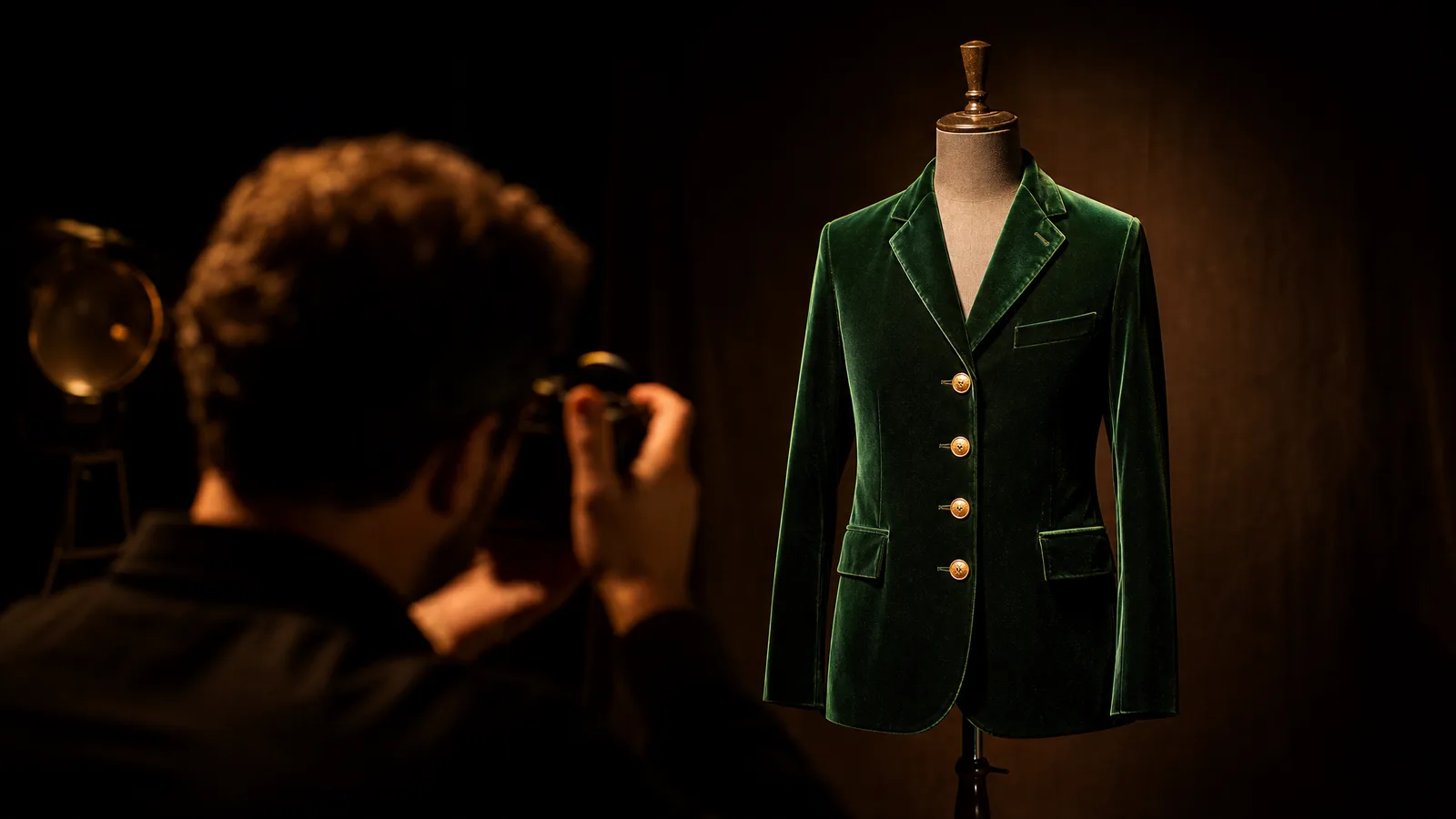
Reference-to-video takes one or more reference images plus a text prompt and uses them to guide the look, subject or style of the generated clip, then invents motion freely from that visual anchor. You provide appearance guidance; the model decides how things move within those guardrails. It answers "make it look like this," not "move exactly like that."
What the reference controls
In practice, the reference image acts as a conditioning signal that biases every generated frame toward a particular character, product or art style.
Generators such as Vidu and Google's Veo 3.1 let you supply references so a person or object stays recognizable as the camera and scene change. Because the model still improvises the motion, you get organic movement without hand-authoring anything. The trade-off is that you can't dictate precisely where the subject ends up.
When reference-to-video fits
Reference-to-video shines when consistency matters more than choreography. Typical cases are keeping a brand mascot on-model across an ad, holding a character's face steady through a dialogue shot, or matching a signature color grade and lighting style.
You feed the identity, write a prompt for the scene, and let the model handle the in-between. To see this in action, try the reference-to-video generator in the browser with a strong reference frame to anchor the look.
A related workflow, mixing several inputs to steer the look, is covered in our guide on how to use reference images in AI video.
See image to video AI in action
Give a photograph its next moment. Describe the movement and explore a short scene for your story, campaign or creative project.
Try it freeHow Does Start/End Frame Work?
Start/end frame, also called first-last-frame or keyframe interpolation, takes two fixed images, a beginning and an ending, and generates the frames that connect them. You guide the opening and ending composition; the model fills the gap. It answers "get from here to there," with both ends pinned.

What the two frames control
This is a different kind of control. Instead of describing a style, you hand the model two concrete anchor points. It then performs keyframe interpolation: predicting a plausible sequence of in-between frames that transforms the first image into the last.
Kling, Luma Dream Machine and Google's Veo 3.1 all document a first-and-last-frame mode. Typical uses are product reveals, object transformations, seamless loops and camera moves where you know both the opening and closing composition.
The strength of start/end frame is precision at the boundaries. If you need a bottle to start capped and end poured, or a face to start neutral and end on a specific smile, you supply both frames and the model choreographs the rest.
Keep the two frames close
The catch is that the result depends heavily on how compatible your two frames are. Very different compositions force the model to invent awkward transitions. Kling's quickstart warns that large differences between the frames may cause a lens switch.
Keep the subject, framing and lighting related between the two images and interpolation stays more believable. It is the closest AI video gets to classic keyframe animation, minus the manual tweening.
When you're ready to build one, the AI video generator with first and last frame lets you upload both keyframes and generate the transition in the browser, with no timeline and no manual keyframing. Check the selected model's access and credit quote before generating.
Turn your image into a video now
Start with a photo and a motion idea. Create a moving scene for a personal story, a product reveal or your next social post.
Get startedFor start/end frame, keep your two keyframes visually close: same subject, similar framing, consistent lighting. The bigger the gap between frame A and frame B, the more the model has to guess, and the more likely you get a warped, morphing transition. Small, believable changes interpolate well; drastic jumps rarely do.
Using Both Methods in One Project
Many creators combine the two: reference-to-video to keep a subject consistent, then start/end frame for the one hero transition that has to land precisely. Both are ways of steering the same underlying image to video generation.
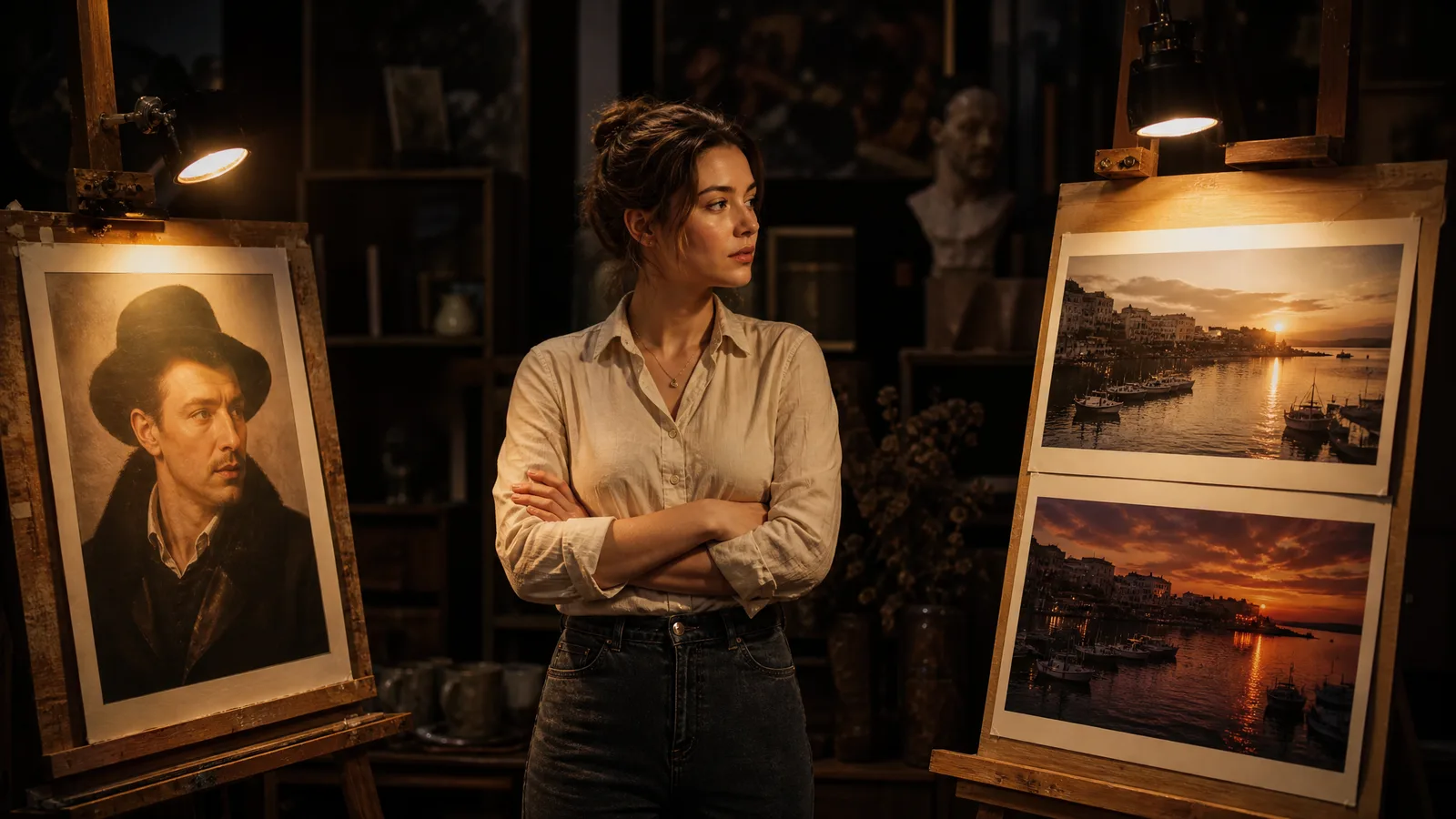
The fastest way to learn the difference is to run the same idea through both and compare. Upload a single frame to the reference-to-video generator, then try a start and end frame, and you'll see which kind of control each one gives you.
ImgVid runs in the browser and offers signup credits for eligible Gmail or googlemail accounts, so you can test both approaches before committing to a paid plan. For more context on how any of this generates motion, see our explainer on what image-to-video AI is.
Limitations of This Comparison
This article reports no model testing. It explains how the two methods differ and what official pages say, so it cannot predict how a specific engine will handle your images.
- Documentation is dated. Provider pages were read on October 11, 2026; features, limits and model names change.
- Provider features are not ImgVid features. A capability on an official site may be exposed differently, or not at all, in an ImgVid workspace.
- Guidance is not a guarantee. Neither method locks identity or an exact motion path; every result still needs review.
- Illustrations are concept art. The images on this page explain the ideas; they are not outputs from either method.
FAQ
What is the difference between reference to video and start end frame?
Reference-to-video uses an image to guide a subject's look or style while the model invents the motion freely. Start/end frame uses two fixed frames, a beginning and an ending, and generates the in-between frames to transition between them. One guides appearance; the other guides endpoints. The model still generates the intermediate motion, and both need result review.
Which gives more control, reference to video or start end frame?
Start/end frame gives more control over motion because you pin both the opening and closing composition, so the model only fills the gap. Reference-to-video gives more control over identity and style but leaves the motion path up to the model. The "better" one depends on whether you care most about consistency or choreography.
What is keyframe interpolation in AI video?
Keyframe interpolation is the technique behind start/end frame: you provide two key images and the AI predicts a smooth sequence of frames that morphs the first into the second. It's the AI equivalent of classic animation tweening, except the model generates the in-between frames automatically instead of an artist drawing them.
Which AI video models support start and end frame?
On ImgVid, start and end frame mode is available on configured engines including Veo 3.1, Seedance 2.0, Wan 2.7, MiniMax H3 and Kling 3.0 Omni; the model picker on the start and end frame page shows the current list. Other platforms, such as Kling, Vidu and Luma Dream Machine, describe similar first-last-frame features on their own sites, and names and availability change, so check each provider's current documentation.
Can I use a reference image and start end frame together?
You can combine them in one project, and many creators do. A common workflow uses reference-to-video to keep a character or product consistent, then start/end frame at the moments where two clips must connect or where a precise transition is required. Using both can provide different kinds of guidance, but neither establishes identical identity or controlled choreography.
Is start end frame harder to use than reference to video?
Start/end frame is usually harder because it requires two compatible images instead of one, and the transition quality depends on how well those frames match. Reference-to-video needs only a single reference plus a prompt, making it the easier starting point for beginners and for simple photo animation.
Which should a beginner start with?
Beginners should start with reference-to-video or plain single-image animation. You only need one good photo and a short motion prompt, and the model handles the movement. Once you're comfortable, move to start/end frame when you need precise reveals, transformations or seamless loops.