
The best AI image to video model is the one that accepts your inputs and passes your own test brief. Use a single-image model for one photo, a start and end frame model for two fixed shots, and a reference model when a subject must stay recognizable across clips.
No image to video leaderboard we know of settles that for every source, and this guide is not a measured ranking. We have not run a controlled generation benchmark for this revision, and the illustrations do not establish model scores. Start with what image to video AI is if you need the basic workflow first.
Quick Verdict: Which Image to Video Model Fits Your Shot?
Pick by task first and brand second. The input your shot needs decides which ImgVid workspace to open; the engine inside it is a second choice you test on your own images. This verdict describes fit, not quality.
| Your shot | Open this workspace | Choose an engine that… | What it cannot promise |
|---|---|---|---|
| Animate one existing photo | Image to video | Accepts a single starting image at the duration and resolution you need | That every detail of the source survives the motion |
| Connect two planned frames | Start and end frame | Accepts both a start frame and an end frame | An exact physical path between the two frames |
| Keep a character, product or style consistent | Reference to video | Accepts the number and type of references you have | Identical faces, clothing or object placement |
| Compare engines on one brief | Any of the above | Supports the same settings as the others, or you record the difference | A ranking that applies to other subjects |
The table is a starting point, not a winner list. Two engines that both accept one image can still behave very differently on a portrait, a product shot or complicated body movement.
Image to Video Models on ImgVid at a Glance
As of October 11, 2026, the ImgVid model pages open the defaults below. We read them from the site configuration that day; they identify entries and questions to check, not realism, speed or motion rankings. Access and settings should still be checked in the live workspace before generation.

Concept illustration only. The dots are decorative, not model scores or measured feature ratings.
| ImgVid page | Current default | What to check before trying it |
|---|---|---|
| Seedance image to video | Seedance 2.0 | Selected variant, mode, media inputs and quote; Mini and Fast have their own configuration |
| Veo image to video | Veo 3.1 Lite | Selected variant, supported image mode, output settings and audio behavior |
| Runway image to video | Runway Gen-4 Turbo | Input framing, supported duration and resolution, and eligible access |
| Kling image to video | Kling 3.0 | Mode, shot controls, optional audio and configuration-specific credits |
| Wan image to video | Wan 2.7 | Image or reference mode, supported controls and which settings fall inside the limited free tier |
| Grok image to video | Grok Imagine | Selected version, image inputs, generated audio and current quote |
| Hailuo image to video | MiniMax H3 | Current H3 controls and access; older Hailuo entry-tier offers do not describe H3 |
These defaults are the page entries at this revision, not a complete list of every model in the picker. Changing the model or its variant changes the configuration you are evaluating.
Record the engine actually selected when you compare results. Do not label the output only with the route you used to enter the workspace.
Providers describe their own models too. As of October 11, 2026, Google's Veo documentation says Veo uses an input image as the first frame, supports interpolation from a first and last frame, and accepts up to three reference images. It lists Veo 3.1, Veo 3.1 Fast and Veo 3.1 Lite as preview models.
On the same date, Runway's API model guide listed Gen-4 Turbo with an image-to-video endpoint. Kling's start and end frames quickstart describes an "Add End Frame" option inside Image to Video. Provider documentation describes capability on the provider's own service; it does not describe ImgVid access or credits.
How We Compared These Models
We compared configurations and documented capabilities, not generated output. No clip was scored, timed or ranked for this article. The method is meant to be repeatable by anyone who opens the same pages on the same date.
What we checked
- The default engine each ImgVid model page opens, read from the site configuration on October 11, 2026.
- Which input modes each workspace exposes: single image, start and end frame, or references.
- Official provider pages for Veo, Runway and Kling, opened on October 11, 2026, for the capabilities quoted above.
- The access rules that ImgVid publishes for free-tier and paid configurations.
What we did not test
We did not generate a fixed set of clips across engines, count retries or collect human preference scores. Any statement about which engine "looks best" would therefore be opinion, and we have left such statements out.
A plan can grant access without establishing output quality. Likewise, a model's available resolution describes a setting, not a guarantee that a face, product mark or moving hand stays correct. Keep capability, access, credits and measured result quality as separate columns in your notes.
What Should an Image to Video Leaderboard Explain?
A credible leaderboard names the exact model versions and tasks, shows its test conditions, and separates measured results from opinion. A blended score without that information is difficult to apply to another image or workflow.
Look for five pieces of information before using a ranking:
- The task. Text-to-video, single-image animation, endpoint conditioning and reference-based generation are different tasks. A result for one is not evidence for all the others.
- The configuration. Version, mode, resolution, duration, audio and additional references affect what was tested. A family name alone is not enough.
- The sample. How many source images and attempts were evaluated? Were failed or rejected takes included, or did the publisher select only its favorite outputs?
- The method. Human preference, technical measurements and an editor's personal judgment answer different questions. An opinion should be presented as an opinion.
- The date and reproducibility. Models and endpoints change. A test needs enough detail to explain which implementation produced the result and whether someone else can repeat the conditions.
Do not treat an official promotional example as an independent experiment. It can demonstrate a possible output without describing typical success rates, the number of retries or the settings needed.
Similarly, an attractive showcase on a workflow page is not automatically a result from its current default engine.
Compare the Task Before the Brand
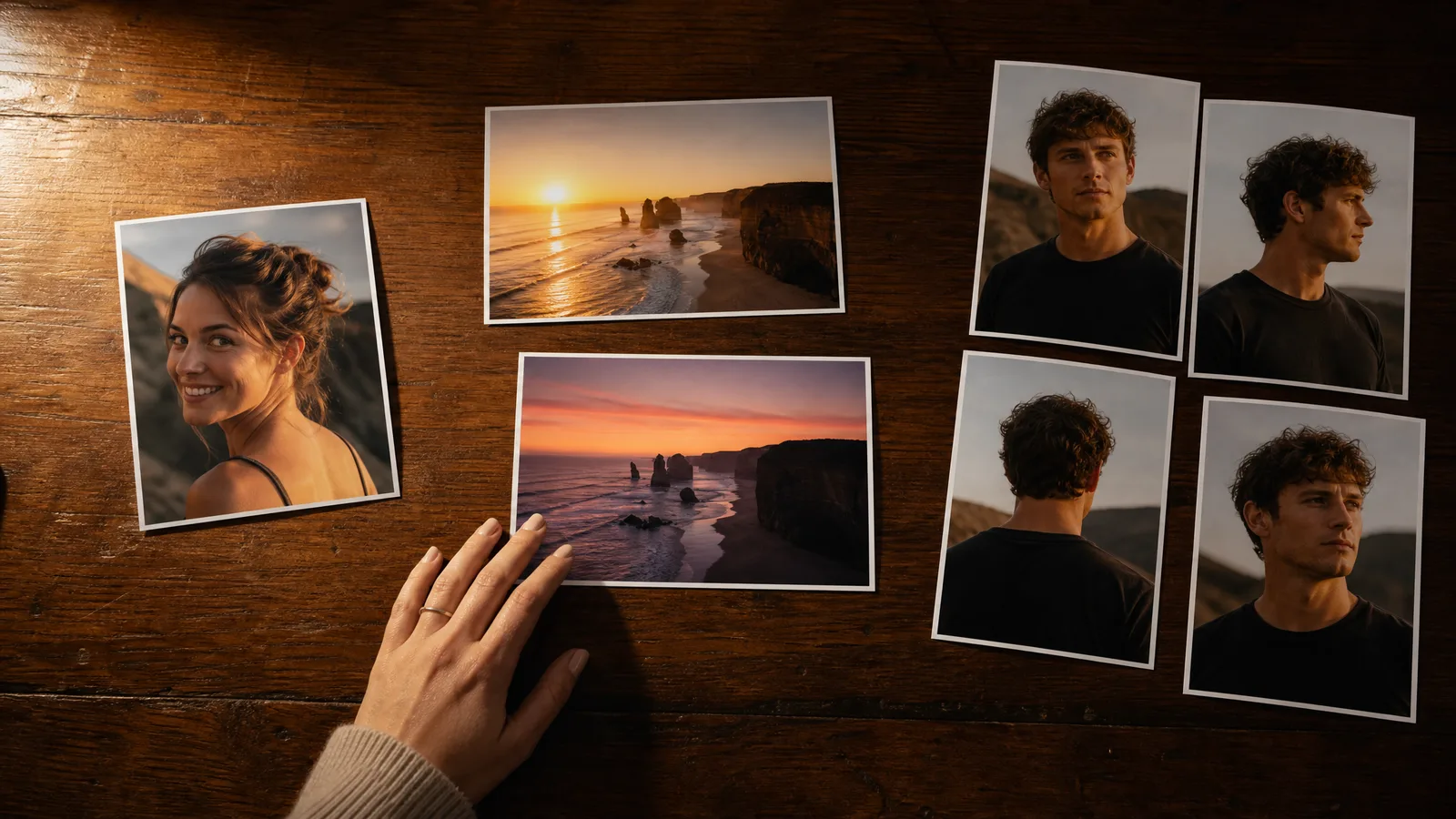
Choose a model that supports the required inputs and controls before comparing appearance. Unsupported input modes cannot be solved by a higher quality label. A single starting image, two endpoints and several visual references express different constraints.
One photo: image to video
If you want to animate one existing photo, the image to video workspace is the direct starting point. A restrained action can make details easier to evaluate: a slight head turn, a slow camera move or a small environmental movement.
This is a practical test brief, not a claim that every model will preserve the source exactly.
Two endpoints: start and end frame
For two meaningful endpoints, use start and end frame video. The model attempts to connect the chosen frames, but it does not guarantee an exact physical path between them.
A large change in pose, scene or subject can make the transition difficult even when both endpoints are accepted. Kling's own quickstart makes the same point: it asks for two frames that are as similar as possible.
Several references: reference to video
For several references, use reference to video and inspect the selected engine's supported media. Reference inputs guide a generation; they do not guarantee identical faces, clothing or object placement.
More references are not always clearer references, particularly when they conflict.
Brand names and engines
A brand-related page also needs to state which engine it opens. A source image made with an image generator can be animated by a different video model.
That does not make the video engine a model from the source image's brand. Keep the source-image workflow and the animation engine separate in your comparison.
See image to video AI in action
Give a photograph its next moment. Describe the movement and explore a short scene for your story, campaign or creative project.
Try it freeHow to Run Your Own Model Comparison
Keep the source image and motion brief consistent, change one factor at a time, and inspect every attempt. This produces a useful personal comparison without pretending it establishes a universal model ranking. The scope of your conclusion should match the scope of your samples.
Use a source that resembles your actual work. A product store may care about labels, edges and proportions. A portrait project may prioritize facial appearance, eye movement and subtle expression.
A landscape may emphasize background stability and water or foliage. One attractive landscape result does not establish portrait performance.
Write the prompt before selecting engines. Describe one subject action and one camera move in plain language. Avoid several conflicting movements or an entire multi-scene story when you are trying to isolate single-image animation.
Our prompt guide gives examples you can adapt without treating them as guaranteed outputs.
Record each configuration and attempt. If one engine does not support the same duration or resolution, note the difference instead of presenting the outputs as identical conditions.
Do not silently remove rejected takes from your cost or success-rate observations. An engine that produces one usable result after many retries has a different practical cost from one that meets your brief consistently across the samples you tested.
Review the full clip at normal speed and pause where necessary. Look for a changing face, duplicated fingers, unreadable labels, warped geometry, background drift and abrupt motion.
If sound is part of the brief, listen to the entire soundtrack rather than assuming generated audio matches the action or desired words.
Define acceptance before generating. Write down which details must remain recognizable, what movement is required, and what distortions would make the clip unusable. A prewritten brief helps you avoid choosing a result only because it looks impressive in isolation.
Compare Practical Cost and Access
Free-tier eligibility, a credit balance and a provider's official free offer are different things. A keyword containing "free" does not establish unrestricted access to the model named in it. Check the ImgVid workspace where you plan to generate.
Some ordinary workspace configurations have limited free-tier eligibility. Others require eligible paid access. Dedicated presets can have their own fixed-settings eligibility.
Even an eligible configuration consumes credits, so a reward balance may not cover it. Never estimate the number of free clips from a promotional headline alone.
Free generations include an ImgVid watermark; eligible paid generations export without it. That difference does not settle the rights to your reference images, music or someone else's likeness.
Account access is also independent of an account you hold with the model provider: credits on an official app are not automatically an ImgVid balance.
Estimate the cost of attempts and accepted clips separately. Read the current quote after selecting duration, resolution, audio and references, then allow for retries rather than assuming the first take meets your brief.
The image to video cost guide explains a worksheet without inventing average dollar prices or a universal linear rate.
Turn your image into a video now
Start with a photo and a motion idea. Create a moving scene for a personal story, a product reveal or your next social post.
Get startedLocal Models Are a Separate Workflow
Local generation changes who operates the hardware; it does not remove model requirements, licensing or production costs. A memory-capacity claim from a text-to-video example cannot automatically be applied to image-to-video. Check the actual workflow and model checkpoint.
A local comparison needs the model version, workflow, precision, dimensions, frame count and hardware conditions. Quantization or offloading can reduce some memory requirements while introducing other tradeoffs.
Neither the label "open weights" nor a 16GB GPU establishes that a particular workflow will complete.
The ComfyUI setup guide explains how to inspect official workflow requirements and avoid confusing different tasks. If you compare local and hosted output, also record setup time, storage, electricity and troubleshooting. Those are real costs even when the tool does not charge credits per attempt.
Limitations of This Comparison
This article reports no model testing. It compares configured defaults, input modes and published documentation, so it cannot tell you which engine produces the best result on your image.
- Dates move. The defaults and provider pages were checked on October 11, 2026. Defaults, variants and access rules can change after that.
- Provider pages describe their own services. A feature in Google's or Kling's documentation may not be exposed, or exposed the same way, in an ImgVid workspace.
- Illustrations are not outputs. The images in this guide are concept art for the topics discussed, not clips from any engine.
- Small samples stay small. Even your own comparison only describes the subjects, prompts and settings you tried.
Which Image to Video Model Should You Choose?
Choose the workspace that matches your inputs, start with its current default, and switch engines only when your written brief shows a specific failure. That gives you a decision you can explain, which a borrowed ranking cannot.
- One photo, simple motion: open image to video, keep the action small, and compare two engines on the same brief.
- A planned before and after: use start and end frame with two closely related frames and an engine that accepts both.
- A recurring character or product: use reference to video with a few references that agree with each other.
- A budget limit: check which settings fall inside your access and credits before choosing on looks.
- A local pipeline: treat it as a separate project with its own hardware, setup and licensing checks.
FAQ
Which model tops this image to video leaderboard?
This guide does not publish a measured winner. It identifies configured model defaults and a comparison method. A defensible ranking needs controlled samples, named versions, evaluation criteria and results; this revision has not run that benchmark.
Which AI model looks most realistic?
That depends on the source, action, configuration and evaluation criteria. Compare representative images from your own work and inspect complete results. A family name or one selected showcase does not establish the best realism for every task.
Are Kling, Grok or Wan free on ImgVid?
Kling and Grok require eligible paid access on ImgVid. Wan 2.7 has limited free-tier settings: 720p and up to 5 seconds, and the generation still needs enough credits for the quote. Free generations include an ImgVid watermark. Offers on the providers' official services are separate, so check the selected model and settings before generating.
Can a model guarantee the same face or product details?
No such guarantee is made here. Images and references guide a result, but identity, text, geometry and motion still need review throughout the clip. Use a clear source and an acceptance brief before spending credits.
Why do the showcase images not prove the ranking?
They are illustrative assets, not a controlled dataset with model outputs, versions, prompts and scores. They help explain comparison topics; they should not be read as evidence that one current engine wins a benchmark.