























Product ads
Turn a flat product shot into a rotating, attention-grabbing clip for a store listing, reel, or paid ad.
Turn any photo into a Veo3-style AI clip. imgvid is a free Veo3 alternative that delivers equivalent image-to-video quality — upload an image, describe the motion, and generate a cinematic, watermark-free video in seconds.
Sign in with Google — eligible Gmail or googlemail accounts get free signup credits, no card needed to start. Generate Veo3-quality clips from your own images right away.
See the quality
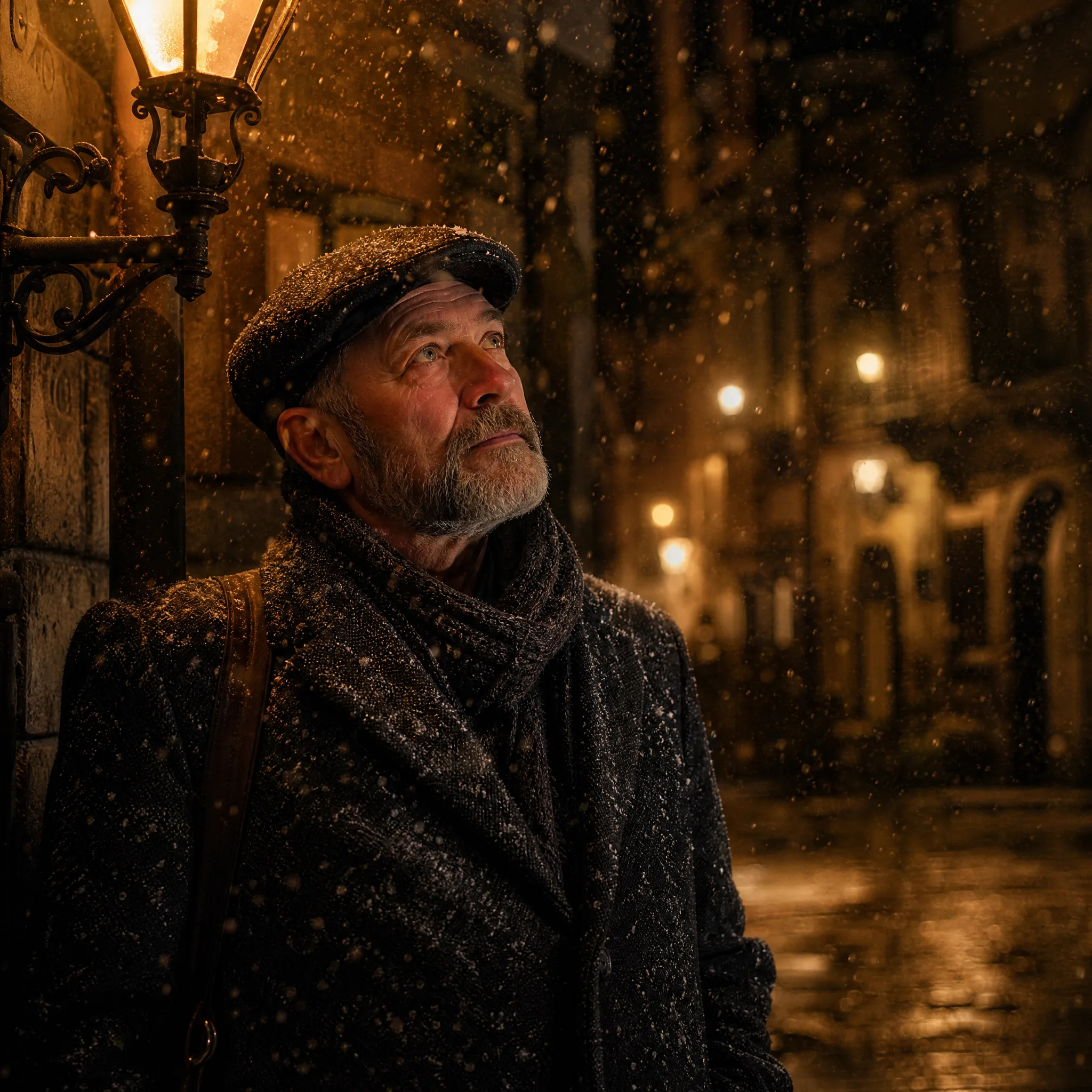
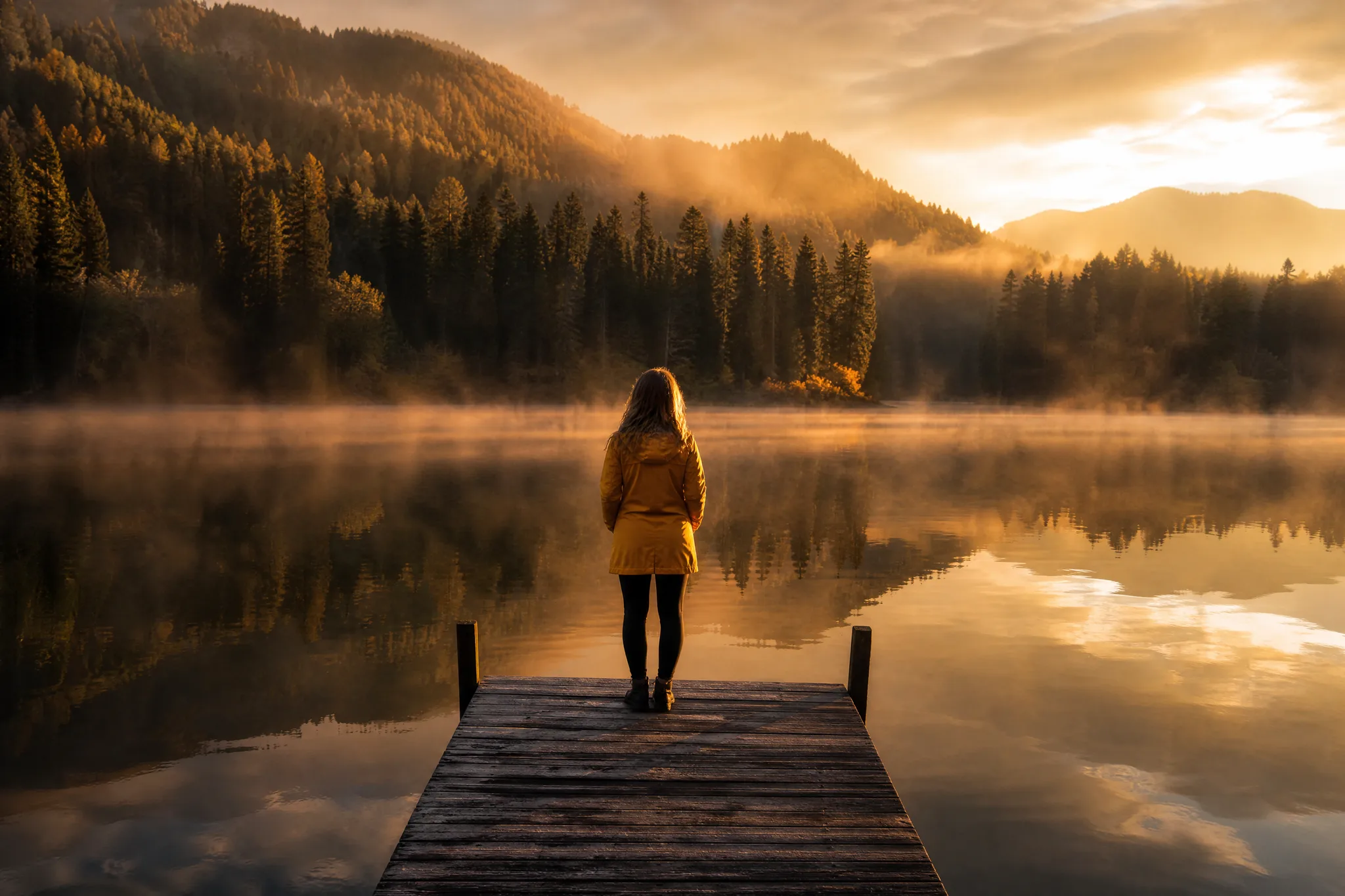
Real results generated by imgvid from one still photo, at the equivalent image-to-video quality people expect from Veo 3.
How it works
Three steps take you from a still image to a finished, Veo3-style AI clip — free to start, watermark-free on export.

Sign in with Google, then drag in any JPG or PNG — a portrait, product, pet, or landscape. A clear, well-lit subject with a strong focal point gives the AI the most detail to animate.
Write a short prompt for what should move and how the camera behaves — "slow zoom in, gentle wind, cinematic" is enough. Then pick a model and an aspect ratio (9:16 for reels, 16:9 for YouTube) to match where you will post.
The AI predicts new frames from your single image and returns a playable video in seconds. Preview it, regenerate with a tweaked prompt for a different take, then download the finished clip — watermark-free.
The alternative
A free-to-start way to get cinematic image-to-video results without waitlists, regional limits, or a per-clip paywall.
Describe the shot in plain language and imgvid animates your image to match — a slow dolly, a hair-tossing breeze, or a dramatic orbit. You get the film-style motion Veo3 is known for, from a single sentence.
Try it with your imageSwitch between image to video models to match your subject and budget as a practical veo3 alternative — no separate accounts, no per-model checkout, no waiting for access to a single closed model.
Upload an imageSign in with Google and eligible accounts get free signup credits, so you can generate a Veo3-style clip at no cost. Every export is watermark-free and yours to use in reels, listings, and ads.
Generate a clip freeQuality
What you can expect from imgvid when you want image-to-video quality on par with Veo 3, without the barriers.
The model predicts new frames inside your image, so subjects and cameras actually move — not a slideshow pan. That is what makes a clip read as Veo3-quality.
Film-style push-ins, orbits, and parallax give a flat photo the depth of a real camera move — ready for reels, ads, and hero sections.
As a veo3 alternative with several models in one place, you can pick the best fit for a portrait, product, or landscape instead of forcing every shot through one engine.
Most clips finish in under a minute, so you can try a few prompts and keep the best take instead of waiting in a render queue.
People, pets, products, sketches, and old photos all work as input, so you are not limited to one type of image.
Free signup credits let you judge the quality on your own images before spending anything — no card, no subscription.
Use cases
From social hooks to product ads, here is where a Veo3-style clip from a single image fits.
Turn a flat product shot into a rotating, attention-grabbing clip for a store listing, reel, or paid ad.
Give a headshot a slow push-in and soft motion for a striking profile video or channel intro.
Batch a set of photos into short vertical clips to keep a TikTok or Reels feed fresh without filming.
Bring a drawing, painting, or anime still to life with drifting movement and subtle camera moves.
Add soft, lifelike motion to a vintage picture with a Veo3-style render so a still keepsake moves again.
Turn a still scenic shot into a moving backdrop as clouds drift and water ripples across the frame.
FAQ
Veo3 image to video is the idea of turning a single still image into a short, realistic AI clip in the style associated with Google Veo 3. imgvid is not Google Veo 3 and is not affiliated with it — it works as a Veo3 alternative: you upload a photo, describe the motion, and the AI predicts new frames to deliver equivalent image-to-video quality from one picture.
No — imgvid is an independent tool and is not Google Veo 3, not built on it, and not affiliated with Google. We describe results as "Veo3-style" only to explain the kind of cinematic image-to-video quality you can expect — the actual generation runs on imgvid’s own selection of AI video models.
For the common case — animating a single photo into a short cinematic clip — imgvid aims for equivalent quality: real generated frames, film-style camera moves, and HD output. The practical wins are access and price. There is no waitlist and no regional gate, free signup credits let you judge the result on your own images first, and every download is watermark-free. Because several models sit behind one tool, you can also match the engine to the shot — a soft portrait push-in and a fast product orbit do not always come out best from the same model, so having options usually beats being locked to a single one.
Generation requires Google sign-in so your credits, uploads, and history stay tied to your account and your clips are not lost between sessions. Eligible Gmail and googlemail accounts get free signup credits, so you can create your first clip at no cost — no card needed, and no subscription just to try it. Credits are only spent when you actually generate a video, so browsing the tool, uploading an image, and setting up a prompt cost nothing. When you want more volume you can top up, but nothing about the first run is gated behind a payment.
Clear, high-resolution images give the AI more detail to animate, but portraits, products, pets, landscapes, sketches, and old photos all work. A simple, well-lit subject with a clear focal point produces the most convincing motion. Very busy scenes, heavy motion blur, or tiny low-resolution thumbnails give the model less to work with, so if a result looks soft, try a sharper crop or a cleaner background. Framing the subject with a little empty space around it also gives the camera room to move without cutting off the important part of the shot.
You can generate vertical (9:16), square (1:1), and widescreen (16:9) clips, so your video fits TikTok, Instagram Reels, YouTube, or a website hero without re-cropping afterward. Clip length and resolution depend on the model you pick, and shorter clips generate faster, which makes it cheap to test a prompt before committing to a longer take. Choosing the aspect ratio up front — rather than cropping later — keeps the framing and motion centered on your subject.
Keep it short and concrete. Name one main motion and one camera move, plus a mood word — for example "gentle wind in the hair, slow push-in, cinematic". Vague prompts like "make it move" give the AI too little direction, while stacking five different actions tends to fight itself. If the first take overshoots, dial the language down ("subtle", "slow"); if it feels static, add a clearer action. Because clips finish in under a minute, iterating on the wording is the fastest way to land the shot you want.
Yes — clips you generate from your own images are watermark-free and yours to use in paid ads, product listings, and social content. Just make sure you hold the rights to the source image you upload — this matters most for photos of other people, licensed artwork, or branded products. imgvid generates the motion, but the responsibility for the underlying picture stays with you, so commercial use is straightforward when the input is your own.
Sign in with Google and turn your image into a cinematic AI video in seconds — free signup credits, watermark-free output.
Create your AI video