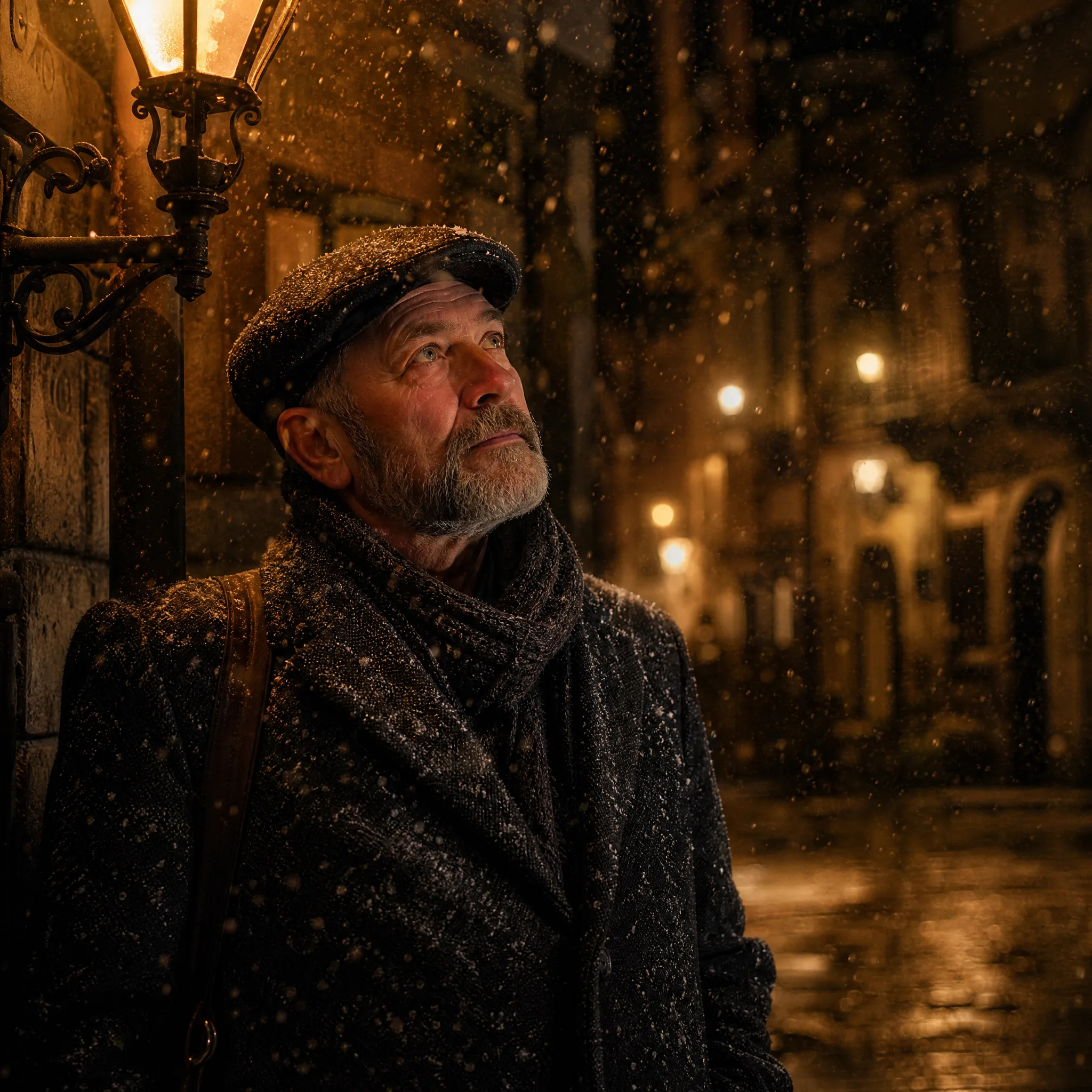
























Product ads
Turn a flat product shot into a rotating, attention-grabbing clip for a listing or paid ad.
Turn any photo into a Veo-style AI clip in seconds. imgvid is a free veo alternative that brings Google Veo's image-to-video power to your browser — upload an image, describe the motion, and generate, watermark-free.
Sign in with Google — eligible Gmail or googlemail accounts get free signup credits, no card needed to start. Generate Veo-style clips in seconds.
See it in action
imgvid makes google veo 2 image to video free to start — real generated motion from one still image, no Google Cloud account or waitlist.
How it works
Three steps take you from a still image to a Veo-style clip — free to start with signup credits, and every export is watermark-free.

Sign in with Google, then drag in any JPG or PNG — a portrait, product, sketch, or landscape. A clean, well-lit subject with a clear focal point animates most convincingly.
Write a short prompt for what should move and how the camera behaves — "slow zoom in, gentle wind, cinematic" is enough. Then pick an AI model and an aspect ratio (9:16 for reels, 16:9 for YouTube).
The AI predicts new frames from your single image and returns a playable clip in seconds. Preview it, regenerate with a tweaked prompt, then download the finished video — watermark-free.
What you can do
A Veo image to video generator built for real motion — prompt-driven, multi-model, and free to start.
Describe the shot in plain language and this veo ai image to video tool animates your image to match — a slow dolly, a breeze, or a dramatic orbit. No keyframes, no timeline.
Try it with your imageimgvid works as a free veo video generator: eligible Google accounts get signup credits, and every clip exports watermark-free — so what you make is yours to post.
Start for freeSwitch between image to video models to match your subject and budget — a practical veo alternative that doesn't lock you into one engine, a waitlist, or a separate account per model.
Compare modelsWhy imgvid
A free-to-start veo ai image to video tool focused on real motion and clean, watermark-free output — not a slideshow with transitions.
The model generates new frames inside your image, so subjects and cameras actually move — not a pan across a static picture.
Get Google Veo's image-to-video power for film-style camera moves and lighting, ready for reels and ads without a video editor.
Match your subject and budget across image to video models — no separate accounts or per-model checkout.
Most clips finish in under a minute, so you can try prompts and keep the best take.
People, pets, products, sketches, and landscapes all work as input.
Sign in with Google and eligible accounts get free signup credits, with watermark-free clips and no card needed to begin.
Use cases
From product ads to reels, here is what creators turn a single image into.
Turn a flat product shot into a rotating, attention-grabbing clip for a listing or paid ad.
Give a headshot a slow push-in and soft motion for a striking profile or intro shot.
Batch stills into short vertical clips to keep a TikTok or Reels feed fresh.
Add gentle, lifelike motion to a vintage picture so a still memory feels alive again.
Bring a drawing, painting, or anime still to life with drifting motion and camera moves.
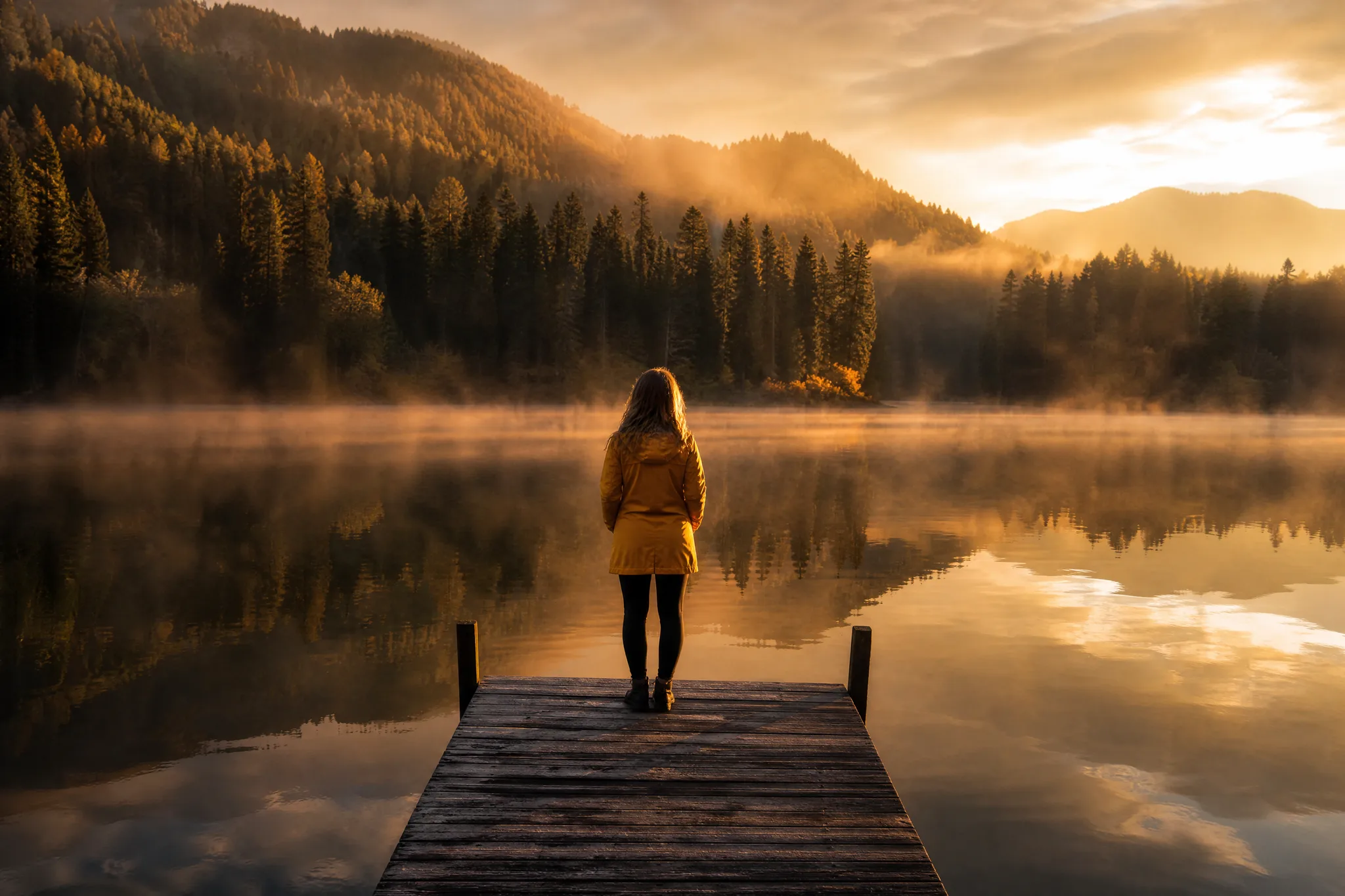
Animate a scenic photo into a living wallpaper with drifting clouds and rippling water.
FAQ
Veo image to video is the process of turning a single still photo into a short, moving AI clip in the style of Google's Veo model. You upload an image, describe the motion, and the AI predicts realistic in-between frames — so a static portrait, product, or landscape becomes a few seconds of cinematic footage. imgvid is an independent tool, not Google Veo, but it gives you a similar image-to-video result in your browser.
No — imgvid is not Google Veo and is not affiliated with Google in any way. Google owns the Veo name and model; imgvid simply lets you generate similar cinematic motion in your browser by routing your image through its own selection of AI video models. It is an independent tool that delivers comparable Veo-style motion from your images — a practical option when you want that look without a Google Cloud project or waitlist.
Google Veo 2 is Google's own model with its own access requirements. imgvid focuses on making google veo 2 image to video free to start: you upload an image, prompt the motion, and generate — no Google Cloud billing, quota requests, or waitlist. You get Veo-style output in a simple browser tool instead. In practice that means no enterprise onboarding and no minimum spend — you sign in with Google, spend signup credits on a clip, and keep the file. If you later need more volume, you top up credits instead of provisioning cloud infrastructure.
You can start free. imgvid works as a free veo video generator — eligible Gmail and googlemail accounts get free signup credits with no card required. Google sign-in is required so your credits, uploads, and history stay tied to your account.
Sign in with Google, upload your photo, write a short prompt describing the motion and camera move, choose an AI model, and generate. This veo ai image to video tool animates your still into a clip you can preview and download, then regenerate if the first take is off.
imgvid accepts standard JPG and PNG images, so almost any photo from a phone, camera, or design tool works as a starting frame. You can generate vertical 9:16 clips for TikTok and Reels, square 1:1 clips for feed posts, and widescreen 16:9 clips for YouTube or a website hero. Choose the ratio before you generate so the motion is framed correctly for where you plan to post, which saves you from re-cropping a finished clip later.
Each generation produces a short clip of a few seconds — the sweet spot for social hooks, ad openers, and looping backgrounds. How many you can create depends on your signup credits plus any credits you add later, since each render spends credits. There is no unlimited tier; credits keep usage predictable and let you preview a take, tweak the prompt, and regenerate until it looks right.
Describe one clear motion and one camera behavior in plain language — for example, "gentle wind through the hair, slow push-in" or "clouds drifting, subtle parallax". Short, specific prompts beat long lists of effects, which can pull the model in too many directions at once. Keep your subject well-lit and in focus in the source image, match the aspect ratio to your platform, and regenerate once or twice to land the take you want.
Exports are designed to be watermark-free, so clips you generate from your own images are clean and yours to use in ads, listings, and social content. For commercial work like product ads, client reels, and thumbnails, imgvid keeps generated clips free of any imgvid badge or overlay so the result looks fully your own. You still only own what you have permission to use, so avoid uploading celebrity photos or copyrighted characters you do not have the rights to.
Sign in with Google and use imgvid as a free veo video generator — free signup credits, watermark-free output, multiple AI models.
Create your AI video