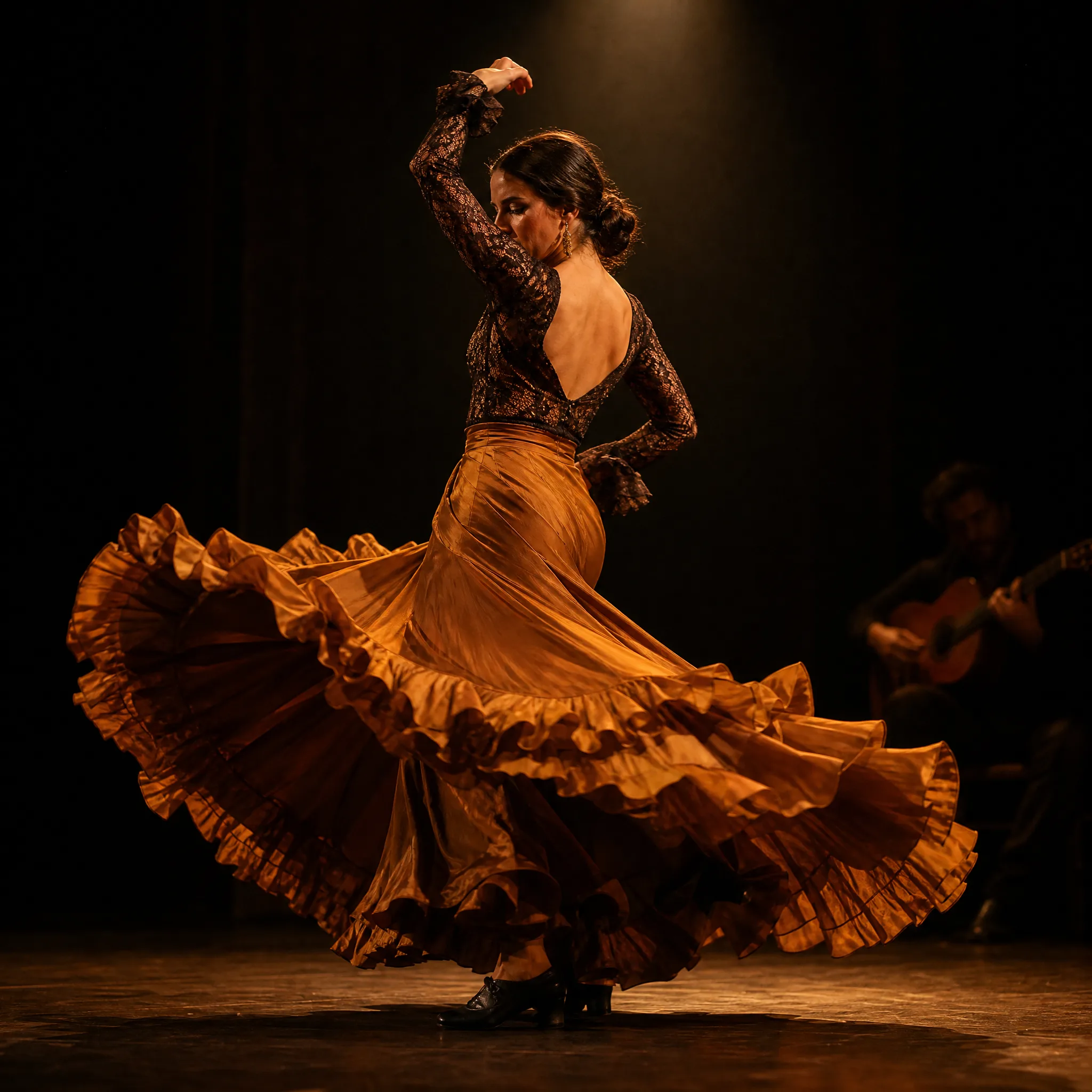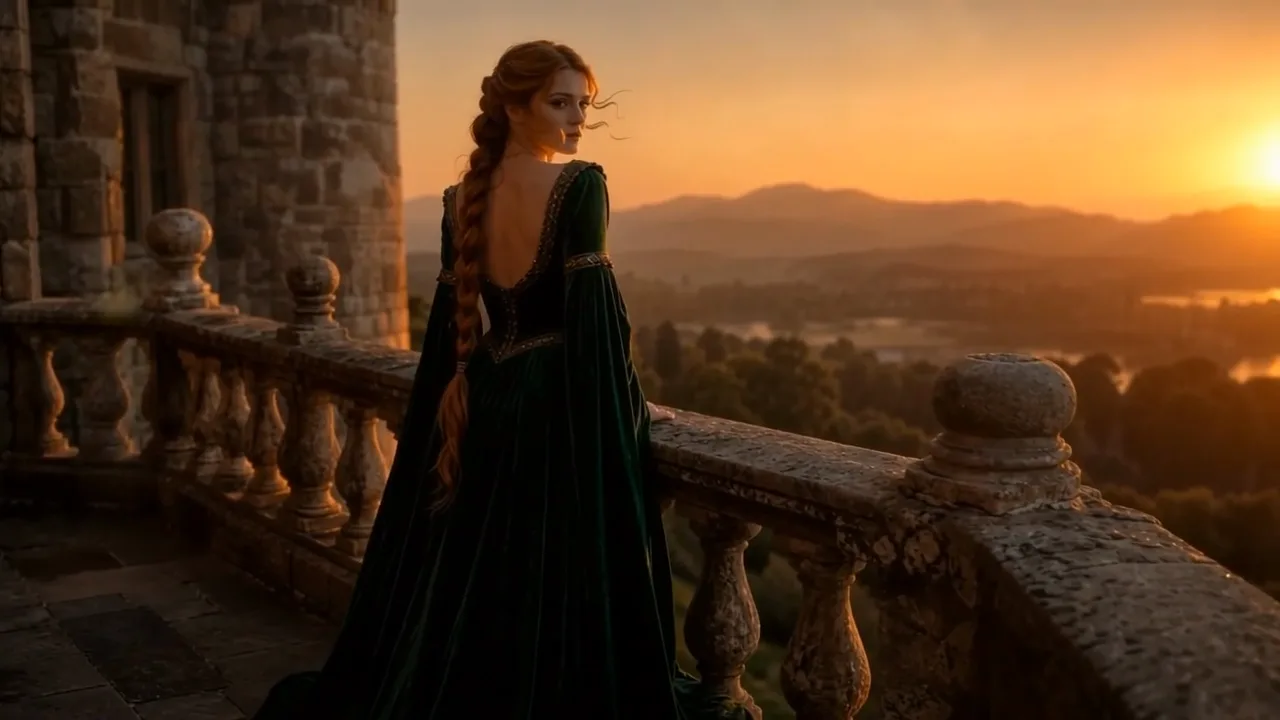












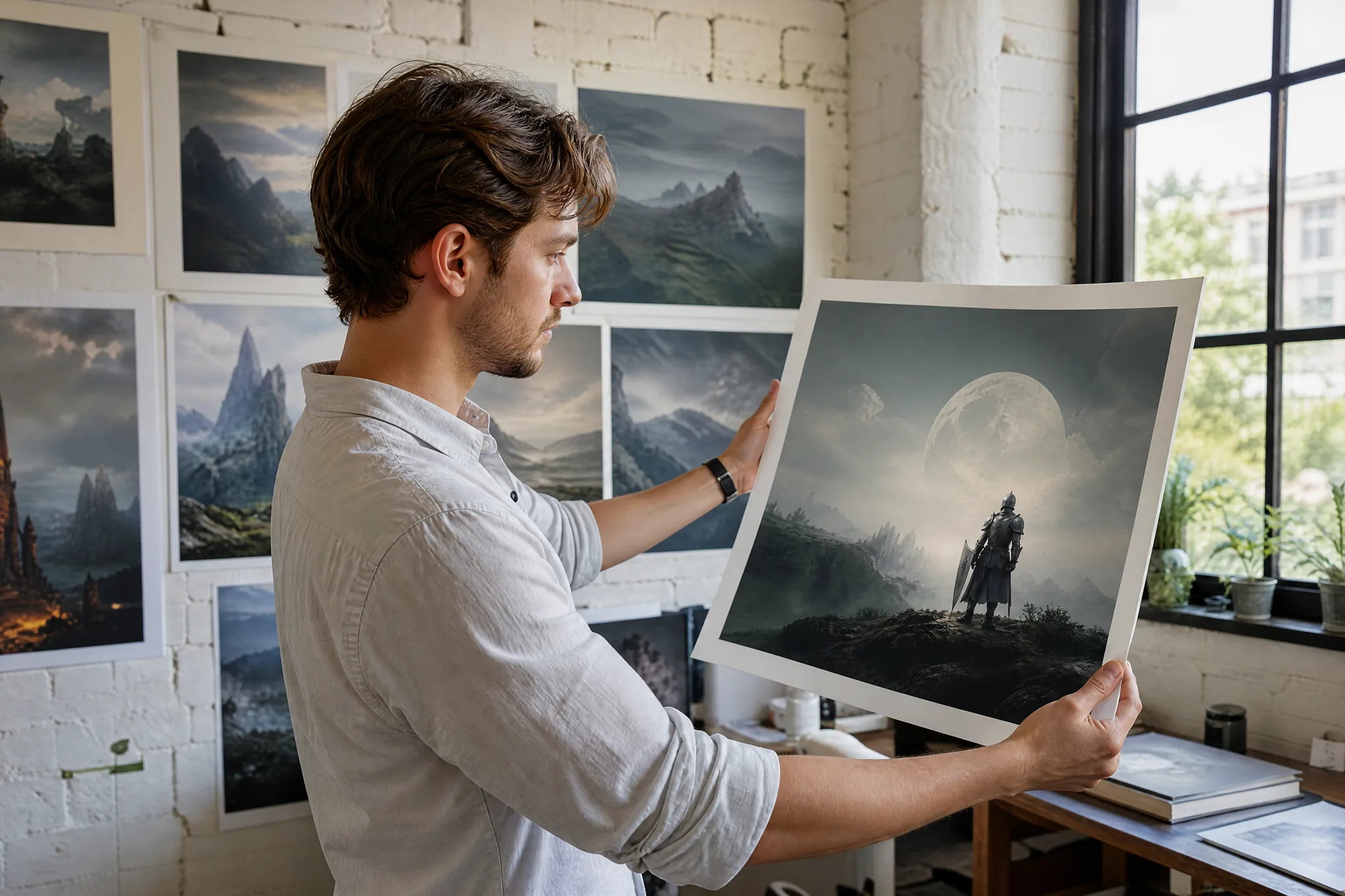












Social reels
Turn a single photo into a scroll-stopping vertical clip to keep a TikTok or Reels feed fresh without filming.
Turn any picture into a Flux-style AI clip in your browser. imgvid is a free Flux alternative that brings equivalent image-to-video power to your photos — upload an image, describe the motion, and download a watermark-free video in seconds.
Sign in with Google — eligible Gmail or googlemail accounts get free signup credits, no card needed to start. Animate your images with Flux-style motion right away.
See it in action
Real motion generated from one still picture — imgvid works as a Flux alternative that animates images instead of just panning across them.
How it works
Three steps take you from a still picture to a finished clip — free to start with signup credits, and every export is watermark-free.

Sign in with Google, then drag in any JPG or PNG — a portrait, product, sketch, or landscape. A clean, well-lit subject with a clear focal point gives the AI more detail to animate for a Flux-style clip.
Write a short prompt for what should move and how the camera behaves — "slow zoom in, gentle wind, cinematic" is enough to steer the render. Then pick an AI model and an aspect ratio (9:16 for reels, 16:9 for YouTube) to match where you will post.
The AI generates new frames from your single photo and returns a playable clip in seconds. Preview it, regenerate for a different take, then download the finished video — watermark-free — to share anywhere.
Quality
FLUX is best known as an image model, so imgvid focuses on the motion step — turning your images into HD video with real movement.
imgvid predicts brand-new frames inside your image, so subjects and cameras actually move — hair sways, water ripples, the shot pushes in. It is a true image to video ai, not a slideshow that pans across a static picture.
Animate your imageDescribe the shot in plain language and the model matches it — a slow dolly, a hair-tossing breeze, or a dramatic orbit. No keyframes, no timeline, and no motion-design skills needed to get a Flux-style result.
Try a promptEvery clip renders in crisp HD and downloads watermark-free, so your video is clean and yours to use in reels, ads, and hero sections.
Create a clipWhy imgvid
imgvid is not affiliated with FLUX or Black Forest Labs — it is an independent tool that gives you equivalent image-to-video power for turning pictures into motion.
Get the Flux-style look — cinematic camera moves and lifelike motion from a single still — without a Flux account, since imgvid runs the animation step for you online.
Switch between image to video models to match your subject and budget. No separate accounts, no per-model checkout — just pick a model and generate.
Most clips finish in under a minute, so you can try several prompts and keep the best take instead of waiting on a render queue.
People, products, pets, sketches, and landscapes all work as input — a Flux alternative that is not limited to one type of image.
Film-style push-ins, orbits, and parallax make a flat photo feel shot on a real camera — ready to post without a video editor.
Sign in with Google and eligible accounts get free signup credits, with watermark-free clips and no card needed to begin.
Use cases
From social content to product ads, here is what creators turn a Flux-style image to video ai workflow into.
Turn a single photo into a scroll-stopping vertical clip to keep a TikTok or Reels feed fresh without filming.
Animate a flat product shot into a rotating, attention-grabbing clip for a store listing, reel, or paid ad.
Give a headshot a slow push-in and soft motion for a striking profile video or channel intro.
Bring a drawing, painting, or anime still to life with drifting motion and subtle camera moves.
Give a vintage or faded photo gentle, lifelike movement with a Flux-style render, so a still family memory feels alive to share again.
Turn a still landscape into a living wallpaper where clouds drift, water ripples, and light shifts across the frame.
FAQ
It refers to turning a still picture into a short AI video clip in a Flux-style workflow. Because FLUX is best known as an image model, imgvid adds the motion step: you upload a photo, describe the movement and camera move you want, and the AI predicts realistic in-between frames — so a static portrait, product shot, or landscape becomes a few seconds of cinematic footage, with no timeline editing required. It gives you the animated result people expect from that kind of tool, straight from a single image.
No — imgvid is an independent tool and is not Flux, FLUX, or Black Forest Labs, and is not affiliated with them. It is a Flux alternative that gives you equivalent image-to-video power — the Flux-style look of cinematic motion from a single image — through its own models.
Sign in with Google, upload your picture, write a short prompt describing the motion and camera move, choose an AI model, and generate. This image to video ai animates your still photo into a short clip you can preview and download. For best results, keep prompts specific about one or two movements — for example "slow zoom in, hair drifting in a light breeze" reads more clearly than a long list of effects. If the first take is not quite right, adjust the prompt or switch models and regenerate until the motion matches what you pictured.
Generation requires Google sign-in so your credits, uploads, and history stay tied to your account. Eligible Gmail and googlemail accounts get free signup credits, so you can create a Flux-style clip at no cost to start — no card needed, and no subscription required just to try it.
Exports are designed to be watermark-free, so clips you generate from your own images are clean and yours to use in ads, product listings, and social content — imgvid does not stamp its logo onto your output. Just make sure you hold the rights to the source picture you upload, which matters most for photos of other people, licensed artwork, or branded products.
Clear, high-resolution pictures give the AI more detail to animate, but portraits, products, pets, landscapes, sketches, and old photos all work. A simple, well-lit subject against an uncluttered background and a clear focal point usually produces the most convincing motion, because the model has an obvious subject to move and fewer distracting details to reconstruct. Very small, blurry, or heavily compressed images can produce softer results, so start from the highest-quality version you have.
You can generate vertical (9:16), square (1:1), and widescreen (16:9) clips, each a few seconds long, so your video fits TikTok, Instagram Reels, YouTube, or a website hero without re-cropping. Pick the aspect ratio before you generate to match where you plan to post, and if you need multiple formats you can regenerate the same image in another ratio.
No — the whole point of this Flux alternative is to skip editing — you only upload an image and describe the motion in a sentence. There is no timeline, no keyframing, and nothing to install, since everything runs in your browser after you sign in with Google. If you want to combine several clips afterward you can, but a single generation is already a finished, ready-to-post video.
Sign in with Google and animate your images in seconds — free signup credits, watermark-free output.
Create your AI video