























Product photos into ads
Turn a flat product shot into a rotating, attention-grabbing clip for a store listing, reel, or paid ad.
Turn any still photo into a Wan-style AI clip right in your browser. imgvid is a free Wan alternative that delivers equivalent Wan image-to-video power — upload an image, describe the motion, and generate a watermark-free video in seconds.
Sign in with Google — eligible Gmail or googlemail accounts get free signup credits, no card needed to start. Animate an image into a Wan-style clip in seconds.
See it in action
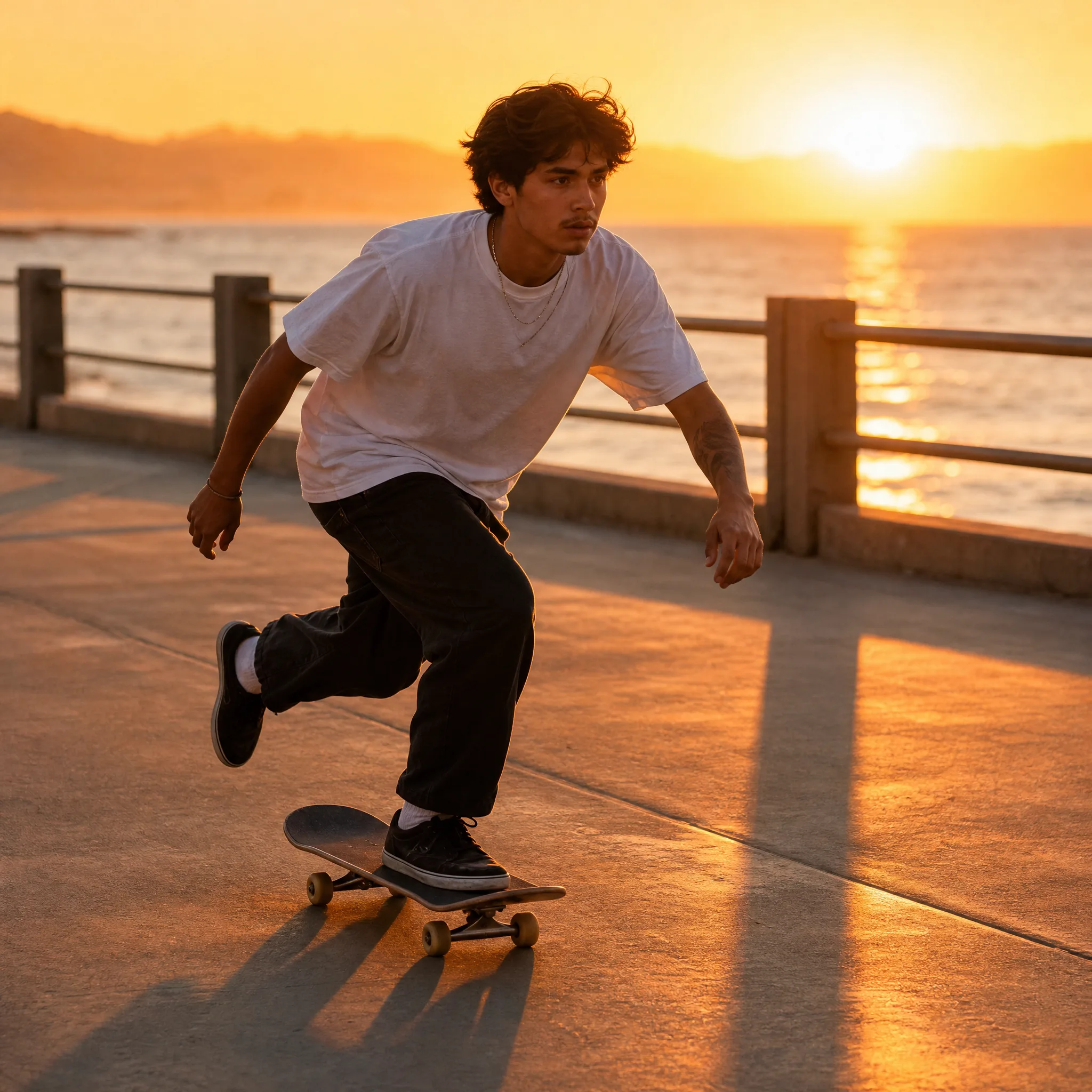
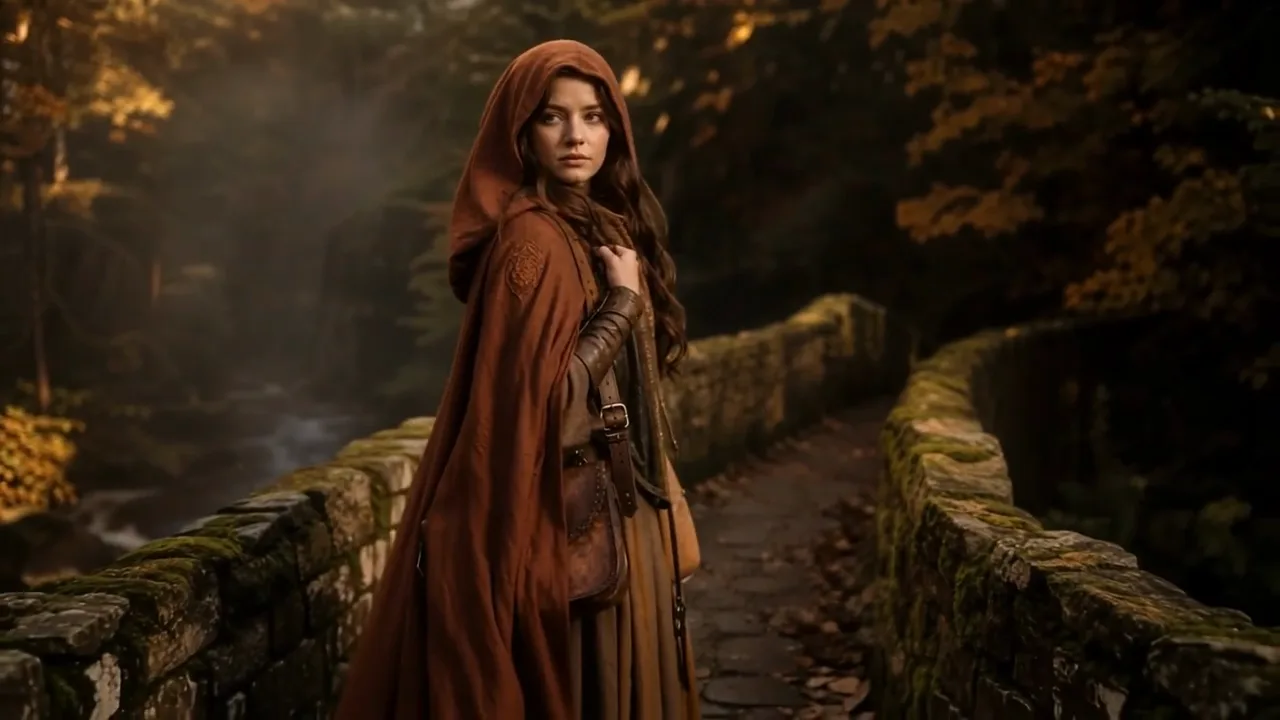
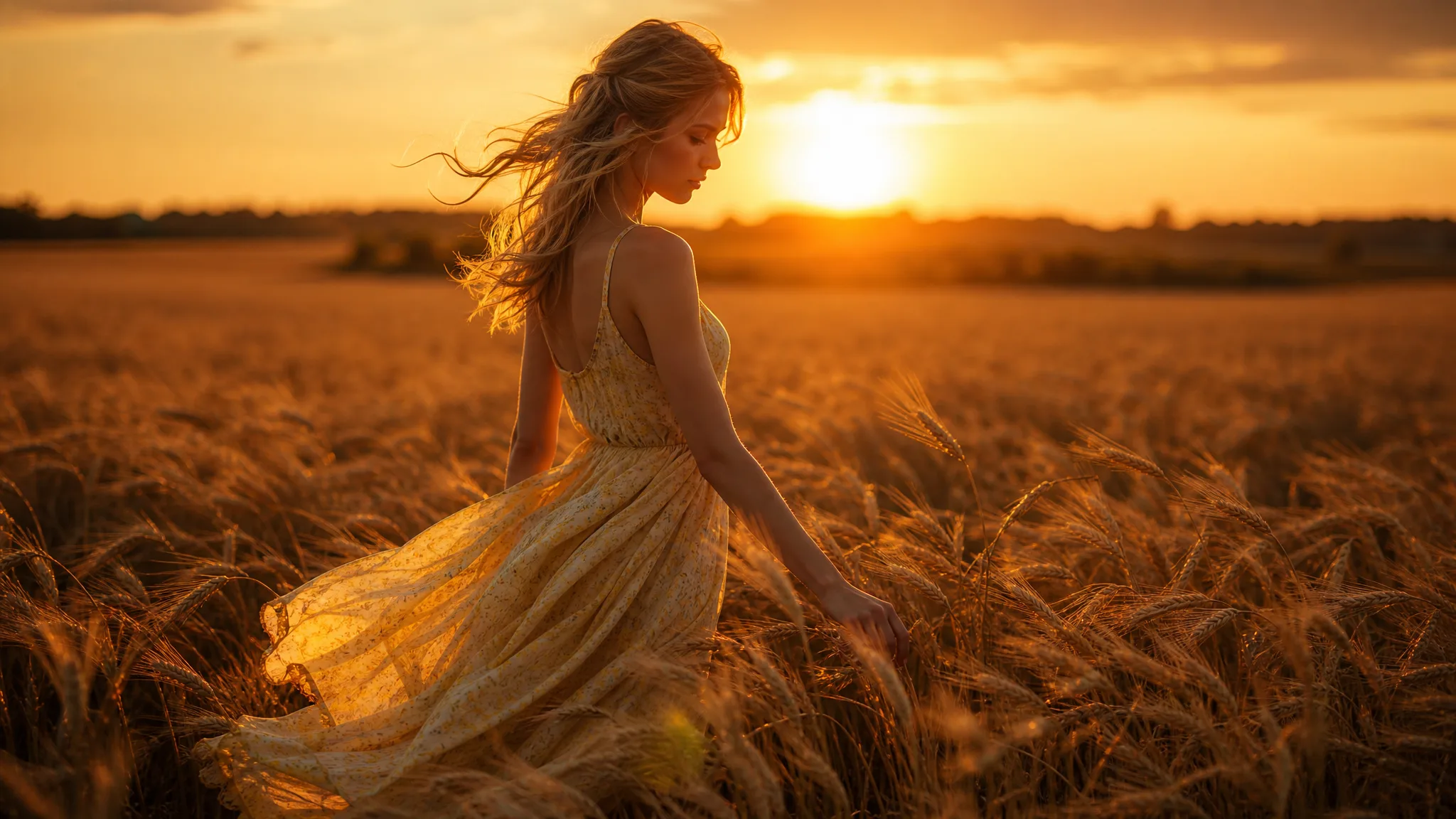
Real motion generated from one still photo — the cinematic movement people expect from a Wan model, produced online with imgvid.
How it works
Three steps take you from a still photo to a finished Wan-style clip — free to start with signup credits, and every export is watermark-free.

Sign in with Google, then drag in any JPG or PNG — a portrait, product, character, or landscape. A clean, well-lit subject with a clear focal point gives this image to video ai the most detail to animate.
Write a short prompt for what should move and how the camera behaves — "slow zoom in, gentle wind, cinematic" is enough to steer the render. Then pick an AI model and an aspect ratio (9:16 for reels, 16:9 for YouTube) to match where you will post.
The AI predicts new frames from your single photo and returns a playable clip in seconds. Preview it, regenerate with a tweaked prompt for a different take, then download the finished video — watermark-free — to share anywhere.
Quality
How a Wan-style render on imgvid compares to what you would expect from the Wan model itself.
imgvid generates brand-new frames inside your image, so subjects and cameras actually move — the real generated motion that makes a Wan model feel cinematic, not a slideshow pan across a static picture.
Animate your imageGet film-style push-ins, orbits, and parallax at high resolution, ready for reels, ads, and hero sections — the look and feel creators want from the model, without a separate account.
Create a cinematic clipSwitch between several image to video models to match your subject and budget. If one render is not quite right, try another on the same photo — no per-model checkout.
Try a different modelSign in with Google and eligible accounts get free signup credits, with watermark-free clips and no card needed to begin — a low-risk way to test Wan-style output on your own images.
Start freeWhy imgvid
A free-to-start image to video ai that gives you Wan-style motion online, with no install and no waitlist.
The model generates new frames inside the image, so subjects and cameras genuinely move — the effect you cannot get from a photo slideshow or a Ken Burns pan.
Wan-style camera moves and lighting, ready for reels, ads, and hero sections — no video editor to learn.
Pick the image to video model that best fits your subject and budget from a single imgvid account.
Most clips finish in under a minute, so you can try different prompts and models and keep the best take.
People, products, characters, artwork, and landscapes all work as input — not limited to one type of picture.
Sign in with Google, get free signup credits, and download watermark-free clips with no card needed to begin.
Use cases
From product ads to reviving old photos, here is what creators turn a Wan-style render into.
Turn a flat product shot into a rotating, attention-grabbing clip for a store listing, reel, or paid ad.
Give a headshot a slow push-in and soft motion for a striking profile video or intro shot.
Bring a character frame, drawing, or anime still to life with natural movement and subtle camera moves.
Add gentle, lifelike motion to a vintage picture so a still memory feels alive again to share.
Let clouds drift and water ripple so a scenic photo becomes a looping, atmospheric background.
Batch a set of images into short vertical clips to keep a TikTok or Reels feed fresh without filming.
FAQ
Wan image to video is a way to turn a single still photo into a short, moving AI clip in the style of the Wan model. You upload an image, describe the motion you want, and the AI predicts realistic in-between frames — so a static portrait, product shot, or landscape becomes a few seconds of cinematic footage, with no timeline editing.
No — imgvid is an independent Wan alternative and is not affiliated with, endorsed by, or connected to Wan or Alibaba in any way. "Wan-style" simply describes the kind of cinematic, generated motion you can produce here — imgvid runs its own multiple AI video models to deliver equivalent image-to-video power online. If you specifically need the original Wan model, look for it through its official channels; if you want comparable results in your browser without installs, waitlists, or a research setup, that is what imgvid provides.
Generation requires Google sign-in so your credits, uploads, and history stay tied to your account. Eligible Gmail and googlemail accounts get free signup credits, so you can create Wan-style clips at no cost to start — no card needed to try it. When those starter credits run low, you can top up or pick a plan, and any clips you already generated stay watermark-free and yours to keep.
Clear, high-resolution images give the AI more detail to animate, but portraits, products, characters, landscapes, and old photos all work. A simple, well-lit subject with a clear focal point usually produces the most convincing result from this image to video ai. Very busy scenes, heavy motion blur, or tiny low-resolution thumbnails give the model less to work with, so crop to your main subject and upload the sharpest version you have for the cleanest motion.
A slideshow maker only pans the camera across your existing photos and adds transitions. imgvid generates brand-new frames inside a single image, so subjects and scenery actually move — hair sways, water ripples, and the camera can push in. It is real generated motion, not a pan across a static picture.
Each render produces a short clip, typically a few seconds long, which is ideal for social hooks, product loops, and hero sections. You can generate vertical (9:16), square (1:1), or widescreen (16:9) output, so your video fits TikTok, Instagram Reels, YouTube, or a website without re-cropping. If you want a longer sequence, generate several takes and stitch the best ones together in any editor.
Exports are designed to be watermark-free, so the clips you generate from your own images are clean and ready for ads, product listings, and client work. The key requirement is rights: you must hold the rights to the source image you upload, which matters most for photos of other people, licensed artwork, or branded products. As long as you own or are licensed to use the input, the generated clip is yours to publish across your channels.
Sign in with Google and animate any photo in seconds — free signup credits, watermark-free output.
Generate your AI video