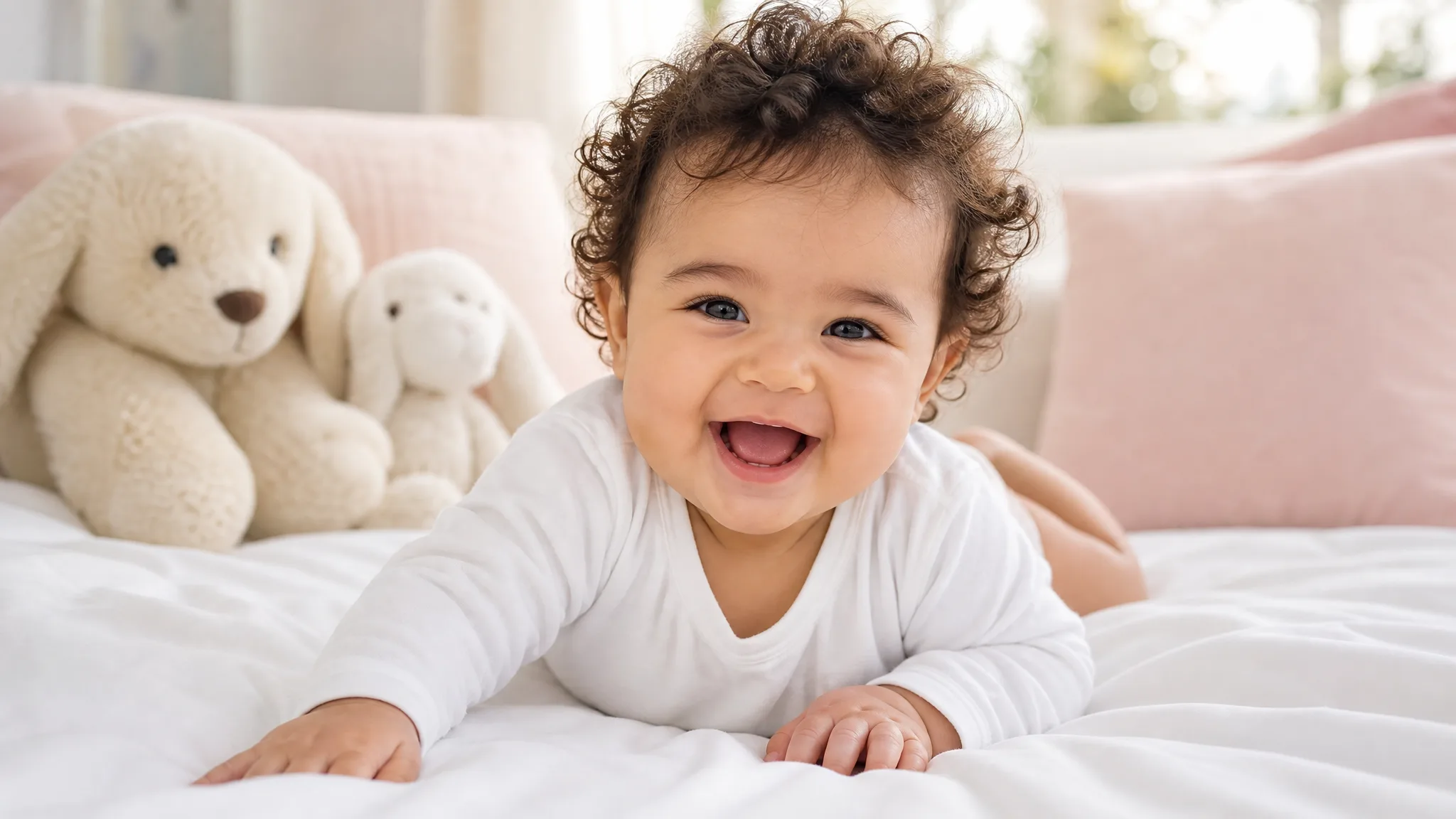
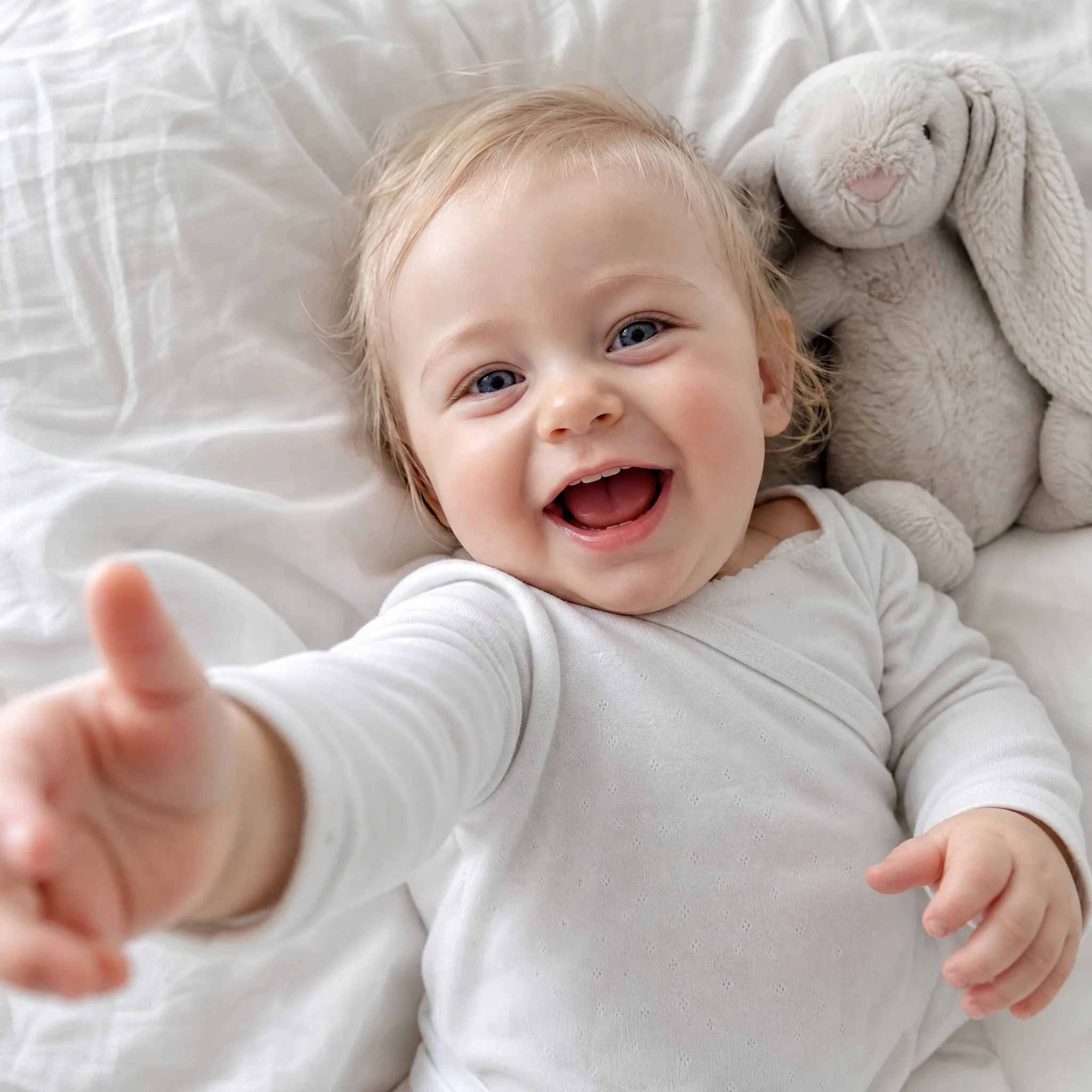
Newborn announcements
Animate a first-days portrait into a tender clip to share the happy news with family and friends who are waiting for a glimpse.
Turn a still baby photo into an adorable moving clip. Upload one picture, and this baby ai video generator adds gentle, lifelike motion — a soft smile, a tiny wave, a slow camera push — so a favorite snapshot becomes a few seconds of video to share with family. No editing skills needed, and every export is watermark-free.
Sign in with Google — eligible Gmail or googlemail accounts get free signup credits, no card needed to start. Animate a baby picture into a cute clip in seconds.
See it in action
Real clips animated from a single still image — see how a baby photo gains gentle, natural movement worth keeping and sharing.
How it works
Three steps take you from a still baby photo to a finished, shareable clip — free to start with signup credits, and every export is watermark-free.

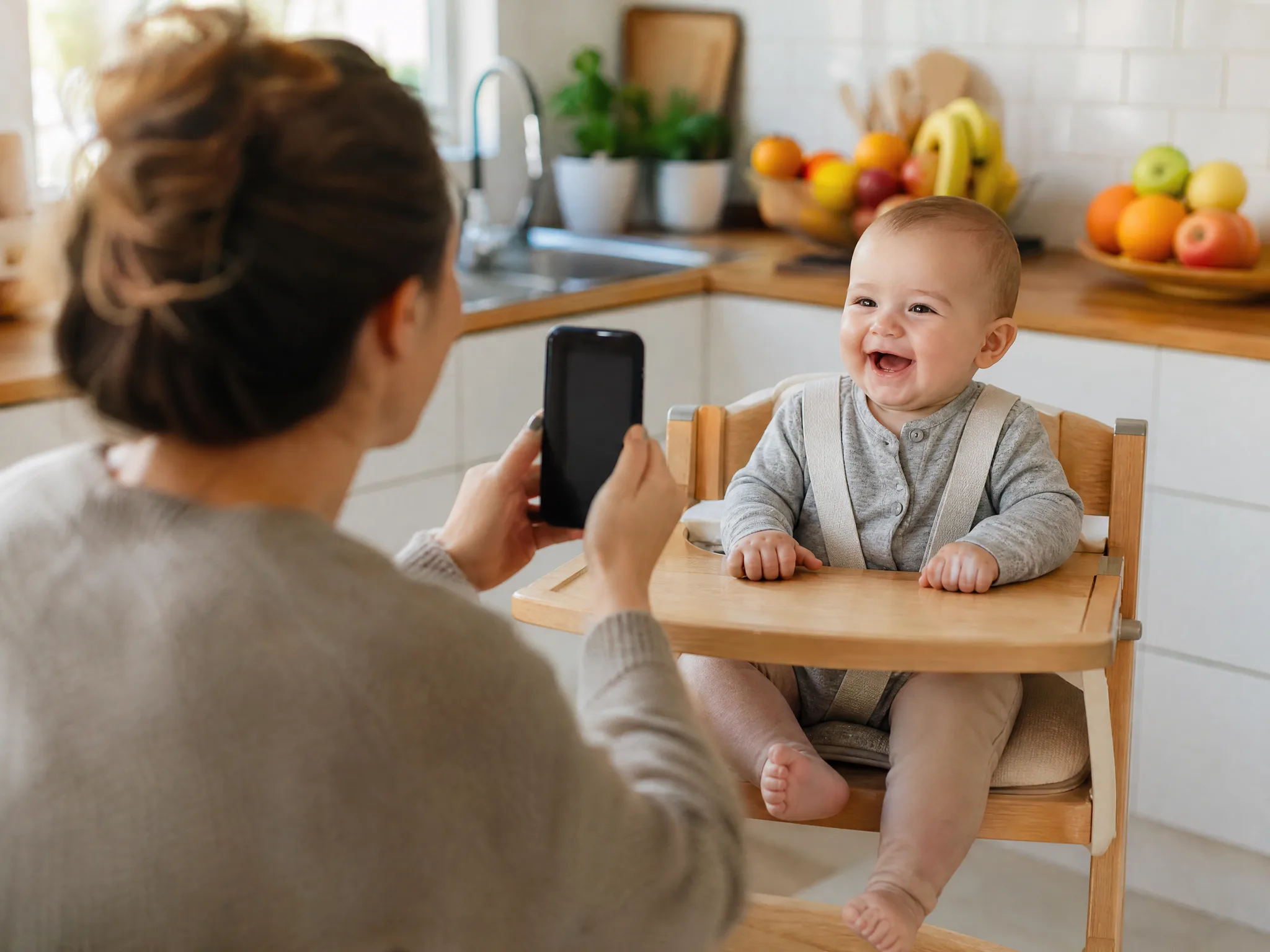
Sign in with Google, then drag in one clear JPG or PNG of your little one — a phone snapshot, a studio portrait, or an old printed picture you scanned. A well-lit face with a clear focal point animates most convincingly, so the motion looks natural rather than stiff.
Write a short prompt for how the moment should move — "gentle smile, soft blink, slow camera push-in" is enough to steer the render. Then pick an AI model and an aspect ratio (9:16 for a status or reel, 1:1 for a group-chat square) to match where the family will watch it.
The AI predicts new frames from your single baby picture and returns a playable clip in seconds. Preview it, regenerate with a tweaked prompt for a warmer take, then download the finished video — watermark-free — to send to grandparents or post as a keepsake.
What you can do
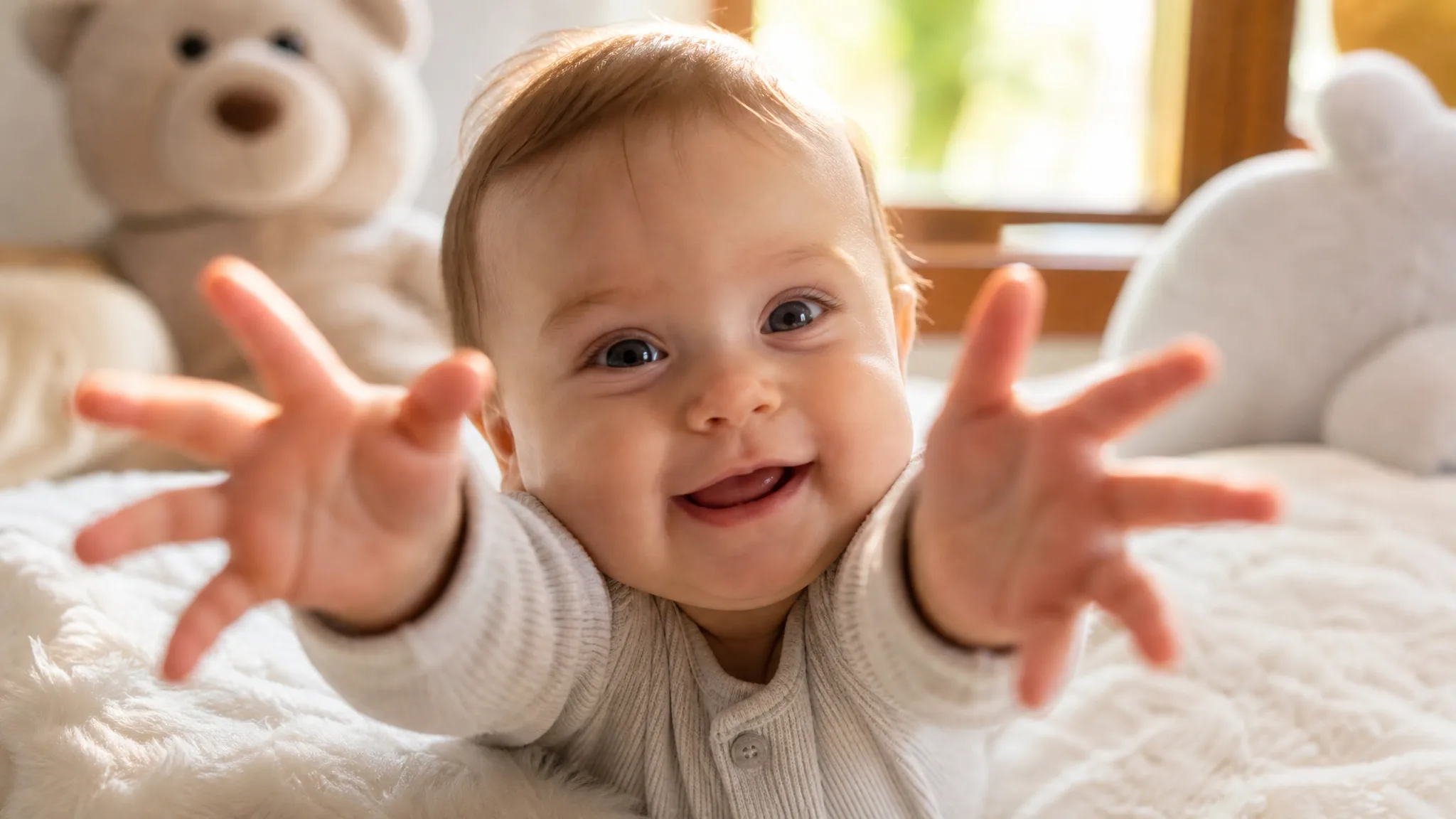
Describe the moment in plain language and the AI animates a baby picture to match — a soft smile, a small wave, a slow push-in. No keyframes, no timeline, and motion tuned to stay gentle and natural rather than exaggerated.
Try it with your photoUpload a single snapshot and the tool generates new frames to bring it to life. This is real baby photo to video motion, not a slideshow pan across static images, so the moment genuinely moves.
Upload a baby photoTurn baby photos into videos sized for a phone screen, a status update, or a family group chat. Every cute baby clip is yours to keep and easy to send to grandparents who could not be there.
Create a clip to shareSign in with Google and eligible accounts get free signup credits, so you can animate a baby picture at no cost to begin — no card needed, and every clip you export is clean and watermark-free.
Animate a baby photoWhy imgvid
A free-to-start tool that focuses on gentle, believable motion and watermark-free keepsakes — made for sharing baby moments, not slideshow transitions.
Movement is tuned to stay soft and lifelike — a small smile or a slow blink — so a baby photo to video result feels warm and real instead of uncanny or over-animated.
The model generates brand-new frames inside the image, so your little one actually moves. It is the kind of motion you cannot get from a photo slideshow or a Ken Burns pan.
Revive an old printed baby picture or bring a milestone snapshot to life, then keep the clip as a living memory you can watch again years from now.
Export vertical, square, or widescreen so a cute baby clip fits a status, a reel, or a family group chat — an easy way to include grandparents from far away.
Most clips finish in under a minute, so you can tweak the prompt and pick the sweetest take instead of waiting on a long render queue.
Newborn portraits, giggly snapshots, nap-time shots, and scanned old prints all work as input, so you can turn baby photos into videos from whatever you already have on your phone.
Use cases
From reviving a printed newborn photo to sending a birthday moment to grandparents, here is what parents make.
Animate a first-days portrait into a tender clip to share the happy news with family and friends who are waiting for a glimpse.
Bring a first-birthday or first-steps snapshot to life so a big moment plays as a short, replayable keepsake.
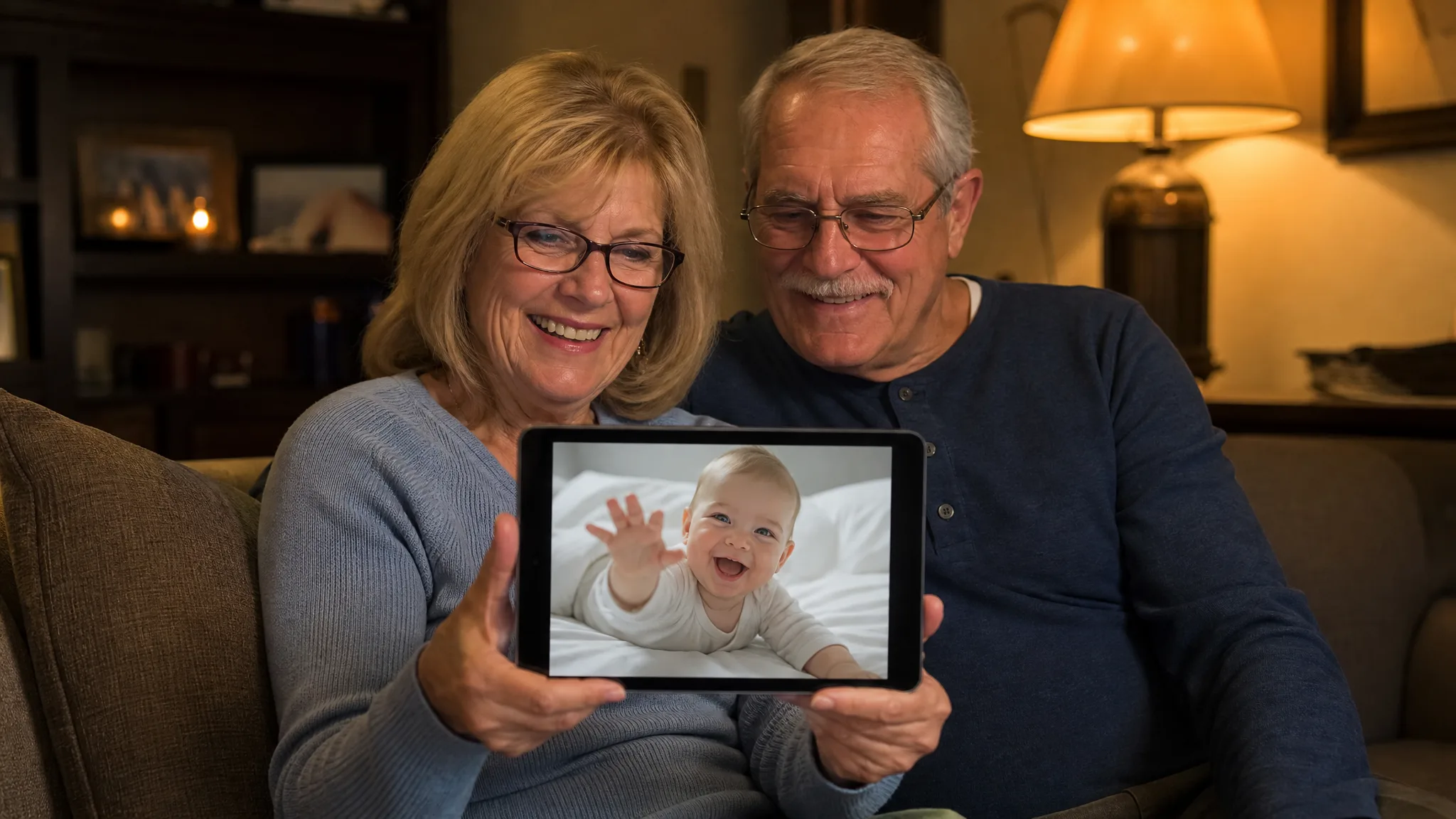
Turn a favorite baby picture into a moving clip and send it straight to grandparents who cannot visit as often as they would like.
Scan a vintage baby photo and add gentle motion so a decades-old memory feels alive and shareable again.
Make a quick square cute baby clip that plays right inside the family chat without anyone needing to open an app.
Save a moving version of a treasured snapshot as a small time capsule to rewatch as your little one grows up.
FAQ
A baby AI video generator takes a single still photo of your child and animates it into a short moving clip. You upload a baby picture, describe the gentle motion you want — a soft smile, a small wave, a slow camera push — and the AI predicts realistic in-between frames, so a static snapshot becomes a few seconds of warm, shareable video with no timeline editing or motion-design skills required.
Sign in with Google, upload one clear baby photo, write a short prompt describing the motion, choose an AI model, and generate. The tool animates your still picture into a cute clip you can preview and download. If the first take feels off, adjust the prompt and regenerate for a warmer, more natural result.
Generation requires Google sign-in so your credits, uploads, and clips stay tied to your account. Eligible Gmail and googlemail accounts get free signup credits, so you can animate a baby picture at no cost to start — no card needed, and no subscription required just to try it. Watermark-free output is included.
Yes — the motion is tuned to stay soft and lifelike rather than exaggerated, so a baby photo to video result looks like a real, tender moment — a slight smile, a slow blink, a small head turn. You steer it with your prompt, and you can regenerate until the movement feels warm and natural.
Clear, well-lit pictures with a visible face and a clean focal point give the AI the most detail to work with. Phone snapshots, studio portraits, and scanned old prints all work when you want to turn baby photos into videos, though a sharp, front-facing shot usually produces the most convincing cute baby clip.
A slideshow maker just pans the camera across your existing photos and adds transitions. This tool generates brand-new frames inside a single baby picture, so your little one actually moves — a smile forms, eyes blink, the camera pushes in. It creates real generated motion instead of a pan across a still image.
You can generate vertical (9:16), square (1:1), and widescreen (16:9) clips, so a cute baby clip fits a status, Instagram Reels, a family group chat, or a keepsake you save. Pick the ratio before you generate to match where the video will be watched.
Exports are designed to be watermark-free, so the clips you make from your own baby photos are clean and yours to keep and share. Please only upload pictures of your own child that you have the right to use — this matters most when a clip will be shared publicly.
Sign in with Google and animate a baby picture into a cute clip in seconds — free signup credits, watermark-free output.
Create your baby video