AI Video Effects for Duo Trends, Pets, Cars and Birthdays

Give your photos a playful new scene. Explore AI video effects for friends, pets and car lovers, from an orange-studio rap duet to a Halloween pet portrait or a cinematic car reveal. Choose an effect and make it your own.

Choose an Effect

Explore a Photo-Based Effect for Your Story

Choose among AI video effects for the people, picture and message you want to bring into motion.

A familiar pair on one rap stage

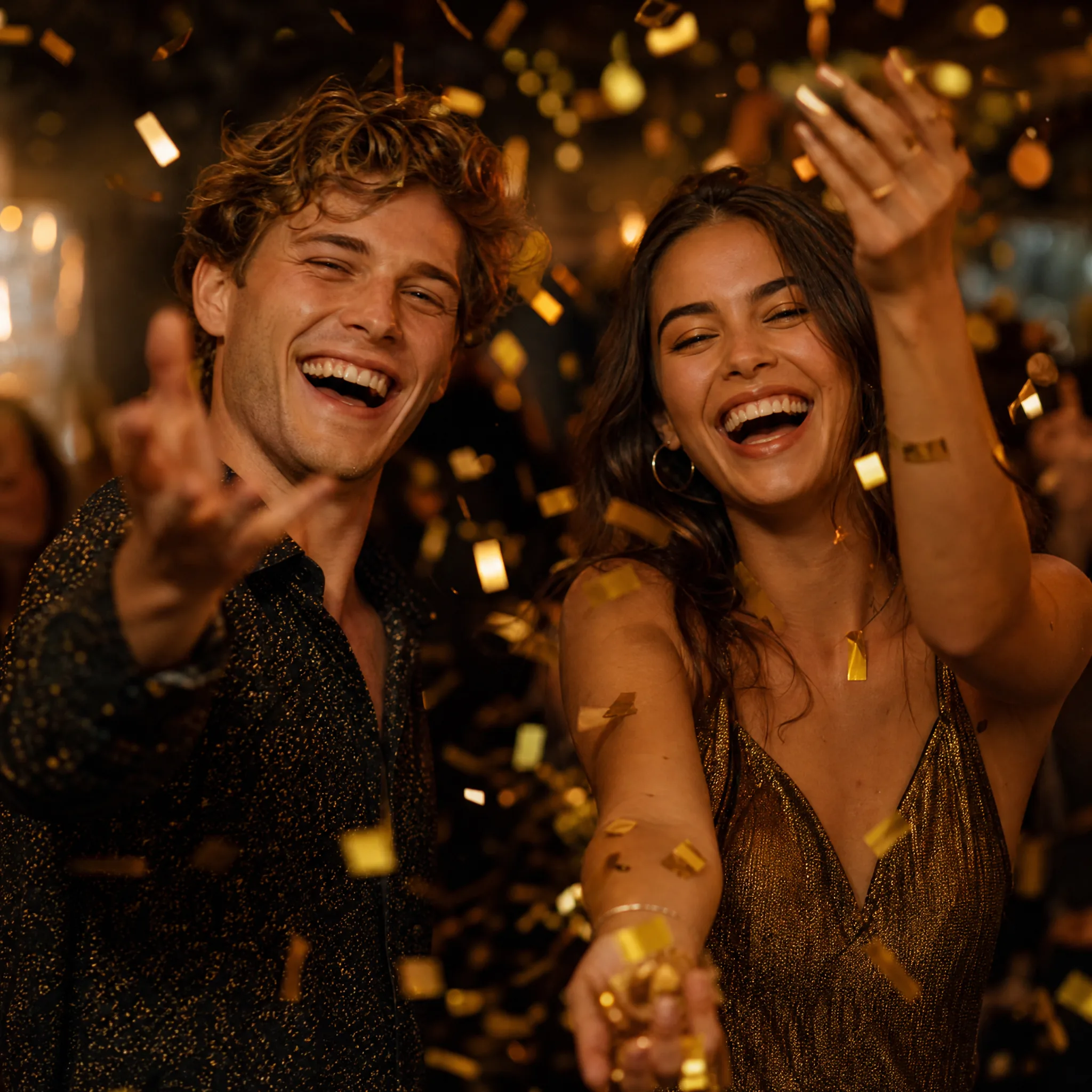
Upload two separate portraits, the first for the left performer and the second for the right. The duet preset behind these AI video effects builds an orange-studio rap performance; review both faces and the generated sound before sharing the take.
A playful cast in the studio spotlight

Choose two familiar faces for an orange-studio, performance-inspired duet. Add a styling note to the preset and preview the generated sound along with the movement.

A portrait behind the wheel of a black sedan

Upload one clear portrait and the AI Car Video Generator makes that person the smiling driver of a black luxury sedan on a sunny street, with a windshield push-in and a wave. These AI video effects run without a written prompt; pick the take where the face looks best.

A pet photo in a glowing pumpkin hood

Upload one clear cat or dog photo and this pet effect dresses your pet in a glowing pumpkin hood at a cosy Halloween table, with a hand holding up a cartoon card of the same pet. These AI video effects need no prompt; share the take as a seasonal greeting.

A birthday photo turned into a greeting

Choose one clear birthday photo and describe candlelight, confetti or a gentle camera move for a short greeting clip. Add the name, date and exact music in your editor after you pick the take.

Make the Effect Belong to Your Creative Project

Start with a clear idea, a familiar cast and a useful place for the finished clip before you choose AI video effects.

Grandfather and granddaughter laughing on a porch swing with their beagle resting between them

Give the cast a reason to be together

Choose people or pets whose connection explains the reveal. A meaningful pairing makes AI video effects for a duet, greeting or playful performance feel more personal than a random effect.

How to Use an AI Video Effect

Use AI video effects to turn your idea into a clip: choose an effect, prepare its inputs, and review your options before generating.

1

Pick an effect

Browse the AI video effects by category above or open one from the gallery.

2

Upload your photo

AI video effects accept JPG, PNG or WebP photos. Template effects take one photo per subject.

3

Add a note or prompt

Add an optional note to template AI video effects, or edit the prompt where the effect shows a prompt box.

4

Generate and download

Click Generate and follow the job status until your effect is ready. Preview the clip, then download it for a greeting, social post or creative edit; completed takes stay in Assets.

What People Make with AI Video Effects

Give a pair of portraits, a pet photo or a car picture a playful new scene. Explore AI video effects around the message you want to share and the photographs you already have.

Friends and duo performances

Put two people from two separate photos on one orange-studio stage with AI video effects built for a rap duet reveal, then review both faces and the generated sound before you post it.

Birthday greetings

Birthday AI video effects turn a birthday photo into a short greeting clip with candlelight, confetti or a gentle camera move; add the name and message in your editor afterward.

Halloween pet clips

Give a cat or dog portrait a witch hat or pumpkin cap, then describe a small seasonal movement with AI video effects for a Halloween greeting or a playful pet post.

Car and driving reveals

Turn a vehicle photograph into a showroom-style reveal or a portrait into a driving scene. Car-themed AI video effects supply the scene direction, so you only add the photo.

Trend performance clips

Put two of your own portraits into the Hotel Lobby duet format, an orange-studio performance with generated sound that you can review before sharing.

Social posts and ads

Develop photo-led scenes for a social edit or product story. Prepare the source and use the framing controls available for your model, then finish the post separately.

Creative Scenarios with AI Video Effects

Possible AI video effects projects, from a rap duet between two friends to a Halloween pet greeting or a car reveal, each starting with your own photos.

A playful post starts with choosing the right idea for the people in it. I'd browse the AI video effects for an interaction, a pet moment or a style change, pick the one that fits my friends' photo, and check that everyone in the frame still looks like themselves before sending it to the group chat.

Effect Concept Planner
Creative workflow

AI Video Effects FAQ

Learn how to choose among AI video effects, prepare their source photos and make the scene your own. Find answers about the difference between a focused effect and an open-ended video idea.

AI video effects are focused workflows for a themed scene, such as an orange-studio rap duet, a cinematic car reveal or a Halloween pet portrait. Some presets supply the main direction; other workflows use a written motion prompt or a styled source image prepared beforehand.

Yes — AI video effects run on credits, and eligible accounts that sign in with Google receive 64 signup credits to start. The daily check-in adds 6 to 24 credits a day, and each effect shows its credit cost on the Generate button before you start.

Prompt-based AI video effects need one photo. Template effects take two photos, one per subject.

Yes, within limits: template AI video effects accept a note of up to 300 characters on top of the fixed recipe. Some other effects let you rewrite the prompt and choose a different model, while the AI Car Video Generator supplies its own scene direction without a prompt.

AI video effects have different lengths. Halloween Pet Hat, AI Kissing Video, Photo to Anime and AI Hugging Video clips run 5 seconds. AI Baby Video clips run 8 seconds. AI Car Video Generator clips run 10 seconds. Bulin 47 AI Video, Hotel Lobby AI Video and AI Face Dance Generator clips run 15 seconds. Prompt effects follow the length options of the model you choose.

Clear, well-lit photos with the face or subject in focus work best for AI video effects. For two-subject effects, use one person or pet per photo, facing the camera.

Yes, but only photos you have the right to use, and only with the consent of the people in them. AI video effects can change faces and details, so share the result only where those people would agree to it.

No — reference images and prompts guide the request, but generated faces, hands, movement and small details can change. Review the whole clip and use the take that is suitable for your intended message.

No — these effect workspaces create short image-led video takes. Complete exact captions, music licensing, timing and a longer sequence in an appropriate editor. A preset with generated sound does not supply an original copyrighted recording.

Free-tier generations include an ImgVid watermark. Eligible paid generations export without it under the current account entitlement. Check the workspace access and credit quote before creating.

Make Your Own AI Video Effect

Pick one of the AI video effects, add the photos it asks for and create a short themed clip for a greeting, a duo post or a seasonal story. Your next themed clip can start from the photos you already have.

Choose an Effect
Two friends laughing as they toss gold confetti into the air at an evening party