























Talking Pet Video
Reference images
Prompt
0/4000
Duration
Resolution
Aspect ratio
Translate prompt
Number of outputs
Public Visibility
Required credits
30
Sample videos

Talking Pet AI Video Generator: Comic Reactions from Pet Photos

Give a favorite pet a playful on-camera moment

With this talking pet AI video generator, your pet becomes the main character in a curious reaction, a comic interview moment or a cheeky announcement. Start with a favourite photo and describe the expression and movement; the default model adds generated sound.

Animate Your Pet Photo
Shiba Inu sitting on a grey sofa with a curious head tilt and open mouth, as if answering a question
Pet-photo ideas|Comic reactions|Generated sound|Clip downloads

How the Talking Pet Generator Works

The talking pet AI video generator starts from one pet portrait: describe the reaction, generate the clip and keep a take for your joke or greeting.

1

Choose a pet portrait with personality

Upload a clear image to the talking pet AI video generator with your pet’s face easy to see, the eyes and muzzle unobstructed and the light even. A familiar expression gives a playful pet animation its character before any motion is added.

2

Describe the expression or joke

Write one small facial action or head movement that fits the idea, such as a head tilt or a slow mouth movement. Describe the sound or line you want in the audio settings of the selected model in the talking pet AI video generator.

3

Create the motion concept

Generate the clip once the portrait and motion brief are set, and watch the job status in the talking pet AI video generator until the preview appears. If the first result moves too much, shorten the brief to a single action and try again.

4

Finish the pet story

Watch the face and expression throughout the generated clip, checking that the eyes, ears and markings still match your pet. Download the take you like and add a caption or your own voiceover in an editor to complete the greeting or joke.

Why Pet Owners Use This Talking Pet Video Tool

A familiar expression, a playful setting and a clear joke can give a pet photograph its own short story in the talking pet AI video generator.

Let the expression carry the joke

A familiar look can become the opening of a comic response. Use the pet’s photograph in the talking pet AI video generator to develop a reaction, such as a head tilt or a surprised glance, that suits the message you want to send to friends or family.
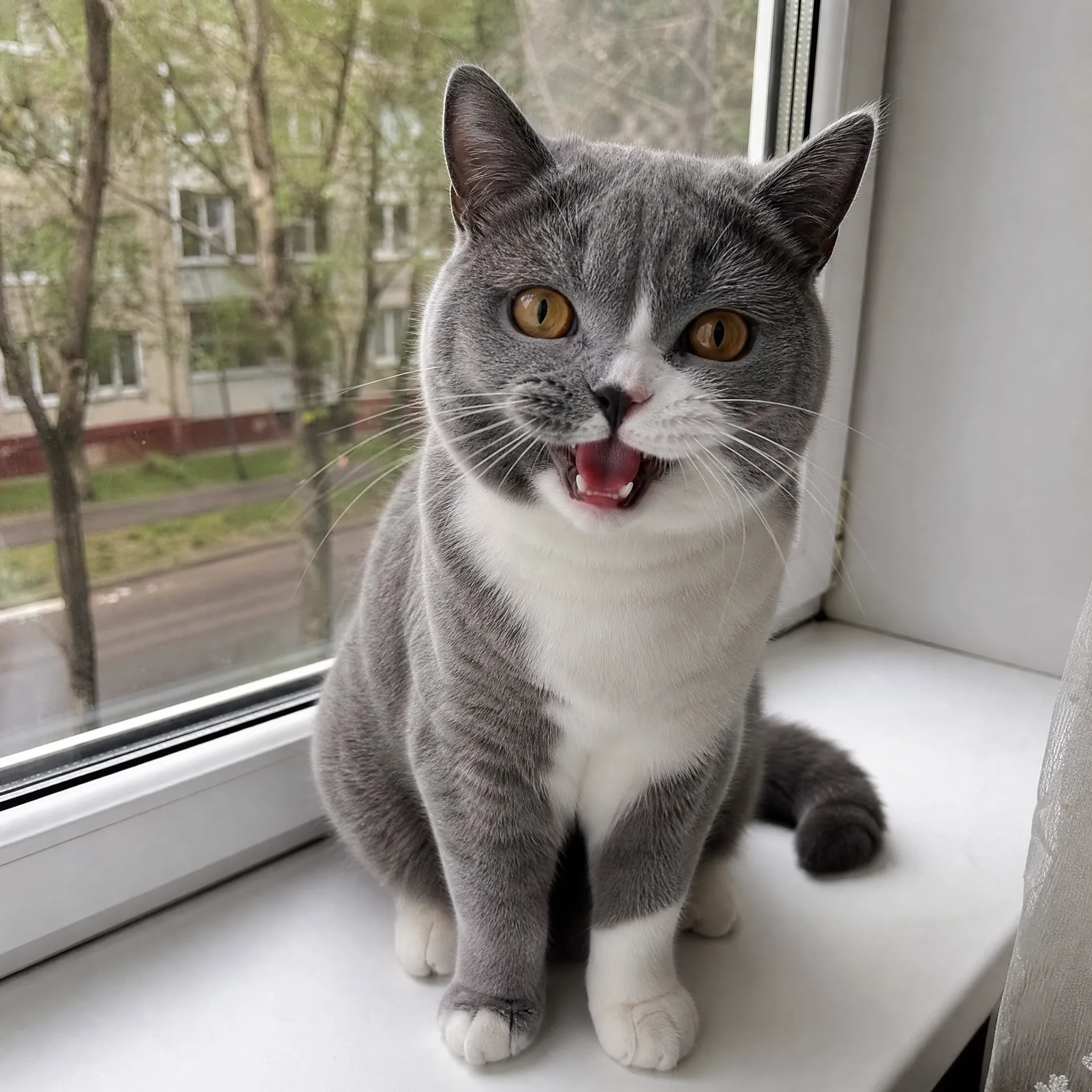
A pet becomes the main character

A playful pose or an adventurous setting gives the animal a role in the story. Start with an image that makes that idea easy to recognize, because the talking pet AI video generator develops motion from the scene your source already establishes.

Compose around your pet

Keep the face and expression easy to see in the source image. Leave room around the animal for the action, so the pet stays the center of the scene with its ears, paws and tail in frame.

Let Your Pet’s Personality Lead the Scene

Turn a curious glance, a cheeky reaction or a playful pose into a talking pet animal video. The talking pet AI video generator lets your animal’s expression lead the joke, the greeting or the scene you want to share.

Let an expression answer the joke

A curious head tilt, small mouth movement or surprised glance can give a talking pet animal video its punchline. Describe the reaction in the talking pet AI video generator and the default Veo 3.1 Lite model adds generated sound. For a joke built on specific words, add your own voiceover or caption in an editor.

Talking Pet Animal Video Ideas for Messages and Stories

Use the talking pet AI video generator to develop a reaction, greeting or playful adventure around the pet people recognize.

Birthday greetings

For a birthday greeting, develop a playful reaction from a pet portrait in the talking pet AI video generator. Add a personal birthday caption or your own voiceover in an editor to turn the chosen clip into a message from the pet to the person celebrating.

Social reaction memes

Pet accounts can choose a familiar expression and describe a surprised or amused movement for a reaction post. The talking pet AI video generator supplies the moving face; you add the punchline around the selected scene in the final edit, where timing and text stay under your control.

Standing-pose concepts

Use an AI pet standing split video effect idea to explore an upright character pose in the general workspace. Choose a clear source and one movement for the visual reveal, and check the legs and body proportions in the preview before sharing.

Action adventures

An AI pet diving video generator idea can develop a comic scene from a waterside character image. Keep the action simple, such as a leap toward the water, and use the selected clip as one beat in a longer pet adventure edit.

Pet-account stories

Use a portrait from your collection with the talking pet AI video generator to develop an expression or an AI cat dancing video idea. Add a caption that keeps the character and story familiar to your audience across a series of posts.

Personal video greetings

Create a moving reaction from a beloved pet photograph for a friend or relative. The talking pet AI video generator produces the short clip; add their name and a personal line around it so the greeting feels written for them.

Creative Scenarios with Talking Pet AI Video Generator

Scenarios for using talking pet AI video generator in real projects, from the photos or ideas you start with to the take you keep.

For my dog's birthday joke, I'd upload a clear portrait to the talking pet AI video generator and ask for a curious head tilt with a small mouth movement. I'd download the take with the most readable expression and pair it with a birthday greeting I record in my own voice.

Pet Owner
Creative workflow

Talking Pet Video FAQ

Quick answers for making a talking pet animal video: picking the pet photo, writing a short brief, choosing a model and sound, and trying dancing, diving or airborne adventure ideas.

A talking pet AI video generator creates an expressive moving scene from a pet photograph and your direction. Ask for a curious head tilt, a small mouth movement or a cheeky glance, and your dog, cat or rabbit becomes the star of a short comic reaction, greeting or pet story.

The talking pet AI video generator is free to try within limits. Sign in and your free credits can pay for eligible free-tier settings, for example Veo 3.1 Lite at 720p and up to 8 seconds. The workspace shows the quote before you generate; other models and settings need a paid plan or credit pack. Free generations include an ImgVid watermark; eligible paid generations export without it.

A clear portrait with the face easy to see works best for a talking pet animal video. Keep the eyes and muzzle unobstructed, the light even and the expression familiar. For dancing or adventure ideas, choose a source whose pose, space and setting already suggest the scene you want.

A one-line brief is all the talking pet AI video generator needs. Describe one small facial action or head movement, such as a slow mouth movement or a surprised glance. Veo 3.1 Lite is the default model, and you can switch to other models in the workspace for different duration and resolution settings.

You can turn a clear character image into an AI cat dancing video by describing one playful movement. A sway or a paw wave works well. An AI pet standing split video effect works the same way: pick a photo that already suggests the upright pose, then describe the reveal.

Pet adventures start from the setting in your photo. For an AI pet diving video generator idea, use a pet beside water and describe one leap or splash. For an AI pet air combat video generator concept, choose an airborne scene and describe one bold move or camera view.

A talking pet animal video made with the default Veo 3.1 Lite model returns generated sound with the clip. The sound control shows the audio support of each other model. Download the take you like, then add a caption or your own voiceover for birthday greetings, reaction posts and pet-account stories.

Keep the brief to a single expression, because one clear reaction lands the joke best. Leave room around the animal so the ears, paws and tail stay in frame, compare the eyes and markings with your photo, and pick the take whose expression fits your punchline.

Give Your Pet a Playful Moment on Screen

Start with a pet portrait full of personality and let the talking pet AI video generator develop an expression or small movement from your brief. Choose the clip that fits your joke, greeting or pet story, then add your own dialogue in your editor.

Animate Your Pet
Grey-and-white British Shorthair cat on a windowsill, mouth open mid-meow with a cheeky expression