AI Car Video Generator

Upload one clear portrait and become the smiling driver of a black luxury sedan on a sunny street.

Upload Your Portrait0/1
Styling note (optional)
0/300
Aspect ratio
Resolution
Number of outputs
Public Visibility
Required credits
288
Sample videos

AI Car Video Generator for Your Next Driving Story

Become the star driver of a cinematic car scene

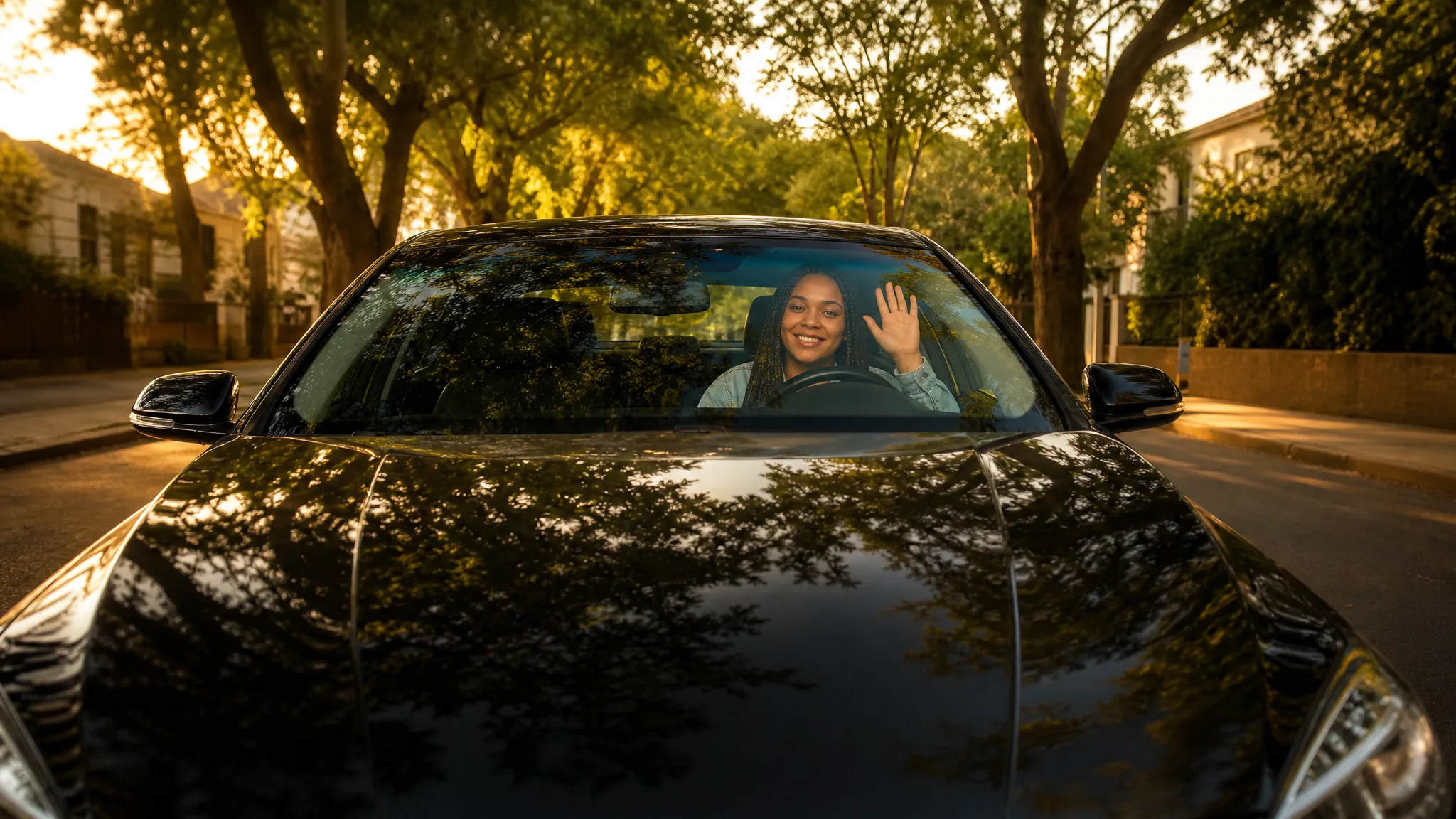
Picture yourself at the wheel of a black luxury sedan on a sunny, tree-lined street. Upload one clear portrait and the scene builds itself: the camera starts in front of the car, pushes in through the windshield and finds you relaxed in the driver's seat, smiling, closing your eyes for a moment, glancing aside and waving. Warm afternoon light and the scene's own sound come built in, so no prompt is needed. Share the 10-second clip as a profile intro, a birthday surprise or a fun social post made with the AI car video generator.

Generate Your Car Video
Young woman with auburn hair smiling at the wheel of a black luxury sedan on a sunny tree-lined street
No Prompt Writing|One portrait, one driver|Windshield push-in shot|Social-ready car clips

How to Use the AI Car Video Generator

The AI car video generator needs just one portrait: upload it, choose your settings and pick the take for your story.

1

Upload one clear portrait

Upload one clear photo of one person to the AI car video generator. A front-facing portrait with the face and hair in good light works best, because that person becomes the driver of the black luxury sedan.

2

Generate the driving scene

The AI car video generator already holds the scene: a sunny tree-lined street, a windshield push-in and a relaxed driver performance. Suggest an outfit in a styling note of up to 300 characters, drive at 768P or 2K, choose Auto or a ratio from 21:9 to 9:16 and one to four videos; MiniMax H3 then shoots the drive.

3

Review and share your car clip

Follow the job status until the AI car video generator finishes the scene. Preview each take, check the smile, the wave and the face, and listen to the scene's sound. Download your favorite clip and add captions, a title or your branding in your editor.

Your Portrait as the Driver of a Cinematic Car Scene

Picture a sunny drive, a confident smile and a friendly wave. The AI car video generator builds the whole car scene around the person in your portrait.

Turn your portrait into the driver

Start with a clear portrait and the AI car video generator places that person in the driver's seat of a black luxury sedan on a sunny tree-lined street. The camera begins in front of the car and pushes in through the windshield, so the clip opens like a polished car commercial. Pick the take where the face looks just like your photo.
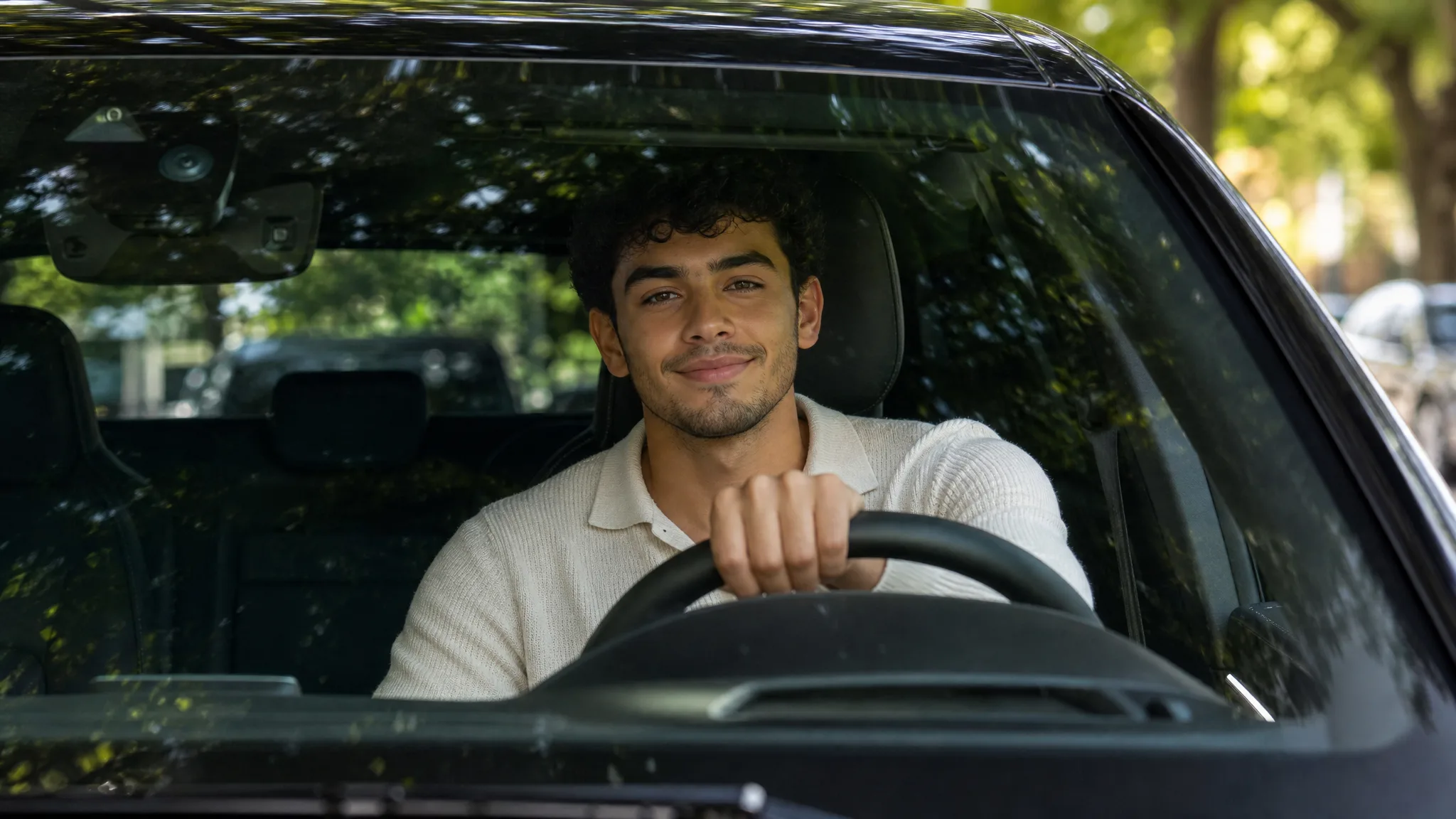
Young man with dark curly hair smiling at the wheel, seen through the windshield of a black car under street trees

Build the scene around one visible moment

A familiar face makes the drive feel personal. The AI car video generator gives the driver a relaxed performance with an easy smile, a closed-eye moment, a side glance and a hand wave, all in warm afternoon light. Your main creative decision is the portrait itself, so choose one with a natural expression.

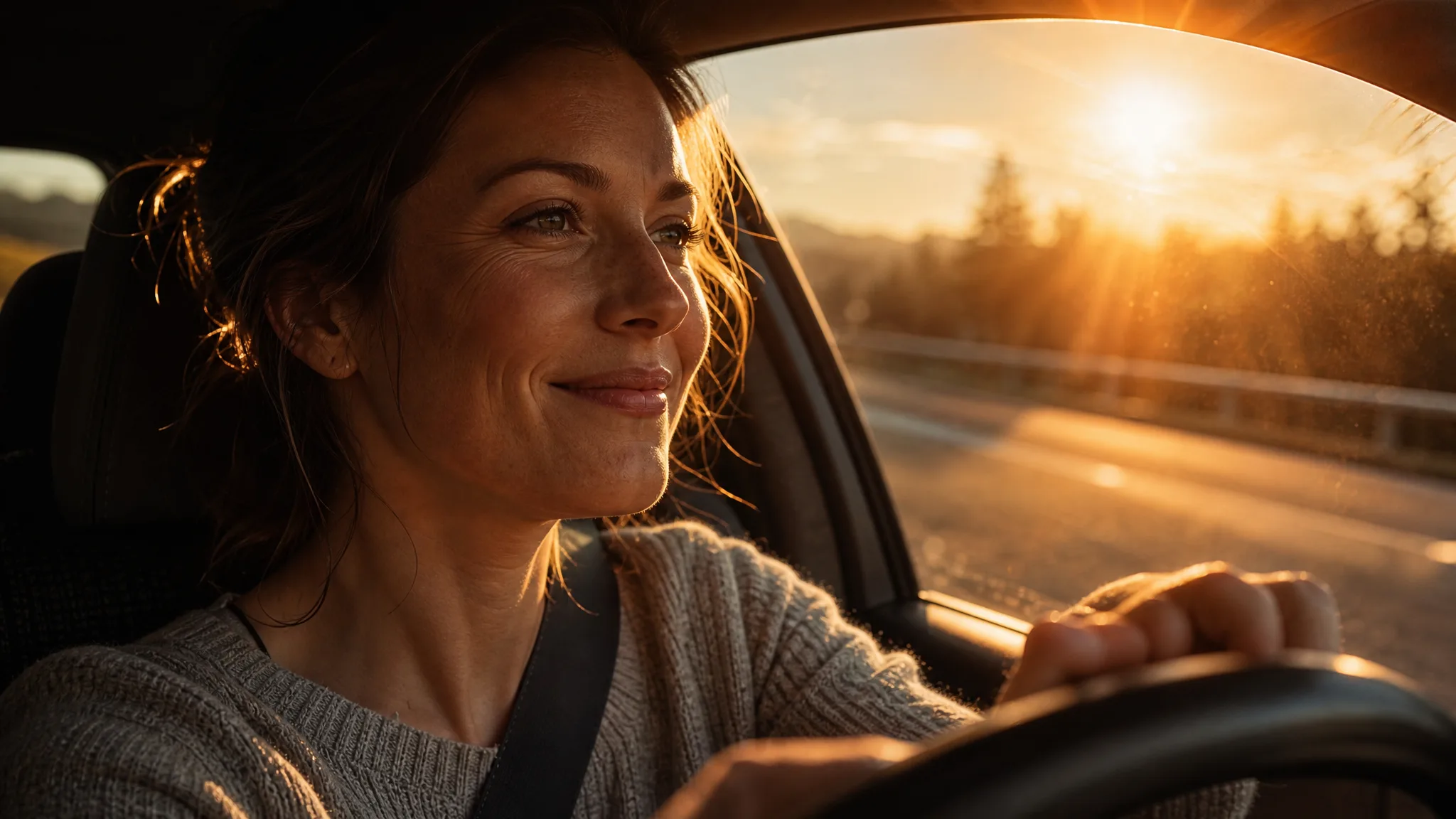
Woman smiling at the wheel as low evening sun flares through the windshield

Give your clip a car-commercial camera move

For car photo to video with a cinematic finish, the AI car video generator supplies the camera work: a smooth push-in from the front of the sedan, through the windshield, to the person at the wheel. Tree shadows, sunlight on the glossy black paint and the scene's sound make the clip feel complete. Use it as an eye-catching opener for a reel or story.

Low view over the glossy bonnet of a black sedan to a young woman with braids waving from the driver’s seat

Start your automotive story with a clip

Use the generated car scene as the opening of a social story, creative pitch or journey recap. Download the take after checking the main subject, then add captions, a soundtrack and the rest of the sequence in your editor to give your post its own context. The scene supplies moving material ready for your wider edit.

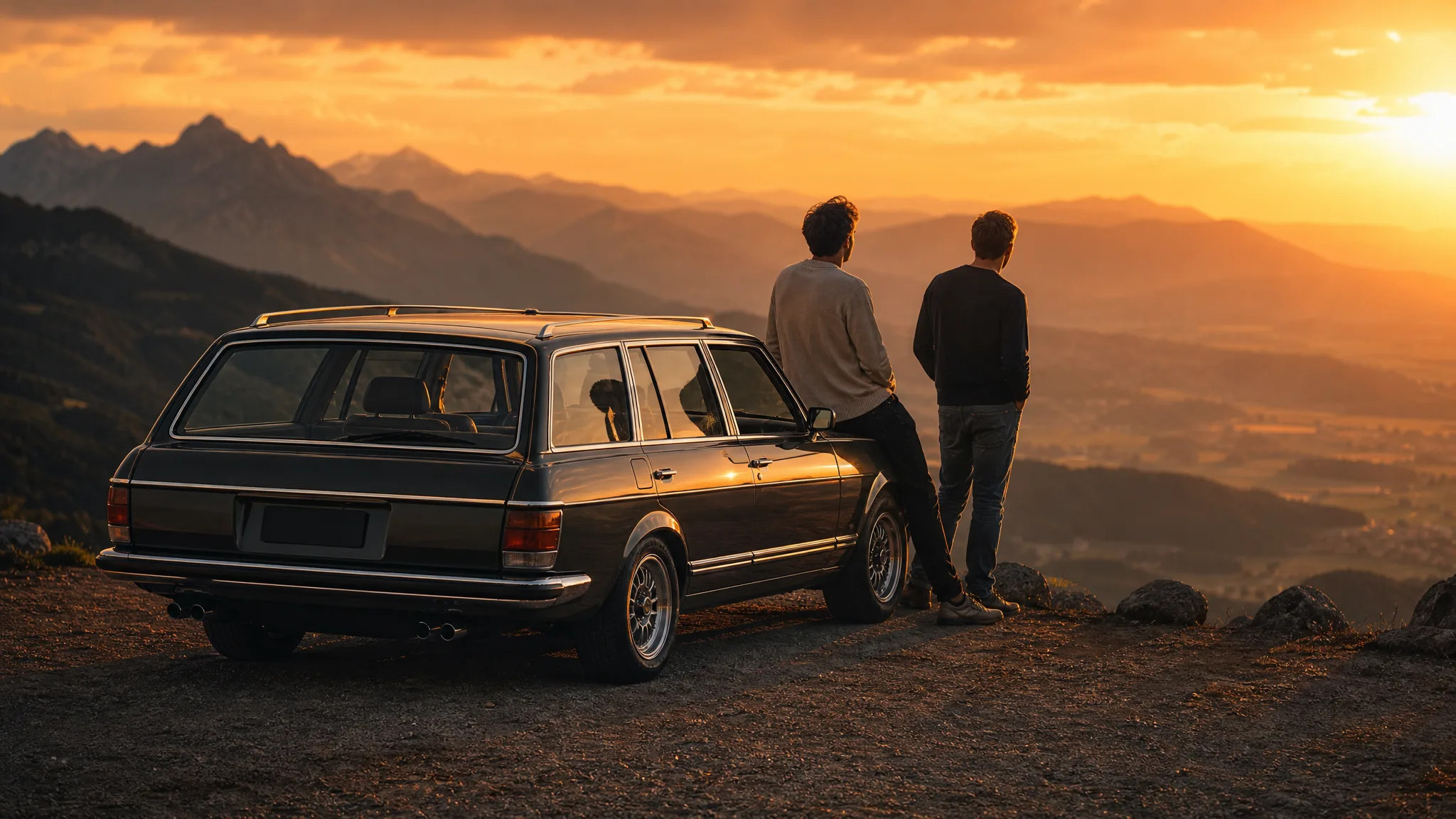
Two friends leaning on a classic estate car at a mountain overlook at sunset

Creative Ideas for the AI Car Video Generator

Use the AI car video generator for a profile intro, a birthday surprise, a lifestyle pitch or a fun post with friends. One clear portrait gives each idea its star.

A standout profile intro

Creators can turn a headshot into a short drive where they smile and wave from the driver's seat. Use the AI car video generator clip to open a channel trailer, a link-in-bio video or a welcome post for new followers, then add your name in your editor.

A birthday or celebration surprise

Friends and family can use the AI car video generator to put the guest of honor behind the wheel of a black luxury sedan. Play the clip at the party or send it with a message, and generate a few takes at once to pick the warmest smile.

A lifestyle campaign moment

Marketers sketching a lifestyle or travel concept can use the AI car video generator for a warm, polished driving shot that sets the mood. Build a short sequence around the person and the sunny street, then add the campaign message when you assemble the final edit.

A playful series with your friends

Upload each friend's portrait in turn so everyone gets their own drive and wave, then post the clips as a series. Choose 9:16 for stories and reels or 16:9 for a wider feed post, and the matching sunny street ties the whole set together.

Creative Scenarios with AI Car Video Generator

Possible AI car video generator projects, from profile intros and birthday surprises to lifestyle pitches built around a smiling driver.

I'd upload my favorite front-facing portrait to the AI car video generator and let the template put me behind the wheel of the black sedan. The windshield push-in, the easy smile and the wave would open my weekly vlog, and I'd add my channel title in my editor.

Social Content Creator
Creative workflow

AI Car Video Generator FAQ

Find answers for using the AI car video generator: what it creates, how free generation works, which portrait to choose, how the template works and how to finish the clip.

An AI car video generator turns a photo into a moving car scene. On this page, one portrait becomes the driver of a black luxury sedan on a sunny tree-lined street, with a windshield push-in, an easy smile and a wave, so you can generate without writing a prompt.

Yes — the AI car video generator runs at 768P on the free tier with your available credits, while 2K needs a paid plan. Sign in to take the wheel; the credit quote for your chosen settings appears before you generate. Free generations include an ImgVid watermark; eligible paid generations export without it.

For car photo to video, use one clear portrait of one person. A front-facing photo with visible eyes, natural light and an uncluttered background gives the driver a face that stays recognizable through the push-in, the smile and the wave.

You can make this cinematic car video without writing a prompt. The template already sets the sedan, the sunny street, the camera move and the driver's performance, MiniMax H3 runs it for you, and an optional styling note of up to 300 characters can adjust details such as the outfit.

Yes — the AI car video maker works with any clear portrait you are allowed to use. Upload one friend's photo per run to give each person their own drive, try a different outfit with the styling note, or turn a family member's portrait into a birthday surprise.

Yes — every AI car video generator clip comes with the scene's sound. MiniMax H3 renders an approximately 10-second clip at 768P, or at 2K for a sharper frame, with the aspect ratio on Auto or set to 21:9, 16:9, 4:3, 1:1, 3:4 or 9:16, ready for stories, reels and wider feed posts.

Start with a sharp, front-facing portrait of one person in soft, even light. A natural expression helps the smile and the wave look effortless, and a plain background keeps the face clear. Generate up to four videos at once and keep the take where the face matches your photo best.

Create Your AI Car Video

Upload one portrait and the AI car video generator puts that person behind the wheel of a black luxury sedan, smiling and waving on a sunny street. Pick your favorite take, download the clip and share it as your next standout post.

Create a Car Scene
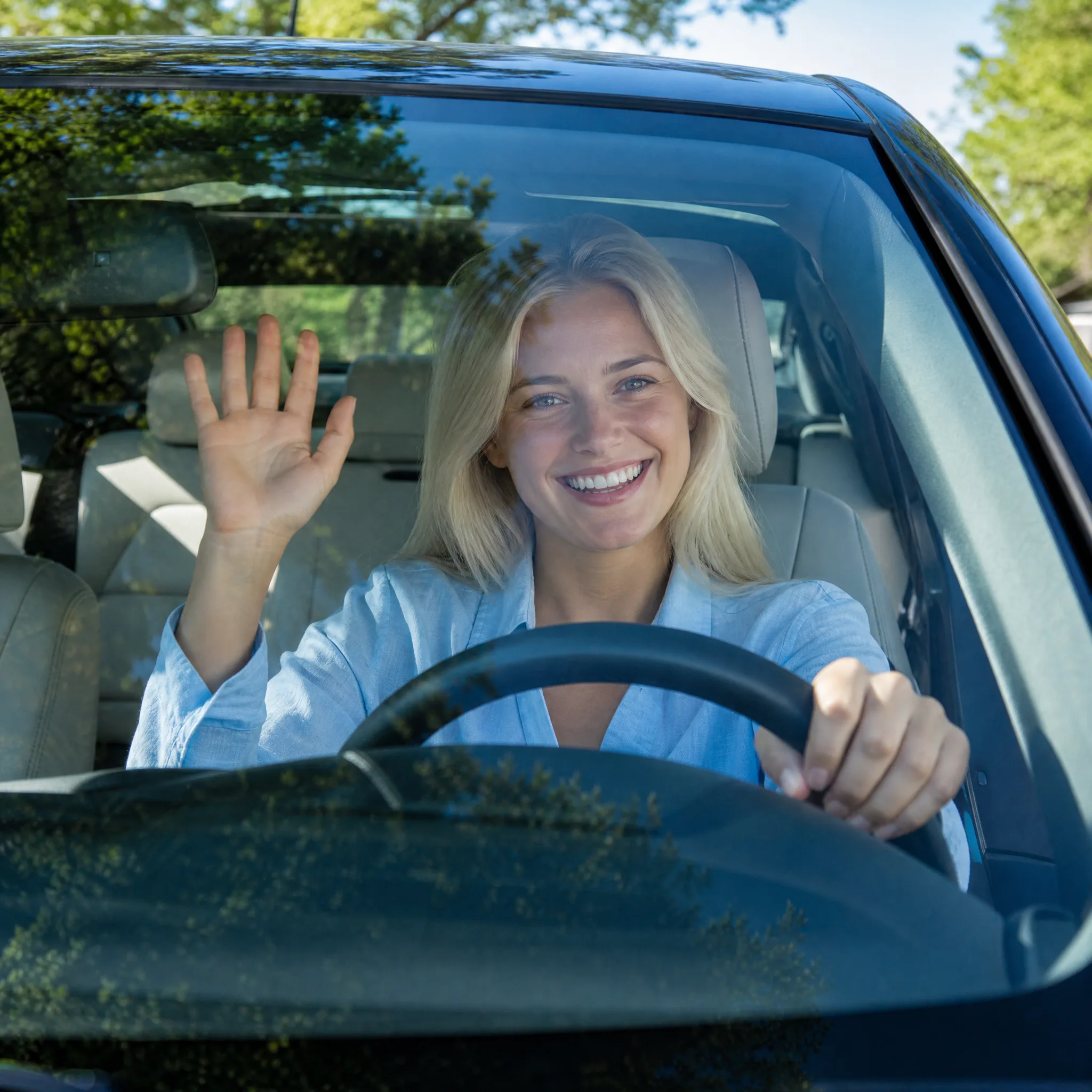
Young blonde woman laughing and waving from the driver’s seat, seen through the windshield on a sunny day