























Photo to Cartoon
Reference images
Prompt
0/4000
Duration
Resolution
Aspect ratio
Translate prompt
Number of outputs
Public Visibility
Required credits
30
Sample videos

Turn Photo into Cartoon Animation with AI

Give a cartoon-style image a playful new moment

Let your cartoon character move, react and enter a scene. To turn photo into cartoon animation, first create a cartoon-style image, then use it to guide a short video for a playful greeting, a character concept or a social post.

Animate Your Cartoon
Father and daughter laughing at a printed cartoon portrait of themselves at a bright kitchen table
Cartoon-source motion|Character expressions|Creative style ideas|Scene clip downloads

How to Turn a Photo into a Cartoon Video

To turn a photo into a cartoon animation, prepare your cartoon character, describe the action and choose a moving moment for the story.

1

Start with your cartoon-style image

Upload a prepared cartoon illustration or stylized portrait. When you want to turn a photo into a cartoon animation, develop the cartoon look in Image to Image or another image editor first, then bring that still here as the source.

2

Describe the cartoon action

Choose one simple motion idea around the character: a wave, a glance or a camera reveal. A single readable action is easier to judge than several at once when you turn a photo into a cartoon animation. Use the compatible model's available settings to suit your scene.

3

Use the clip in your cartoon story

Generate the clip from your cartoon-style image and motion idea, then follow its job status. Watch the face, pose and visual style across the completed result, checking that outlines and colors stay consistent. Download a take you want to develop into a greeting, character introduction or illustrated social edit.

Give Your Cartoon Character a Moment to Perform

Let your cartoon character react, pose or take the next step in a story. Turn a photo into a cartoon animation around the style, expression and action you want the audience to notice.

AI chibi cartoon video effect ideas

Begin with a chibi illustration whose proportions and expression you like. To turn a photo into a cartoon animation with this look, prepare the chibi still in Image to Image first, then add a small wave, head movement or cheerful glance for a greeting or introduction.
AI American cartoon video effect ideas

Use a source with bold outlines and flat colors, then describe a clear expression or gesture. The illustration establishes the visual style, and the movement develops the character’s role in the scene, as in an AI American cartoon video effect idea. Check that the outlines stay crisp through the preview.

Give the character something to do

A wave can introduce an avatar; a surprised glance can deliver a reaction. Describe the action and camera view that make the moment understandable, keeping the motion focused on the character. Focused direction helps you turn a photo into a cartoon animation that still reads as the same character.

Fun Ways to Use Cartoon Videos

Use prepared cartoon artwork to turn a photo into a cartoon animation for a greeting, character reveal or short illustrated scene.

Creator avatar introductions

Creators can turn a photo into a cartoon animation for a short introduction: give the prepared cartoon portrait a smile or wave, then use the clip in a profile presentation or social edit that introduces the person behind it.

Playful reaction messages

A wink or surprised glance can make a cartoon face the center of a joke. Add the context when preparing the message, and finish any looping or sticker conversion in your editor, starting from the short video clip you download here.

Birthday and greeting scenes

For a personal greeting, prepare a familiar person as a cartoon character, then turn the photo into a cartoon animation with a warm expression or small gesture. Add the greeting around the selected clip before sending it.

Pet character moments

Pet owners can turn a photo into a cartoon animation by first preparing a pet illustration, then adding a curious look or gentle movement. Use the scene in a channel introduction or a short story about the animal’s personality.

Creative Scenarios with Turn Photo into Cartoon Animation

Scenarios for using turn photo into cartoon animation in real projects, from the photos or ideas you start with to the take you keep.

For my channel intro, I’d turn a photo into a cartoon animation in two steps: first a cartoon version of my portrait in Image to Image or another editor, then an upload here with a request for a small wave. I’d review the take and add my name and final timing separately.

Content Creator
Creative workflow

Cartoon Video FAQ

Find answers about how to turn a photo into a cartoon animation, which image to prepare, how to direct the action and how to explore chibi, bold-outline and pet cartoon styles.

Here, it is a two-stage workflow: first make a cartoon-style still, then animate it. To turn a photo into a cartoon animation, develop the look from your photograph in Image to Image or another editor, then generate motion from that prepared image.

Turning a photo into a cartoon animation is free to try within limits. Signing in unlocks free credits for free-tier settings, and a Veo 3.1 Lite clip at 720p lasting 8 seconds or less qualifies. Other models and settings need a paid plan or credit pack. Free generations include an ImgVid watermark; eligible paid generations export without it.

A prepared cartoon still with a clear face and crisp outlines works best. Illustrations and stylized portraits with a simple background suit the cartoon video maker, which starts from the look in that still, so settle the style in Image to Image first and leave some space around the character for movement.

Veo 3.1 Lite is the default model for the AI cartoon video generator on this page. You can switch to other video models in the workspace, write one short motion direction, such as a wave, glance or camera reveal, and generate the shot from your prepared cartoon image.

An AI chibi cartoon video effect idea is a motion concept for a chibi-style image. Chibi characters typically have a large head and small body, so prepare that look first, then describe a small wave, head tilt or cheerful glance for a greeting or introduction.

An AI American cartoon video effect idea animates a prepared bold-outline illustration. Flat colors and expressive features suit it; describe a readable character action, such as a surprised glance or a thumbs-up, to develop the still into a moving scene with crisp outlines.

The cartoon video maker works for a cartoon pet, creator avatar, mascot or family portrait. Once the cartoon still is ready, add a curious look, warm smile or small wave, then use the clip for a birthday greeting, channel introduction, playful reaction or illustrated social post.

Ask for one readable action at a time and describe the camera view that frames it. When you turn a photo into a cartoon animation, compare each take for consistent outlines, colors and facial features, then download the version that still looks like the same character.

Give Your Cartoon Image a Story Moment

Use the cartoon video maker with a prepared character image and one action idea to turn a photo into a cartoon animation. A glance, wave or camera move can give the artwork a playful moment for a greeting, introduction or social story.

Animate Your Cartoon Image
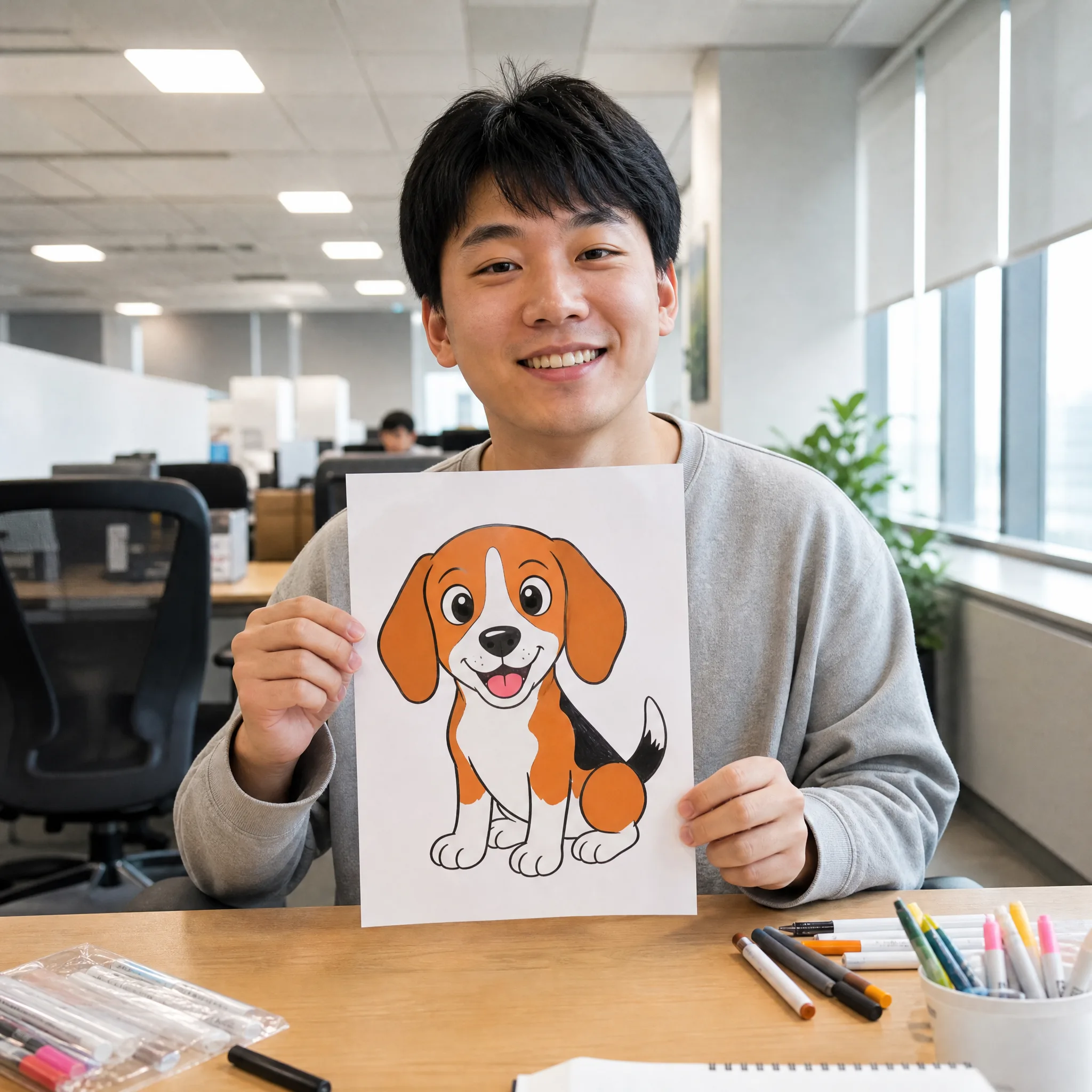
Smiling man in a bright office holding up a cartoon drawing of a happy beagle