AI Baby Video

Upload one clear baby photo and watch your little one laugh and reach out toward the camera.

Upload Your Baby Photo0/1
Styling note (optional)
0/300
Aspect ratio
Resolution
Number of outputs
Public Visibility
Required credits
256
Sample videos

Baby AI Video Generator for Family Keepsakes

See your baby laugh and reach out for you

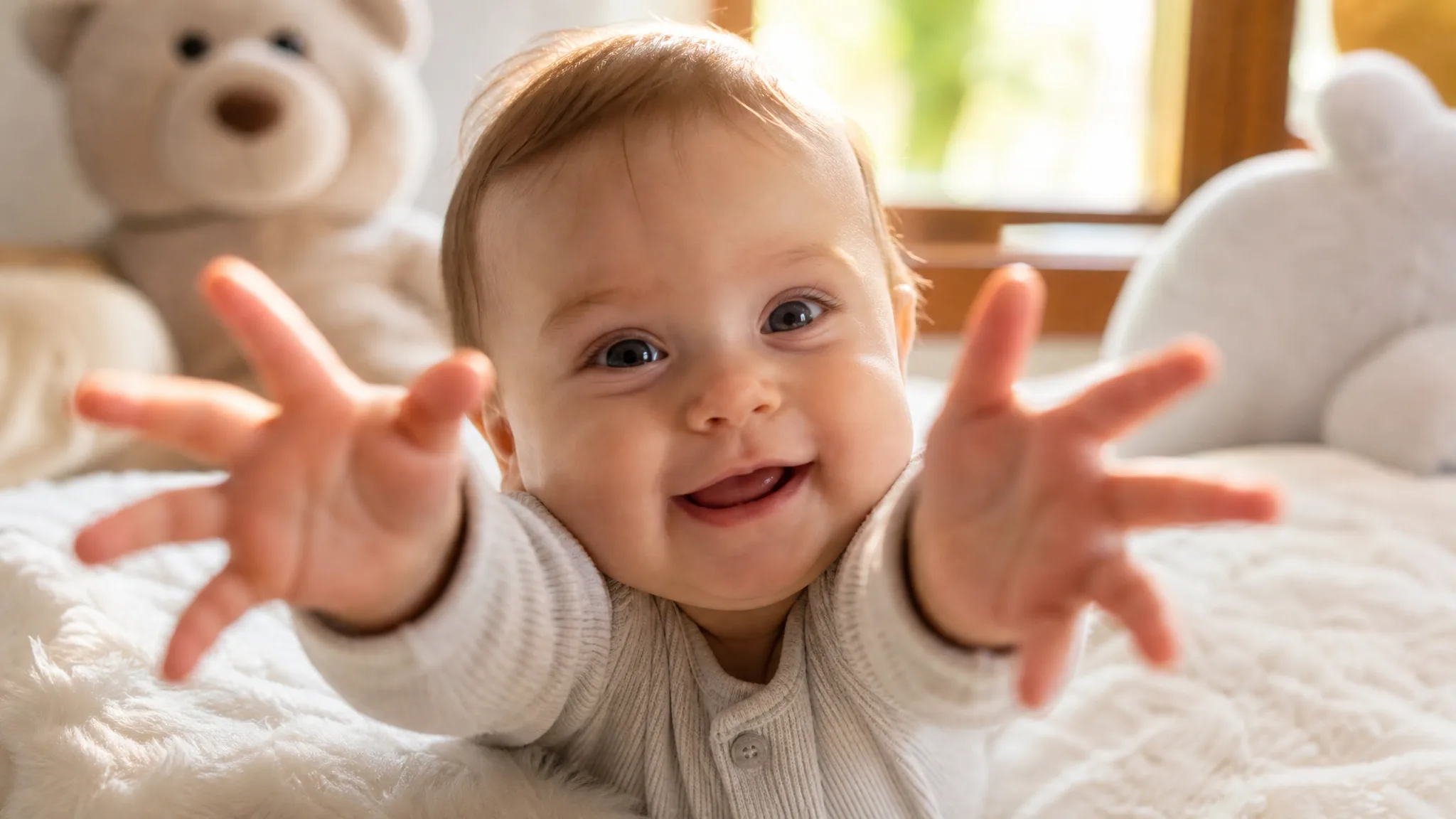
Turn a favourite baby photo into a moment everyone wants to replay. The baby AI video generator places your little one on a bright white bed with soft plush toys and sheer curtains behind, then shows them laughing and reaching both open hands toward the camera, as if reaching out for you. The scene, the camera framing and the sound are built in, so one clear photo is all you need. Share the 8-second clip in the family chat, a birth announcement or a message to grandparents made with the baby AI video generator.

Create Your Baby Video
Laughing baby lying on a white bed reaching both open hands toward the camera, soft plush toys and sheer curtains behind
No Prompt Writing|One baby photo|Laughing and reaching out|Clips with sound

How the Baby AI Video Generator Works

The baby AI video generator needs just one baby photo: upload it, choose your settings and keep the take your family will love.

1

Upload one clear baby photo

Upload one clear photo of one baby to the baby AI video generator. A front-facing photo with the eyes, smile and hair in soft natural light works best, because that baby becomes the star of the scene on the white bed.

2

Generate the baby clip

The baby AI video generator already holds the white bed, the plush toys, the close camera and the laughing, reaching performance. Note a detail you want to keep, such as a headband, in up to 300 characters, choose 768P or 2K, set the aspect ratio and make one to four videos; MiniMax H3 renders every take for you.

3

Review and share your clip

Track the job status while your baby clip renders. Preview each take, check the face, the laugh and the little hands, and listen to the sound. Download your favourite clip and add a name, a date or a greeting in your editor before sharing it with family.

Give a Favourite Baby Photo a Happy Moment

Picture your baby laughing on a soft white bed and reaching out toward you. The baby AI video generator builds the whole moment around the little one in your photo.

One baby photo becomes a laughing clip

Start with one clear photo and the baby AI video generator places your little one on a bright white bed, lying on their tummy with soft plush toys behind. The baby laughs at the camera and the clip feels like a moment you caught yourself.
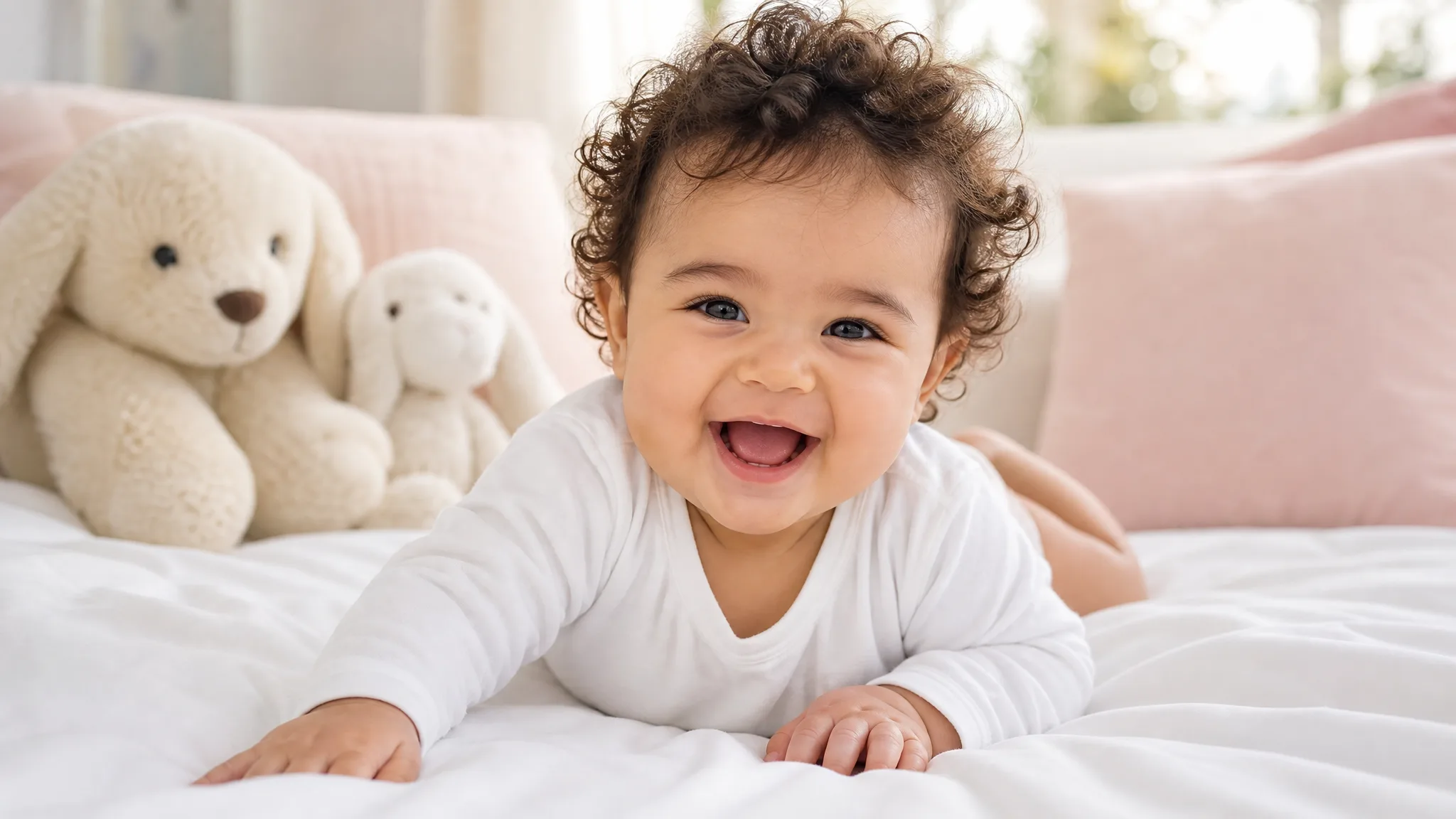
Baby with dark curls lying on its tummy on a white bed, laughing at the camera with plush toys behind

Little hands reaching out for you

The best part of the clip is the reach: both open hands stretch toward the camera, as if your baby is reaching out for a hug. The close, low camera of the baby AI video generator puts the viewer right in front of the baby, so grandparents feel the moment is meant for them.

Smiling baby stretching both small open hands toward the camera on a white blanket

Start with the baby photo you treasure

Use a clear photo where your baby’s face is easy to see, such as a phone snapshot from the sofa, a newborn session portrait or a picture from a family visit. The baby AI video generator keeps the face, hair and eye colour from that photo, so the clip looks just like your little one.

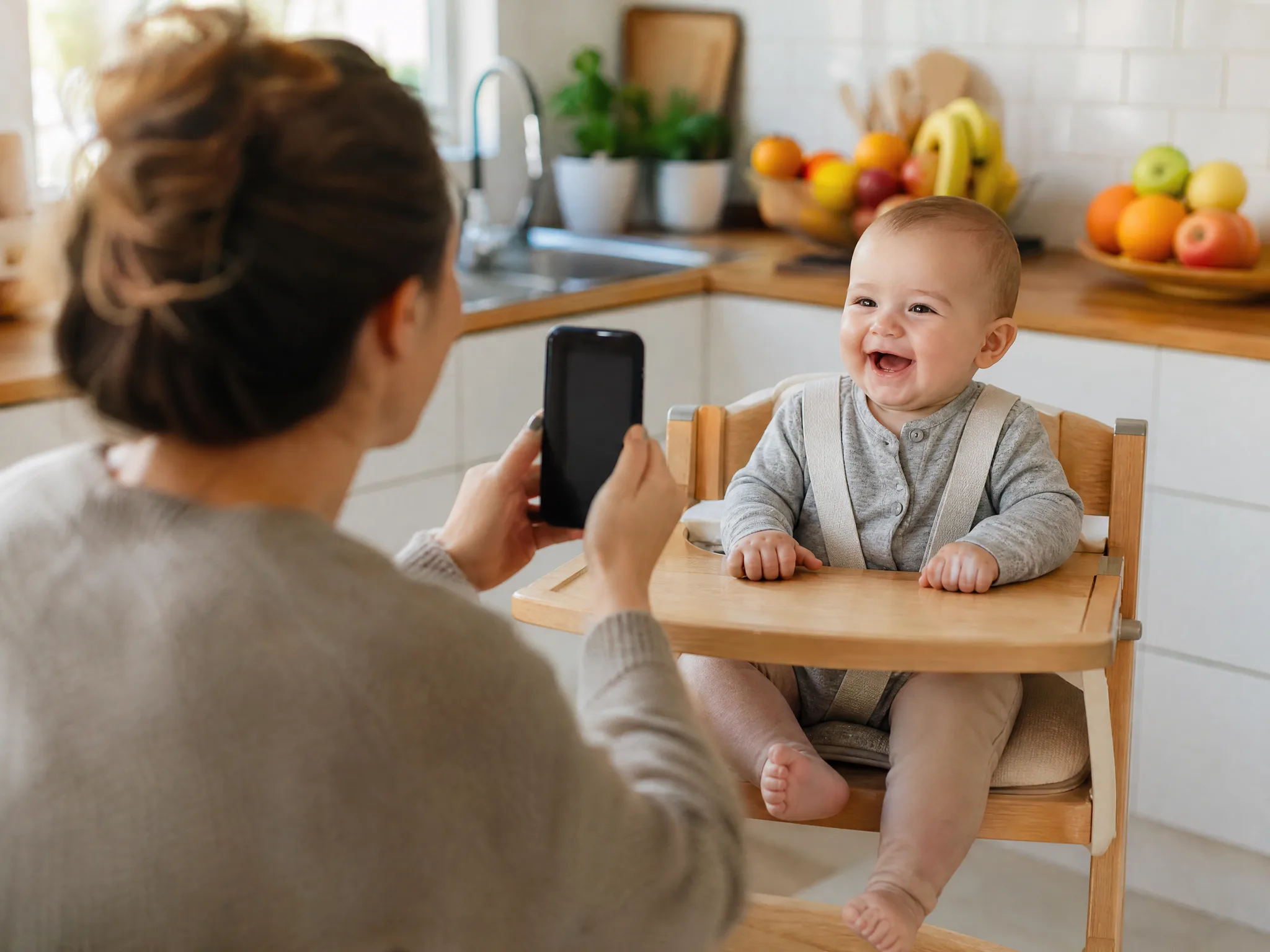
Parent holding a phone up to photograph a smiling baby sitting in a high chair in a bright kitchen

A clip the whole family can replay

Send the finished clip to the family chat, open a birth announcement with it or save it for the memory book. Download the take you like best and add a name, a date or a few words in your editor to make the clip your own.

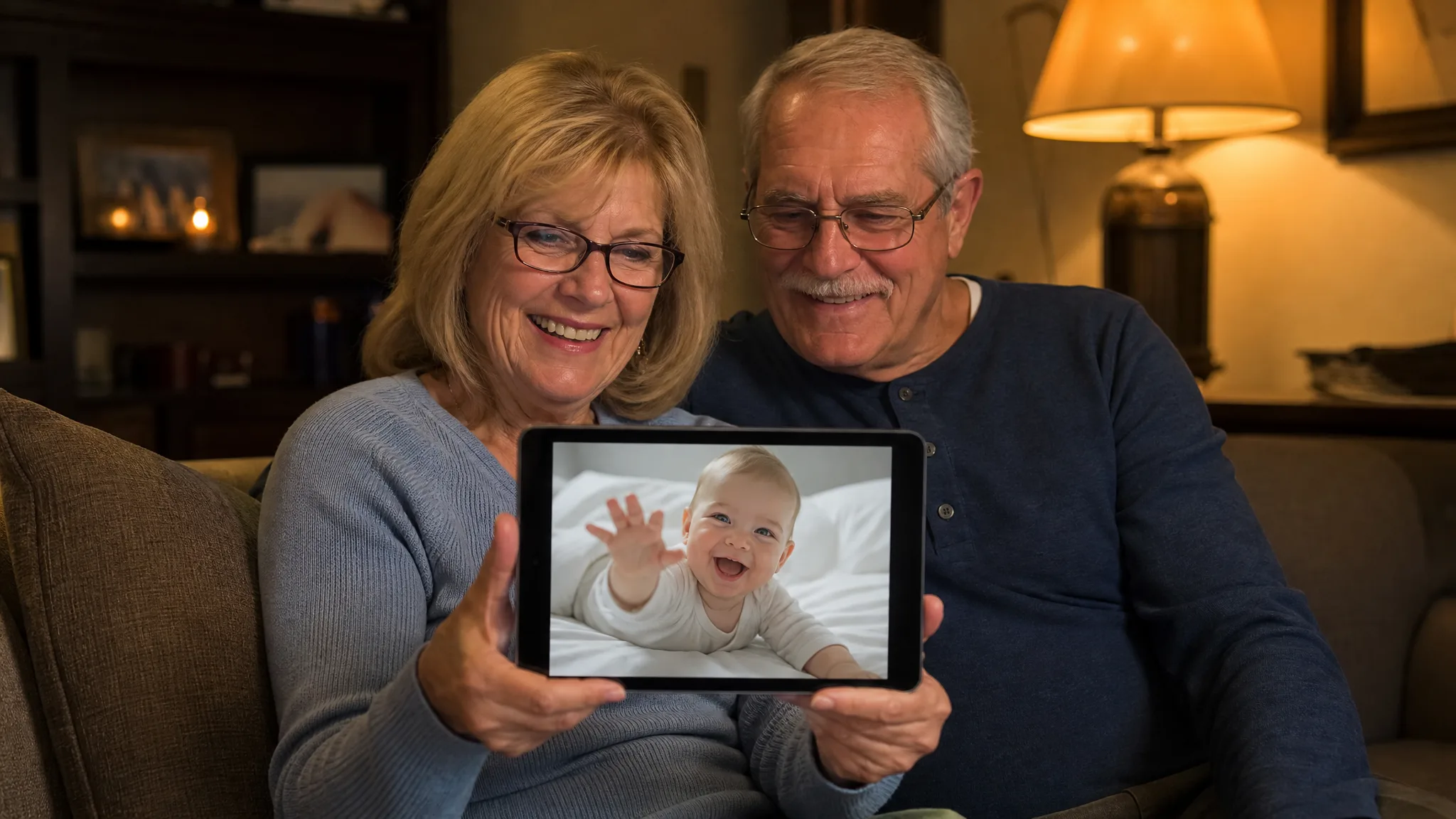
Grandparents on a sofa smiling at a tablet that shows a laughing baby reaching toward the screen

Why Parents Use This Baby AI Video Generator

Parents use the baby AI video generator because one favourite photo becomes a happy, shareable moment with no editing skills needed.

Your baby is the star

The baby in your photo is the one laughing and reaching out, so the clip feels personal from the first frame. Choose the picture your family loves most and the baby AI video generator turns it into a moment worth replaying.

A happy moment in one upload

The laugh, the reach toward the camera and the soft white bed are built into the baby AI video generator. One clear photo is all it takes, so a busy parent can make a happy clip in a few taps between naps.

A milestone gets a moving keepsake

Mark a month, a first birthday or a homecoming with a short clip next to the photo itself. The baby AI video generator gives each milestone a moving moment you can keep in the album and replay on the next birthday.

Close to family far away

Grandparents and relatives who live far away can watch the baby reach out toward them, as if the little hands were asking for a hug. Send the clip with your own greeting so it carries your family’s news, from a first tooth to a first step.

Ready to share with sound

Every baby AI video generator clip comes with sound, ready for the family chat, a story or a slideshow. Pick a vertical or wide aspect ratio to match where you share it, and download it at 768P or in sharper 2K.

Works with the photos you already have

A phone snapshot, a newborn session portrait or a clear scanned print can all start a clip, so a favourite picture from any month works. Choose the version where the face is sharpest and the eyes are open for the best likeness of your little one.

Creative Scenarios with Baby AI Video Generator

Possible baby AI video generator projects, from birth announcements to messages for grandparents, each starting from one clear baby photo.

For our baby's six-month update, I'd upload my favourite photo of her to the baby AI video generator. Watching her laugh and reach for the camera on the white bed would make the perfect clip for the family chat, and I'd add the date in an editor.

Parent
Creative workflow

Baby AI Video Generator FAQ

These answers cover what the baby AI video generator creates, how free generation works, which photo to choose and how to get the happiest clip of your little one.

A baby AI video generator is an AI video effect that turns one baby photo into a short clip. On this page, your little one lies on a bright white bed with soft plush toys behind, laughs at the camera and reaches both open hands toward the viewer.

Yes — the baby AI video generator runs at 768P on the free tier with your available credits, while 2K needs a paid plan. Sign in to start your baby clip, and the workspace lists the credits for your chosen settings before you generate. Free generations include an ImgVid watermark; eligible paid generations export without it.

One clear, front-facing photo of one baby works best in the baby AI video generator. Visible eyes, a natural expression, soft light and the whole head in frame give a clip that looks just like your little one.

Your baby photo is all the baby AI video generator needs. The template already sets the white bed, the camera framing and the laughing, reaching performance, MiniMax H3 runs it for you, and an optional note of up to 300 characters can keep a detail such as a headband.

Yes — the baby AI video generator works with any clear baby photo you are allowed to use. Upload one baby per run to make a clip for each child in the family, or a set of clips from different months for a memory book.

Each baby AI video generator clip runs approximately 8 seconds with sound. MiniMax H3 renders it at 768P, or at 2K for a sharper frame, with the aspect ratio on Auto or set to 21:9, 16:9, 4:3, 1:1, 3:4 or 9:16, ready for family chats, stories and slideshows.

Start with a sharp photo taken at the baby’s eye level in soft daylight, with the face clear of hands, toys or blankets. A happy or calm expression suits the laugh best. Generate up to four videos at once and keep the take that looks most like your baby.

Create a Happy Clip from a Baby Photo

Upload one clear baby photo and the baby AI video generator shows your little one laughing and reaching out toward the camera on a soft white bed. Pick your favourite take and share it with the people who love them most.

Create Your Baby Video
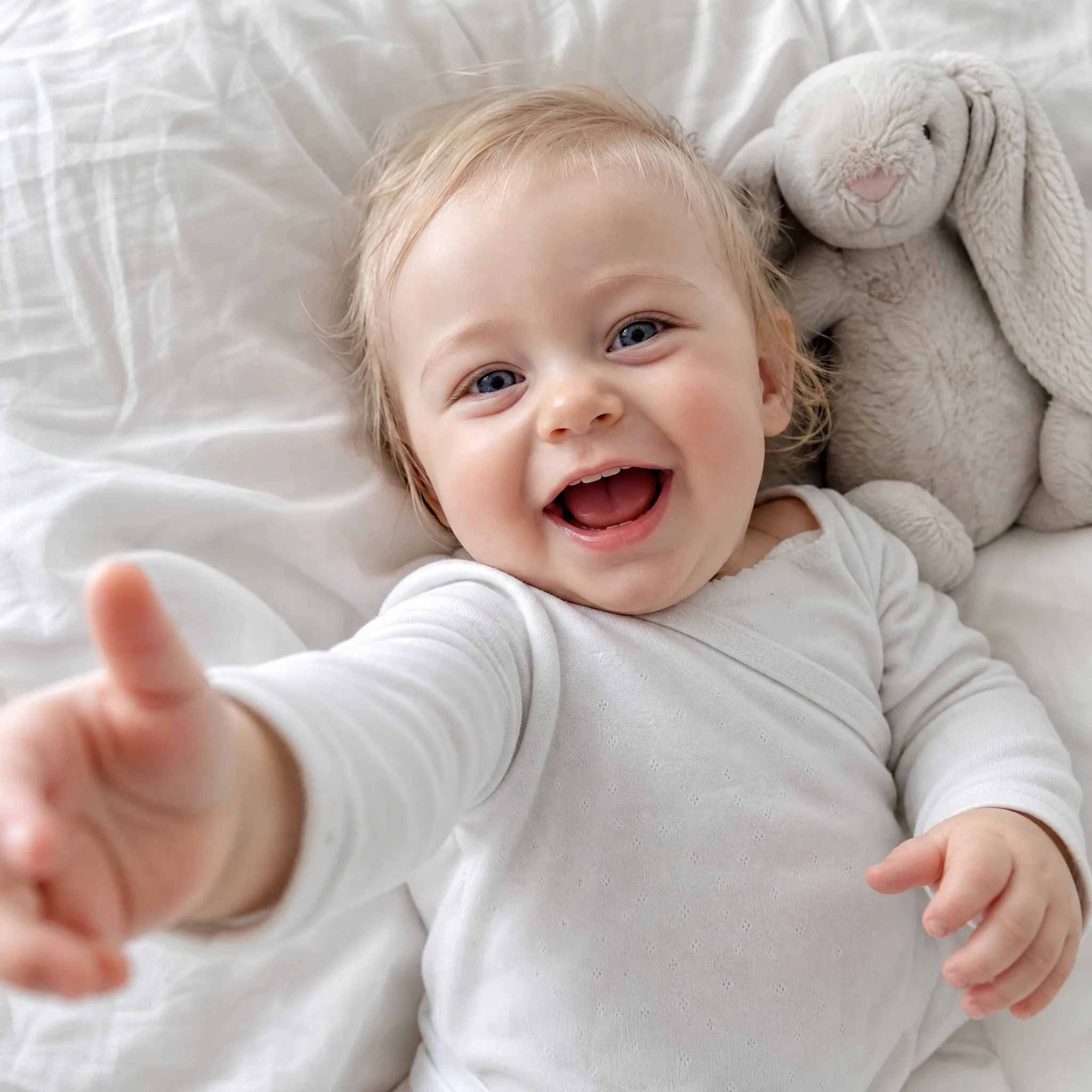
Giggling baby with wispy blond hair reaching one hand toward the camera on a white bed in morning light