























Wedding Photo to Video
Reference images
Prompt
0/4000
Duration
Resolution
Aspect ratio
Translate prompt
Number of outputs
Public Visibility
Required credits
30
Sample videos

Wedding Photo to Video from a Single Image

Bring a wedding memory into a moving keepsake

Let a wedding photograph hold the moment a little longer. Wedding photo to video adds a gentle camera move, drifting fabric or warm light, creating a clip for an invitation, an anniversary or a keepsake.

Animate Your Wedding Photo
Bride and groom with foreheads touching on a garden lawn at golden hour, her long sheer veil lifting in the breeze
Wedding-photo moments|Gentle motion ideas|Invitations and anniversaries|Keepsake clip downloads

How to Turn a Wedding Photo into a Video

Wedding photo to video works in three steps: choose the memory, imagine how it unfolds and use the selected moment in your wedding story.

1

Choose a photograph from the day

Upload the portrait, ceremony detail or setting that carries the memory you want to share. A clear, well-lit source gives wedding photo to video its subject and atmosphere, so pick an image where faces, hands and the dress or suit are sharp rather than a distant or heavily filtered shot.

2

Describe the movement and light

Write a gentle camera idea or small action, such as a veil lifting in the breeze or light passing across the scene. Choose the available model settings; the selected model determines supported inputs, duration, framing, resolution and whether the clip includes generated sound.

3

Finish your wedding story moment

Generate the wedding photo to video clip when your photograph and motion direction are ready, then follow its job status. Watch faces, hands and clothing across the completed preview. Download the chosen take for an anniversary message, wedding-story edit or personal keepsake, adding final music and titles separately.

AI Wedding Videos from a Single Still Frame

A wedding portrait can inspire an invitation opening, a pre-wedding scene or an anniversary keepsake. Wedding photo to video gives one still frame a romantic next moment for the story you want to share.

Wedding video ideas for couples: animate a favorite image

Choose the photograph whose expression or setting carries the memory. Describe a quiet action, fabric movement or camera approach, and wedding photo to video develops a short scene from that visual starting point. Use the selected take as a detail in your AI wedding videos, placed between the original photos rather than replacing them.
AI wedding invitation video maker ideas

Use a portrait or invitation illustration to develop a short visual opening with wedding photo to video. A gentle light change can introduce the artwork, while names, dates, venue and final wording are added in your editor, where you can check spelling and keep the text readable on a phone.

AI pre wedding video generator ideas

An engagement portrait can become a small scene for an announcement or creative edit. Describe the light, place and movement that suit the couple, such as a slow push toward a shared laugh, and let wedding photo to video turn the still into the opening of your story.

A wedding anniversary video maker starting point

Begin with a clear scan of a meaningful photograph from years ago. A quiet camera approach or imagined gesture can draw attention to the people and occasion, ready to use with a personal anniversary message; clean up scratches or fading first, because the generated motion does not restore an old print.

When Couples Reach for AI Wedding Videos

Use wedding photo to video to develop a moving detail for an announcement, a thank-you message or an anniversary keepsake.

Engagement announcements

Engaged couples can develop a gentle camera reveal from an engagement portrait with wedding photo to video. Use the chosen clip as the opening of an announcement, with the couple’s message, date and any website link added around it in your editor.

Digital invitations

Couples and stationery designers can give invitation artwork a short atmospheric movement. Add readable event details in your editor, check every name and date twice and use the selected clip in the invitation message you send by email or chat.

Thank-you greetings

Newlyweds can choose a meaningful photograph from the day and turn it into a small moving moment with wedding photo to video. Pair the clip with a personal note to the guests, thanking them for traveling or helping, and send it along with the official photos.

Anniversary memories

Partners marking an anniversary can use a wedding anniversary video maker workflow to develop a treasured image into a short scene. Wedding photo to video keeps the original as the starting point, and you add the date and a personal memory when preparing the message.

Creative Scenarios with Wedding Photo to Video

Scenarios for using wedding photo to video in real projects, from the photos or ideas you start with to the take you keep.

For a couple’s announcement, I’d use wedding photo to video on an approved portrait and explore a gentle camera approach. After reviewing faces and clothing, I’d open the couple’s edit with the chosen take and add their names and message separately.

Wedding Video Planner
Creative workflow

Wedding Photo to Video Questions

Learn how wedding photo to video works, how to choose a couple’s picture and where music or invitation details fit into your finished edit.

Wedding photo to video creates a short generated scene from a wedding image and motion direction. The source establishes the people and setting; your prompt describes an action, camera view or atmosphere.

Wedding photo to video starts with a meaningful photograph: describe a gentle movement to generate a short scene. Use a separate editor to combine the selected clip with other pictures, titles and music for a complete wedding video. The workspace does not assemble an album timeline.

A slideshow arranges existing images and transitions. Generated animation creates new frames from a photo and direction, giving the subject or surroundings movement. It is a new visual interpretation of the still, not recovered footage from the day.

Not as an exact recording — wedding photo to video does not play back a specific wedding song. The default Veo 3.1 Lite model adds model-generated sound to every clip, so after download, replace or mix it with your licensed wedding recording in a video editor, where you can also set precise timing against the music.

Yes — an AI wedding invitation video maker workflow can start from a portrait or invitation illustration. Describe a gentle movement in the prompt, run wedding photo to video, then add or correct names, dates and event details in your editor before sending the invitation.

Wedding photo to video clips can go into client work when you hold rights to the photograph and the couple agrees. That covers a deliverable or studio promotion. Check your client contract and any music licence; generating the clip grants no rights to the couple’s likeness or to a song.

Wedding photos you upload are not published. Free accounts and visitors keep Public Visibility on, so a finished wedding photo to video clip may be selected for Explore after review; with a subscription or one-time pack, generations start private for guests and family moments.

Give Your Wedding Photo a Moving Moment

Choose a portrait or detail from the day and describe the light, atmosphere and movement you remember. Wedding photo to video develops a short clip for an anniversary message, a wedding story or a personal keepsake. Upload the photo that holds the memory.

Animate Your Wedding Photo
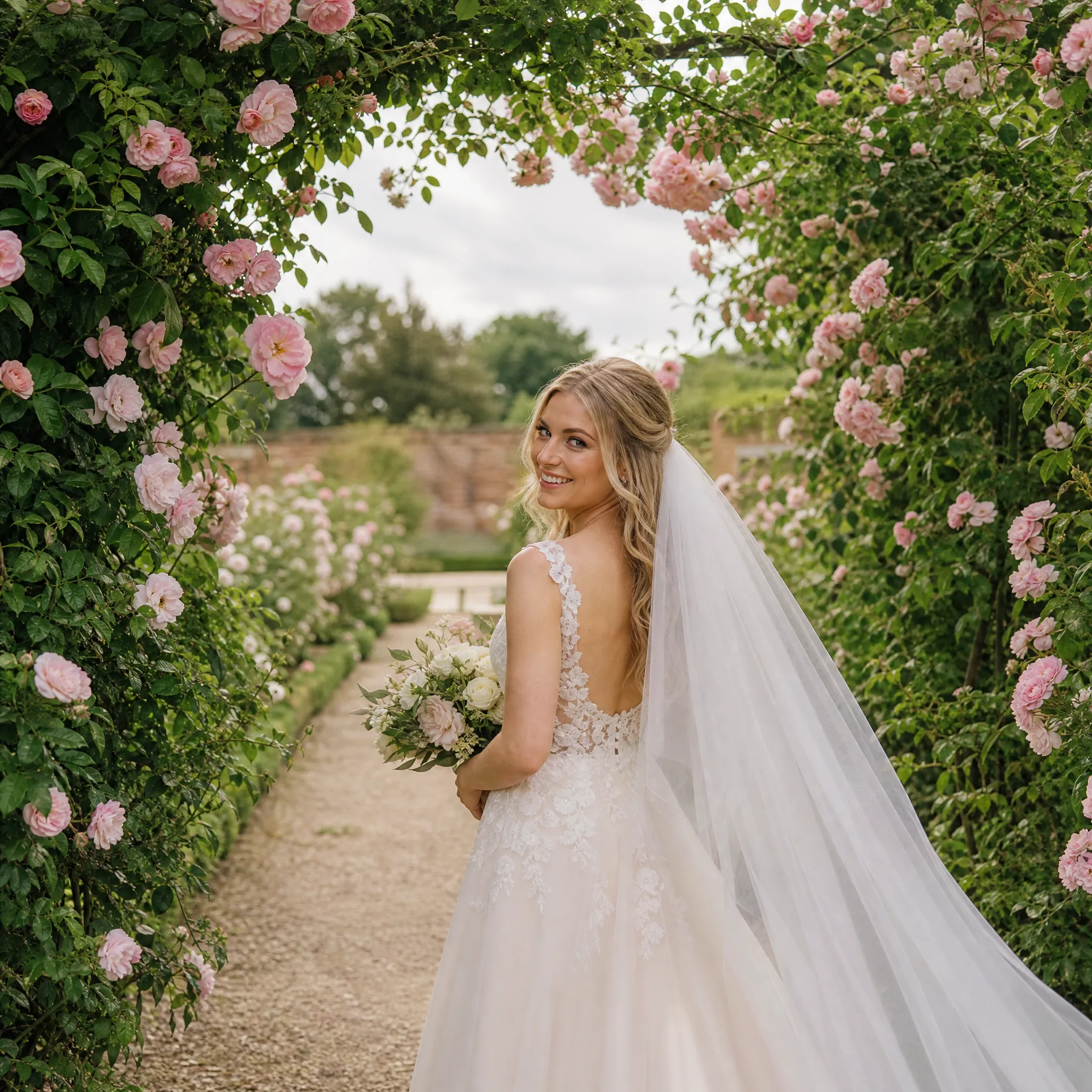
Bride in an ivory gown walking through an archway of blush roses on an overcast day, smiling back over her shoulder