























Animate Photo
Reference images
Prompt
0/4000
Duration
Resolution
Aspect ratio
Translate prompt
Number of outputs
Public Visibility
Required credits
30
Sample videos

AI Image Animation Generator for Still Photos

Bring the moment inside your photograph to life

A glance, a breeze, a little movement in the background: small details can give a still picture a new story. Use the AI image animation generator to animate your photo for a post, a keepsake or a creative project.

Animate Your Photo
Smiling woman in a red scarf and dark coat looking back over her shoulder at a ferry rail, hair blowing in the sea breeze
Small subject actions|Camera reveals|Moving atmosphere|Clips for your next edit

How to Turn a Still Photo into a Moving Moment

Use the AI image animation generator in three steps: choose the picture, describe what should move and keep the take that suits your story.

1

Choose the photo you want to animate

Upload a clear portrait, landscape, pet photograph or illustration to the AI image animation generator. Pick the image whose expression, composition or atmosphere you want the motion to support, and check that the main subject is sharp and not cut off at the edges, since the source frame anchors every generated take.

2

Describe a small motion idea

Name what moves and how the camera sees it: a gentle glance, leaves in a breeze or a slow reveal. Choose a compatible model and the shot settings it offers; aspect controls depend on the model and mode, and auto-framing modes follow your uploaded image. The workspace shows the quote before you generate.

3

Keep the moving moment you like

Start the AI image animation generator and follow the job status until the clip is ready. Preview the full take and compare the face, hands and background with your original photo. Download the take you want for a profile, personal story or creative edit, or adjust the motion direction and try again.

Photo Animation That Follows Your Creative Idea

A small expression, drifting light or a slow camera move can change how a photograph feels. Explore photo animation ideas that keep your original subject at the heart of the scene.

Give the subject a small action

A photograph already tells you where the scene begins. In the AI image animation generator, describe a glance, a slight turn of the head or movement in the surroundings, and the uploaded image becomes the starting point of a generated shot. Keeping the action small helps faces, hands and outlines stay close to the original picture.
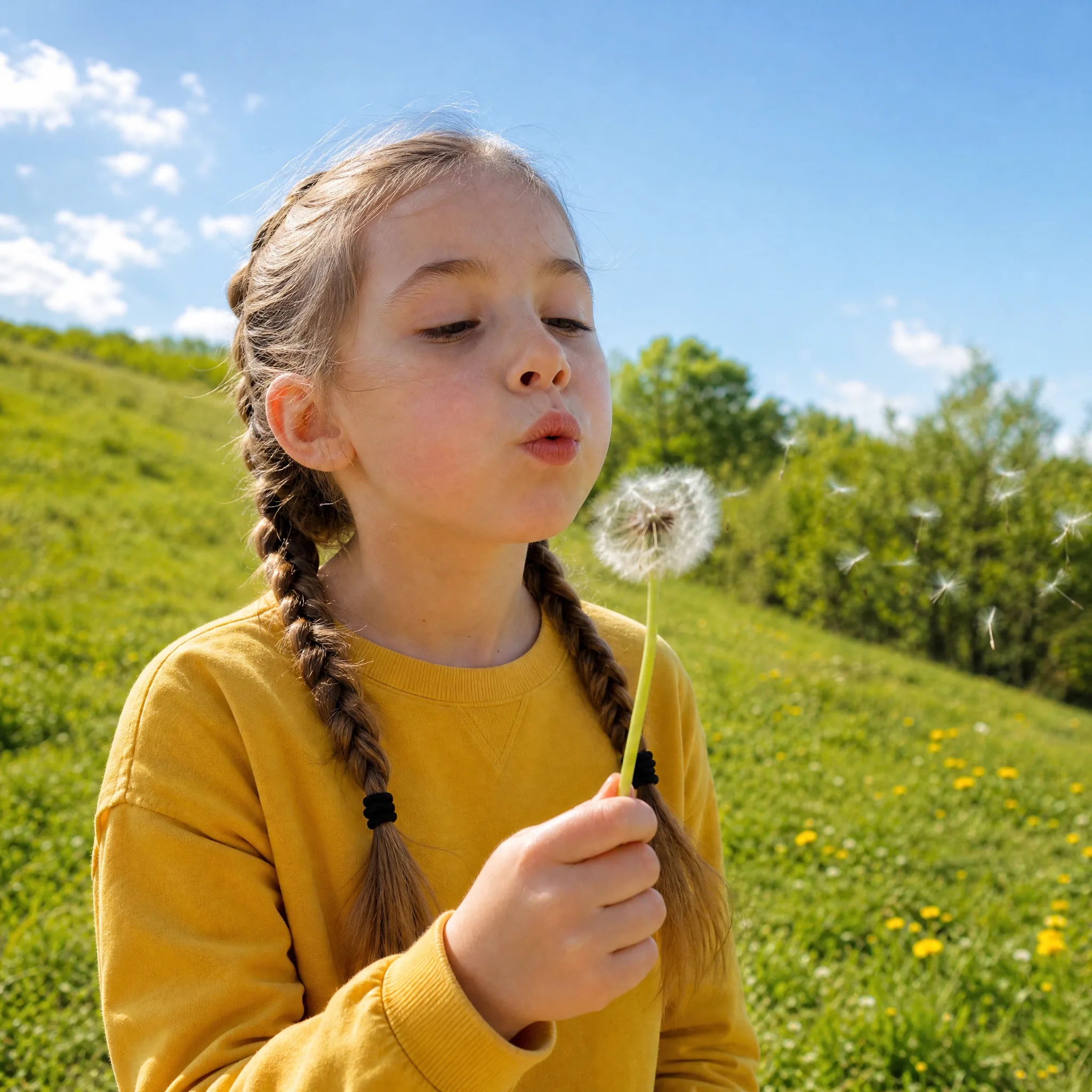
Let the camera reveal the picture

A slow approach can draw attention to a portrait, while a gentle move across a landscape makes the place feel more present. Tell the AI image animation generator which direction the camera travels and let the rest of the frame stay calm, rather than asking every element to move at once. Compare takes to find the reveal that suits your composition.

Develop the atmosphere of your image

Wind through leaves, light sliding across a product or a little activity in the background can change how a picture feels. Explore one motion idea per attempt so you can see what each direction adds to the photo animation, then keep the take whose mood matches your visual story and set the others aside.

Take the moving detail into your next edit

The AI image animation generator delivers a clip you can preview and download for a story opening, product reveal or presentation slide. Available duration, framing, resolution and audio depend on the selected video model. Finish captions, music and repeat timing in your editor when the wider project needs them.

What Will You Make from Your Photo?

A portrait, landscape or drawing can become a useful moving detail in a personal story, campaign or creative edit when you animate a picture with one clear intention.

Portrait introductions

Creators and speakers can run a clear headshot through the AI image animation generator with a gentle glance for the opening of an introduction video or presentation. A small action keeps the person at the center of the shot, and checking the eyes and mouth against the original keeps the face recognizable.

Travel-story openings

Travel photographers can start with a landscape they shot and ask the AI image animation generator for moving water, drifting clouds or a slow camera approach. The moving scene gives a trip recap a moment to settle on the place before the next clip, while the original still remains the reference for color and layout.

Family keepsakes

Families can use a familiar photograph as the basis for quiet imagined movement. Place the chosen clip in an anniversary or family story edit alongside the original picture, and present it as an interpretation, since the generated motion is invented rather than recorded on the day.

Atmospheric backgrounds

Presenters and event designers can turn a scenic photograph into a moving visual with the AI image animation generator for a slide background or venue screen. If the clip needs to repeat, finish the loop in an editor and check the join between the last and first frames before the event.

Creative Scenarios with AI Image Animation Generator

Scenarios for using AI image animation generator in real projects, from the photos or ideas you start with to the take you keep.

I'd upload my own headshot to the AI image animation generator and describe a subtle glance for my portfolio introduction. I'd keep a take where my facial details still look familiar, place it beside the original photo, and add my name and role afterward.

Independent Creative Professional
Creative workflow

AI Image Animation Generator FAQ

Learn how photo animation works online, which first movement to choose and how a still picture becomes a short clip. Start with the photograph and the moment you want it to convey.

An AI image animation generator creates a video from a still picture and a motion direction. You provide the visual starting point and describe what happens next, such as a small glance, moving leaves or a camera reveal.

To animate a picture with AI, upload the photograph, choose an available model and describe the movement. Generate a clip, then preview and download the take you like. Framing options vary by model and mode, and auto-framing modes match the shape of the uploaded photo.

You can animate a photo for free within limits, not without limit: after you sign in, free credits can pay for eligible free-tier models and settings when they cover the displayed quote. Other models need a paid plan or credit pack, and free results carry an ImgVid watermark.

Start your photo animation with one visible action: a person glancing toward the camera, leaves moving in a breeze or light crossing a product. A focused idea is easier to compare than several unrelated movements in one shot.

A slideshow arranges photographs and transitions between them. Photo animation generates new frames around a single source image, giving its subject or surroundings movement.

Photos with one sharp subject, readable edges and some space around the action work best in the AI image animation generator. Small faces, fine lettering and crowded scenes are harder to keep stable, and the upload panel lists the formats and limits of the selected model.

Animated photos from the AI image animation generator can appear in commercial work when you hold the rights to the source picture and permission for any people, artwork or logos in it. Check every take for likeness and brand details, since generating a clip grants no third-party rights.

Your uploaded photos stay unpublished, and animations are never published automatically. Free accounts and visitors keep Public Visibility on, so a successful animated photo may be selected for Explore after review; with a subscription or one-time pack it starts off. The selected model provider processes each photo, so read the Privacy Policy before uploading sensitive images.

Give Your Favorite Photo a Moving Moment

Start with the expression, light or atmosphere you already love in a photo. Upload it to the AI image animation generator, describe one gentle action and download a short clip that adds another moment to the picture. Choose your photo and see how it moves.

Animate Your Photo
Girl with braids in a yellow sweater about to blow a dandelion in a sunny green meadow