























Seedance 2.5 Video Generator for Story Shots

Give your characters, products and stories their next moment

Use the ByteDance Seedance 2.5 video generator to plan a silent shot from a written scene, a single image or two boundary frames. Choose the input that tells the model where the moment begins and ends.

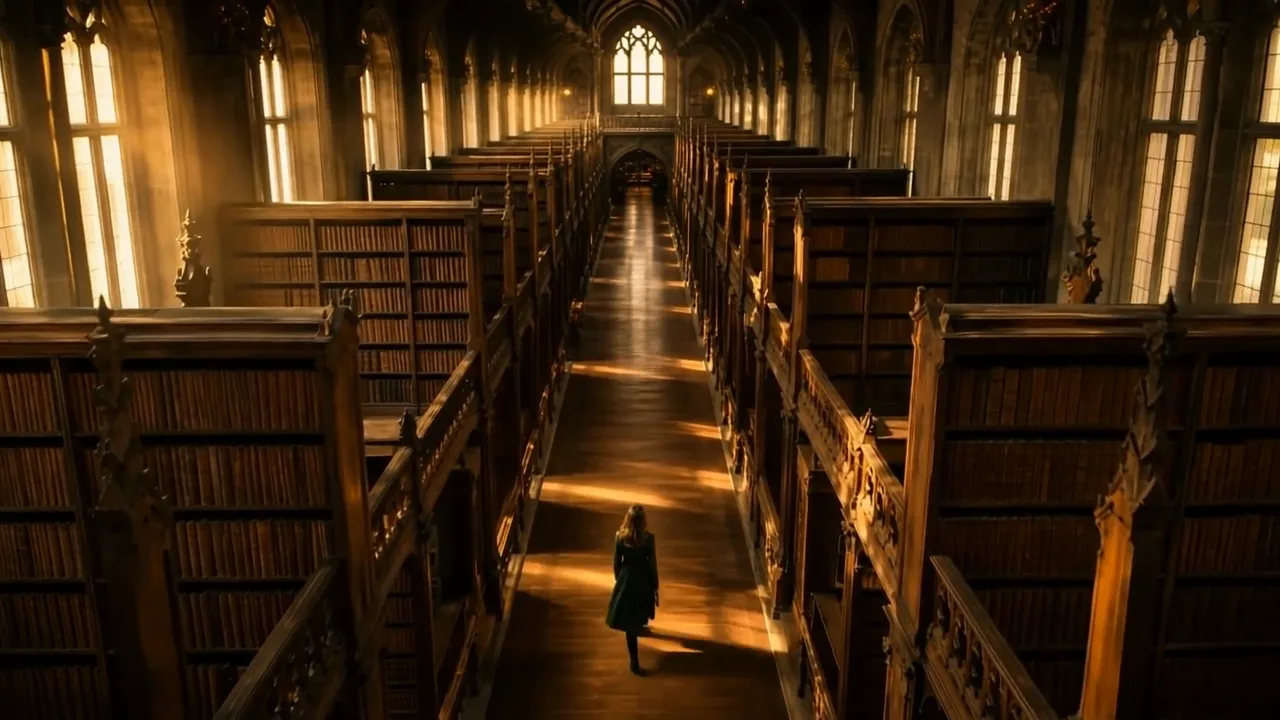
High-angle view of a woman in a green coat walking down the aisle of a grand library in dawn light
Text-led scenes
Single-image motion
Start and end frames
Silent clips
Seedance 2.5
First frame
Last frame
Image references
Video references
Audio references
Prompt
0/20480
Return last frame
Generate audio
Resolution
Aspect ratio
Duration
Web search
Number of outputs
Public Visibility
Required credits
280
Sample videos

Three Ways to Begin a Seedance 2.5 Scene

Begin with the idea itself or give it a visual boundary. A written brief can establish a new location; a photograph can establish a subject; two frames can describe the opening and destination of a transition. This workspace selects Seedance 2.5, with the available controls shown for each mode.

Try Seedance 2.5
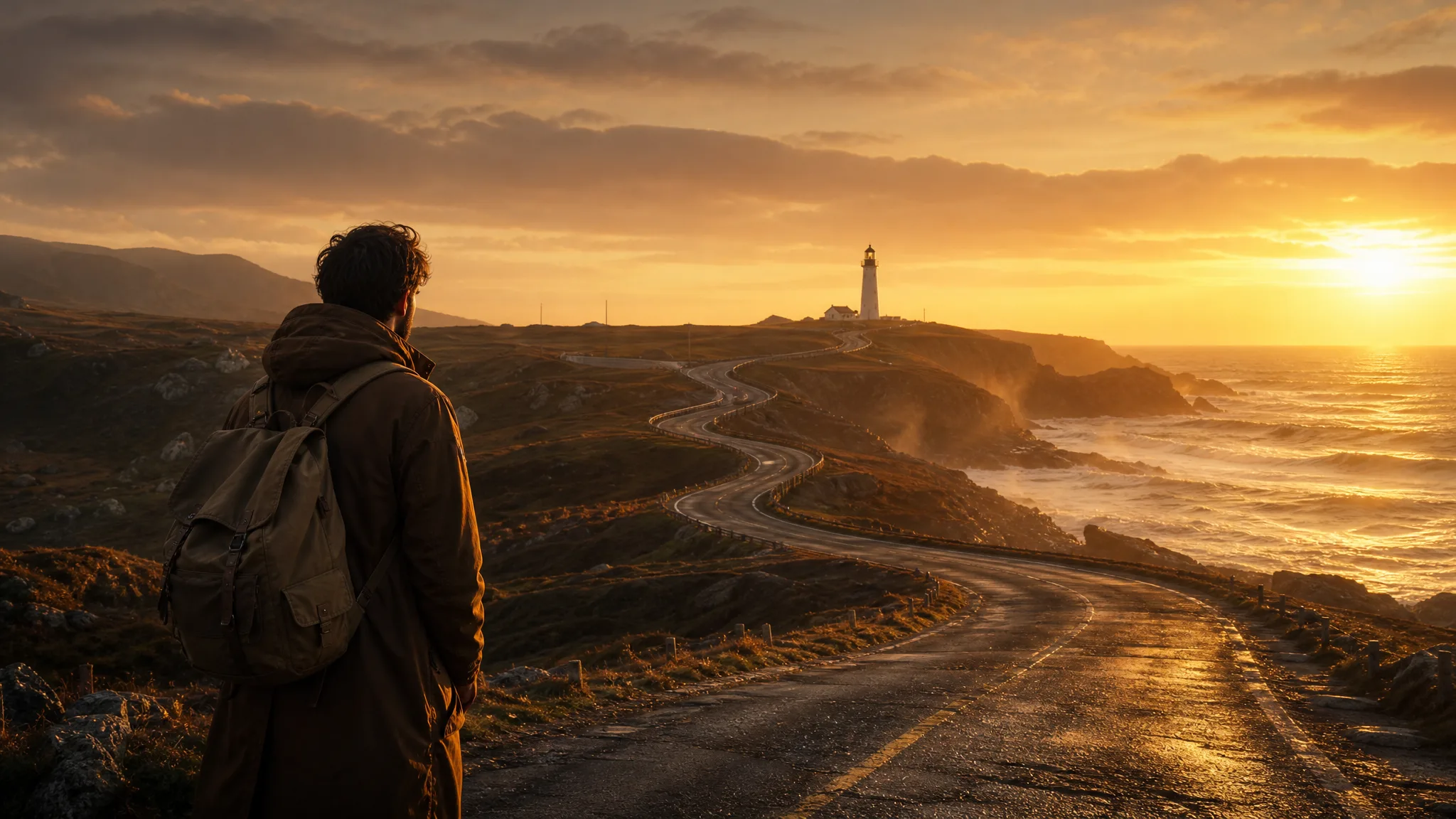
Traveler with a backpack at the start of a winding coastal road leading to a distant lighthouse at dawn

Build a Seedance 2.5 Shot in Four Steps

The Seedance 2.5 video generator works in four steps: set the visual boundary, describe the change and finish with a reviewed silent take.

1

Choose the shot boundary

Select text, image or start–end mode in the Seedance 2.5 video generator for the idea you want to explore. A prompt establishes a new scene, one image fixes its opening composition, and a pair of images sets the visual departure and destination.

2

Describe the change between moments

Write a concise direction for the subject and camera. For two-frame transitions, say what changes and what should remain recognizable. The Seedance 2.5 video generator handles one clear change better than several unrelated events inside one short take.

3

Shape the shot for your story

Choose the length and framing that give your action room to unfold, using the options shown for the selected mode. Prepare the opening image or pair of frames when your scene needs a visual starting point, then create a take to explore your direction.

4

Build the edit from the silent take

Inspect the whole sequence from the Seedance 2.5 video generator, including its middle frames. Keep the useful take, download it and arrange sound, titles or surrounding shots in your editing tool. Request another variation if the visual change misses your intended direction.

Choose the Input for Your Seedance 2.5 Idea

In Seedance 2.5, the selected mode defines how your brief establishes the scene: text, one image or two frames.

Write a scene from scratch

Start with a place, a subject and a single action when there is no source photograph. A precise camera viewpoint, such as a high angle down a library aisle, gives the written idea a visual structure in the Seedance 2.5 video generator. Treat the generated shot as an interpretation to assess rather than a literal reproduction of every word.
Direct movement from a starting image

Use an existing composition as the opening boundary, then specify the movement that follows, like a needle pulling thread through leather. Seedance 2.5 image to video keeps your photo as frame one; prioritize the subject details that matter to your project and inspect them across the resulting frames instead of assuming they remain unchanged.

Plan a transition between two frames

Pair an opening scene with a closing scene to communicate a destination, such as a village at dusk and the same street with every window lit. Tell the Seedance 2.5 video generator whether the change comes from the camera, the subject or the setting. The intermediate motion still needs review before the sequence joins a finished edit.

Assemble sound after the visual edit

Every clip from the Seedance 2.5 video generator on ImgVid is silent. Choose the visual timing first, then place voice, music or effects against the selected take in your editor. This separation lets the final soundtrack follow the sequence you actually keep, rather than a guess at timing made before the picture existed.

Projects to Explore with Seedance 2.5

Use these Seedance 2.5 concepts to plan a take and the review it needs before publication.

An opening and closing product view

A product team can pair two permitted product compositions in the Seedance 2.5 video generator and describe the reveal between them. Examine the label, silhouette and middle frames before a designer adds campaign typography and sound to the selected sequence.

A location proposed in words

A set designer can describe an imagined interior, its lighting and a restrained camera move in text mode. The creative team then discusses the silent shot from the Seedance 2.5 video generator as a location concept without needing an existing photograph to begin.

A visual bridge between scenes

A travel editor can load two compatible landscape frames into the Seedance 2.5 video generator to propose a change in atmosphere or perspective. Review the transition for unintended objects before placing it between surrounding shots in a longer visual story.

An illustrated opening moment

An artist can give the workspace an illustration they have permission to use and describe a small action beyond its initial pose. Comparing the Seedance 2.5 interpretation with the original drawing shows whether the motion study is worth keeping for a portfolio.

A storyboard transition to discuss

A previs artist can use approved opening and closing boards in the Seedance 2.5 video generator to explore how the camera or subject might travel between them. The generated movement is a discussion aid; it does not establish production-ready choreography or guaranteed continuity.

A silent insert for an edited sequence

An editor can create a focused visual detail from text or an image, then trim the selected silent take around the surrounding edit. Add the sound cue later so it follows the actual motion rather than an imagined timing, which keeps cuts and audio hits aligned.

Creative Scenarios with Seedance 2.5 Video Generator

Concept, social, travel and storyboard briefs showing how the Seedance 2.5 video generator might turn a still or written scene into a draft shot.

Before pitching a new character, I'd write a scene from scratch in the Seedance 2.5 video generator: a courier in a green coat stepping out of a library at dawn. I'd check the face and hands across the whole take and treat the silent clip as a concept draft for my pitch.

Character Concept Artist
Creative workflow

Seedance 2.5 FAQ

Answers about Seedance 2.5 inputs, its silent output and the review steps in this version-specific workspace.

The Seedance 2.5 video generator makes a short visual sequence from written instructions, a single source image or an opening and closing frame. The result is a silent clip for review and further editing; these examples describe creative directions rather than guaranteed outcomes.

Use Seedance 2.5 image to video when your photograph or artwork should establish the opening shot. Describe the movement and how the camera observes it. Choose text to video when you want to propose a new setting and subject without a fixed starting composition.

In Seedance 2.5, you provide an opening image and the destination image, then explain the change between them. Similar subjects and compatible framing make the intended relationship easier to communicate. Examine the middle of the clip as well as both ends; intermediate details are not guaranteed.

No — the current Seedance 2.5 workflow produces silent output. After selecting a visual take, build its music, narration and sound effects separately. Do not expect an audio toggle or an automatically generated soundtrack in this workspace.

The Seedance 2.5 video generator on ImgVid creates clips from 4 to 30 seconds at 480p, 720p or 1080p, framed as 16:9, 9:16, 1:1, 4:3, 3:4, 21:9 or adaptive. Give the action enough length to unfold, choose the framing of its destination, then review the motion across the whole take.

Watch the full take for changes in faces, logos, objects and transitions. Confirm permission to use the inputs and review the applicable access and model terms. Download the chosen visual, then add any final titles, soundtrack and sequence timing in your editor. ImgVid operates independently of the model provider.

Uploaded frames for the Seedance 2.5 video generator are not published. Free accounts and visitors keep Public Visibility on, so a finished Seedance 2.5 clip may be selected for Explore after review; a subscription or one-time pack starts every generation private.

Bring Your Next Scene to Life with Seedance 2.5

Start with a written scene, a photograph or two boundary frames, describe the change, and the Seedance 2.5 video generator returns a silent shot of a character moment or product reveal. Review the middle frames, add your sound in the editor and make the take part of your story.

Create with Seedance 2.5
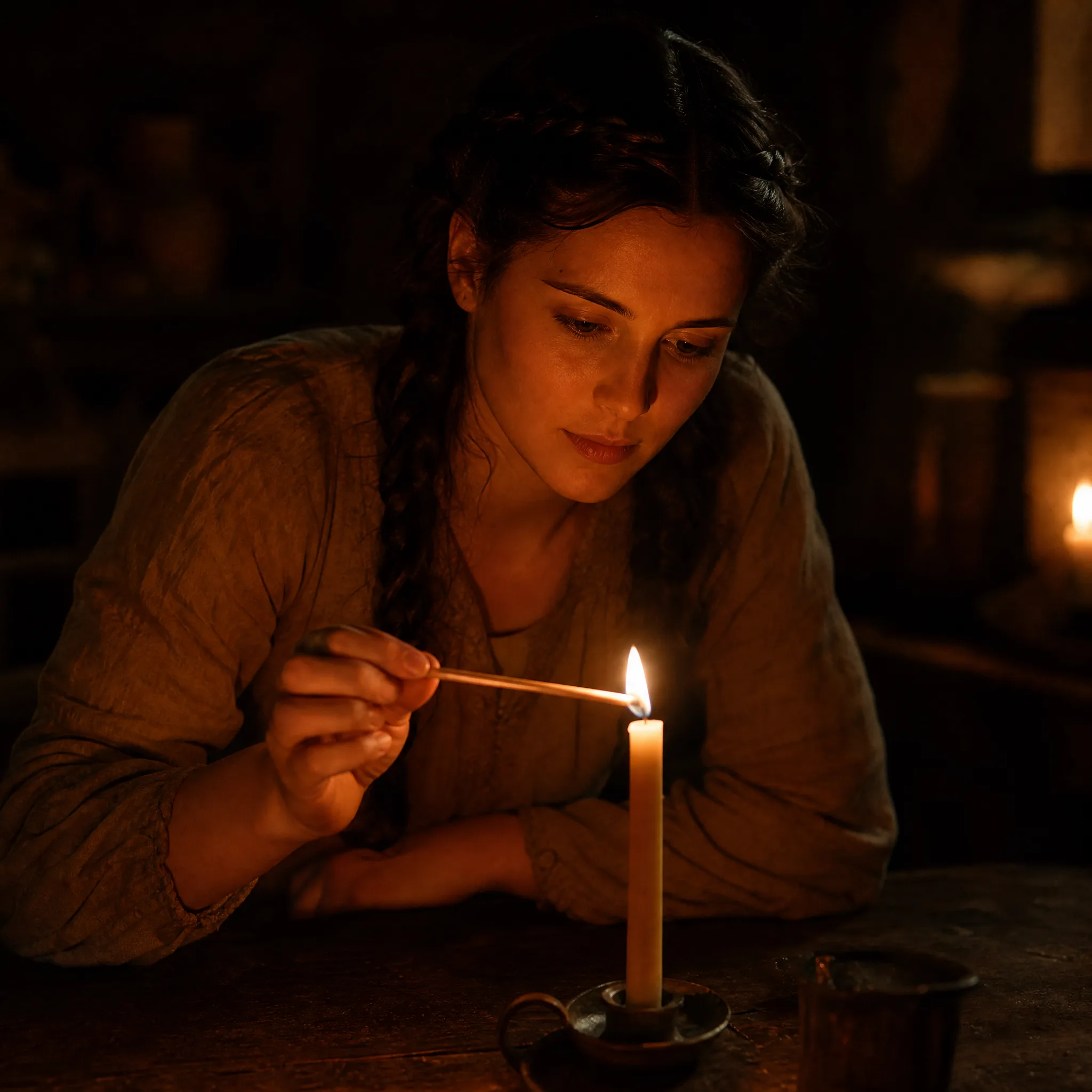
Young woman with a dark braid lighting a single candle with a long match at a dark wooden table