AI Rap Duo

Upload two portrait photos and put your duo into the orange-studio rap performance.

Upload Two Portrait Photos0/2
Styling note (optional)
0/300
Aspect ratio
Resolution
Number of outputs
Public Visibility
Required credits
368
Sample videos

AI Rap Duo from Two Separate Photos

Bring your chosen pair into an orange-studio performance

Pick your duo and give them the spotlight. AI rap duo turns two portraits into an approximately 15-second orange-studio performance with sound, ready to become a friendship reveal, a playful message or a social edit.

Create Your Rap Duo
Two young men in a white tracksuit and a black puffer vest rapping into a hanging microphone in an orange studio
Two separate photos|Orange-studio rap template|About 15s video|MP4 downloads

How to Make an AI Rap Duo Video

An AI rap duo starts with the two people who should share the stage. Prepare their separate portraits, then follow the steps to develop the scene and choose the take for your performance edit.

1

Pick a duo with a story

Choose the cast for your AI rap duo: a familiar pair, two collaborators or a playful person-and-pet combination. The pairing carries the joke or celebration, so pick people your audience recognizes, and use photos you have permission to supply.

2

Upload one reference for each performer

Upload two clear, separate reference photos: the first guides the left performer in the AI rap duo and the second guides the right. Check the face and crop of each reference, and try to match their sharpness and lighting before continuing.

3

Add a styling note and create the duet

The orange-studio performance is built into the preset, so there is no scene prompt to write. Add an optional styling note, keep 768P or pick 2K, then create your AI rap duo take with MiniMax H3.

4

Review the performance and sound

Follow the job status until your duet is complete, then watch the clip and listen to its sound. Choose a useful take and download it for your edit, then finish it in your editor, mixing further audio there whenever the post calls for it.

Two Portraits on One Performance Stage

Give a pair of portraits a shared stage, a performance mood and a visual style. An AI rap duo begins with the two faces you want to bring into the scene.

Give each performer a clear reference

Upload one reference photo per person: the first reference guides the left performer and the second guides the right. Clear facial features and similar image quality give your AI rap duo a recognizable starting point for the shared performance, even when the two photos come from different places.
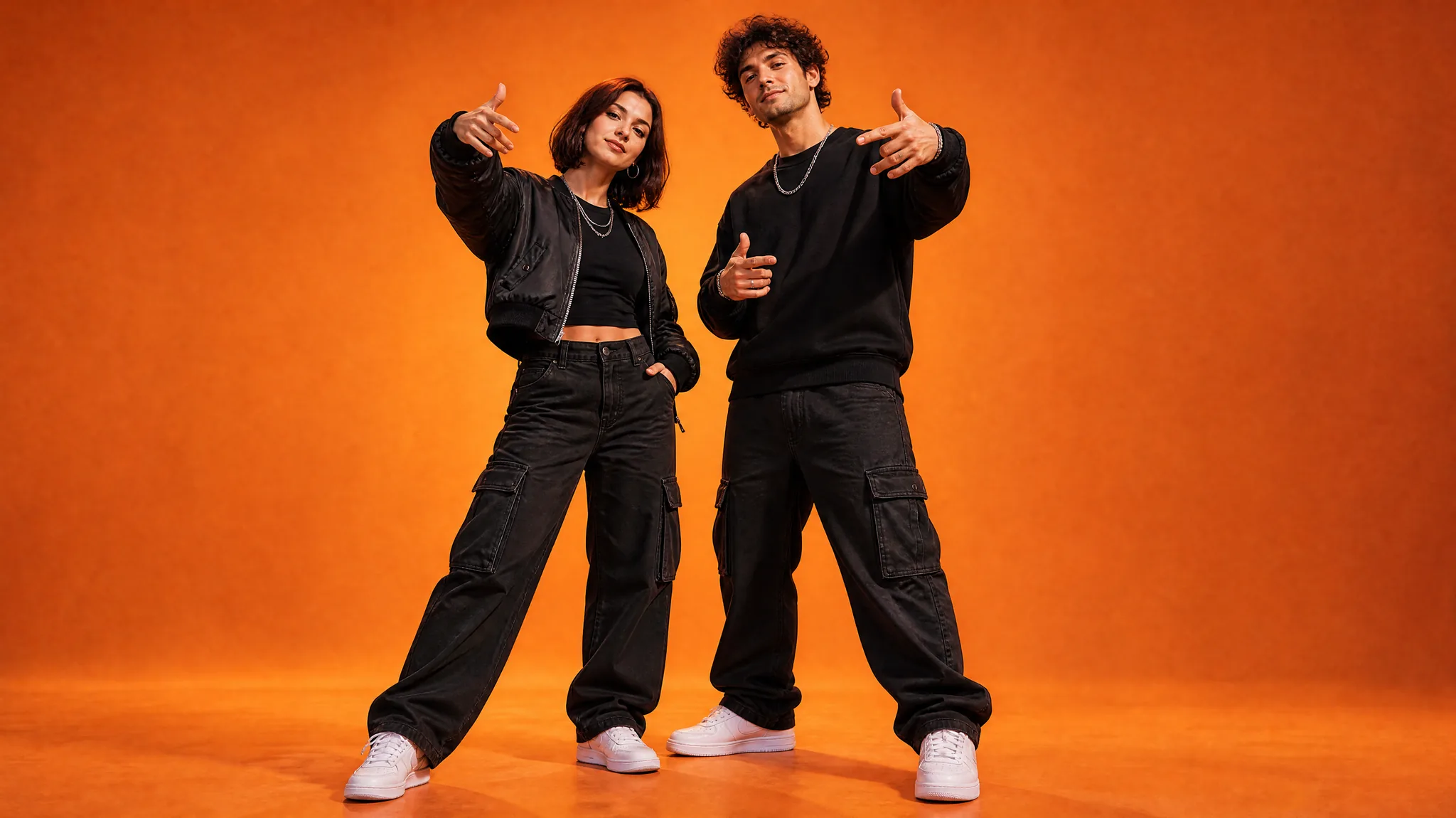
Woman and man in black streetwear and silver chains making hand gestures against an orange studio backdrop

Let the pairing tell the joke

Choose the friend who always sings in the car, a partner with a completely different stage personality or two collaborators your audience already knows. An AI rap duo video feels personal when the pairing itself explains the joke, celebration or reveal, so the casting choice matters more than the backdrop.

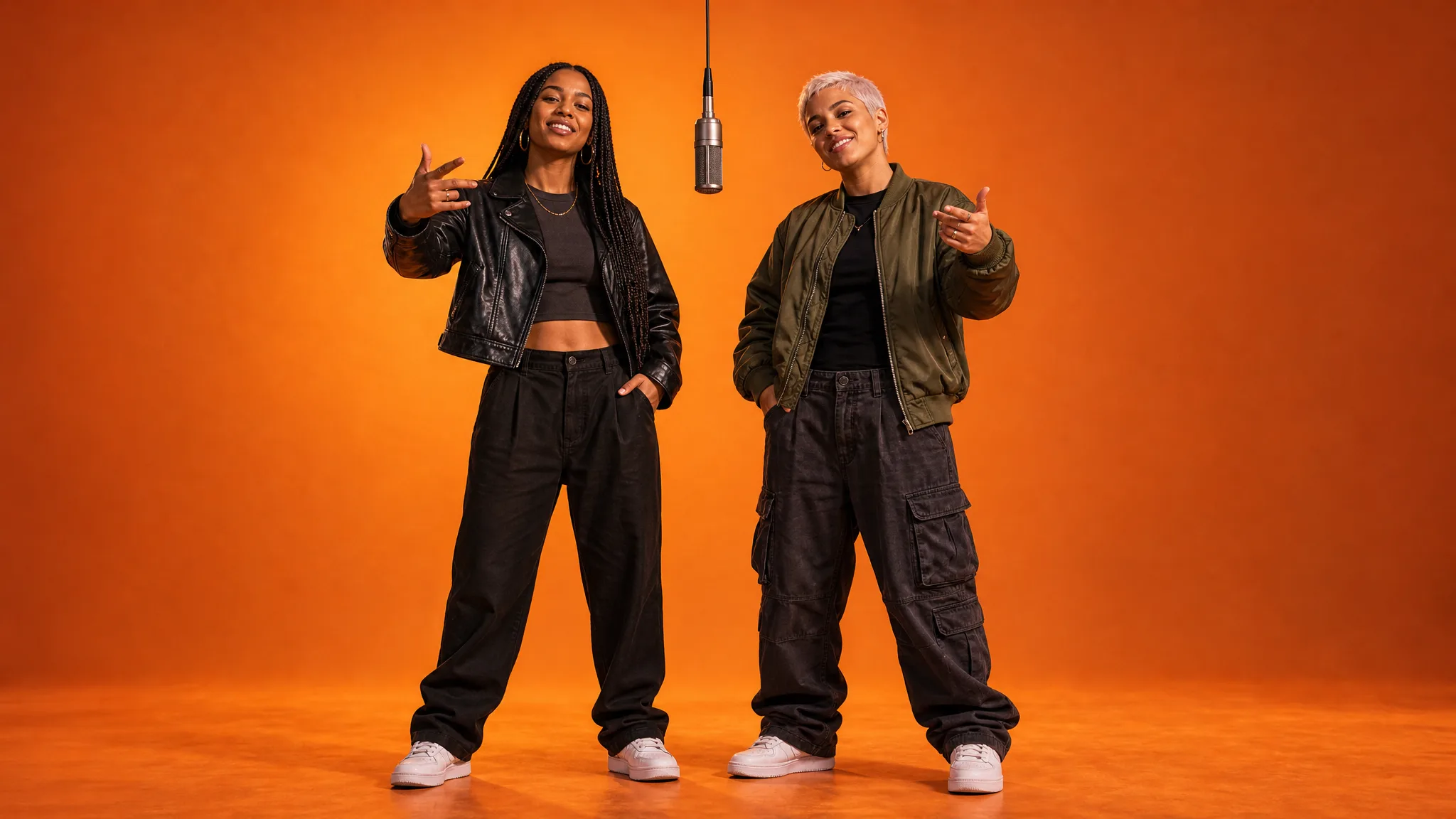
Two women in a black leather jacket and an olive bomber jacket under a hanging microphone on an orange stage

Bring your pair to the stage

Upload both portraits, then keep the Auto aspect ratio or pick a frame from 21:9 to 9:16. The AI rap duo preset already prepares the rap performance and orange-studio scene, so you can focus on the people you want to feature. Create your duo, preview the approximately 15-second clip and listen to its sound before you keep it.

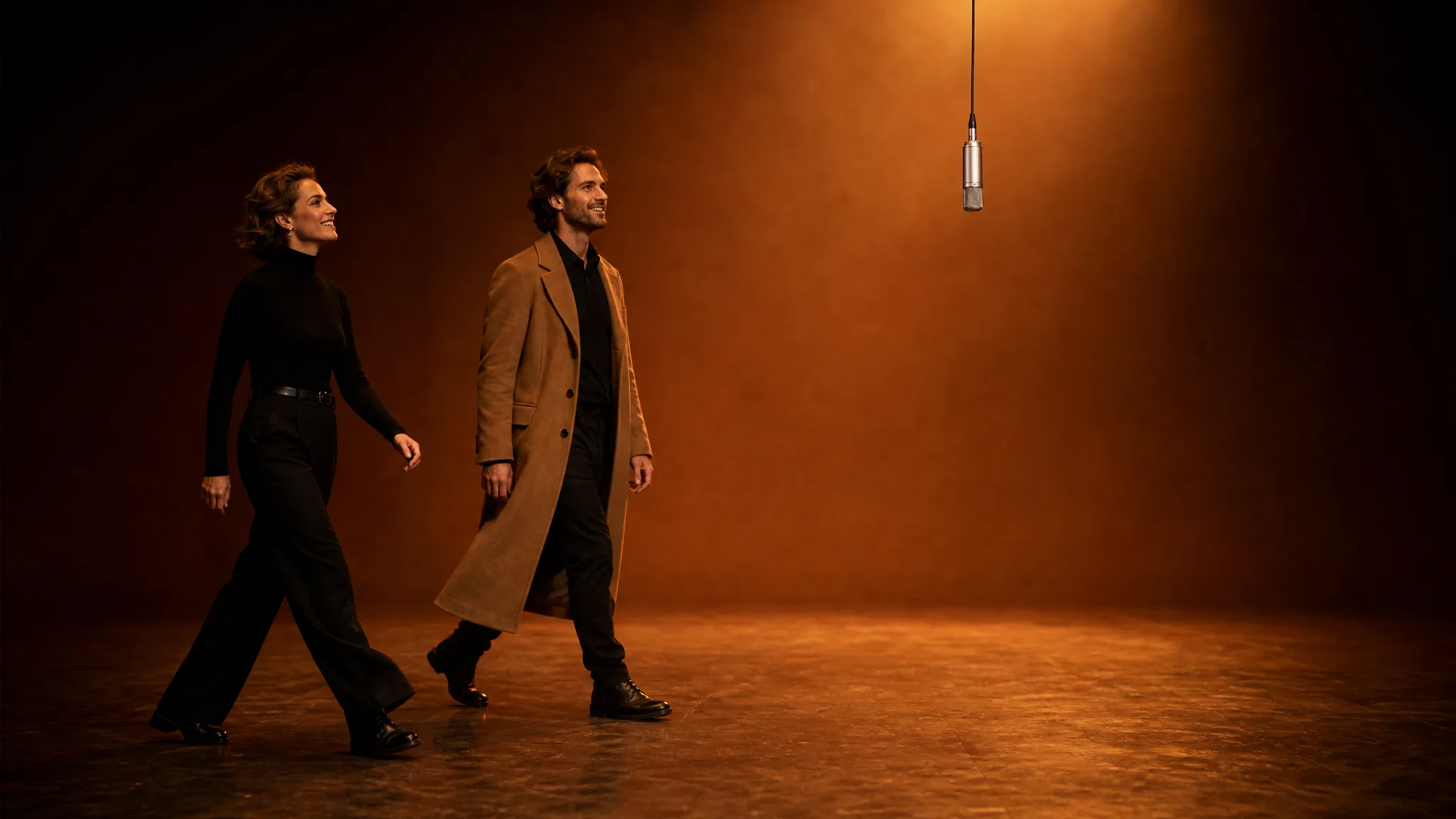
Woman in a black turtleneck and man in a camel coat walking toward a hanging microphone on an empty stage

Give the duo a visual touch

Use the optional note for a small styling idea, such as dark jackets or subtle gold accessories. Keep the direction centered on your pair and the shared studio performance; one focused detail per note gives the clearest styling. See how the detail develops in the generated take.

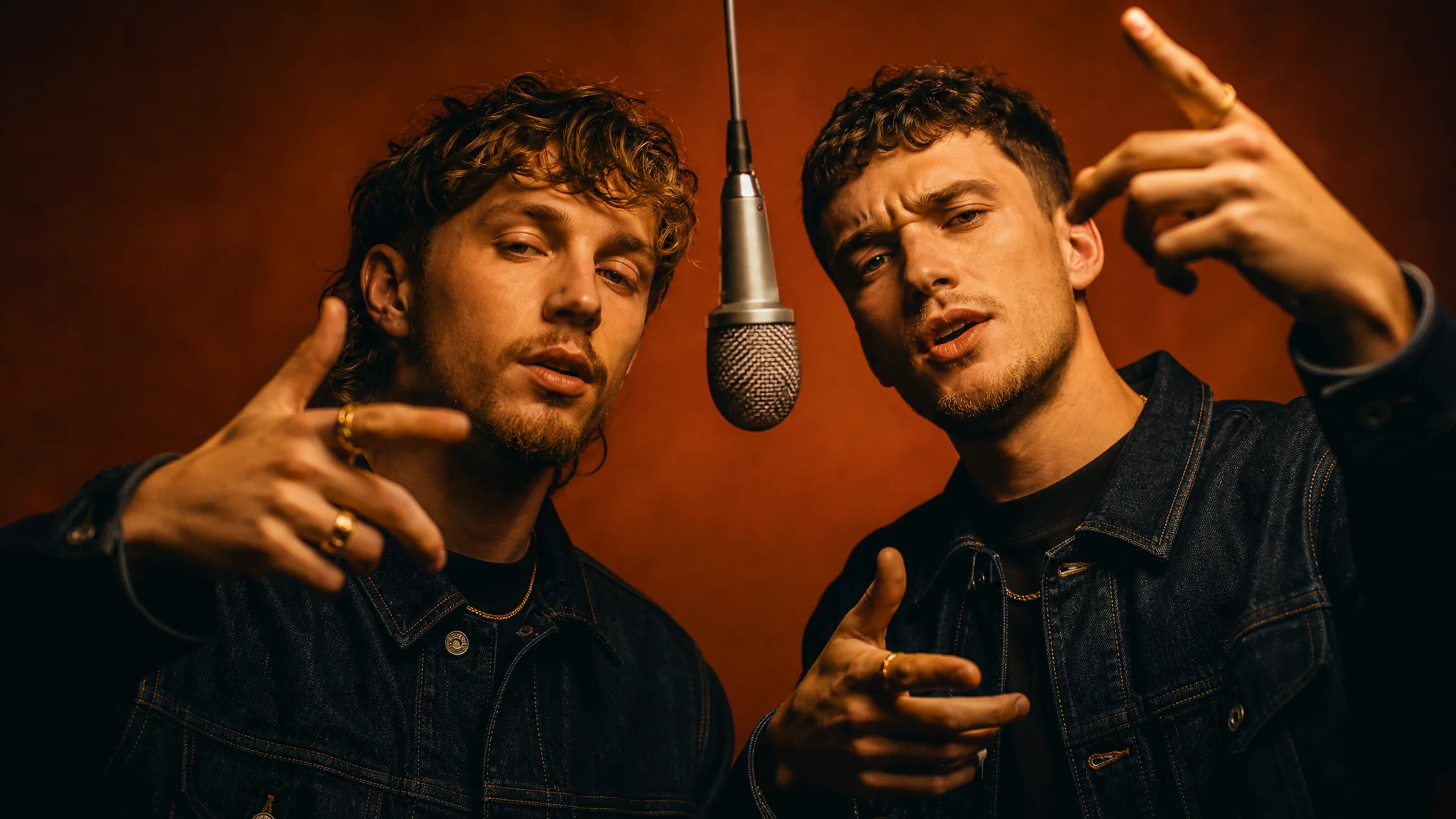
Two young men in dark denim jackets with thin gold chains and rings gesturing beside a hanging microphone

Creative Ideas for an AI Rap Duo

Imagine a friends’ duet, a birthday greeting or a playful collaboration intro. Two separate portraits let each AI rap duo concept begin with the people behind the idea.

Best friends and couples

Cast your best friend or partner in an unexpected stage moment. The AI rap duo turns two separate portraits into one performance, so the reveal works even when you cannot arrange a shared shoot. Add the inside joke or anniversary greeting when you prepare the post.

Birthday wishes and group-chat reactions

Pair the birthday person with the friend everyone expects—or the least likely performer in the group. Use the selected AI rap duo clip in a birthday message or group-chat reveal, with a short greeting that makes the occasion clear.

Creator collaboration reveals

Bring two familiar creators into the same orange-studio performance. The shared scene can introduce a collaboration or give a joint post a playful opening, while a caption explains the project connecting the pair and labels the clip as AI-generated where required.

Pet owners and their animal sidekicks

Pair your own portrait with a clear photo of your dog or cat for an AI rap duo where the pet takes the second mic. The pairing gives a pet account or family chat a playful clip; check both faces and the sound before adding a caption.

Creative Scenarios with AI Rap Duo

Possible AI rap duo projects for friends, hosts, siblings and creative partners, each built from two separate portraits on one orange stage.

Before our reunion, my friend and I would each supply a portrait for a playful AI rap duo reveal. I'd upload one per side, use the built-in orange-studio preset, and review both faces, gestures and the sound before choosing a take and adding our inside joke to the post.

Friend & Video Creator
Creative workflow

AI Rap Duo Questions and Answers

Find answers for making an AI rap duo video: what the effect creates, how free generation works, which two photos to pair, what the template prepares and what each finished take includes.

An AI rap duo is a generated performance video in which two people or pets from separate photos rap together. On ImgVid, the AI rap duo template places the first photo on the left and the second on the right of a hanging microphone in an orange studio, and creates an approximately 15-second clip with the sound of its built-in duet clip.

The AI rap duo trend casts two familiar faces as a rap act sharing one microphone in a bright orange studio. Best friends, siblings, partners or a person and a pet all take part, and creators post the duet as a reveal, a birthday greeting or a group-chat joke where the pairing itself carries the humor.

Yes — your AI rap duo runs on the free tier at 768P with available credits, and 2K needs a paid plan. Before you create a take, the workspace shows the credit quote for the settings you picked. Free generations include an ImgVid watermark; eligible paid generations export without it.

Yes — the two references for an AI rap duo can come from different places. Choose similarly clear images with visible faces, one per performer: the first guides the left side and the second the right. Matching the sharpness and lighting of the two portraits matters more than matching their backgrounds.

The AI rap duo video template has the orange-studio performance built in, so there is no scene prompt to write. An optional styling note of up to 300 characters adds details such as dark jackets or gold accents. MiniMax H3 renders every AI rap duo video.

Yes — each photo can show one person or one pet, so a dog or cat can take either mic. Pair your own portrait with a clear photo of your pet, or cast best friends, couples, siblings, two hosts or creative partners in the same orange-studio duet.

Each finished AI rap duo video is an approximately 15-second performance with the sound of the template’s duet. It renders at 768P, or at 2K for a sharper frame, in the Auto frame or in 21:9, 16:9, 4:3, 1:1, 3:4 or 9:16, ready to download as an MP4. Listen to the full take, then add the birthday wish, inside joke or show name in your editor for the final post.

Use two sharp, front-facing portraits with similar lighting and crops so both performers read clearly. Pick a pairing your audience recognizes, keep the styling note to one small idea, and generate up to four videos at once to compare faces, gestures and sound before choosing the one for your AI rap duo post.

Choose Your AI Rap Duo

Two portraits can become the starting point for a playful orange-studio pairing. Create your AI rap duo, listen to its sound and choose the take that fits a reveal, a greeting or a social edit.

Create Your Rap Duo
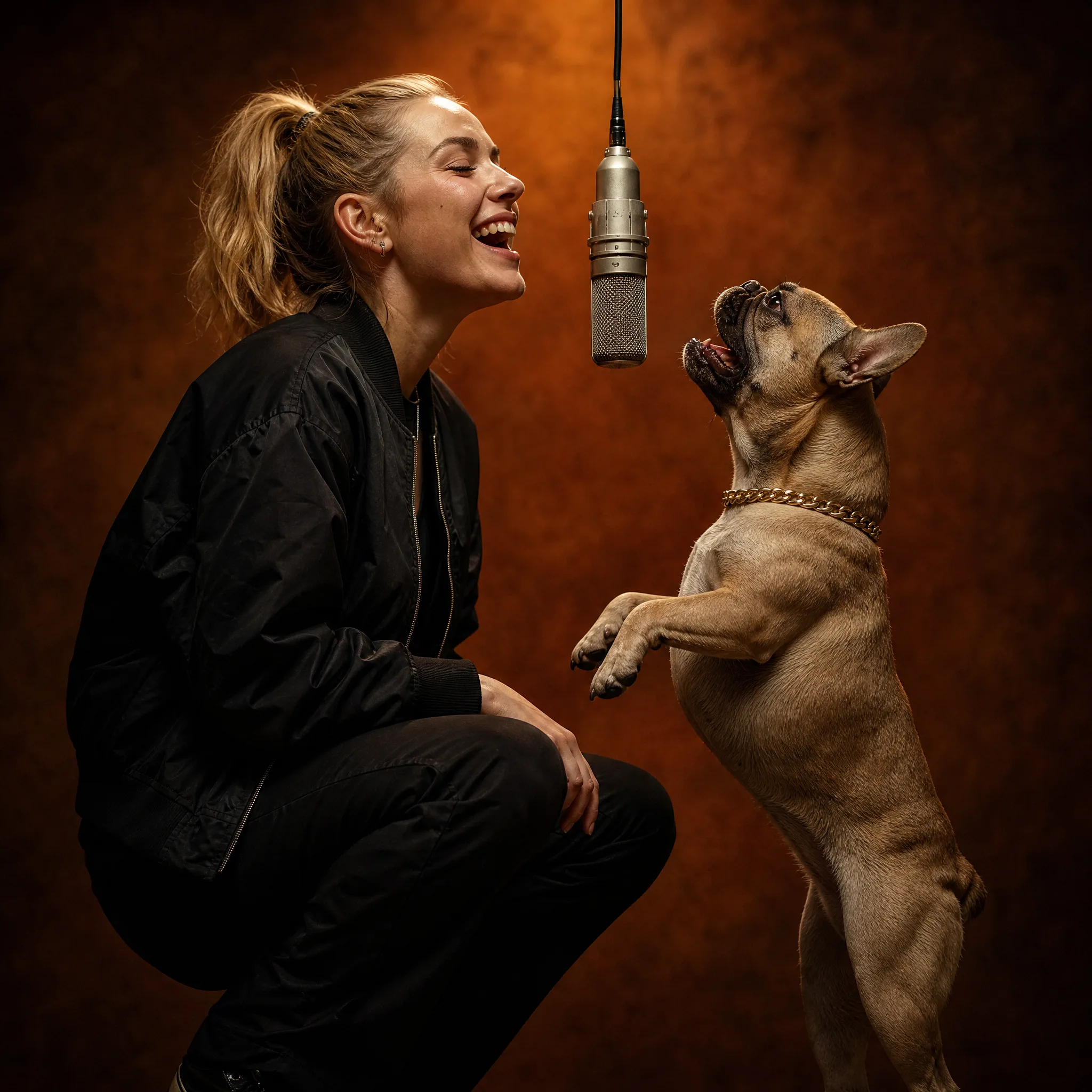
Laughing woman in a black bomber jacket and an upright French bulldog with a gold chain collar at a hanging microphone