






















Birthday Video Maker
Reference images
Prompt
0/4000
Duration
Resolution
Aspect ratio
Translate prompt
Number of outputs
Public Visibility
Required credits
30
Sample videos

Birthday AI Reel Maker for Greetings and Party Clips

Make a birthday greeting that feels personal

Make a favourite photo part of the celebration. Create a birthday AI reel with a playful scene, a candle moment or a warm camera move, then share the clip in a greeting or add it to your birthday edit.

Create a Birthday Video
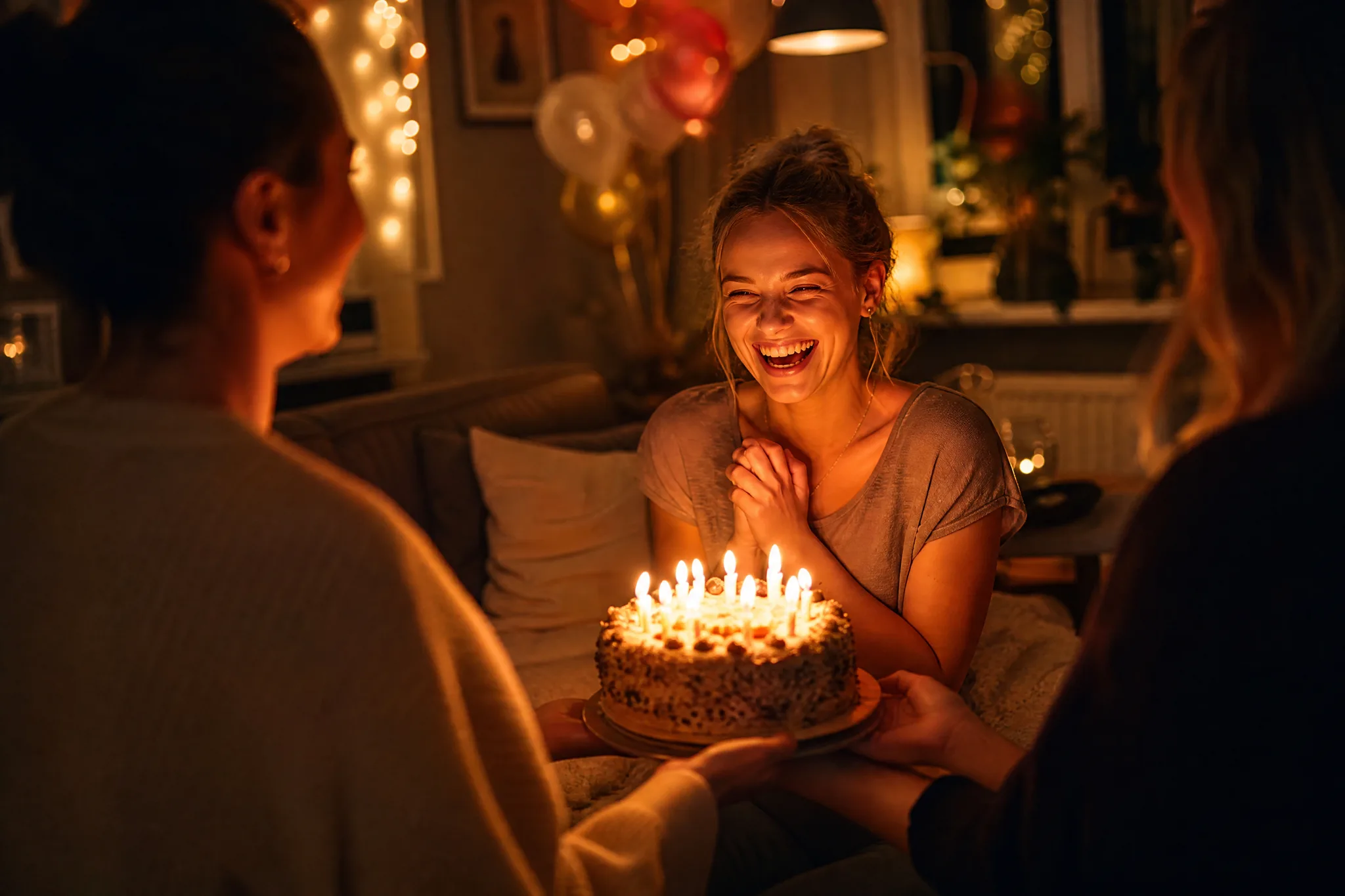
Woman laughing with delight as friends bring her a birthday cake with lit candles in a cosy living room
Birthday-photo ideas|Festive motion|Personal greetings|Keepsake clip downloads

How to Make a Birthday AI Reel from One Photo

Make a birthday AI reel in three steps: choose a picture that feels like the person, imagine a festive movement and finish the selected clip with your greeting.

1

Pick the photograph that carries the occasion

Choose a birthday portrait, cake image, group photo or party snapshot as the source for your birthday AI reel. Begin with one clear scene you want to turn into a personal greeting, and check that faces and the cake or decorations are sharp, because the uploaded photo anchors every generated take.

2

Describe the festive movement

Describe one festive action: a candle flicker, confetti in the air or a gentle camera approach toward the guest of honor. Choose a compatible model; the selected model determines duration, framing, resolution and whether the clip includes generated sound.

3

Add your message and share

Generate the birthday AI reel when your photo, motion idea and settings are ready, then follow its job status. Preview the completed take and check faces, hands and the cake against your photo. Download the one you like, finish it with a caption or final sound in your editor, then send it to the person celebrating.

Make a Birthday Photo Part of the Moment

Give a birthday photograph a playful gesture, a candlelit mood or a warm next moment, and shape a birthday AI reel for a greeting, a party invitation or a celebration edit.

A baby birthday video maker for first milestones

Choose a first-birthday portrait, highchair photo or cake moment as the starting frame. A small expression and warm atmosphere give the image a moving detail, and a birthday AI reel made this way works as a family keepsake or a message to grandparents. Check the baby's face and hands in the preview and keep the take where they still look natural.
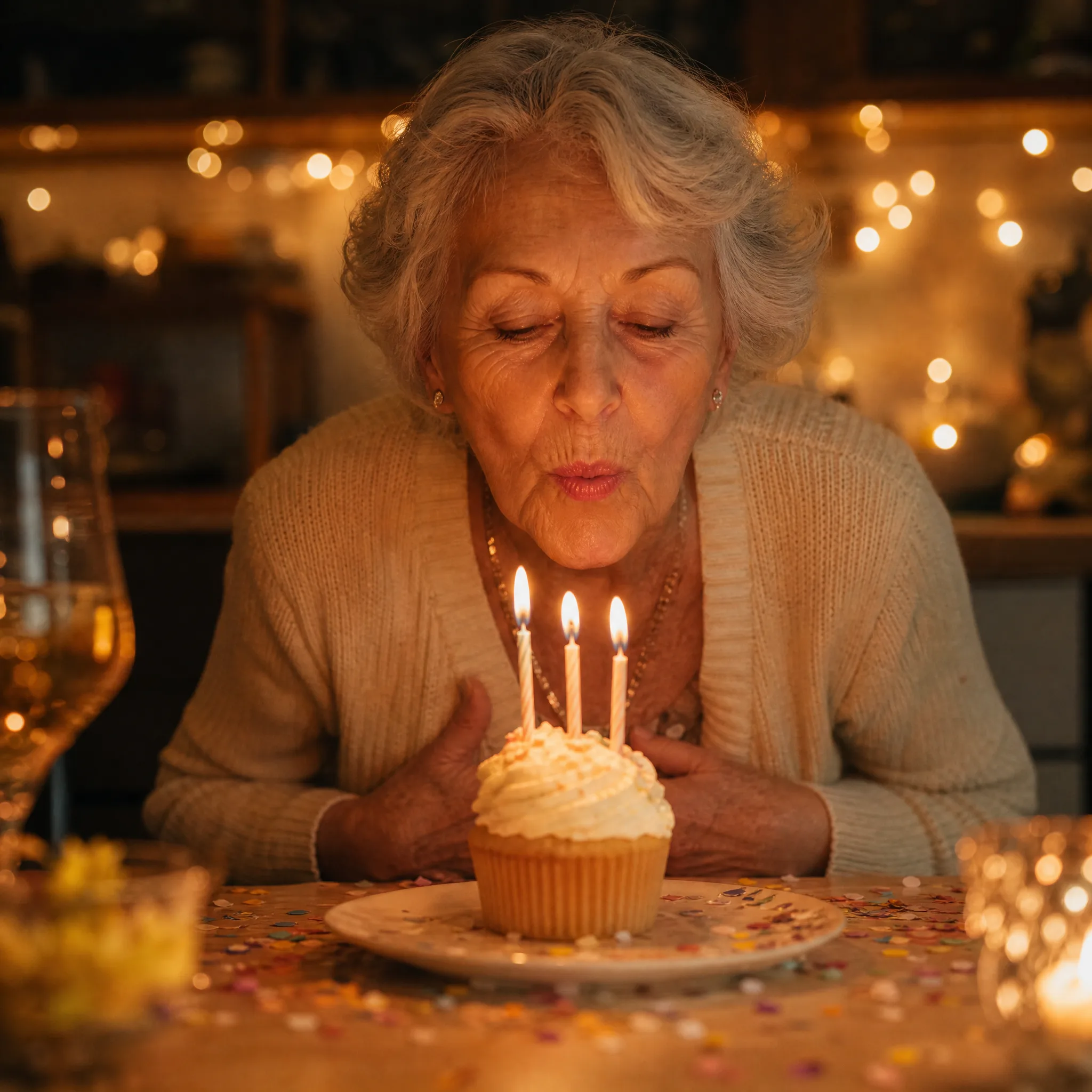
Give candlelight its own moment

A quiet camera move or flickering candlelight can make the cake the opening of the greeting. Begin with a clear photograph of the table and describe the atmosphere you want the birthday AI reel to develop, such as a slow push toward the candles or a warm glow across the frosting. Keep the movement focused so the cake stays readable.

Create a funny birthday video from a familiar photo

Use the picture that reminds people of the occasion: a favorite candid, a party portrait or a shared table. Describe one festive action, such as confetti falling or a friend turning toward the camera, and generate a birthday AI reel around it. Compare the takes and keep the one that feels right for the person celebrating.

Finish a personal birthday message

Download your chosen clip and add the greeting in your editor. A short caption, a name or a familiar joke gives the moving image a context that belongs to the birthday person. If the selected model returned generated sound, listen to the whole clip before sharing; otherwise finish the sound in your editor.

What People Make with a Birthday AI Reel

Develop a birthday AI reel for the people, surprises and milestones that make the day personal.

First-birthday keepsakes

Parents can use a clear first-birthday photo and gentle movement to create a birthday AI reel for relatives who could not attend. Add the date or a short greeting around the selected clip in your editor, and keep the original photo nearby so family members can see the moment it came from.

Invitation and card concepts

Hosts can turn birthday-card artwork into a birthday invitation video idea with a light sweep or decorative movement. The generator creates a clip rather than laying out the card, so add readable names, dates and venue details in your editor and check them carefully before sending the invitation.

Group-chat surprises

Friends can create a playful birthday AI reel around a photo everyone in the group chat recognizes, such as a party pose or a memorable vacation snapshot. A short caption explains the inside joke when you share the chosen clip, and a quick check of every face keeps the moment flattering.

Birthday story posts

Partners and close friends can give a favorite portrait a warm camera reveal or festive atmosphere and post the birthday AI reel in a story alongside a personal message. Pick a portrait with soft, even light so the face reads clearly through the motion, then add the name and wishes in your posting app.

Creative Scenarios with Birthday AI Reel

Possible birthday AI reel projects for parents, party hosts, friends and teams, each starting from one birthday photo and a festive motion idea.

For my daughter's first birthday, I'd upload a clear party photo and turn it into a birthday AI reel with a gentle camera approach and flickering candles. I'd review her face and hands in the take, then join it with the original pictures in our memory video.

Parent
Creative workflow

Birthday AI Reel Questions

Find answers about using the birthday video maker with a photo, choosing a playful scene and combining your selected clip with a personal message in the final edit.

A birthday AI reel is a short generated clip based on a birthday photograph and motion direction. The image gives the scene its subject; the prompt describes a festive action, atmosphere or camera view.

Yes — a birthday profile picture can be the source for a short birthday AI reel. Check whether your chosen platform accepts video avatars. This page creates motion from a source photograph. Additional references depend on the model and mode, but the workspace does not assemble an album timeline. Combine selected clips and photos in a video editor for a montage.

Yes for the dog, but not for a chosen song: a clear pet portrait can become an AI dog happy birthday video. Generated motion does not guarantee a singing dog or matching lip movements. With the default Veo 3.1 Lite model, the clip includes model-generated sound, but not a chosen song. Add a specific recording or precise music timing in an editor, using only music cleared for that use.

Start the baby birthday video maker with a readable first-birthday portrait or cake photo. Then describe a gentle expression or atmospheric movement, and use the selected clip in a keepsake edit with the original photo, date and family greeting.

It is not unlimited free: generation uses credits even on the free tier. Free-tier credits cover the eligible free-tier models and settings for a birthday clip. An account and enough credits for the quote are required; some choices require a paid plan or credit pack. Free generations include an ImgVid watermark; eligible paid generations export without it.

A birthday AI reel can promote a shop, venue or party service when you own the photo and everyone pictured agrees. Clear the rights to any background recording before posting; generating the clip grants no rights to a person’s likeness or to a recording.

Birthday photos you upload are not published. Free accounts and visitors keep Public Visibility on, so a finished birthday AI reel may be selected for Explore after review; a subscription or one-time pack starts generations private, which suits family and children’s photos.

Make a Birthday Photo Part of the Celebration

Choose a portrait, cake photo or party snapshot and describe a festive motion idea. Create a short birthday AI reel, finish it with a personal message in your editor and share it on the day. Start with the photo that already makes them smile.

Create a Birthday Clip
Grandmother blowing out three candles on a frosted cupcake beside confetti and string lights