AI Hugging Video

Upload two portrait photos and watch the pair run into a warm hug on a sunny walkway.

Upload Two Portrait Photos0/2
Styling note (optional)
0/300
Aspect ratio
Resolution
Number of outputs
Public Visibility
Required credits
208
Sample videos

AI Hugging Video from Two Separate Photos

Bring two familiar faces together in a warm embrace

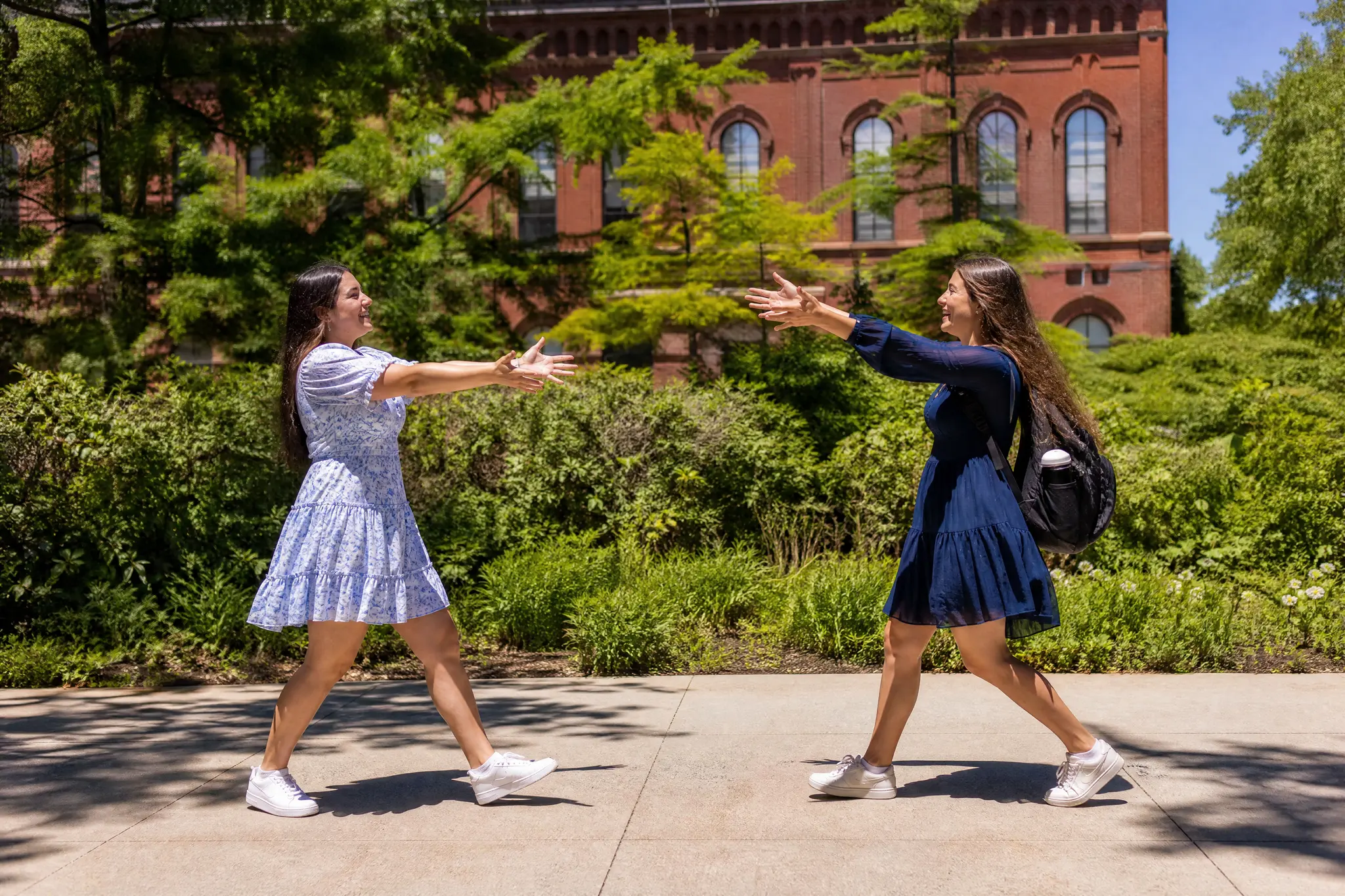
Bring two people together in one warm moment. Upload two separate portraits and the AI hugging video places the pair on a sunny, tree-lined walkway in front of a red-brick building: they walk toward each other with open arms, share a big hug and smile over each other’s shoulders. The scene, the camera move and the sound are built in, so no prompt is needed. Share the 5-second clip as a reunion message, a birthday surprise or a friendship post made with the AI hugging video.

Create Your AI Hug Video
Two young women in summer dresses hugging and smiling on a sunny tree-lined walkway in front of a red-brick building
No Prompt Writing|Two portraits, one hug|Sunny walkway scene|Clips with sound

An Embrace for the Story You Want to Share

An AI hugging video draws its meaning from the two people you bring to it, and the warm, sunny scene does the rest.

A familiar face starts the story

Choose portraits the recipient recognizes at once. The two faces give an AI hugging video its personal meaning, so a natural, familiar expression matters more than a polished studio shot. A relaxed smile from the family album or a favourite phone snapshot works beautifully.
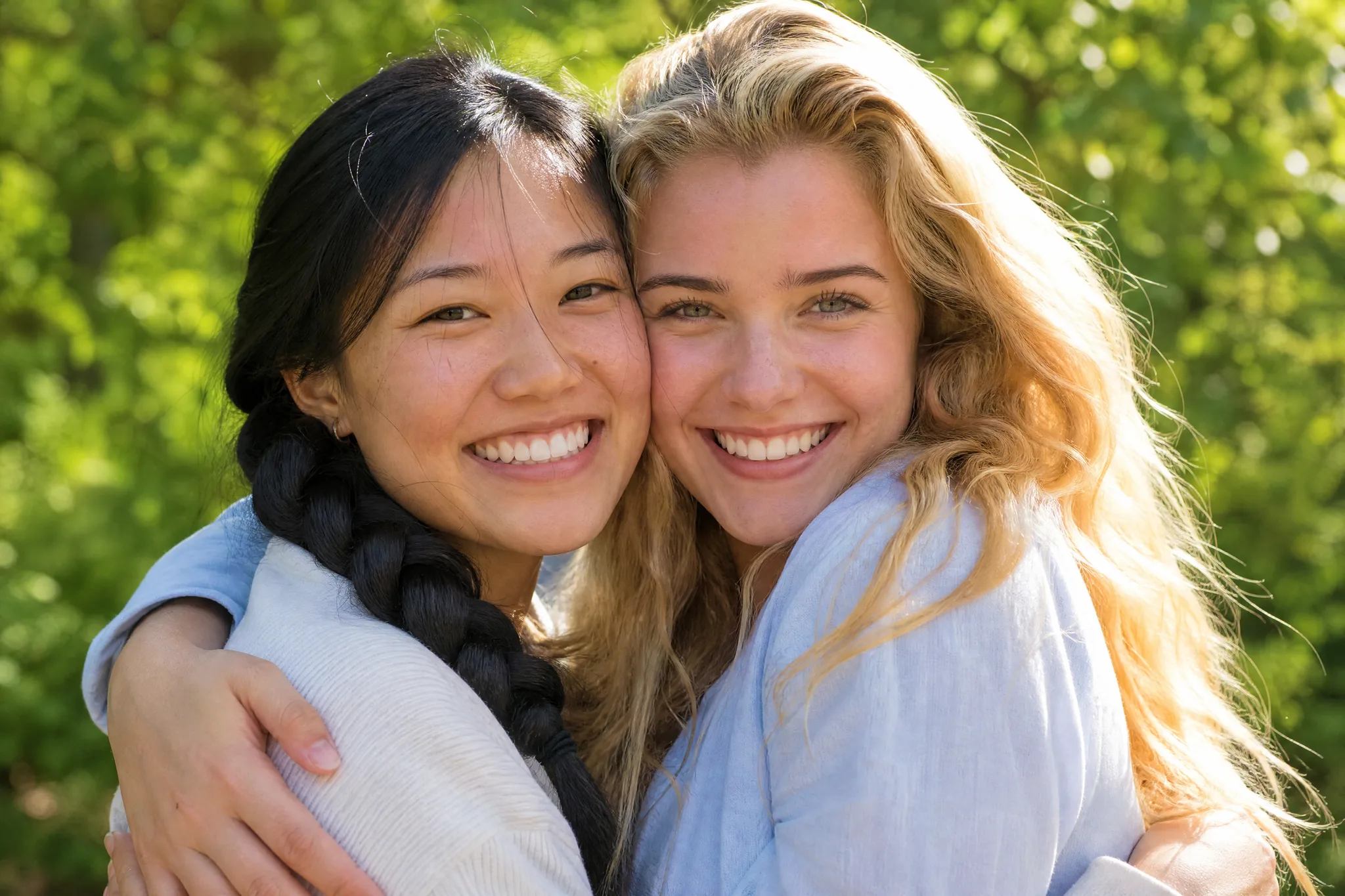
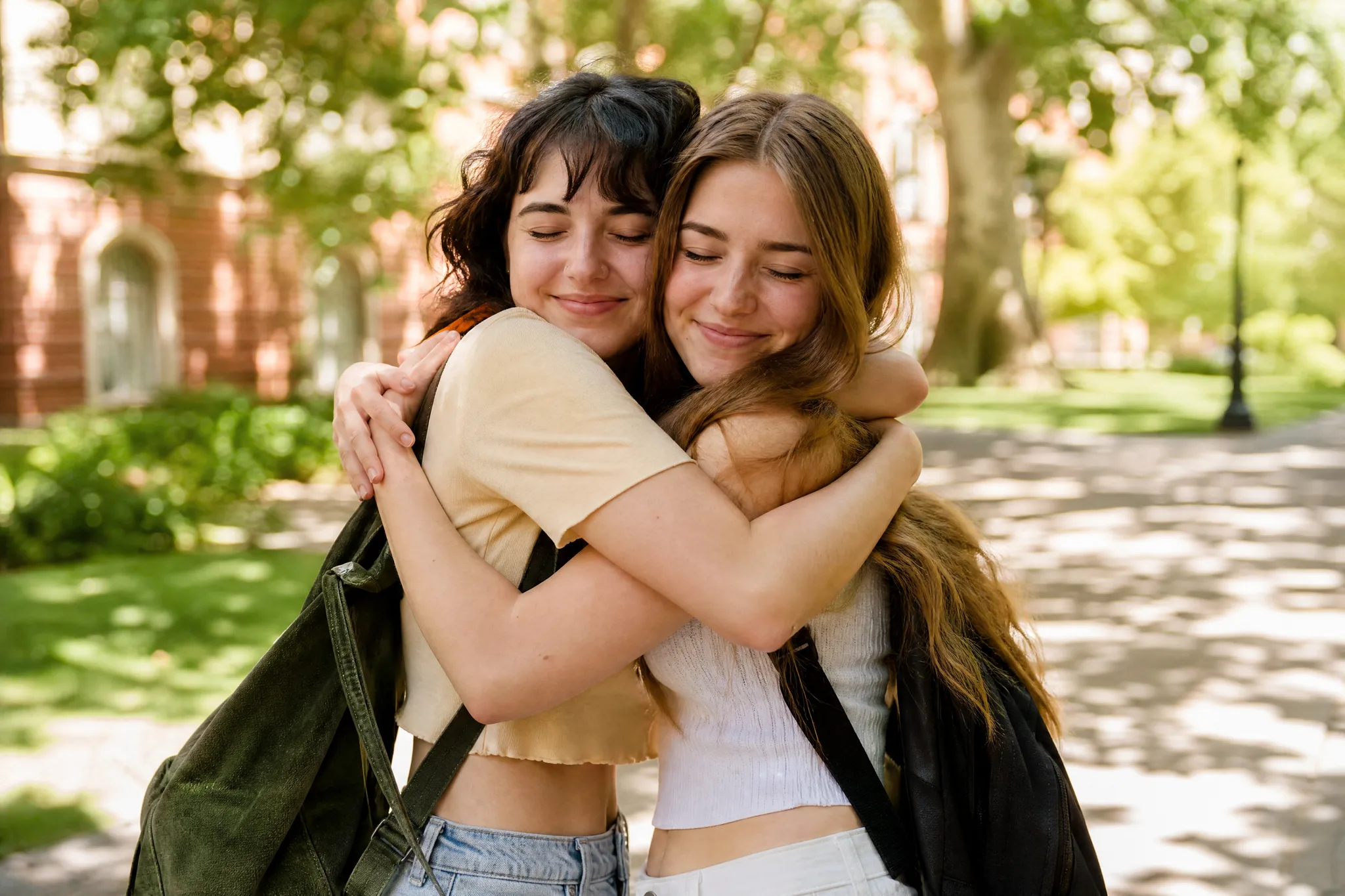
Two young friends smiling cheek to cheek mid-hug in bright afternoon sun

Two places become one scene

Separate photos let you bring two people together without a new photo session. An AI hugging video can show a hug between friends in different cities, or between two people who were never photographed together.

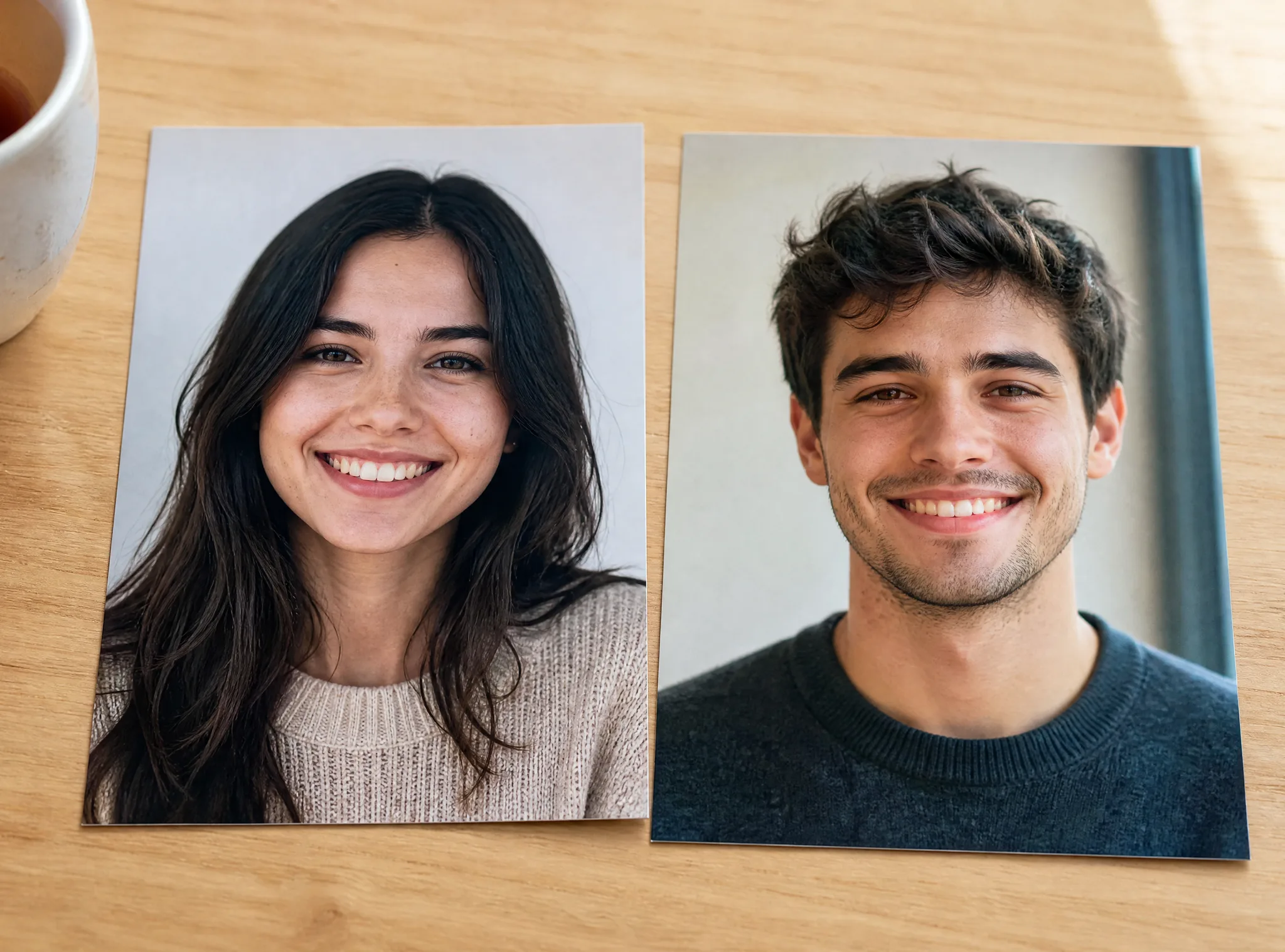
Two separate printed portraits of a young woman and a young man lying side by side on a light wooden table

A complete reunion moment

Each clip has the whole moment: two friends walking toward each other, open arms, a big hug and smiles over each other’s shoulders. The AI hug generator handles the full performance, so your AI hugging video plays out like a real reunion.

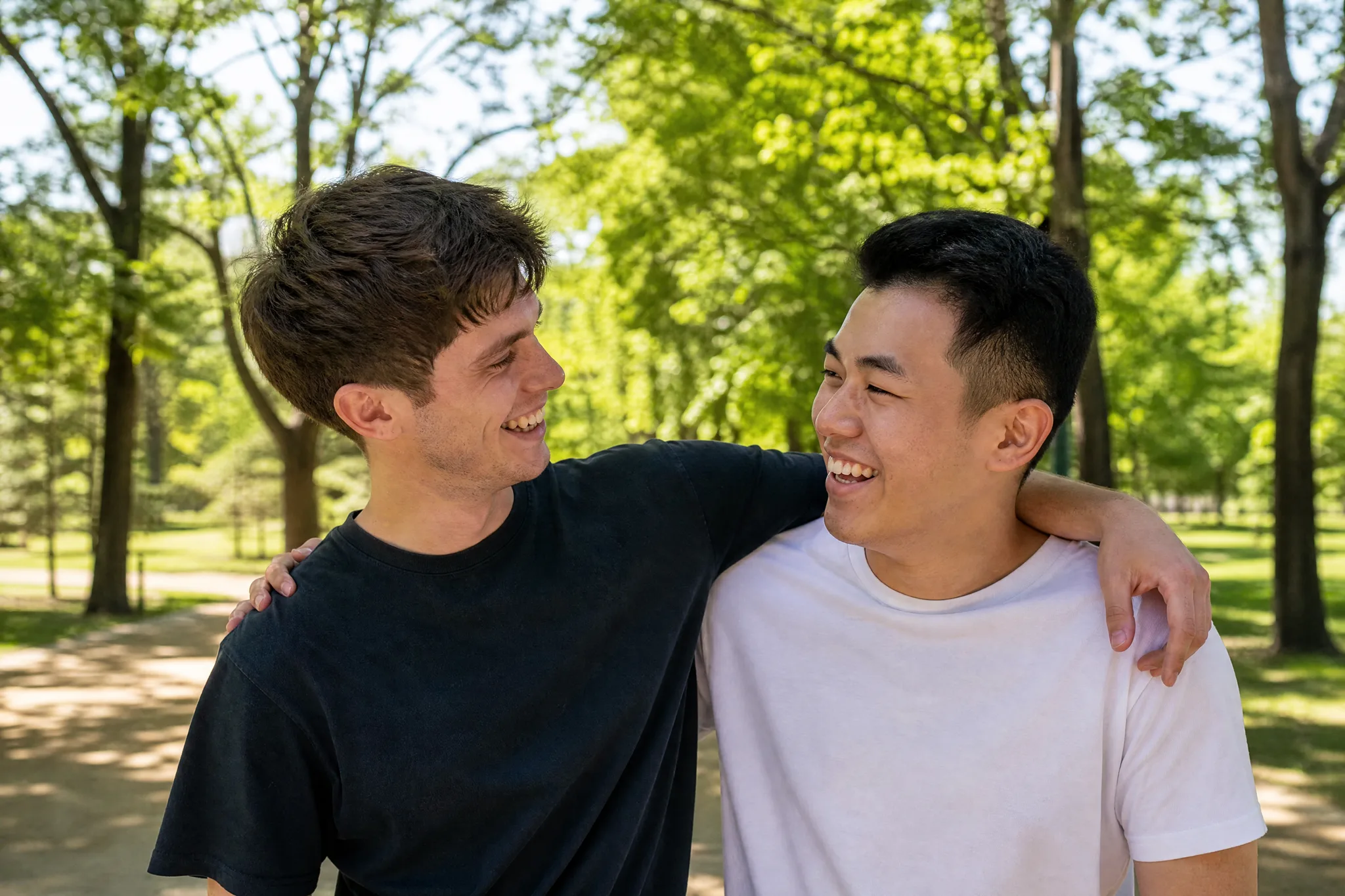
Two young men laughing with their arms around each other’s shoulders after a hug on a sunny path

A small scene for a larger message

Use the AI hugging video to open a birthday greeting, a reunion invitation or a graduation slideshow. Add your own words, a date or a short memory around it in your editor, and the warm hug sets the tone for everything that follows.

Family on a sofa in the evening smiling at a television that shows two friends hugging on a sunny walkway

Give Two Portraits a Shared Moment

Picture two friends running into each other’s arms on a sunny afternoon. The AI hugging video builds the whole moment around the two people in your photos.

Two young women with eyes closed in a big warm hug on a sunlit walkway under green trees

Two photos into one warm hug

Choose one portrait for each person, even when they were taken years apart or in different countries. The AI hugging video places both people in the same sunny scene and brings them together in a big, warm hug, a moment a single photo cannot show.

How to Make an AI Hugging Video

An AI hugging video needs one portrait for each person: upload both, choose your settings and keep the hug you like best.

1

Add one portrait for each person

Upload two clear photos with one person in each. The first photo becomes the friend on the left and the second photo the friend on the right, so place them in the order you want them to appear in the AI hugging video.

2

Generate the hug

The template already holds the sunny walkway, the camera move and the open-arms hug. Write an optional note of up to 300 characters to keep a detail such as glasses, leave the AI hugging video at 768P or switch to 2K, set the aspect ratio and one to four videos, then start the job; MiniMax H3 builds each hug for you.

3

Watch the preview

Keep an eye on the job status while MiniMax H3 renders your AI hugging video. When it is ready, watch the two friends walk toward each other, hug and smile, and listen to the sound of the sunny walkway.

4

Choose the hug to share

Check both faces before, during and after the hug, then keep the take where each person looks most like their photo. Download that AI hugging video and add names, a date or a message in your editor.

AI Hug Video Ideas for Meaningful Occasions

Create an AI hugging video as a moving greeting for two people who matter to each other.

Long-distance friendships

Friends who live far apart can use a portrait from each person to share a hug on a sunny afternoon. Send the AI hugging video with a message about the next visit, or play it at the start of your next video call.

Birthday surprises

Put the birthday person and their best friend into one AI hugging video and send the clip on the big day. The open arms and the smiles make the greeting feel personal, and a short birthday line in your editor finishes it.

Graduations and reunions

The walkway and the red-brick building look right at home in a graduation slideshow or a reunion invitation. Make one AI hugging video for each pair of friends or roommates, then line the clips up as a warm opening sequence.

Sisters, brothers and cousins

Family members in different cities can share a hug in one clip made with the AI hug generator. Send it to the family chat for a holiday, a new job or just because, with a few words about when you will all meet again.

Couples and anniversaries

Partners can upload a portrait of each other for an anniversary or a long-distance good night. Check both faces in the preview and keep the take that feels most like you two, then send it with a line that belongs to your story.

Supportive messages

When someone is having a hard week, a hug clip from two familiar faces says a lot. Add a few personal words around the AI hugging video in your editor and send it on the day they need a lift.

Creative Scenarios with AI Hugging Video

Possible AI hugging video projects, from reunions with old friends to birthday surprises, each starting from two clear portraits.

My best friend moved abroad last year, so I'd put her portrait and mine into the AI hugging video template. Seeing us run into a hug on that sunny walkway would be the perfect message to send before her birthday.

Friend & Video Creator
Creative workflow

Hugging Video FAQ

Find answers about making an AI hugging video from two photos: what it creates, how free generation works, which portraits to choose and how to get the best hug.

An AI hugging video is an AI video effect that turns two separate portraits into one short hug clip. On this page, the two people walk toward each other on a sunny tree-lined walkway in front of a red-brick building, share a warm hug and smile.

Yes — the AI hugging video runs at 768P on the free tier with your available credits, while 2K needs a paid plan. Sign in to start a hug clip, and the workspace shows its credit cost before you generate. Free generations include an ImgVid watermark; eligible paid generations export without it.

Two clear, front-facing portraits with one person in each work best in the AI hug generator. Upload them in order: the first photo becomes the friend on the left and the second the friend on the right. Visible eyes and similar light help both faces stay recognizable.

Two portraits are all the hugging video AI needs. The template already sets the sunny walkway, the camera move and the hug, MiniMax H3 runs it for you, and an optional note of up to 300 characters can keep a detail such as a headband or glasses.

Yes — the AI hug video generator works with any two clear portraits you are allowed to use. Best friends, sisters, cousins, a parent and grown-up child or a couple all suit it. Make one clip per pair and collect them for a slideshow or a group chat.

Each AI hugging video runs approximately 5 seconds with sound. MiniMax H3 renders it at 768P, or at 2K for a sharper frame, with the aspect ratio on Auto or set to 21:9, 16:9, 4:3, 1:1, 3:4 or 9:16, ready for chats, stories and slideshows.

Choose two sharp, front-facing portraits with similar light and one person per photo. Keep the faces clear of hands, hats or sunglasses. Generate up to four videos at once and keep the take where both faces look most like their photos.

Create a Hug Scene from Two Portraits

Add one portrait for each of the two people you want to bring together, and the AI hugging video sends them into a warm hug on a sunny walkway. Pick your favourite take and share it with someone you miss.

Create Your AI Hug