Hotel Lobby AI Video

Upload two portrait photos and put your duo into the orange-studio rap performance.

Upload Two Portrait Photos0/2
Styling note (optional)
0/300
Aspect ratio
Resolution
Number of outputs
Public Visibility
Required credits
368
Sample videos

Hotel Lobby AI: Two Photos in an Orange-Studio Duet

Give your duo its own orange-studio spotlight

Put your chosen duo in the orange-studio spotlight. Hotel Lobby AI turns two portrait photos into an approximately 15-second duet with sound, giving a friendship post, a reveal or a playful social edit its own cast.

Create Your Hotel Lobby Video
Young woman in a gold bomber and an older man in a flat cap rapping around a hanging microphone in an orange studio
Two-photo duet|Orange-studio scene|Sound included|About 15-second clip

How to Make a Hotel Lobby AI Duet

Hotel Lobby AI starts with two separate portraits and imagines the pair in an orange-studio duet. Follow the steps to choose the cast, develop the scene and select a take for your own edit.

1

Choose the cast for your Hotel Lobby idea

Pick two friends, relatives, a couple or a playful pet pairing whose connection gives the Hotel Lobby AI reveal a story. The contrast between the two performers is the joke, so choose people your audience knows, and use reference photos you have permission to supply.

2

Upload two separate references

Upload two clear reference photos, one per performer. In Hotel Lobby AI the first photo guides the left cast member and the second guides the right in the shared orange-studio scene, so check that each face is sharp and framed with the full chin in view.

3

Shape the look and create a take

Add an optional styling note of up to 300 characters, such as matching jackets, to the built-in performance preset. Create the duet with MiniMax H3 at 768P, or at 2K for a sharper frame, and compare its performance and styling with the pairing you imagined; the note fine-tunes outfits and accessories while the preset supplies the stage and the duet.

4

Choose the performance for your post

Follow the job status until the Hotel Lobby AI duet is complete, then preview the whole clip and its sound. Download the take that fits your idea, then finish the final message in your editor, mixing further audio there if the post needs it.

Bring Your Pairing into the Orange-Studio Spotlight

Bring two familiar faces into the same stylized performance scene. Hotel Lobby AI ideas revolve around the pairing, the stage mood and the look you want the duet to have.

One subject for each side of the duet

Choose a separate portrait for each performer, with readable faces and clothing. The two references give the Hotel Lobby AI scene its cast, and a friend, relative or pet pairing can provide the visual surprise before you add a caption. Similar framing in both photos helps the pair look balanced on stage.
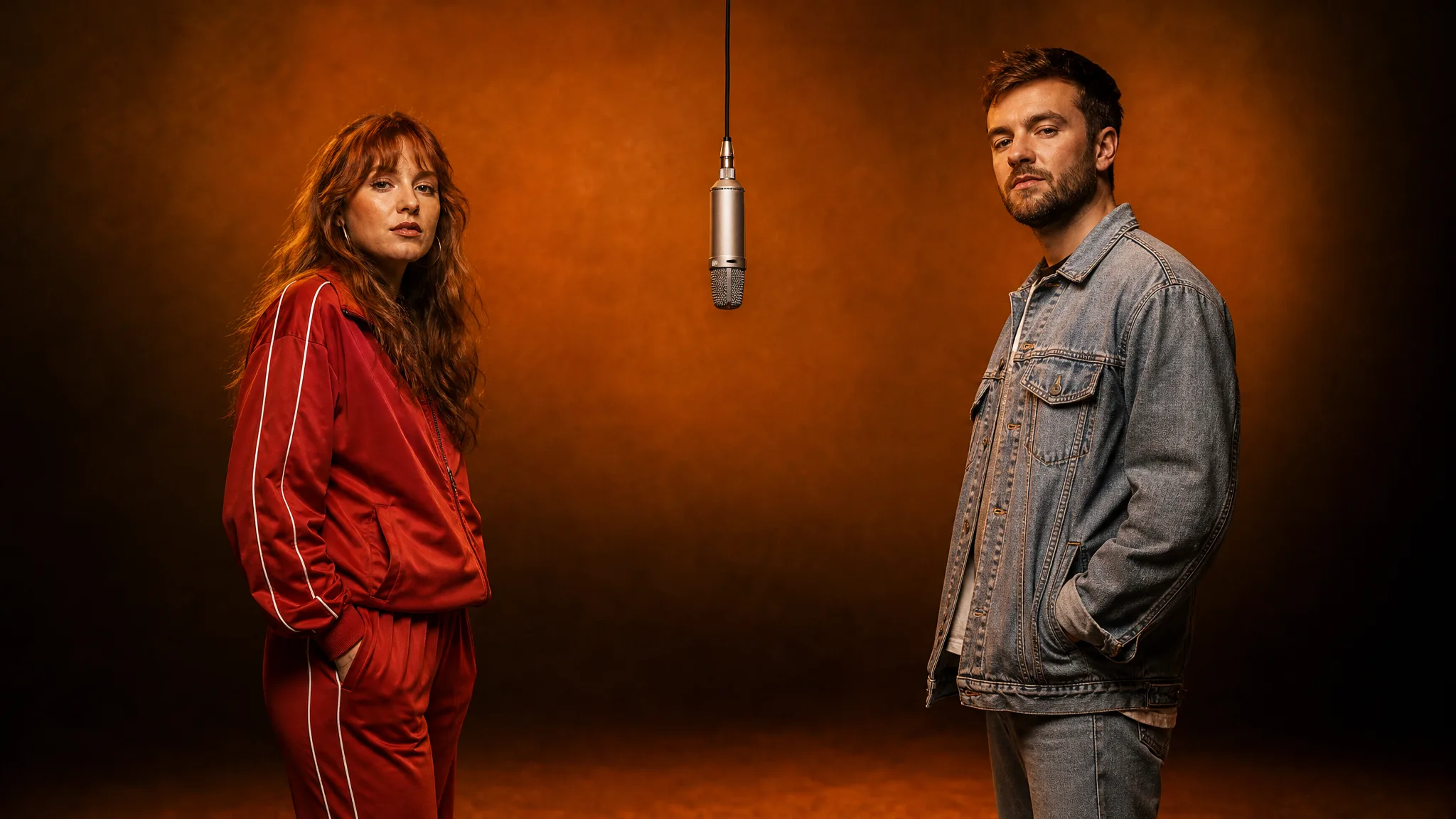
Woman in a red tracksuit and man in a denim jacket standing on either side of a hanging microphone in an orange studio

Find the pairing that explains the joke

Two old friends, a couple or a person and a pet suggest different stories in the same studio. Use photographs whose expressions and appearance suit the reveal, then choose the generated Hotel Lobby AI take that carries the idea best; another attempt gives the pair fresh expressions.

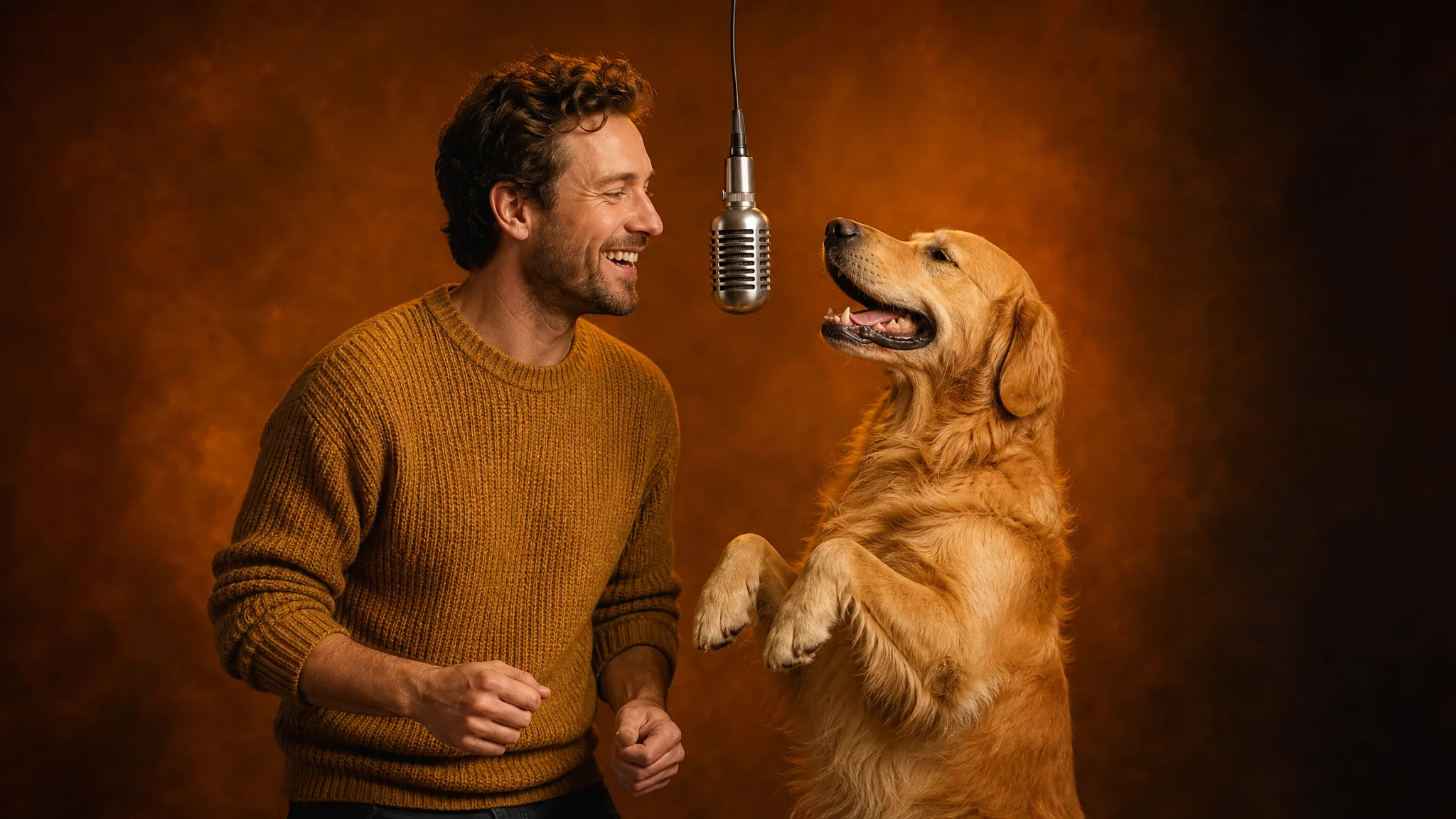
Laughing man in a mustard sweater and an upright golden retriever facing a hanging microphone in an orange studio

Give the duo a styling idea

Add a short note about jackets, accessories or the mood you want. The Hotel Lobby AI generator uses it alongside the preset performance direction, letting you explore styling without writing a full scene prompt. Keep the note brief: it styles the pair, while the preset keeps the stage, microphone and duet in place.

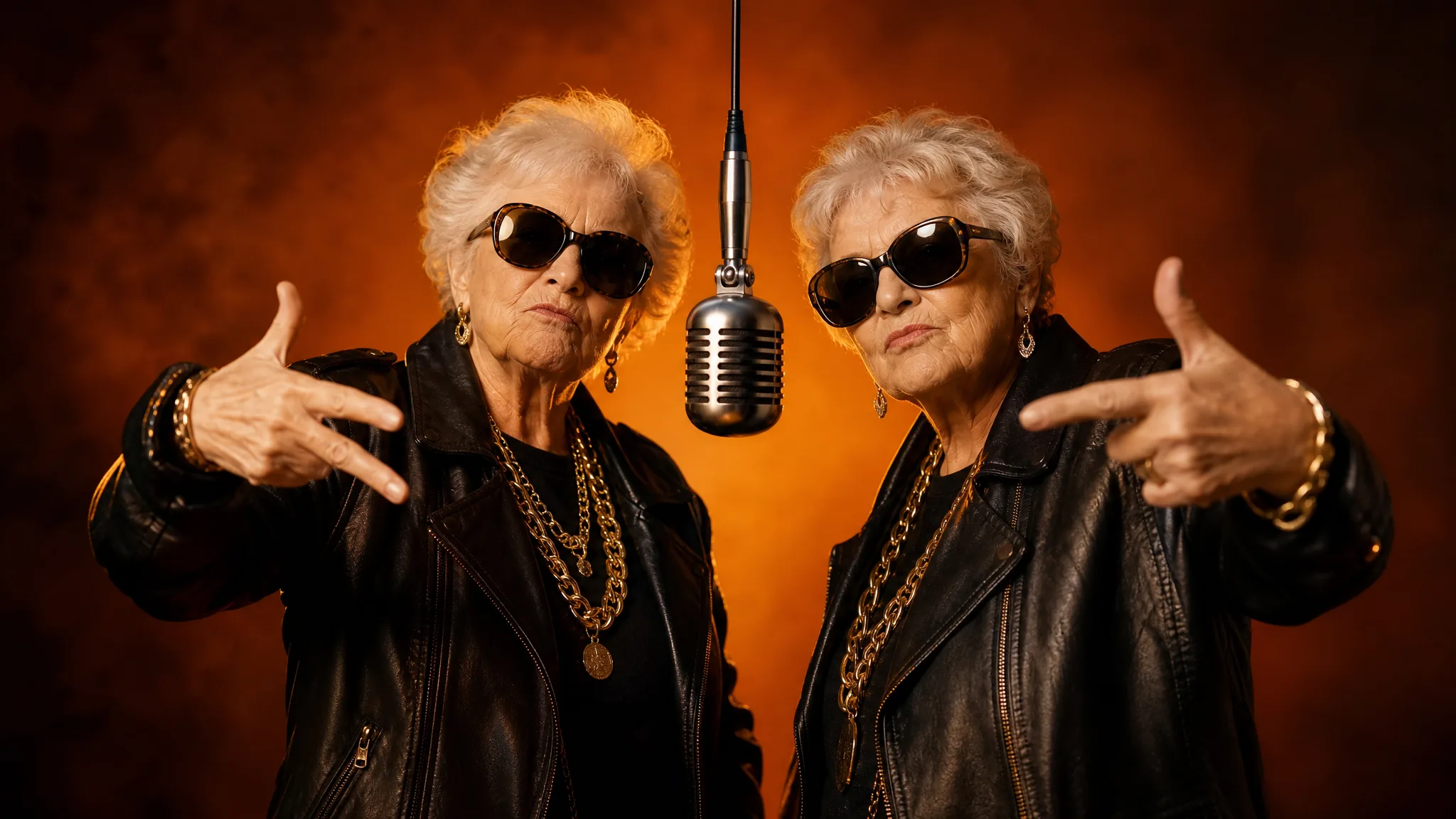
Two grandmothers in matching black leather jackets, gold chains and sunglasses posing beside a hanging microphone

A familiar stage, your chosen performers

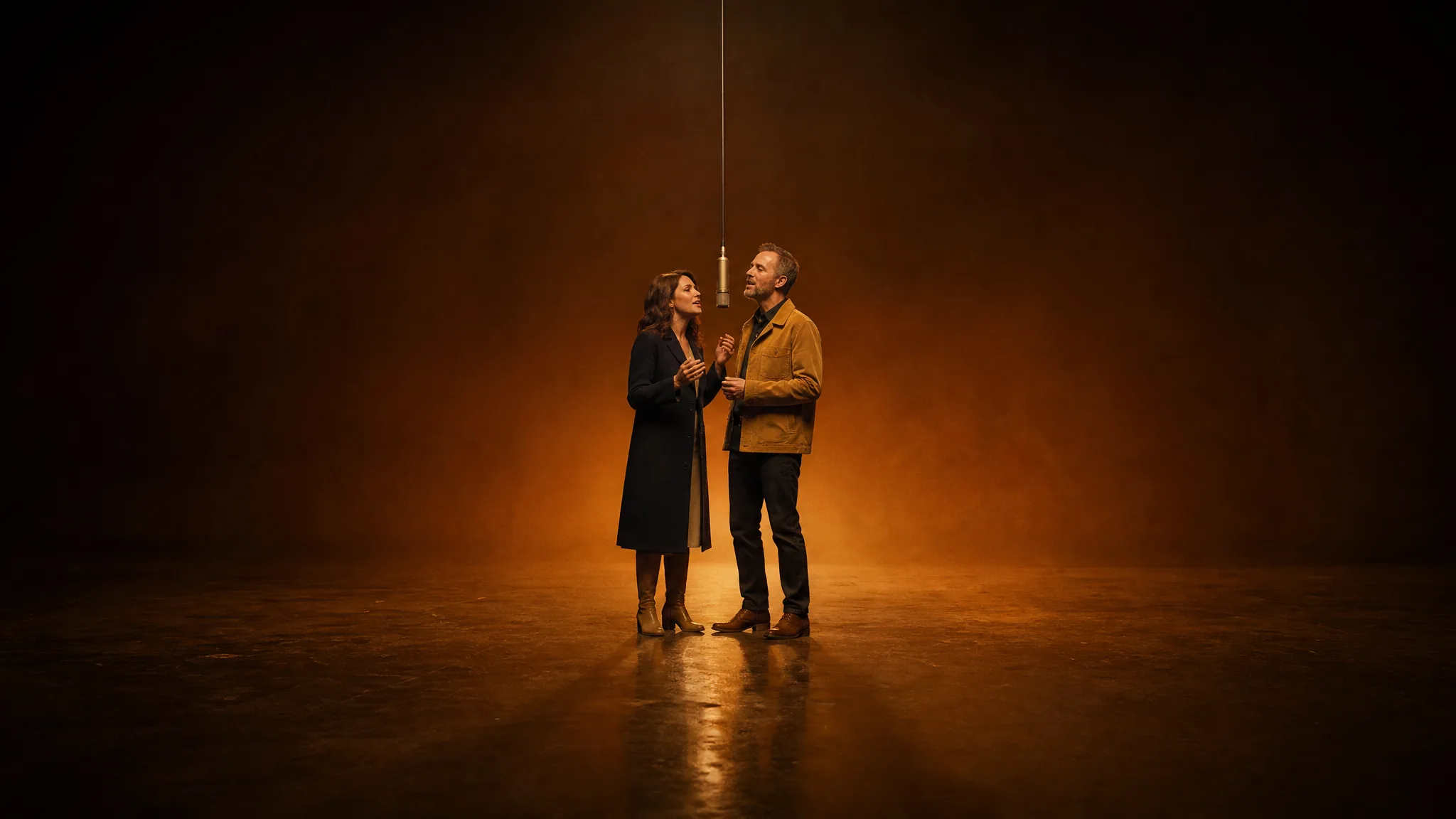
The Hotel Lobby trend is recognizable by two performers, a hanging microphone and an orange studio. The built-in duet clip guides the stage, the microphone, the performance and the timing, and its sound carries into your take, so your chosen pair takes the familiar stage. Preview the subjects and gestures, then keep the scene that suits the pairing.

Wide view of a couple singing together under a single hanging microphone on an empty amber-lit stage

Creative Ideas for Hotel Lobby AI

Try an unexpected duo for a friendly greeting, a playful couple’s scene or a pet-led performance idea. The two source photographs give each Hotel Lobby AI concept its personal starting point.

Two cats

Upload one clear photo of each cat and let the orange-studio preset cast them as an unexpected Hotel Lobby AI duet. The two pets take the left and right places at the microphone, giving a pet account a playful reel; check both animals and the sound before posting with a caption that names the pair.

Two grandmothers

Use family-approved portraits of two grandmothers for a surprise Hotel Lobby AI double act in the orange studio. The finished duet can open a reunion greeting or a family group-chat reveal; check both faces and gestures, then add names and the message in your editor.

A couple

Two separate portraits let a couple appear on one Hotel Lobby AI stage without arranging a shared shoot. The duet can introduce the pair in an anniversary post or engagement announcement; review the sound and styling note before adding your own caption.

A person and a pet

Pair your own portrait with a clear photo of your dog or cat, and your pet takes the second place at the microphone beside you. The contrast gives a pet account or family chat a short visual joke; check the pet’s appearance and movement before sharing.

Creative Scenarios with Hotel Lobby AI

Possible Hotel Lobby AI duets, from two cats or two grandmothers to a couple or an owner and dog, each starting with two separate photos.

My two cats have opposite personalities, so I’d upload one clear photo of each as the two references for a hotel lobby AI duet. With the orange-studio preset, I’d check both animals and listen to the sound before picking a take for a playful post on their pet account.

Cat Owner
Creative workflow

Hotel Lobby AI FAQ

Find answers for making a Hotel Lobby AI duet: what the effect creates, how free generation works, which photos to choose, who can join the stage and what each finished take includes.

Hotel Lobby AI is a video effect that turns two photo references into a performance-inspired duet in an orange studio. This AI rap video generator template supplies the stage, the hanging microphone, the performance and the timing from its built-in duet clip, so your two chosen performers share one new scene, with the clip’s sound carried into the result.

The Quavo Hotel Lobby trend puts two performers around one hanging microphone in an orange studio. Its look comes from the Quavo and Takeoff Hotel Lobby performance on the Hotel Lobby COLORS show. Creators now cast their own pairs in that scene, and this preset, also searched as a Migos AI video generator or a hotel lobby character swap, puts your two photos on that stage.

Yes — a free hotel lobby AI video runs at the default 768P with your available credits. 2K needs a paid plan, and the workspace shows the credit quote for your Hotel Lobby AI duet before you generate. Free generations include an ImgVid watermark; eligible paid generations export without it.

Two clear, separate photos work best for a Hotel Lobby AI video, one for each performer. The first photo guides the left side of the duet and the second guides the right. Choose sharp faces framed with the full chin in view, and match the framing of both shots to keep the pair balanced on stage.

The hotel lobby AI generator has the performance built in, so there is no scene prompt to write. You can add an optional styling note of up to 300 characters, such as matching jackets or gold chains. Every Hotel Lobby AI take is rendered by MiniMax H3.

Yes — each Hotel Lobby AI photo can show one person or one pet, so a dog or cat can take either side of the duet. Two cats, a couple, two grandmothers or an owner with a dog all make playful pairings, as long as each photo shows one clear face.

Each Hotel Lobby AI take is an approximately 15-second clip that keeps the sound of the built-in duet. It renders at 768P, or at 2K for a sharper frame, with the aspect ratio on Auto to follow the template or set to 21:9, 16:9, 4:3, 1:1, 3:4 or 9:16. After download you can add names, a caption or a reunion message in your editor.

Pick a pairing whose contrast tells the joke, such as two old friends or a person and a pet. Use sharp, well-lit portraits with similar crops, and keep the styling note short so it shapes the look of the pair. Generate up to four videos in one run, preview each take and keep the Hotel Lobby AI duet that lands best.

Make Your Hotel Lobby AI Pairing

Choose two clear portraits and Hotel Lobby AI brings your pairing into the orange-studio rap scene, with the sound of its built-in duet clip. Preview the take and use it as a short creative reveal for a duo post, a party message or a fan edit.

Start Hotel Lobby AI
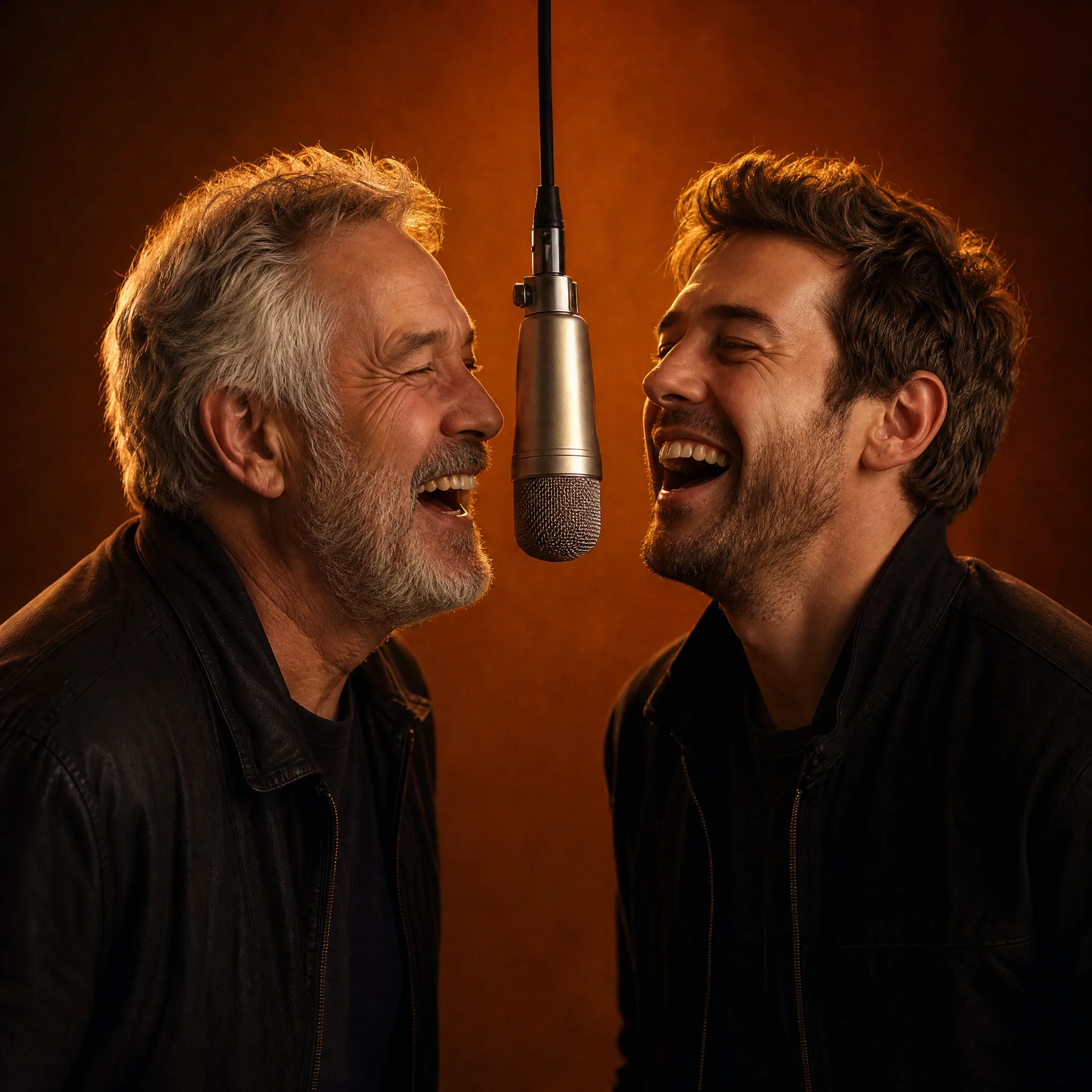
Grey-haired father and adult son in dark jackets laughing on either side of a hanging microphone