











Photo to Anime

Upload one clear portrait and step into a hand-painted anime street on a rainy evening.

Upload Your Portrait0/1
Styling note (optional)
0/300
Aspect ratio
Resolution
Number of outputs
Public Visibility
Required credits
208
Sample videos

Anime AI Image to Video: Step into an Anime Scene

Your photo, redrawn in a hand-painted anime world

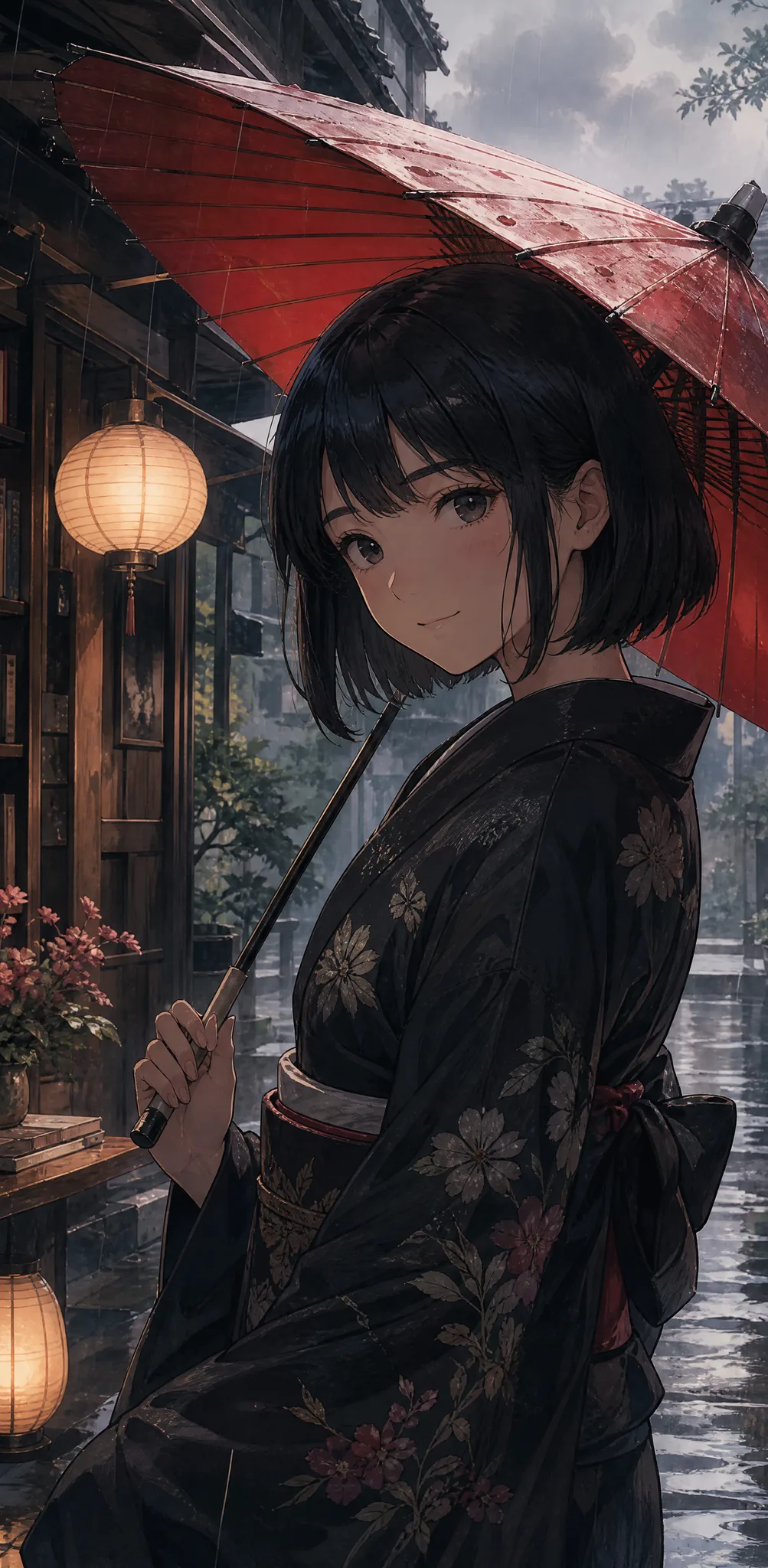
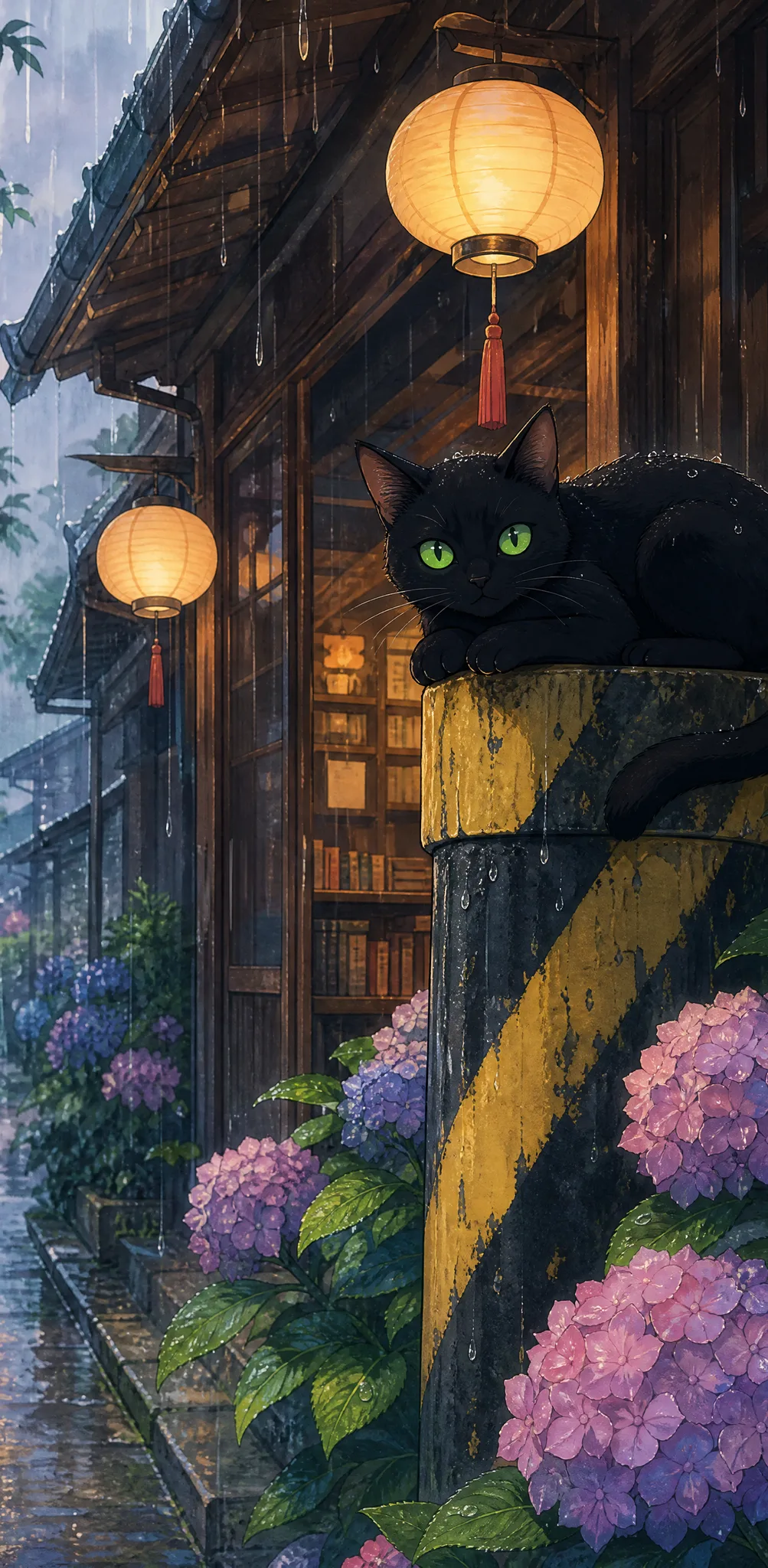
See yourself in a hand-painted anime film. Anime AI image to video turns one clear portrait into an anime character standing on a rainy evening street: a red paper umbrella in hand, a dark kimono, an old wooden bookshop with glowing paper lanterns behind, purple and blue hydrangeas by the door and a black cat watching from a striped pole. The anime style, the scene and the soft sound of rain are built in, so no prompt is needed. Share the 5-second clip as a profile video, a gift for an anime fan or a calm opener made with anime AI image to video.

Create Your Anime Video
Hand-painted anime woman in a dark kimono holding a red paper umbrella outside a lantern-lit bookshop on a rainy evening
No Prompt Writing|Photo to anime in one step|Rainy bookshop street|Clips with sound

How to Turn a Photo into Anime Video

Anime AI image to video needs just one portrait: upload it, choose your settings and keep the anime take you like best.

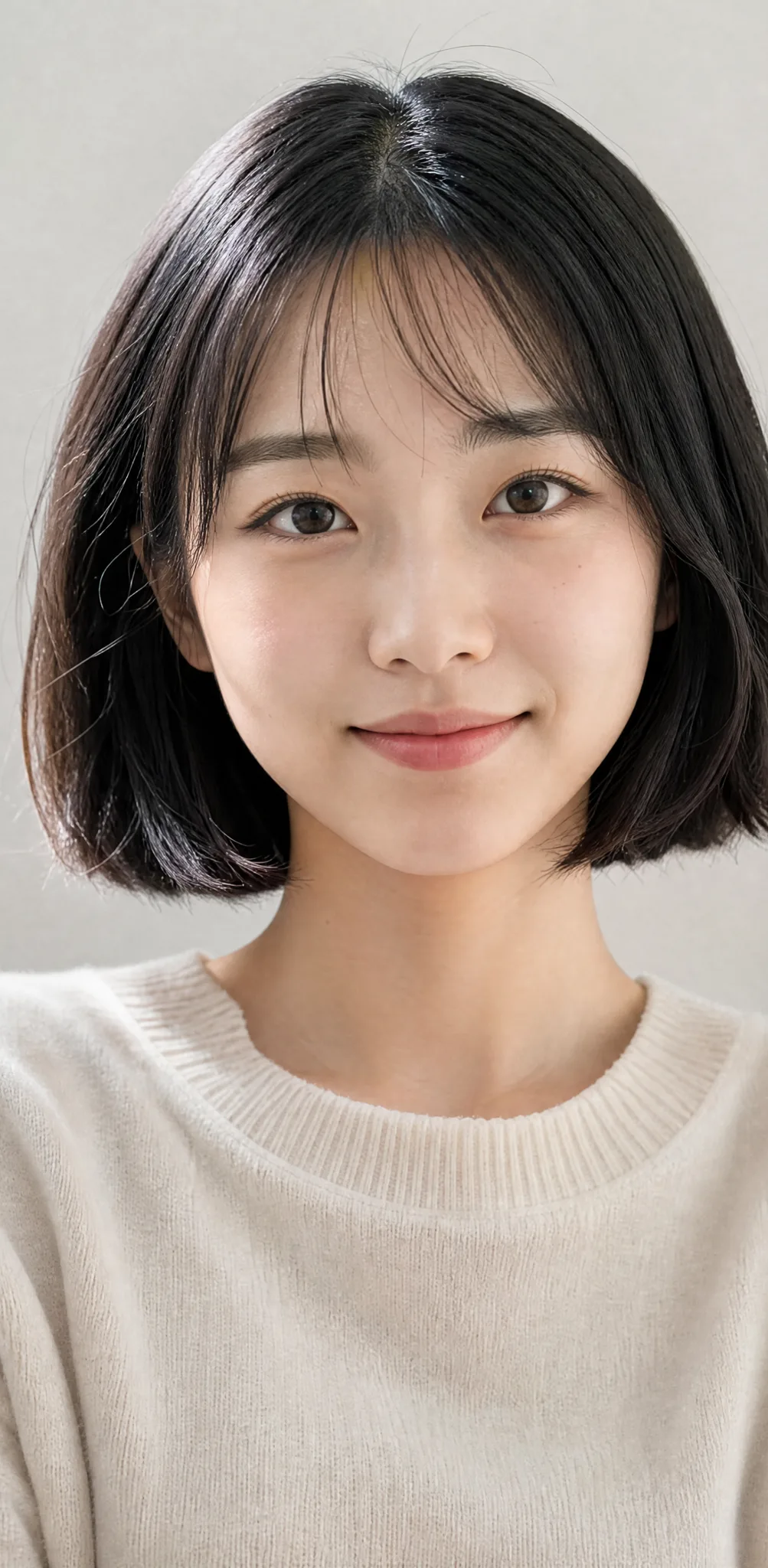
Young woman with a short black bob and a gentle smile looking straight at the camera in soft window light

Upload one clear portrait

Upload one clear photo of one person. A front-facing portrait with the eyes, hairstyle and hair colour easy to see works best, because anime AI image to video redraws that person as the character on the rainy street.

Become the Star of a Hand-Painted Anime Scene

Picture yourself redrawn in anime style on a rainy street lit by paper lanterns. Anime AI image to video builds the whole scene around the person in your photo.

Your photo, redrawn as an anime character

Start with one clear portrait and anime AI image to video redraws that person in a soft, hand-painted anime style. The face shape, hairstyle, hair colour and eye colour carry over, so friends recognize you the moment the clip starts, even with the new kimono and red umbrella.
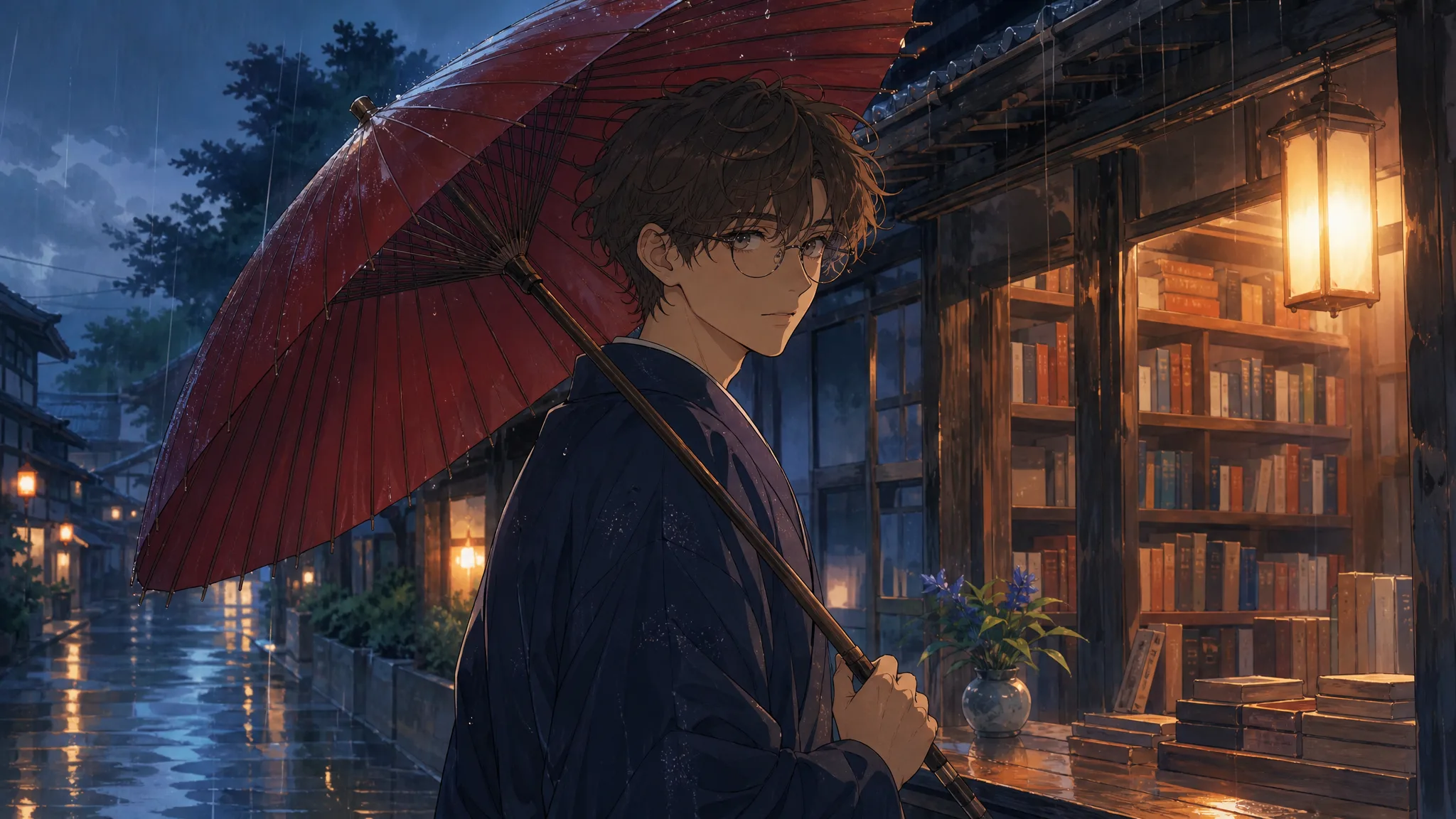
Anime-style young man with round glasses and wavy brown hair holding a red umbrella on a rainy lantern-lit street

A rainy bookshop street full of detail

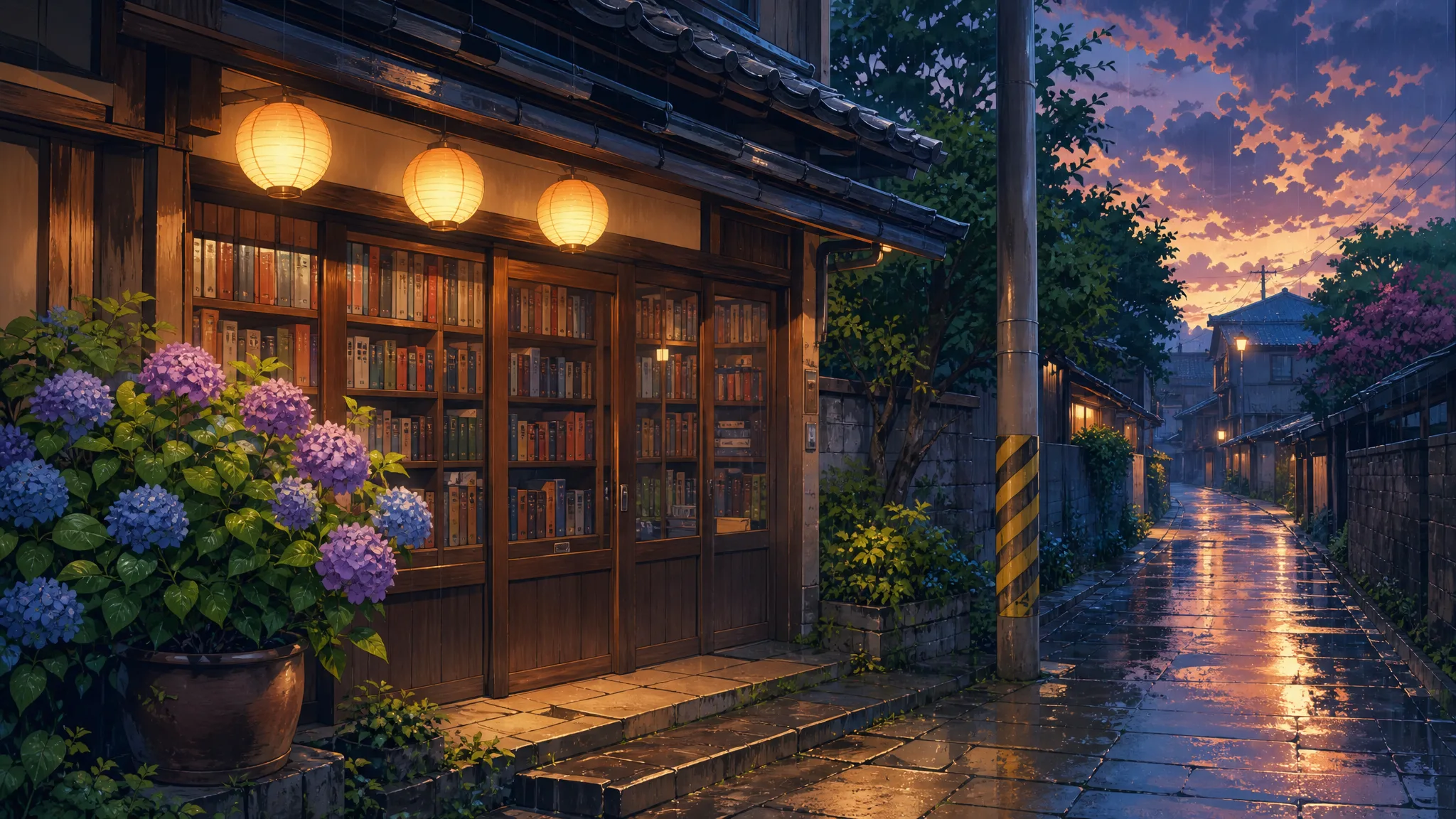
Anime AI image to video sets every scene in the same place: an old wooden bookshop with shelves of books, glowing paper lanterns, purple and blue hydrangeas by the door and a black cat on a striped pole, all under a gentle evening rain that softens every colour.

Hand-painted anime wooden bookshop with glowing paper lanterns, wet stone pavement and purple and blue hydrangeas in the rain

A calm anime clip with sound to share

Every anime-image to video AI clip runs about 5 seconds with the soft sound of rain. For anyone looking for the best image to video AI for anime portraits with nothing to set up, use it as a profile video, a gift or a calm opener for a vlog, and add a caption or title in your editor.

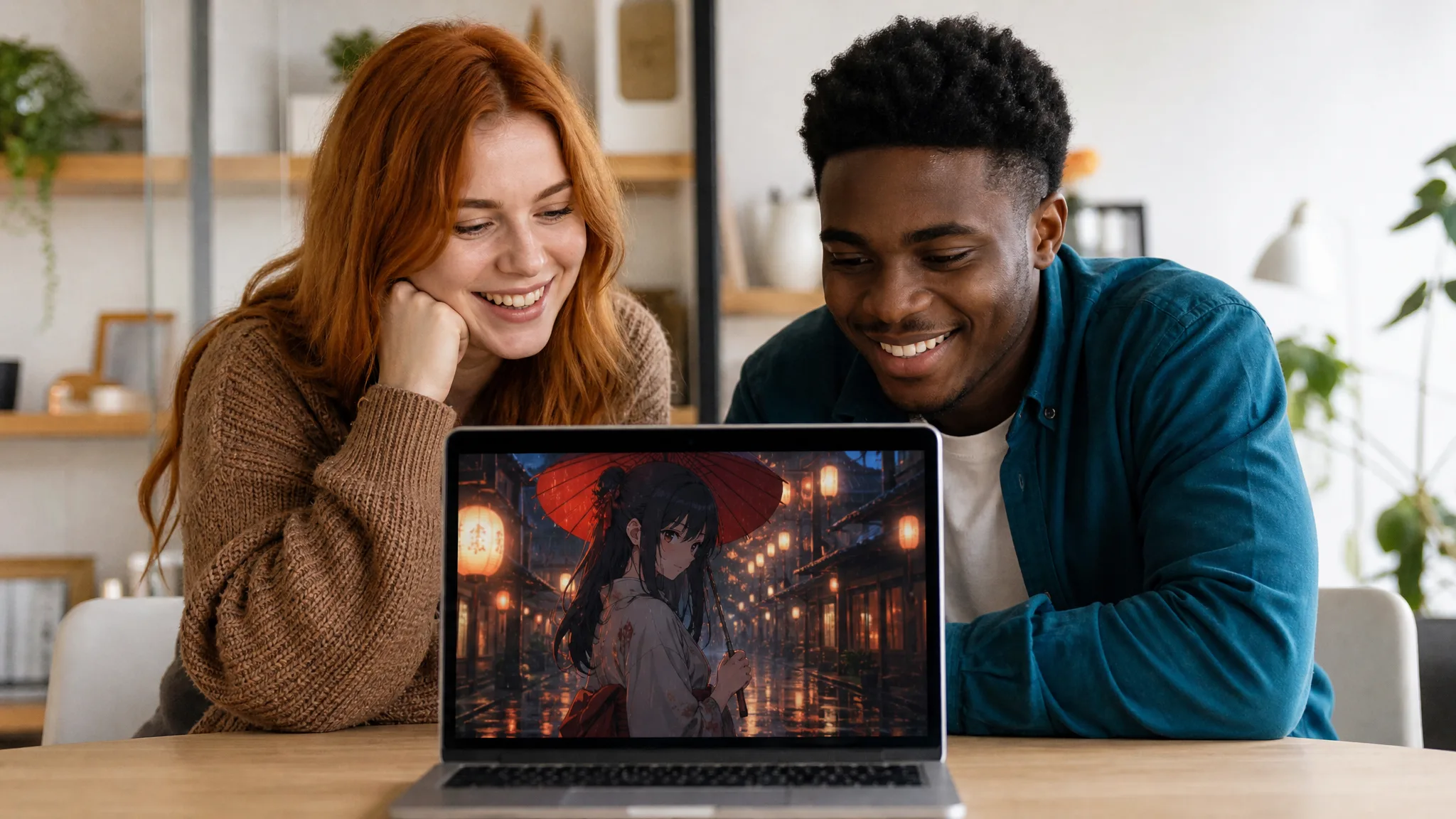
Two friends at a desk smiling at a laptop that shows an anime woman with a red umbrella on a rainy street

Why Fans Choose This Anime AI Image to Video Effect

Anime AI image to video turns a real photo into a scene that looks like a frame from a hand-painted anime film, with no drawing or prompt writing needed.

From photo to anime in one step

Upload a real photo and the effect does the redrawing and the animation together. Anime AI image to video keeps your recognizable features while giving you the soft colours, clean lines and gentle shading of a hand-painted anime film.

A scene with a film-like mood

Rain, glowing lanterns, a bookshop full of books and a watching black cat give each anime AI image to video clip a quiet, cinematic mood. The red umbrella and the kimono complete a scene that looks like a still from a favourite film.

Works with the photos you have

A selfie, a profile picture or a clear portrait from a trip can all start an anime AI image to video clip. Choose the photo where your face and hair are easiest to see for the strongest likeness in the redrawn character.

Ready to post with sound

Each AI anime video generator clip comes with the sound of rain, ready for a profile, a story or a slideshow. Pick a vertical or wide aspect ratio to match where you share it, and keep 768P or choose a sharper 2K.

Creative Scenarios with Anime AI Image to Video

Possible anime AI image to video projects, from profile intros to gifts for anime fans, each starting from one clear portrait.

I'd upload my favourite selfie and use anime AI image to video to see myself under the red umbrella on that rainy bookshop street. The lanterns and the black cat feel straight out of the films I grew up with, so I'd post it as my new profile video.

Animation Student
Creative workflow

Anime Video FAQ

Explore how anime AI image to video turns one portrait into a rainy anime scene, which photo to upload, what the clip includes and how to get the best likeness.

Anime AI image to video is an AI effect that turns one photo into a short anime clip. On this page, the person in your portrait is redrawn as a hand-painted anime character holding a red umbrella in a dark kimono outside a lantern-lit bookshop on a rainy evening.

Yes — the AI anime video generator free tier runs at 768P with your credits, while 2K needs a paid plan. An account unlocks generation, and the workspace previews the credit cost of each anime clip before you start. Free generations include an ImgVid watermark; eligible paid generations export without it.

Upload one clear, front-facing photo of one person for anime-image to video AI. Visible eyes, a clear hairstyle and natural light let the anime character keep your face shape, hair colour and eye colour.

A real photo is all anime AI image to video needs, with no prompt and no drawing step. The template already sets the anime style, the rainy street, the umbrella and the kimono, MiniMax H3 runs it for you, and an optional note of up to 300 characters can keep a detail such as glasses.

This effect is the best image to video AI for anime fans on ImgVid. It redraws a real photo in anime style and places it in a complete hand-painted scene in one step. Upload a photo of yourself, a friend or your partner, one person per run, to make a matching set.

Each AI anime video generator clip runs approximately 5 seconds with the sound of rain. MiniMax H3 renders it at 768P, or at 2K for a sharper frame, with the aspect ratio on Auto or set to 21:9, 16:9, 4:3, 1:1, 3:4 or 9:16, ready for profiles, stories and reels.

Start with a sharp, front-facing portrait in soft, even light, with the face clear of hands, hats or heavy shadows. A distinctive hairstyle or hair colour makes the anime version easy to recognize. Generate up to four videos at once and keep the take that looks most like you.

Step into Your Own Anime Scene

Upload one portrait and anime AI image to video redraws that person as an anime character under a red umbrella on a rainy, lantern-lit bookshop street. Pick your favourite take and share it with your friends.

Create Your Anime Video
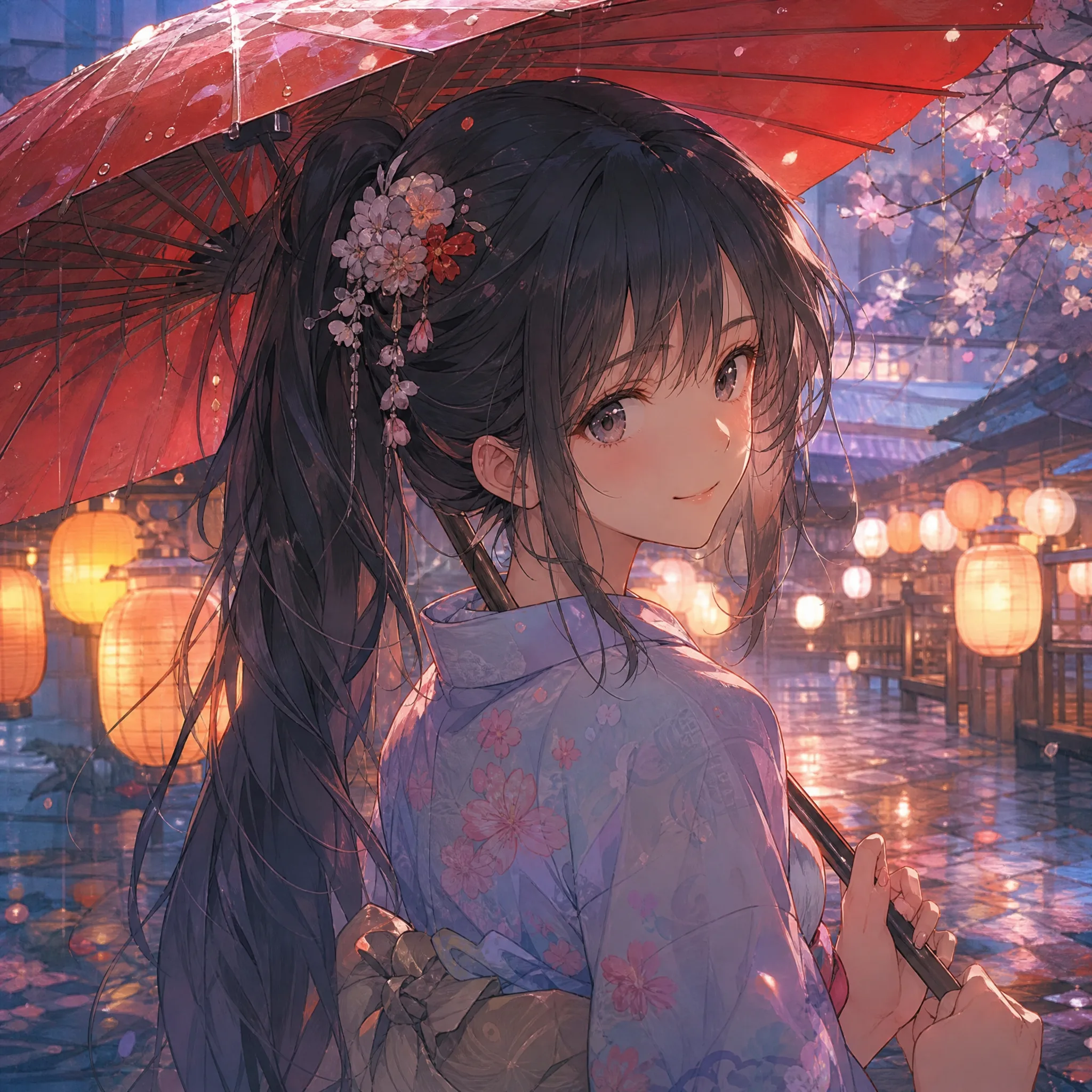
Anime girl with long dark hair and a flower hairpin smiling under a red umbrella beside glowing lanterns in the evening rain