

Comic Book Generator
Prompt
0/5000
Aspect ratio
Image size
Number of generations
Public Visibility
Required credits
7
Examples
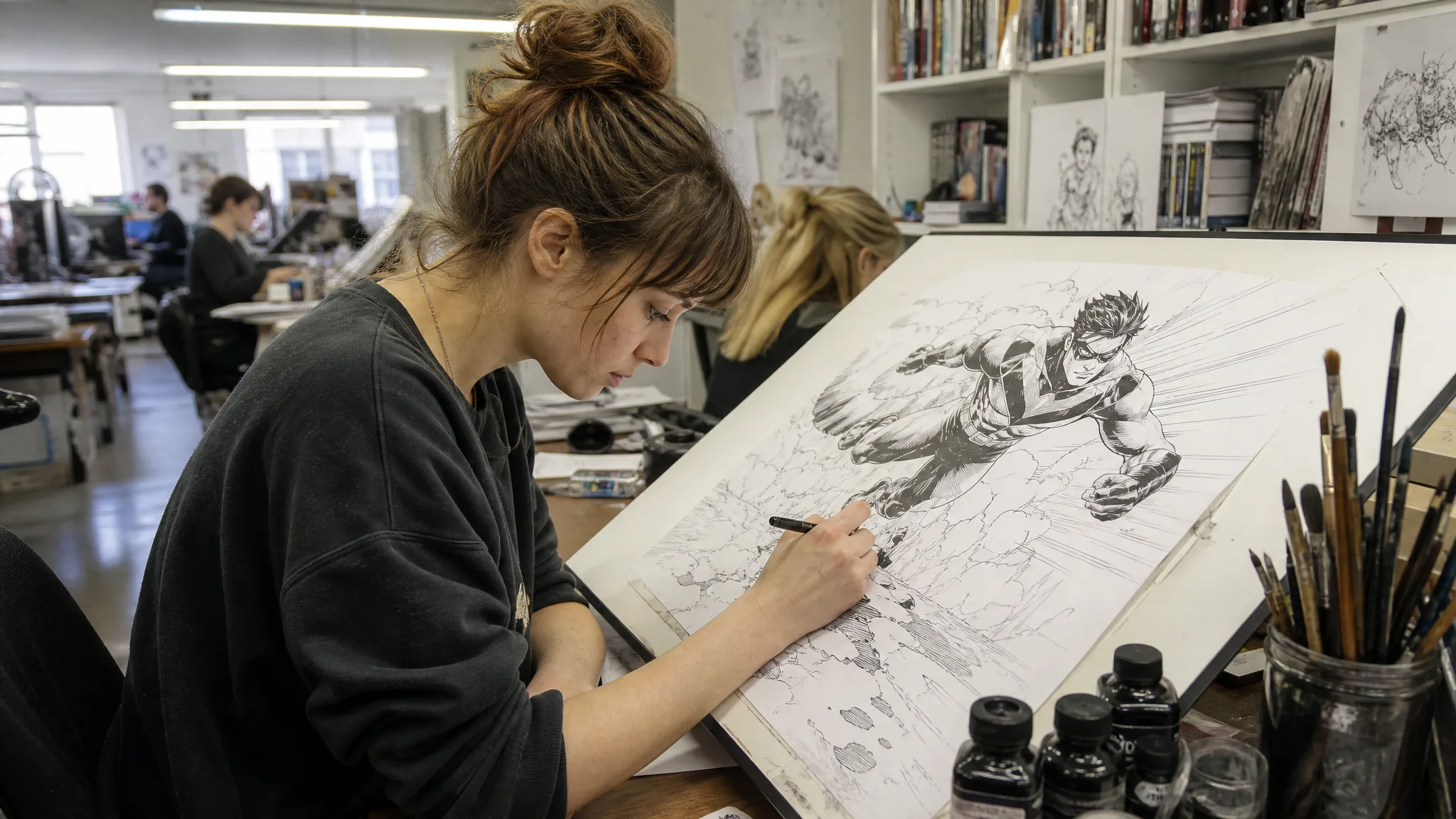
Comic artist inking a drawing of a running hero on a tilted drafting table in a busy studio under fluorescent light

Comic Book Generator for Individual Panel Drafts

Give a written story its first comic images

Make the scene you have imagined look like a comic panel. Describe characters, setting and style in the comic book generator, then create individual images for a story concept, classroom project or character portfolio.

Create Your Comic Now
Comic artist inking a drawing of a running hero on a tilted drafting table in a busy studio under fluorescent light
Story-led panels|Photo reference ideas|Character continuity|Clear visual direction

How to Draft a Panel with the Comic Book Generator

Begin with the moment your comic panel should show. Describe the setting, the action and the character in the comic book generator, then create an image draft to develop into your final page.

1

Write one readable story moment

Describe the character, setting and visible action for one panel in the comic book generator. Note a consistent outfit, hairstyle and palette in the brief so the next panel can follow the same story, and keep dialogue out of the image description because lettering is added later.

2

Create the individual panel artwork

Choose a supported image model and mode, using a suitable reference when that mode accepts one. Generate your panel in a comic style with the comic book generator, then open the completed image and compare its character, composition and details with your brief before moving on.

3

Arrange and finish the comic

Choose the panel drafts that explain the sequence. Add exact speech bubbles, lettering and the final page layout in your editor, reviewing character details across the selected images so the same person reads clearly from panel to panel.

Best AI Image Tools for Creative Projects

Create a new image from text or edit one you already have with the right image tool.

Give Each Comic Scene a Subject, Beat and Setting

Give a comic scene a clear subject, a story beat and a visual setting, then use the comic book generator to explore individual panel drafts for a character introduction, a dramatic moment or a new story idea.

The short story

Here is a short story you can try in the comic book generator. Mina waits at a rainy bus stop with one umbrella. A small dog sits beside her in the rain. She tilts the umbrella over the dog, leaving her own shoulder wet. Shared visual brief: Mina has a short black bob, a yellow raincoat, and a plain navy umbrella. Use a warm, clean-lined comic style, a simple bus-stop background, and the same clothing and palette throughout.
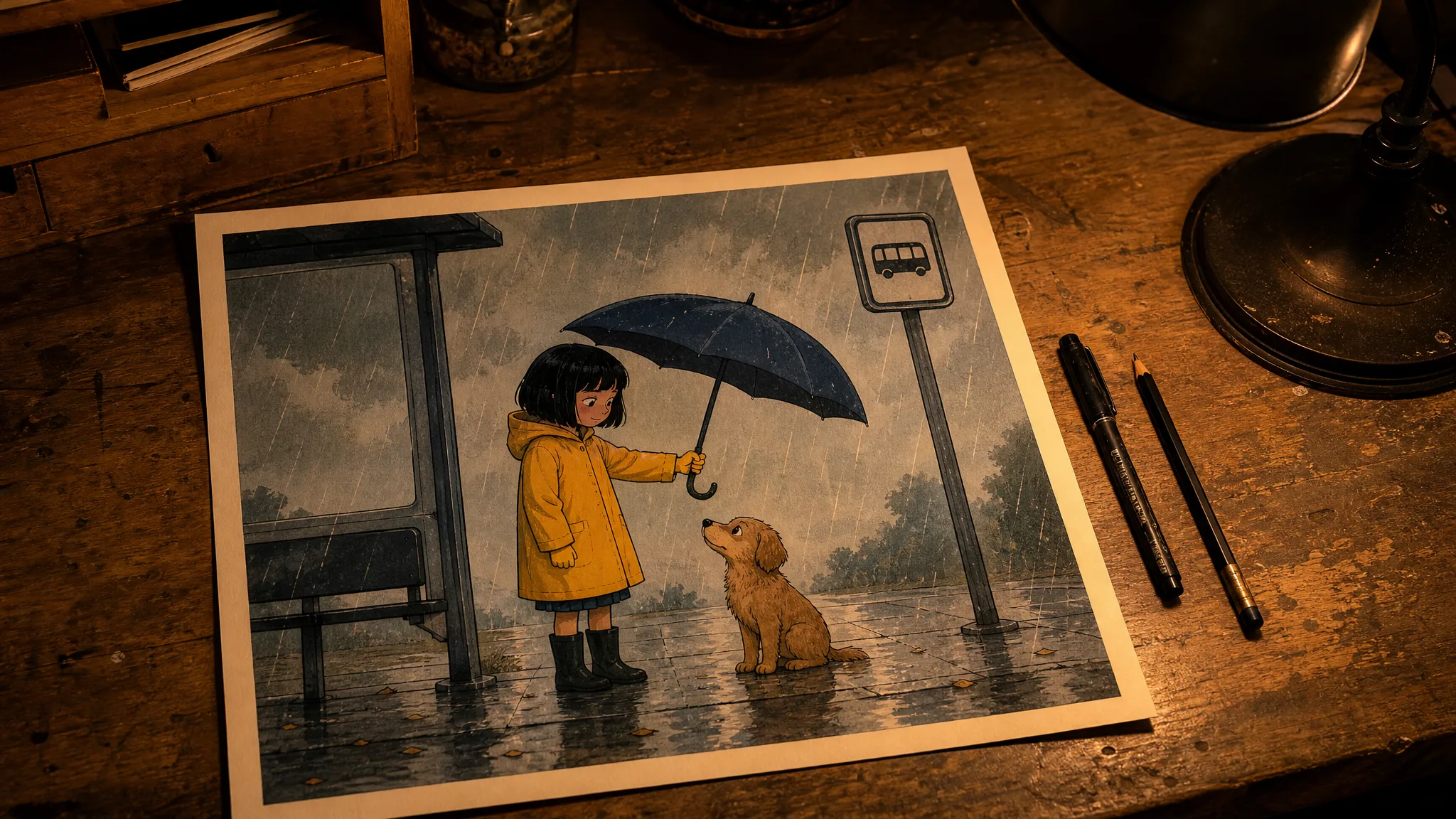
Printed comic panel on a drafting table: a girl in a yellow raincoat at a rainy bus stop tilts her umbrella over a small dog

Give the story your own setting

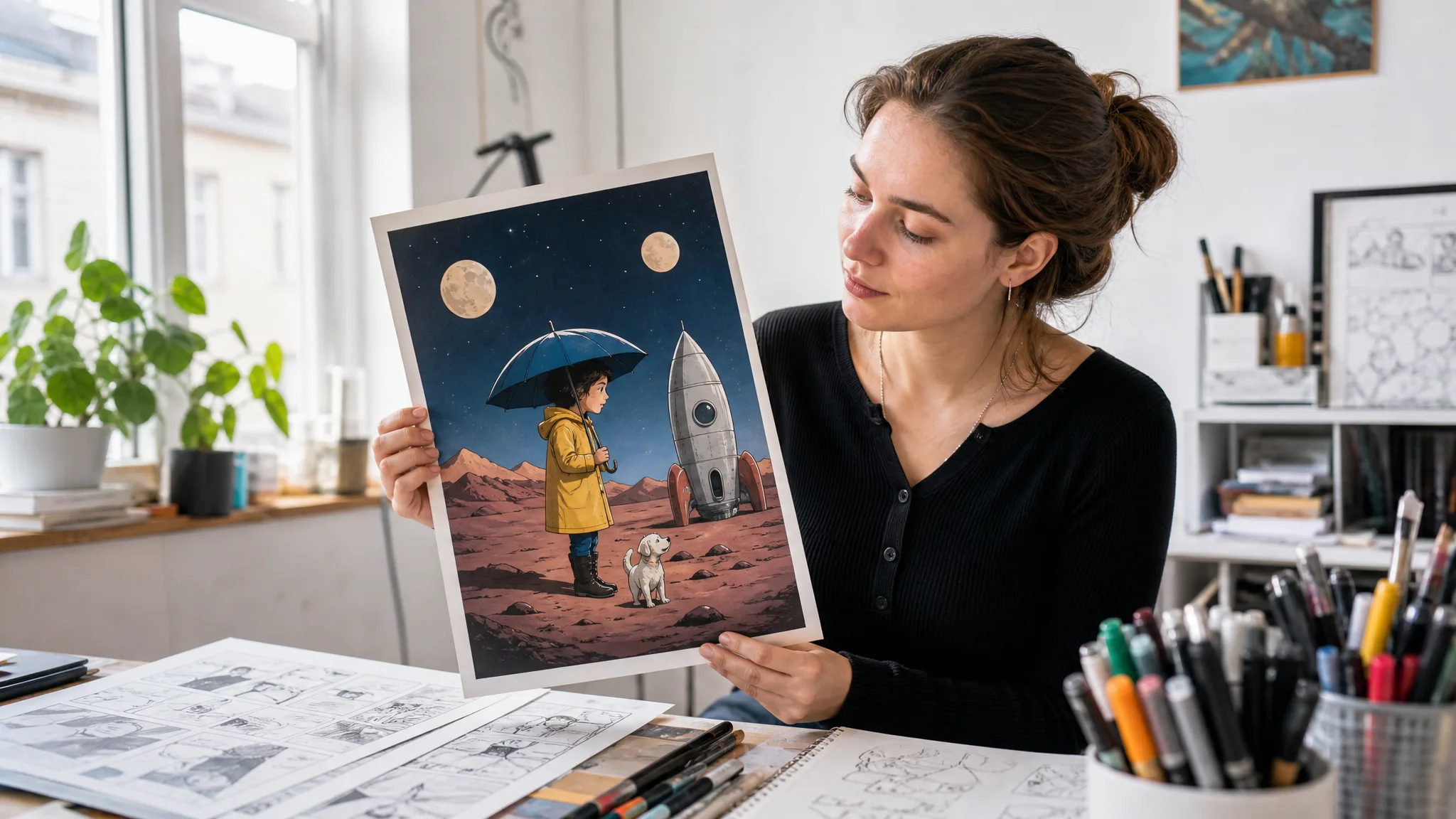
Replace the rainy bus stop with a classroom, station or unfamiliar planet. Keep the three beats that make the story understandable: a situation, a choice and its result. A comic book generator from text works from the scene you describe, so give each panel one visible moment.

Comic artist holds up a printed panel of a girl in a yellow raincoat and a small dog beside a rocket under two moons

Find a plot, name, and title that fit together

When you need a story starter, combine a character, a small problem and an unexpected choice: a nervous courier, a missing address and a parcel that starts talking. Give the character a short name such as “Pip” and a title that points to the conflict, such as “The Parcel with No Home.” For a superhero, record a motivation and a limitation as well as the costume. These notes become comic book generator prompts; they do not replace a finished script.

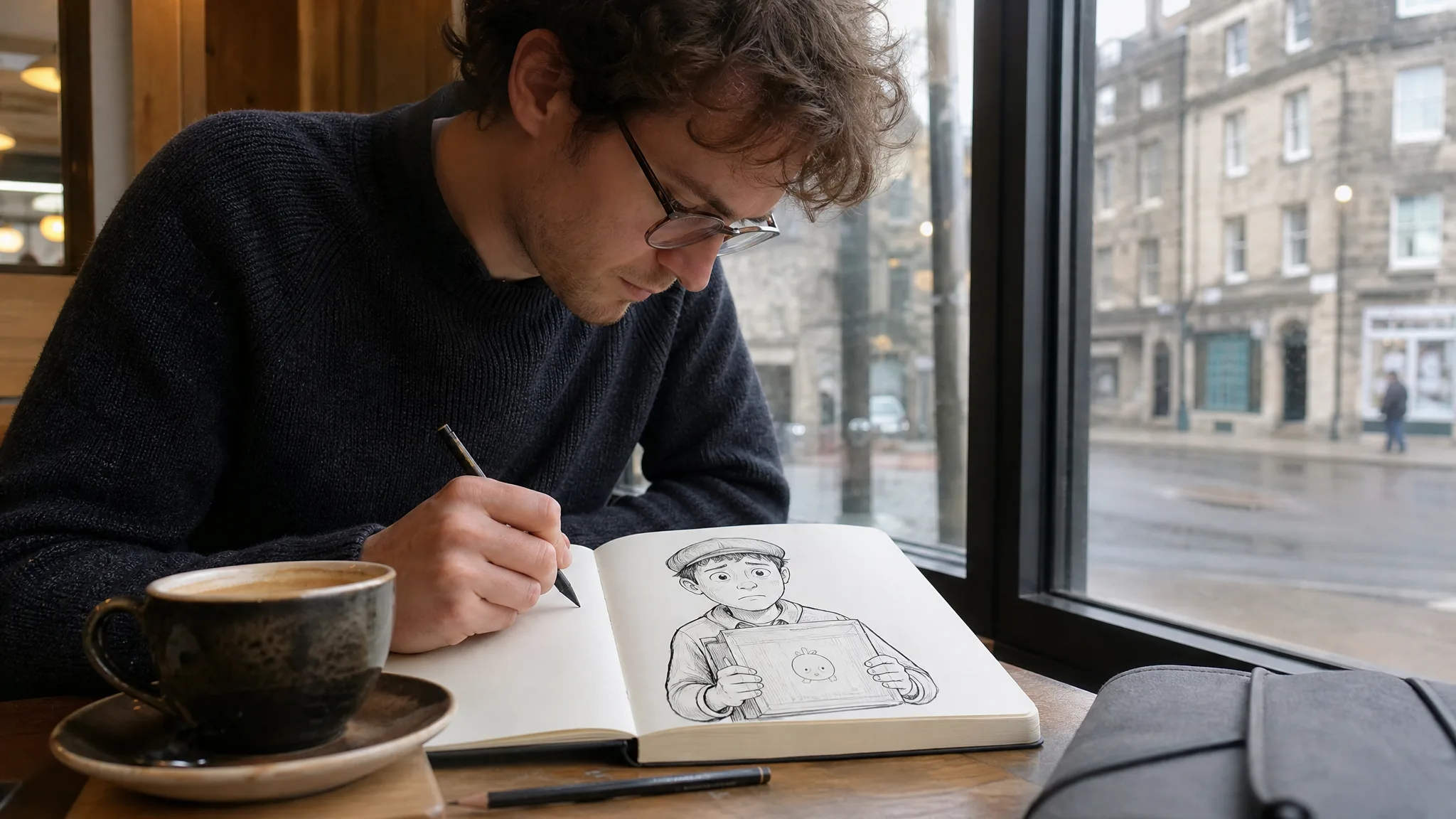
Writer at a café window sketching a nervous young courier holding a parcel with a small surprised face

Give the character recognizable details

Choose a clear photo or drawing and note the details that belong to the character: hairstyle, jacket color, glasses or a favorite object. Reuse those details and suitable references in every comic book generator brief, then compare the resulting artwork so the same character carries the story through the sequence; a reference helps but does not guarantee a perfect match.

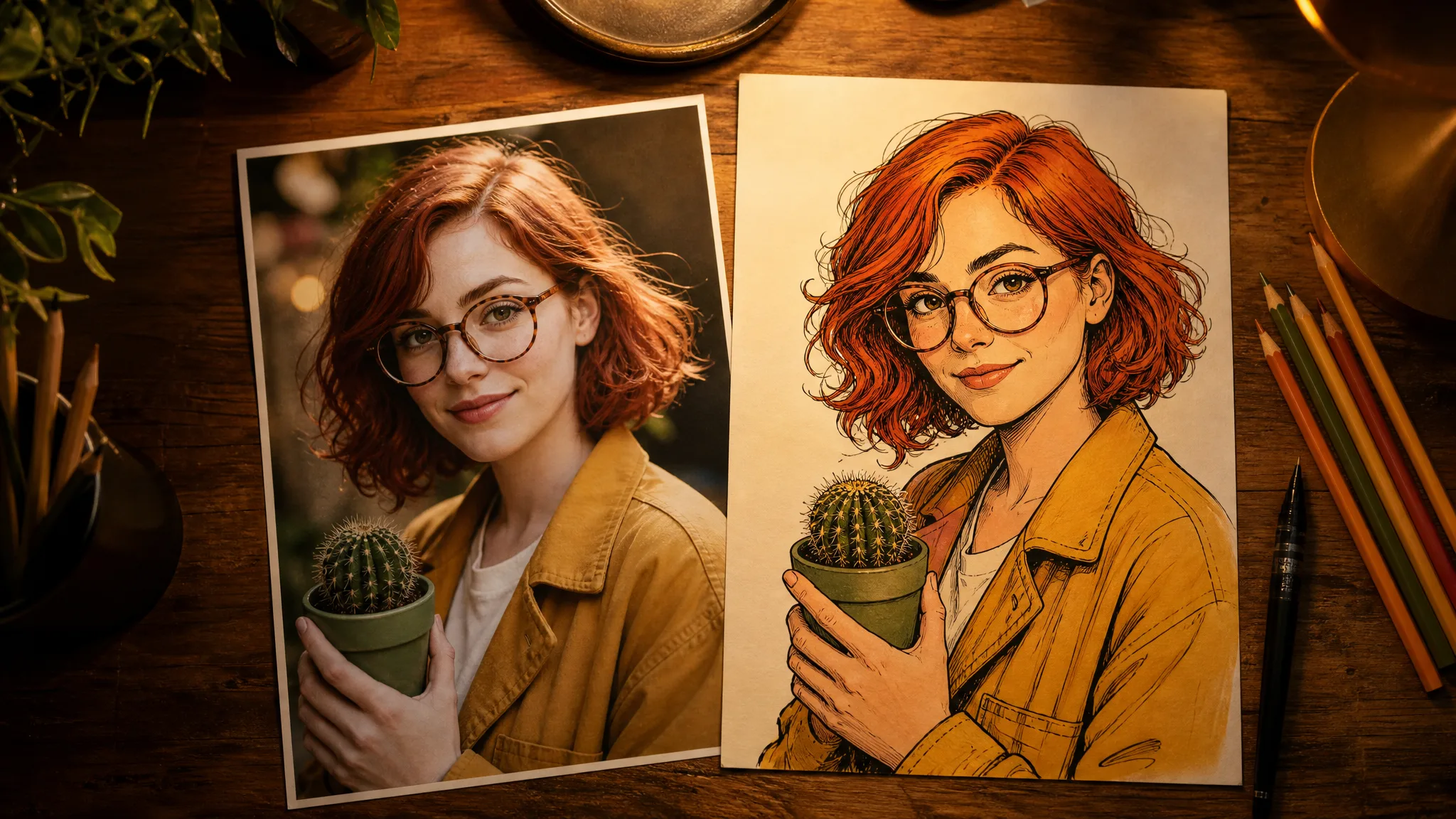
Photo of a red-haired woman in round glasses and a mustard jacket beside a comic-style drawing of the same character

Give Your Comic Story a Clear Final Form

Build the finished comic around a readable sequence and a clear visual focus. Drafts from the comic book generator provide the scenes; panel arrangement, dialogue and lettering bring them into the final story.

Give the reader a clear path

For a first three-panel comic, use a simple left-to-right sequence. Check that the important action is visible in each comic book generator draft and that props stay on the correct side. If the story only makes sense after a long explanation, regenerate the missing or ambiguous panel before adding more decoration.

Leave room for words

Keep dialogue brief and place it away from faces and important gestures. Read lettering at the size people will actually see, checking spelling and punctuation. Using a comic book generator online does not remove these editorial decisions: a strong illustration and a readable finished page are different stages of the work.

Speech bubbles, fonts, and sound-effect lettering

Plan one short line per speaking turn, with a bubble tail pointing clearly to the speaker, and leave empty space above the action. A comic book generator image is not an editable speech bubble or a font file, so add text in a layout editor where you can adjust font, bubble size and spacing. Use bold display lettering for a brief sound effect such as “SPLASH,” which means lettering on the page, not generated audio.

Make a cover that matches the story

Choose one image that expresses the central situation, then leave room for the title and creator name. For the umbrella story, Mina sheltering the dog is a stronger cover idea than a collage of every panel. Add the title as a separate text layer in your layout editor and test it as a small thumbnail. Cover dimensions, print margins, and export format depend on where you intend to publish.

Creative Scenarios with Comic Book Generator

Scenarios for using comic book generator in real projects, from the photos or ideas you start with to the take you keep.

For my story's opening, I'd use the comic book generator to describe a courier arriving at a deserted station, with the coat and palette spelled out for one comic-style image. I'd pick a draft with a clear setting as the first panel and lay out the story in a separate editor.

Comic Writer
Creative workflow

Comic Book Generator FAQ

Explore how the comic book generator helps with individual panel drafts, written scene ideas and reference images. Learn what to create here and what to finish in your page layout.

A comic book generator creates comic-style artwork from written scenes or visual references. Describe a character, setting and action to develop a panel image. Arrange selected images and finish lettering separately for a complete page.

A comic book generator from text interprets written scenes as visual instructions for panels or illustrations. Include the character, setting, action, and intended composition. Separate dialogue from the image description so you can review both the visual storytelling and the wording.

A photo can serve as a visual reference for a comic character. Clear facial features and clothing help communicate the intended appearance. Add a separate scene description so the reference supports an action, setting, and composition rather than only a portrait.

Give the comic book generator the same references and a short list of recurring visual details. Compare face shape, hair, clothing, and props after each draft. Consistency requires review; a character reference does not guarantee that every generated panel will match.

Yes — begin with a written scene and a visual style rather than a drawing. A comic book generator online can help develop artwork for a classroom story, character concept or short strip; you choose the sequence and finish the page layout.

No — generation on ImgVid requires an account and uses credits, even when you use the comic book generator online. Check the balance and displayed cost before starting; any available free allowance does not mean unlimited generation. The planning examples on this page can help you develop your story before you generate.

Comic book generator artwork can support a published strip when you hold rights to every reference you supply. The same applies to characters you bring in for a client project. Generation grants no rights to existing comic characters, logos or artwork, so clear those before you sell or publish the page.

References you upload to the comic book generator are not published. Free accounts and visitors keep Public Visibility on, so a finished comic panel may be selected for Explore after review; a subscription or one-time pack starts generations private, which suits unreleased stories.

Create the First Scene of Your Comic

Describe the character, setting and action of one illustrated scene. The comic book generator develops a comic-style image to help your story take shape, then you arrange panels and finish lettering in your chosen editor.

Create a Comic-Style Scene
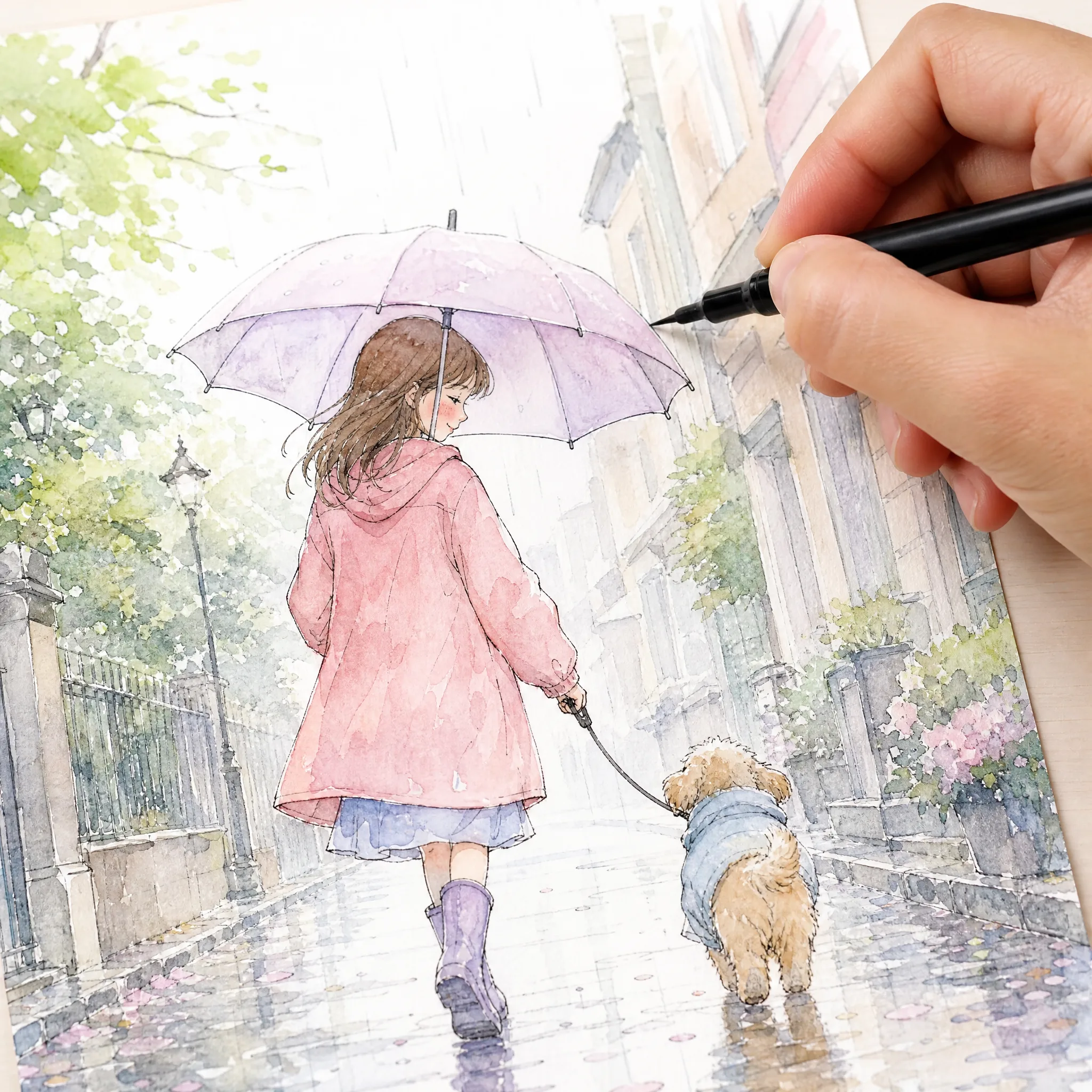
Hand inking a pastel watercolour comic of a girl and a small dog walking under one umbrella in the rain