AI Face Dance Generator

Upload one clear portrait and watch that person perform an upbeat hand-gesture face dance to the music.

Upload Your Portrait0/1
Styling note (optional)
0/300
Aspect ratio
Resolution
Number of outputs
Public Visibility
Required credits
368
Sample videos

AI Face Dance Generator for Portrait Expressions

Turn one portrait into an upbeat dance to the camera

Make your photo dance in one upload. The AI face dance generator turns a clear portrait into the star of an upbeat dance to the camera: the person stands in a bright white room with a window and a potted plant, then points, waves, flips open palms and plays with lively facial expressions in time with the music. The routine, the camera framing and the soundtrack are built in, so no prompt is needed. Share the 15-second clip as a birthday surprise, a channel intro or a fun post made with the AI face dance generator.

Make Your Photo Dance
Young woman with long dark hair pointing both index fingers at the camera with a playful grin in a bright white room
No Prompt Writing|One portrait, one dancer|Music built in|Shareable dance clips

How to Use the AI Face Dance Generator

The AI face dance generator needs just one portrait: upload it, choose your settings and keep the take you like best.

1

Upload one clear portrait

Upload one clear photo of one person to the AI face dance generator. A front-facing portrait with the eyes, mouth and hair in good light works best, because that person becomes the dancer in the bright white room.

2

Generate the face dance

The AI face dance generator already holds the routine, the room and the music. Name an outfit in a styling note of up to 300 characters, dance at 768P or in 2K, choose Auto or a ratio such as 9:16 and one to four videos, then start; MiniMax H3 choreographs every take.

3

Review and share your dance clip

Follow the job status until the dance is complete. Preview each take, check the face, the hand moves and the expressions, and listen to the music. Download your favourite clip and add a caption, a name or a greeting in your editor.

Make Your Photo Dance with Hands and Face

Picture your portrait pointing, waving and grinning to the beat. The AI face dance generator builds the whole dance around the person in your photo.

Start with a face people recognize

A clear selfie or creator portrait gives the AI face dance generator a familiar starting point. Choose a photo with visible eyes and mouth, even light and the whole head in frame. That face then leads every move of the dance, so friends recognize the dancer at first glance.
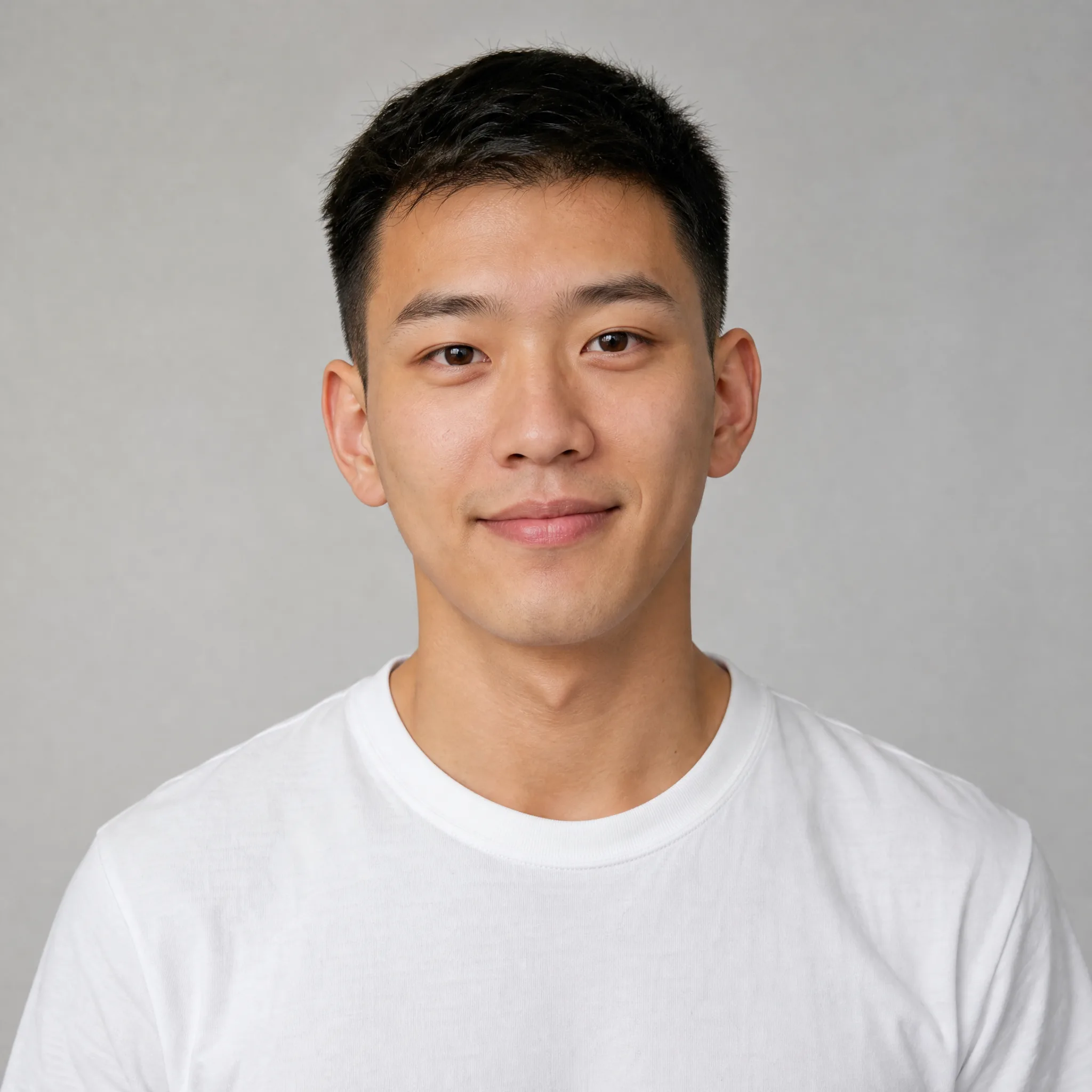
Young man with short black hair and a slight smile facing the camera against a light-grey studio backdrop

Make your photo dance with hand-gesture moves

The routine is all hands and face: finger points toward the camera, quick waves, open palms and a playful grin on the beat. The AI face dance generator gives your portrait every one of those moves, so the photo becomes a lively performance instead of a still picture.

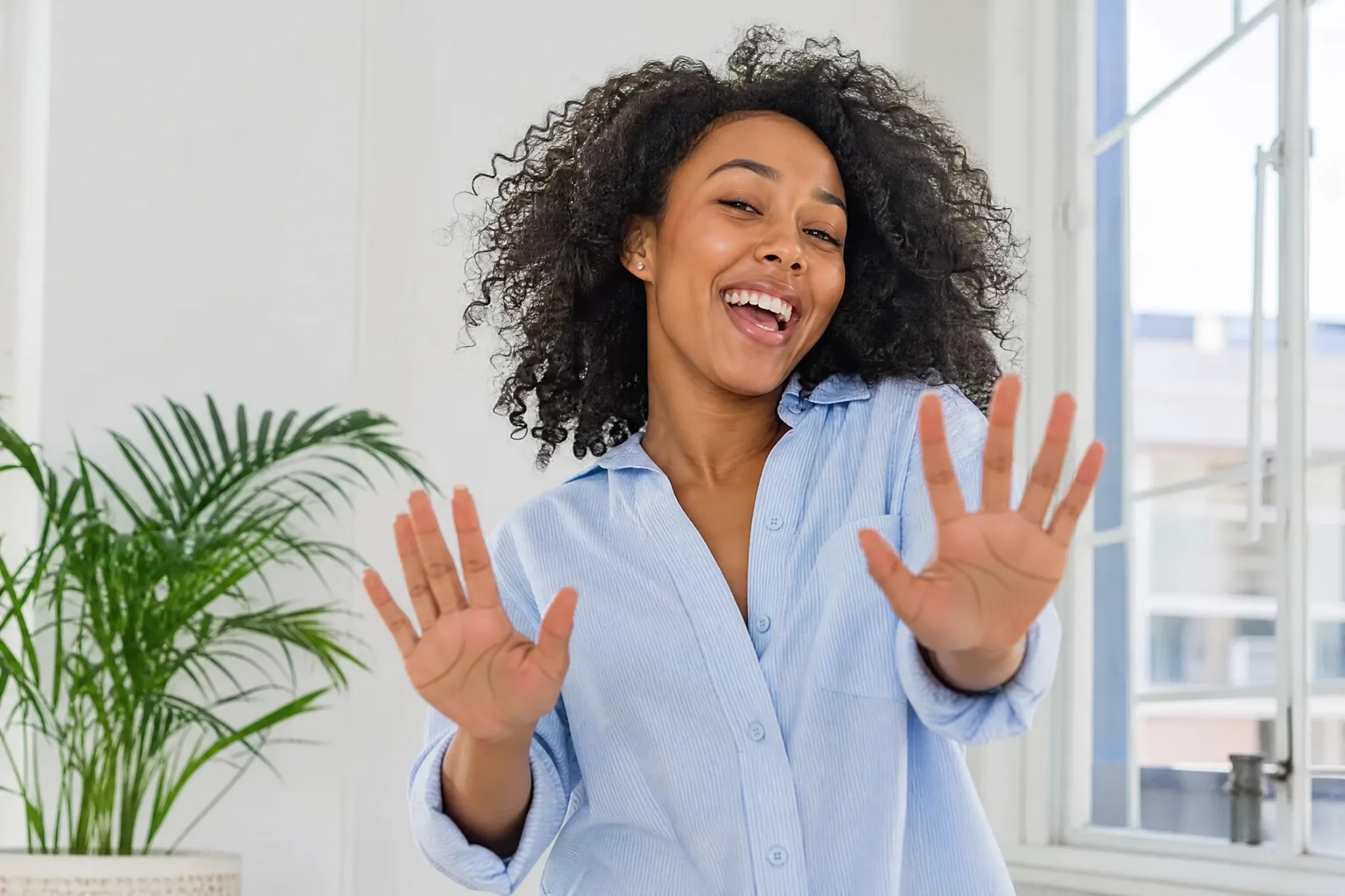
Young woman with curly black hair grinning and holding both open palms up toward the camera in a bright white room

A photo to dance video with the music built in

Every photo to dance video comes with the routine’s soundtrack, and the moves land in time with it. The bright white room, the window light and the steady eye-level framing keep the focus on the dancer’s face and hands for the full 15 seconds, so each gesture reads clearly on a phone.

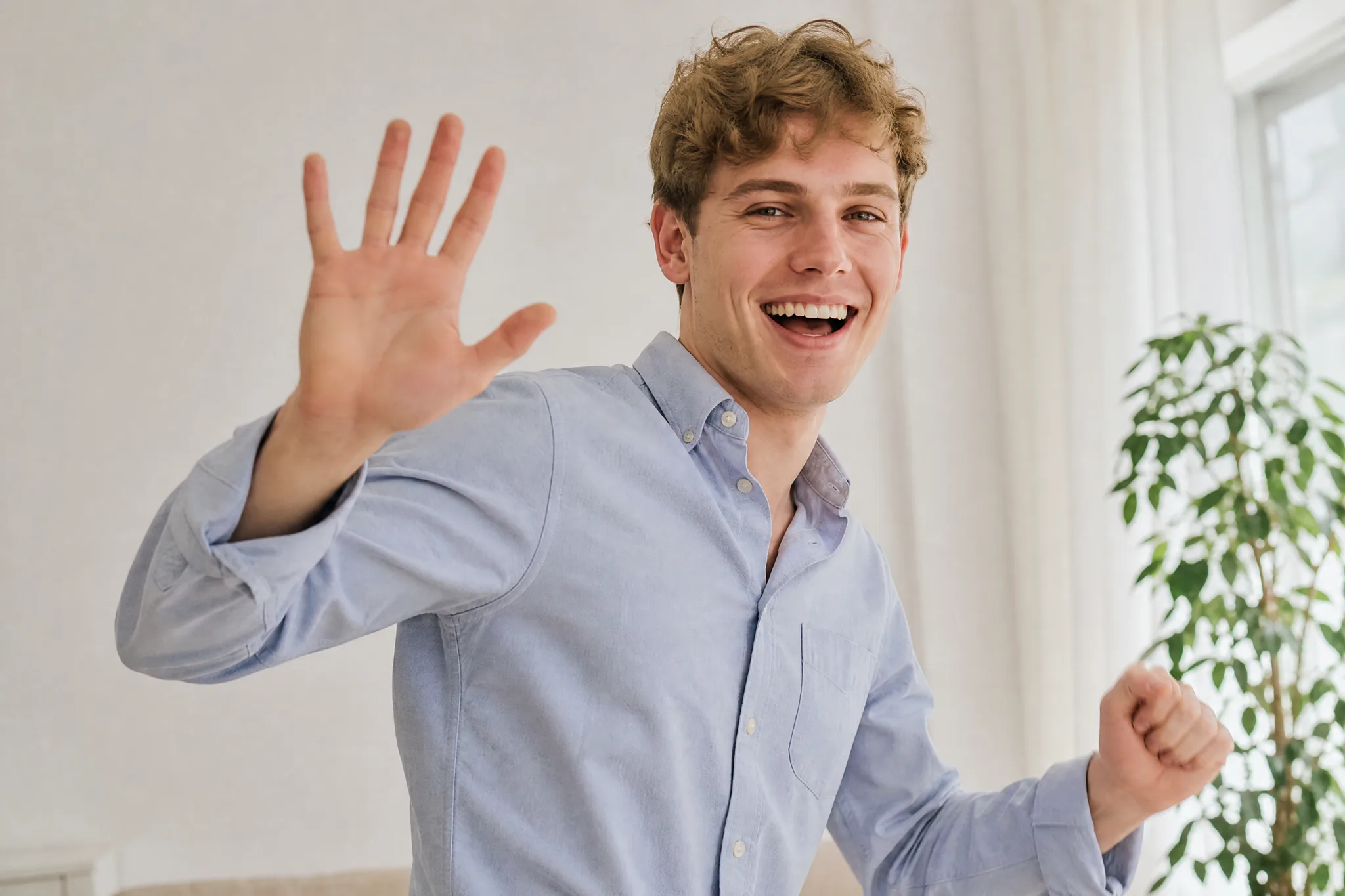
Young man with wavy brown hair waving at the camera and laughing in a bright white room beside a window

Share the dance where your friends are

Send the finished face dance to a group chat, open a reel with it or surprise someone on their birthday. Download the take you like best and add a caption or a name in your editor, then post the clip made with the AI face dance generator.

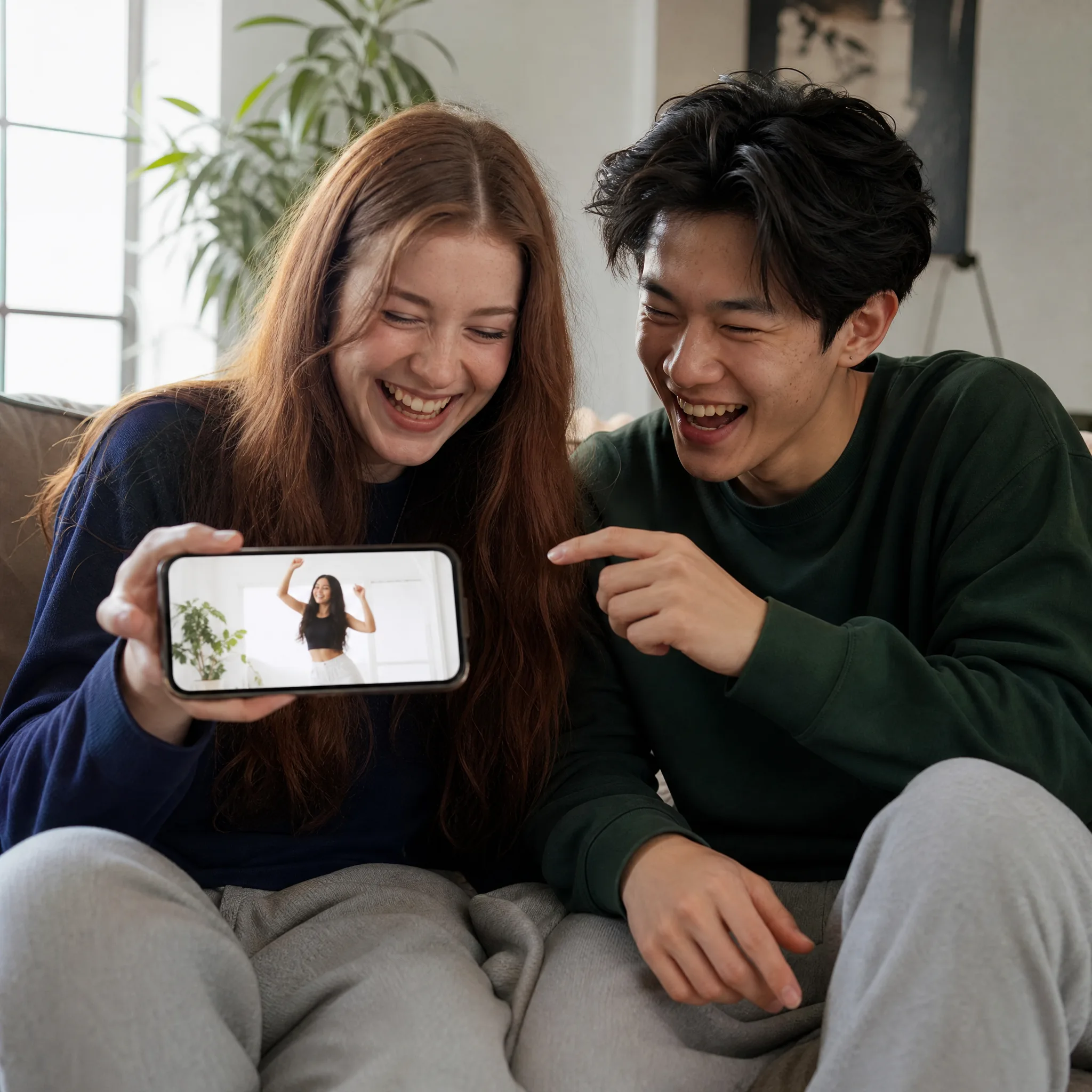
Two young friends on a sofa laughing at a phone that shows a woman dancing with her hands in a white room

Creative Ideas for the AI Face Dance Generator

Use the AI face dance generator for a birthday surprise, a channel intro, a team series or a group-chat joke. One clear portrait gives each idea its dancer.

A birthday surprise

Make the birthday person’s photo dance and send the clip instead of a plain message. The waves, finger points and big smile turn the AI face dance generator clip into a greeting friends replay and forward.

A channel or reel intro

Creators can open a show, a reel or a link-in-bio video with a 15-second clip from the AI face dance generator starring their own portrait. Choose 16:9 for the channel or 9:16 for shorts, then add the title in your editor.

A team or class series

Run each colleague’s or classmate’s portrait through the AI face dance generator so everyone performs the same upbeat routine. Post the clips one by one as a playful series for a team spotlight or a class farewell.

A group-chat reaction

Turn your own selfie into a photo to dance video and keep it ready as a reaction for good news, a weekend plan or a running joke. The music and the grin say it all in the chat.

Creative Scenarios with AI Face Dance Generator

Possible AI face dance generator projects, from group-chat greetings to channel intros, each starting from one clear portrait.

I'd upload my favourite selfie to the AI face dance generator and let the template turn me into the dancer in the bright white room. The finger points and the big grin on the beat would be the punchline, so I'd post the clip with a one-line caption.

Meme Creator
Creative workflow

AI Face Dance Generator FAQ

Find answers for using the AI face dance generator: what it creates, how free generation works, which portrait to choose, how the template works and how to share the clip.

An AI face dance generator is an AI video effect that turns one portrait into a short dance clip. On this page, the person in your photo performs an upbeat hand-gesture dance to the camera in a bright white room, with finger points, waves, open palms and lively expressions in time with the music.

Yes — the AI face dance generator runs at 768P on the free tier with your available credits, while 2K needs a paid plan. Create an account to start dancing, and the workspace lists the credit cost of each run before it starts. Free generations include an ImgVid watermark; eligible paid generations export without it.

To make your photo dance, use one clear portrait of one person. A front-facing photo with visible eyes and mouth, natural light and the whole head in frame gives the dancer a face that stays recognizable through every wave and grin.

A photo to dance video on this page needs only your portrait. The template already sets the routine, the white room, the camera framing and the music, MiniMax H3 runs it for you, and an optional styling note of up to 300 characters can adjust details such as the outfit.

Yes — the AI face dance generator works with any clear portrait you are allowed to use. Upload one person per run to give each friend or family member their own dance, or try a different outfit with the styling note for a matching series.

Yes — every photo to dance video comes with the routine’s music. MiniMax H3 renders an approximately 15-second clip at 768P, or at 2K for a sharper frame, with the aspect ratio on Auto or set to 21:9, 16:9, 4:3, 1:1, 3:4 or 9:16, ready for stories, reels and chats.

Start with a sharp, front-facing portrait in soft, even light, with the face clear of hands, hats or sunglasses. A natural smile helps the grin and the expressions look effortless. Generate up to four videos at once and keep the take where the face matches your photo best.

Make Your Photo Dance Today

Upload one portrait and the AI face dance generator turns that person into the dancer: pointing, waving and grinning to the music in a bright white room. Pick your favourite take, download the clip and share it with friends.

Make Your Photo Dance