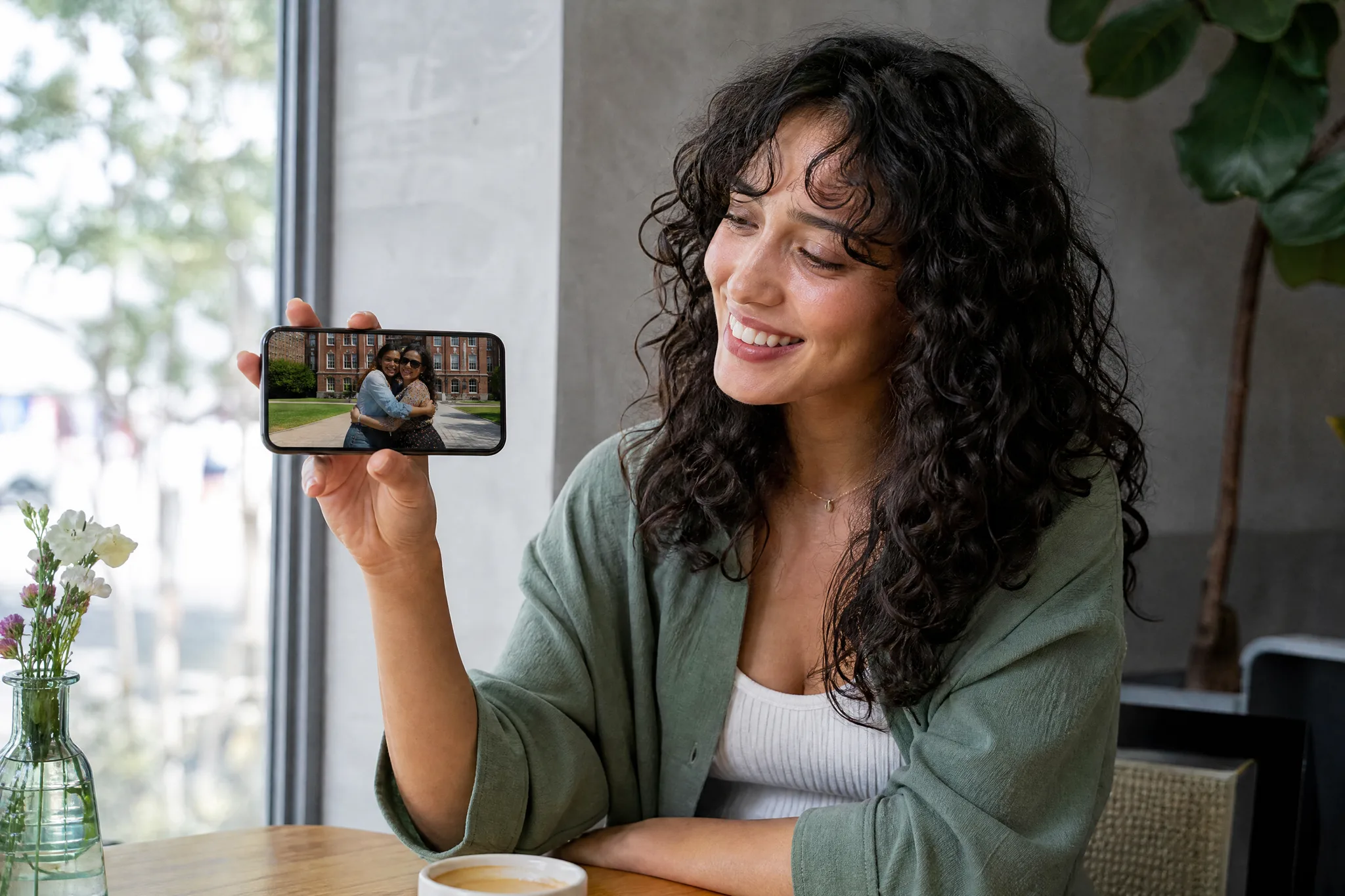
Long-distance reunions
Animate a hug between people separated by distance so a reunion you are still waiting for plays out today.
Upload two photos and let this AI hug video generator animate a warm, believable embrace between them. Perfect for reunions, family memories, or missing someone — no editing skills needed, and every export is watermark-free.
Sign in with Google — eligible Gmail or googlemail accounts get free signup credits, no card needed to start. Turn two photos into a heartfelt hug clip in seconds.
See it in action
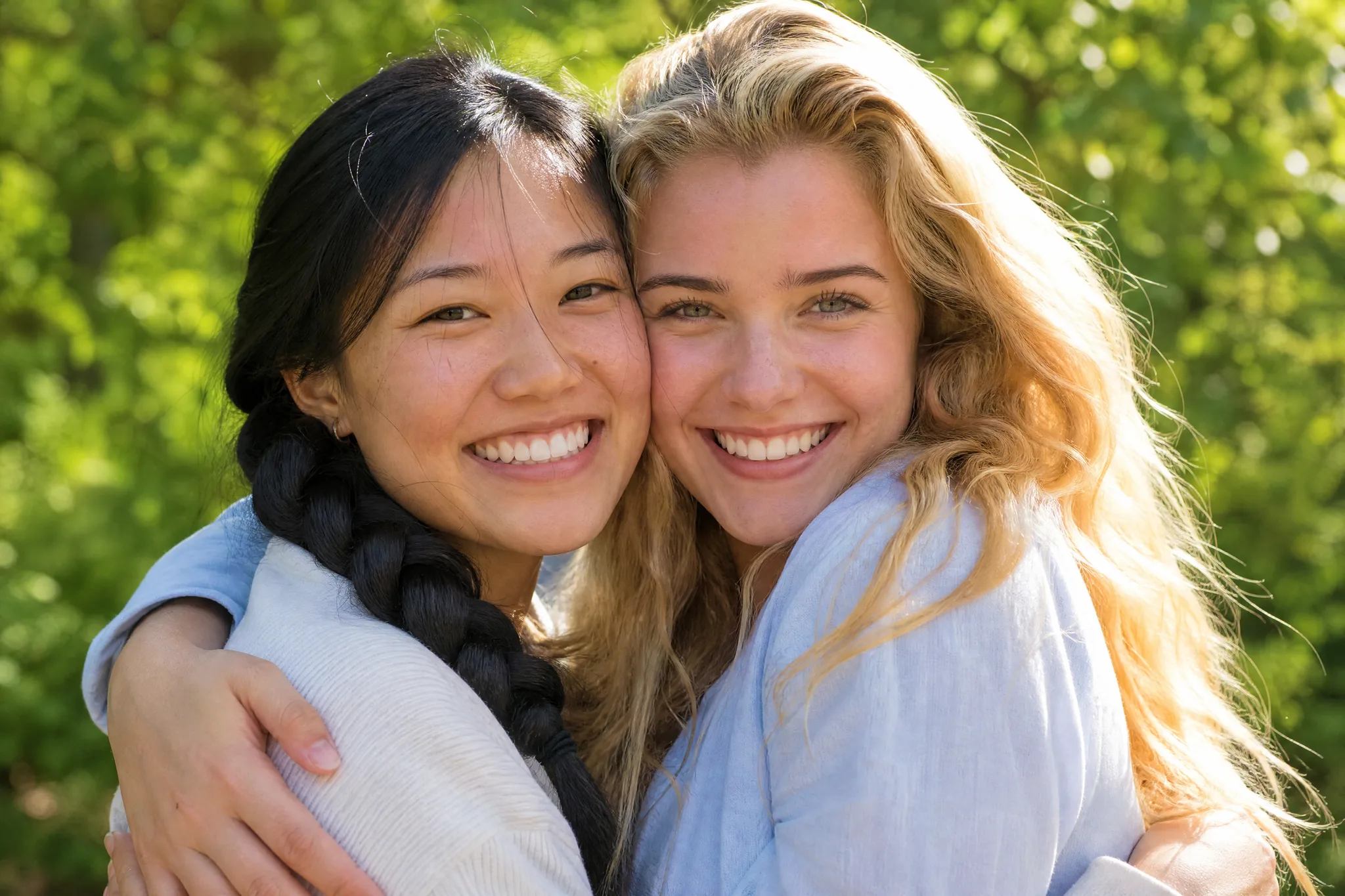
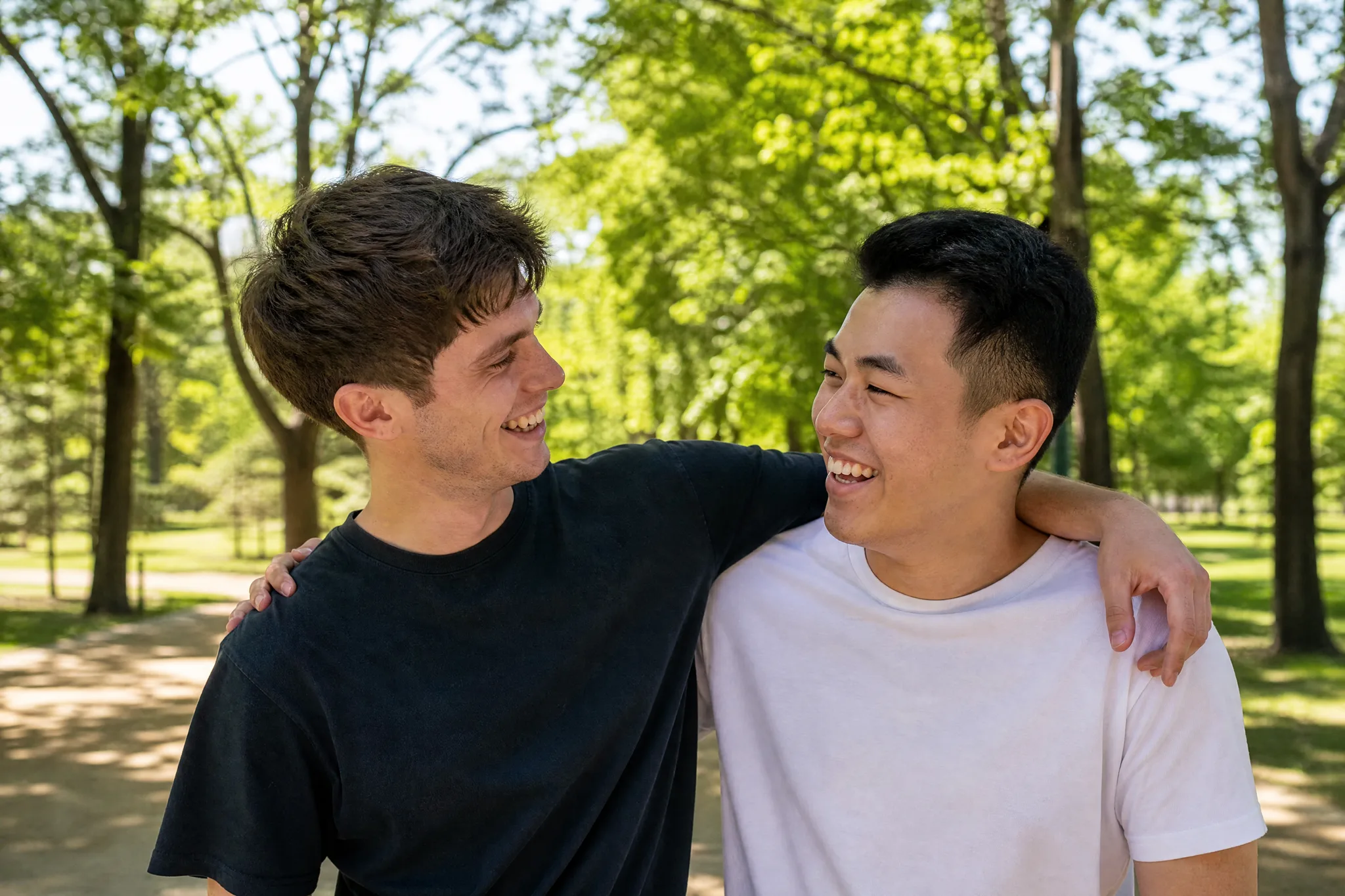
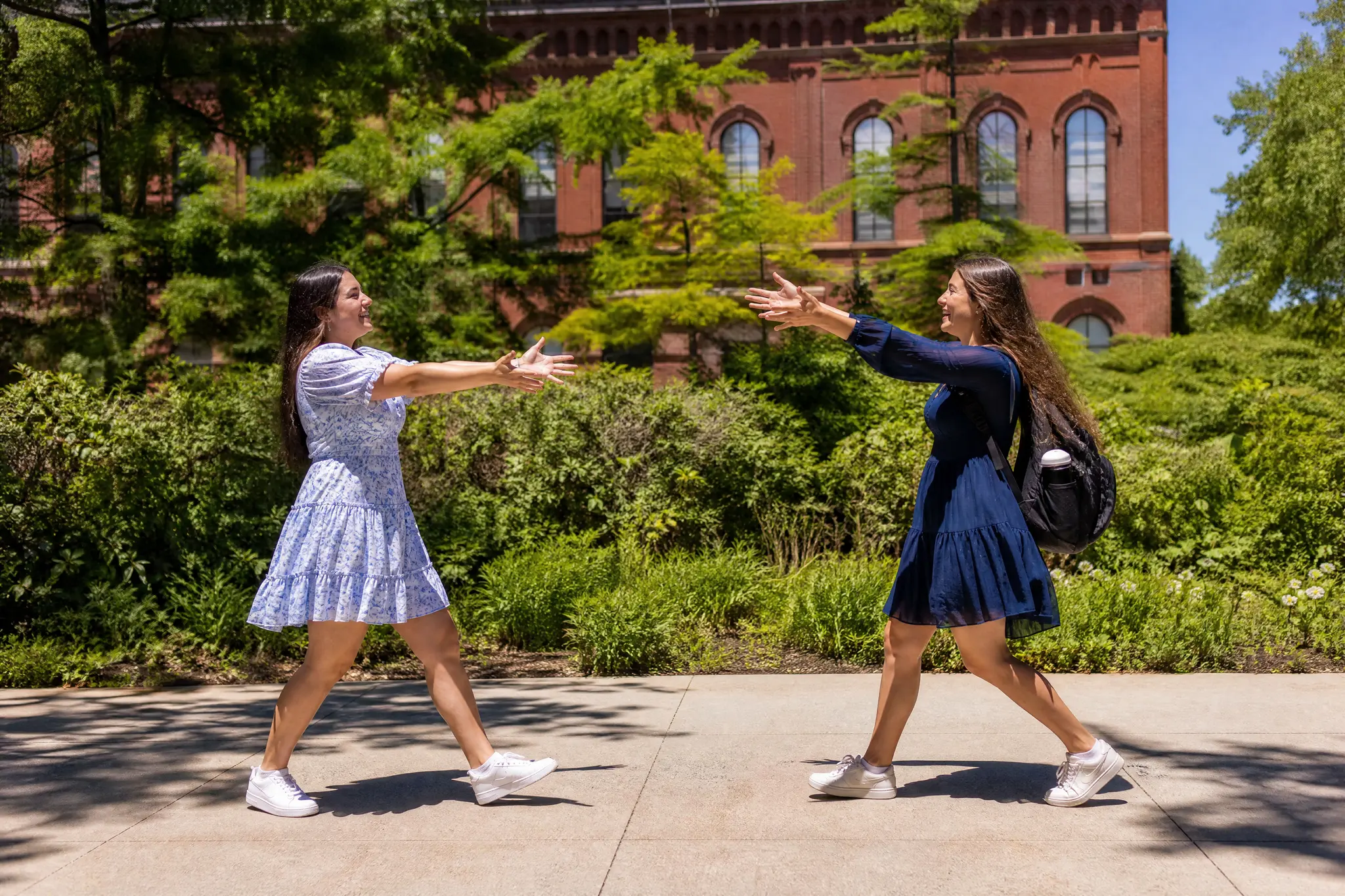
Real embraces generated from a pair of still images — see how a hugging clip adds a step-in, a wrap of the arms, and a gentle sway.
How it works
Three steps take you from two still photos to a finished embrace — free to start with signup credits, and every export is watermark-free.

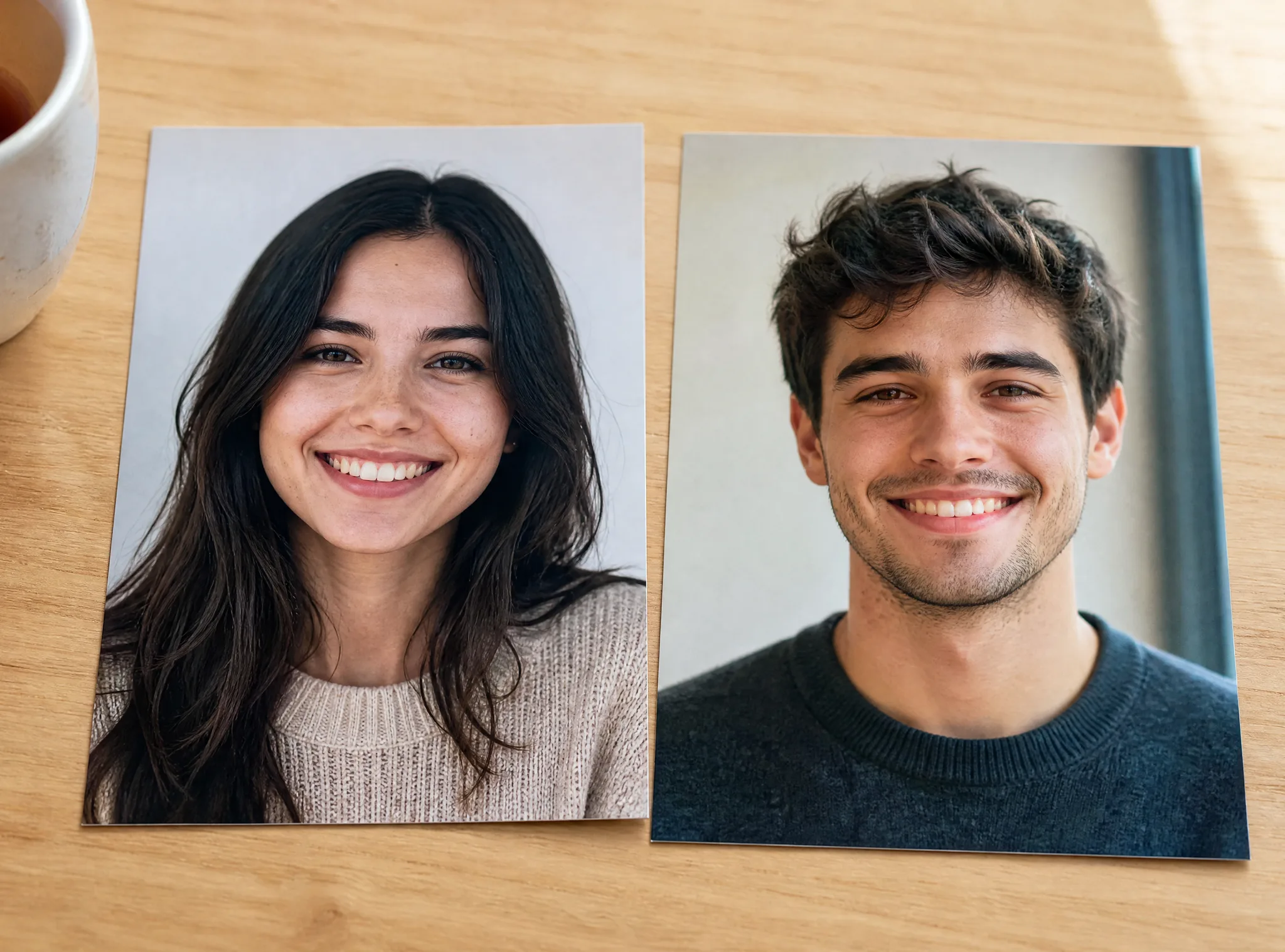
Sign in with Google, then add the two people you want to see hug — a JPG or PNG of each face, or a single photo that already has both. Clear, well-lit portraits where the faces are visible give this ai hug video generator the most detail to animate into a natural embrace.
Describe the embrace you want — a tight reunion squeeze, a gentle family hug, or the soft "Jesus hug" style — and pick an AI model and aspect ratio (9:16 for reels, 16:9 for a keepsake). A short prompt is enough to steer how the arms wrap and the camera moves.
The AI predicts new frames so the two subjects step in and hold each other, then returns a playable clip in seconds. Preview it, regenerate with a tweaked prompt for a warmer take, and download your hug clip — watermark-free — to keep or share.
What you can do
Upload separate pictures of two people and this hug video generator brings them into the same frame for a believable hug — even if they were never photographed together.
Try it with two photosRecreate the trend everyone is sharing: our ai jesus hug video generator pairs your portrait with a figure of Jesus for a comforting, heartfelt embrace rendered with real generated motion.
Make a Jesus hug clipTurn old pictures into an ai reunion hug video — a soldier coming home, family across an ocean, or a loved one you lost — so a moment you never filmed finally plays out on screen.
Create a reunion hugThis is a true hugging animation from photo: the model generates new frames of the embrace instead of panning across static images, so arms actually reach and hold.
Animate a hugWhy imgvid
A free-to-start AI hug video generator built for heartfelt, watermark-free embraces — not stiff transitions.
The model animates a real step-in and wrap of the arms, so the embrace feels warm and human — the reaction you cannot fake with a photo slideshow.
Combine separate photos into one clip so people who live apart, or a loved one who has passed, finally share a hug on screen.
Ride the trend with a built-in ai jesus hug video generator that pairs your portrait with Jesus for the comforting embrace clip going viral across feeds.
Every ai hug video gets film-style framing and lighting, ready for reels, tributes, and keepsakes without opening a video editor.
Most hugs finish in under a minute, so you can try different prompts and pick the warmest take instead of waiting on a render queue.
Sign in with Google and eligible accounts get free signup credits, with watermark-free output and no card needed to begin your first hugging animation from photo.
Use cases
From long-distance reunions to tributes, here is what people turn an ai reunion hug video into.
Animate a hug between people separated by distance so a reunion you are still waiting for plays out today.
Pull relatives into one warm group embrace for a birthday, holiday, or anniversary memory to share.
Give a photo of someone you lost a final, gentle hug — a comforting way to remember and honor them.
Join the viral clip everyone is posting by generating a soft, heartfelt embrace with a figure of Jesus.
Turn an engagement or wedding photo into a slow, cinematic embrace for a save-the-date or anniversary post.
Send a friend a virtual hug clip when they need one, or celebrate a reunion of old friends in one video.
FAQ
An AI hugging video is a short clip where two people appear to step together and embrace, generated by AI from still photos. You upload one or two pictures, describe the hug you want, and the model predicts realistic in-between frames — so instead of a static image, you get a few seconds of a warm, believable embrace, with no timeline editing or motion-design skills required.
Sign in with Google, upload the two people you want to see hug, write a short prompt for the embrace, pick an AI model, and generate. This ai hug video generator animates the pair into a natural hug you can preview and download. If the first take is not warm enough, adjust the prompt and regenerate for a different embrace.
The ai jesus hug video generator recreates the viral "Jesus hug" trend: you upload a portrait and it pairs you with a figure of Jesus for a comforting, heartfelt embrace clip. It uses the same real generated motion as any other hug video generator here, so the arms actually wrap around you instead of a still image being panned across the screen.
Yes — because each embrace is generated frame by frame, you can create an ai reunion hug video from separate photos — a soldier and their family, friends on different continents, or a loved one who has passed. The tool brings both subjects into one frame for a hug that was never actually filmed.
Generation requires Google sign-in so your credits, uploads, and history stay tied to your account. Eligible Gmail and googlemail accounts get free signup credits, so you can make your first hug clip at no cost to start — no card needed, and no subscription just to try it. A free hug video generator you can use right away.
Yes — exports are designed to be watermark-free, so the ai hug video you generate from your own photos is clean and yours to keep, post, or gift. Just make sure you hold the rights to the source pictures you upload — this matters most for photos of other people.
Clear, well-lit portraits where each face is fully visible give the best results, since the model needs detail to build a natural embrace. Front-facing photos with simple backgrounds animate most convincingly, but a hugging animation from photo also works with older or lower-resolution pictures when the faces are recognizable.
A video editor only cuts and pans your existing footage; it cannot make two still people hug. This hug video maker creates brand-new frames of the embrace itself, so the subjects move and hold each other. There is no timeline, no keyframing, and no software to learn — you upload photos and describe the hug.
Sign in with Google and turn two photos into a heartfelt hug in seconds — free signup credits, watermark-free output.
Create your hug video