























Product photos into ads
Turn a flat product shot into a rotating, attention-grabbing clip for a listing, reel, or paid ad.
Want Runway image-to-video power without the subscription? Upload a photo, describe the motion, and this tool animates your still into a cinematic, Runway-style clip — free to start and watermark-free on every export.
Sign in with Google — eligible Gmail or googlemail accounts get free signup credits, no card needed to start. Generate Runway-style clips from your photos in seconds.
See it in action
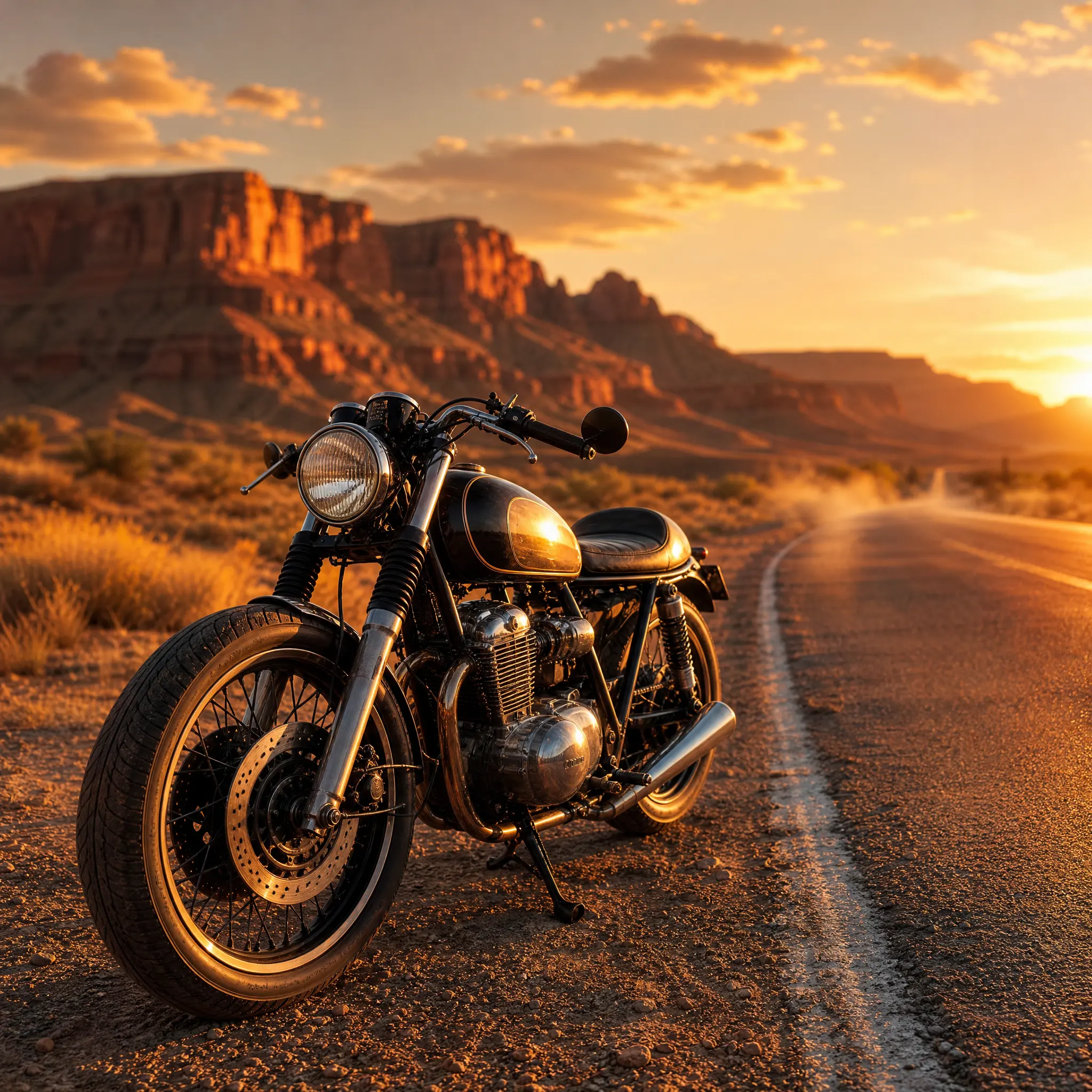
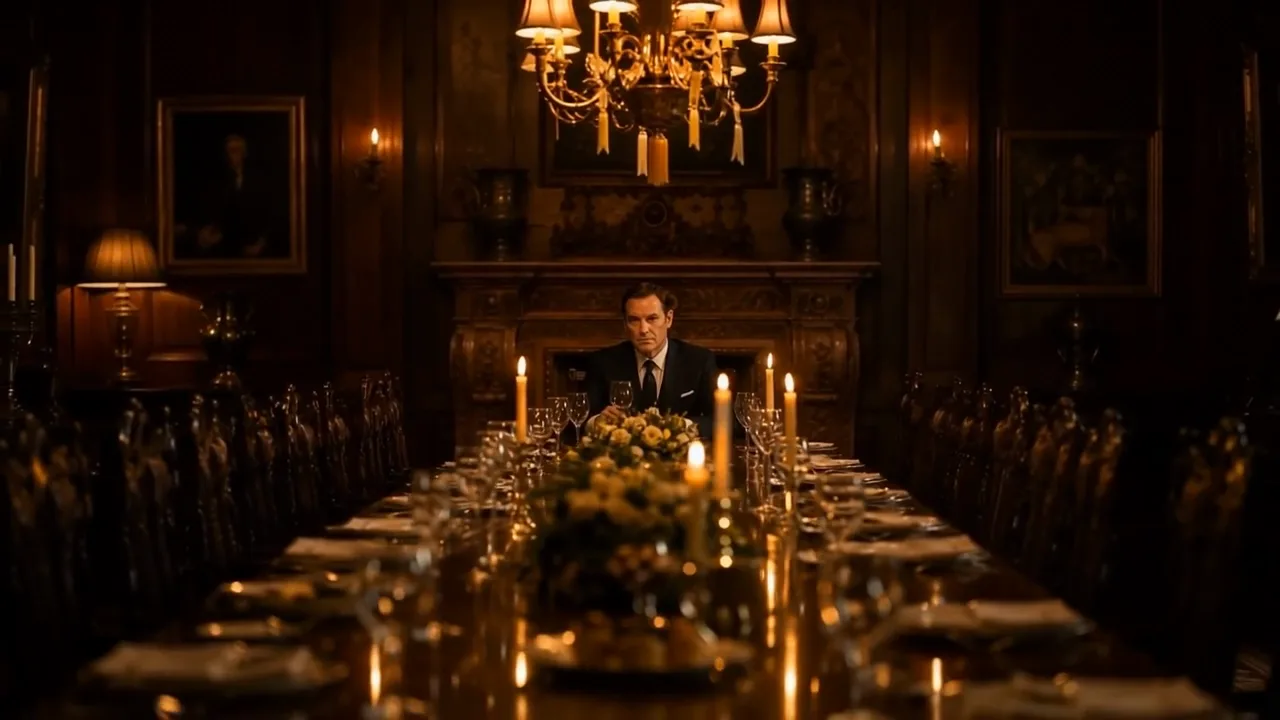
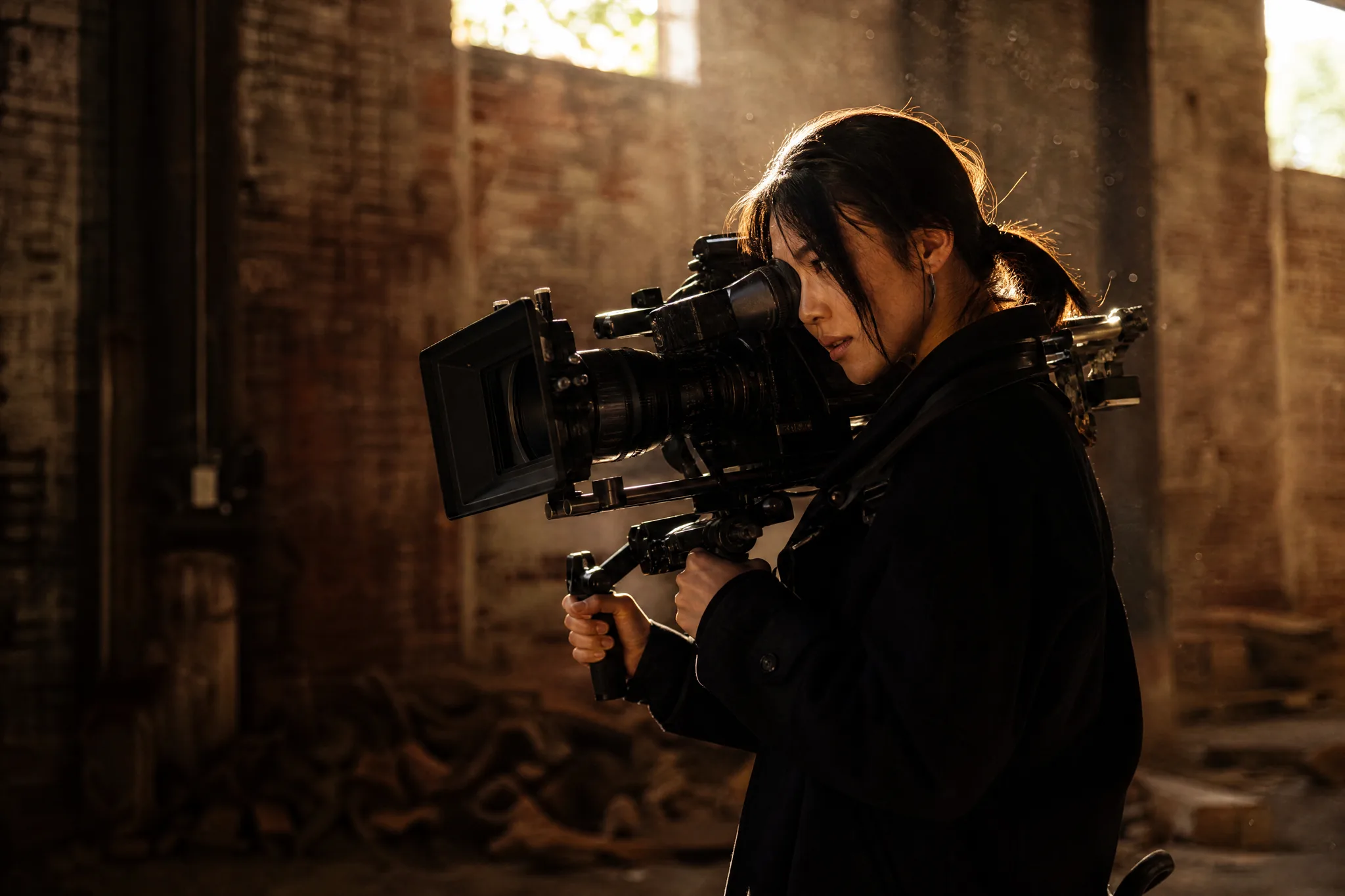
Real motion generated from one still image — the cinematic, camera-driven look people reach for Runway to get.
How it works
Three steps take you from a still photo to a finished, Runway-style clip — free to start with signup credits, watermark-free every time.

Sign in with Google, then drag in any JPG or PNG — a portrait, product, landscape, or piece of artwork. A clean, well-lit subject with a clear focal point gives this image to video ai the most detail to animate convincingly.
Write a short prompt for what should move and how the camera behaves — "slow zoom in, gentle wind, cinematic" is enough to steer a Runway-style render. Then pick an AI model and an aspect ratio (9:16 for reels, 16:9 for YouTube).
The model predicts new frames from your single photo and returns a playable clip in seconds. Preview it, regenerate with a tweaked prompt for a different take, then download it watermark-free to post or drop into an edit.
Quality
Where a Runway alternative should hold its own — and where imgvid makes the workflow easier.
Like Runway, imgvid predicts brand-new frames inside your image, so subjects and cameras actually move — a true image to video ai result, not a slideshow pan across a static photo.
Try it with your photoGet the film-style push-ins, orbits, and parallax people chase Runway for. imgvid turns a flat picture into a shot that feels captured on a real camera — ready for reels, ads, and hero sections.
Create a cinematic clipInstead of a paid plan before you can export cleanly, imgvid gives eligible accounts free signup credits and keeps every download watermark-free — so testing a Runway-style look costs you nothing to begin.
Generate a clip freeWhy imgvid
A free-to-start runway ai image to video alternative focused on real motion, multiple models, and clean, watermark-free output.
Film-style camera moves and lighting turn a still into a few seconds of cinematic footage — the polished, motion-rich look people open Runway to create.
Switch between image-to-video models to match your subject and budget, all in one place — no separate accounts and no per-model checkout.
The model generates new frames inside the image, so hair sways, water ripples, and the camera pushes in — motion you cannot fake with a pan across a static picture.
Most clips finish in under a minute, so you can try several prompts and pick the best Runway-style take instead of waiting on a render queue.
Downloads are designed to be watermark-free, so clips from your own photos are clean and ready for paid ads, listings, and social content.
People, products, landscapes, sketches, and artwork all work as input — a Runway alternative that is not limited to one type of image.
Use cases
From product ads to scroll-stopping social clips, here is where a Runway-style image-to-video workflow earns its keep.
Turn a flat product shot into a rotating, attention-grabbing clip for a listing, reel, or paid ad.
Give a headshot a slow push-in and soft motion for a striking profile video or channel intro.
Bring a drawing, painting, or anime still to life with drifting motion and subtle camera moves.
Batch stills into short vertical clips to keep a TikTok or Reels feed fresh without filming.
Animate a diagram, screenshot, or concept image into a short motion clip that makes a product or idea easier to follow.
Set still cover art or a scene in motion for a looping music visualizer, lyric backdrop, or release teaser.
FAQ
A runway ai image to video tool takes a single still image and animates it into a short moving clip with generated frames. imgvid offers the same kind of image-to-video workflow — upload a photo, describe the motion, and get a cinematic, Runway-style result — as a free-to-start alternative. Note that imgvid is an independent tool and is not Runway (RunwayML) or affiliated with it.
No — imgvid is a separate image-to-video tool, not Runway and not affiliated with RunwayML. We describe the output as "Runway-style" only to set expectations for the cinematic, camera-driven motion many people associate with Runway.
Sign in with Google, upload your picture, write a short prompt describing the motion and camera move, choose an AI model, and generate. This image to video ai animates your still into a short clip you can preview and download. If the first take is off, tweak the prompt and regenerate. Specific prompts work best: name the subject action ("hair moves in the wind"), the camera ("slow push-in") and the mood ("cinematic, warm light") rather than one vague word. You can run several takes from the same photo and keep only the one you like, so it is worth trying two or three phrasings before you settle on a final clip.
Generation requires Google sign-in so your credits, uploads, and history stay tied to your account. Eligible Gmail and googlemail accounts get free signup credits, so you can create a clip at no cost to start — no card needed to begin. The signup credits are meant for trying the tool and generating your first clips; once they run low you can top up if you want to keep producing at volume, but you are never charged automatically just for signing in. This is what makes imgvid a practical Runway alternative for people who want to test the cinematic image-to-video look before committing to any paid plan.
Exports are designed to be watermark-free, so clips you generate from your own photos are clean and yours to use in ads, listings, and social posts. Just make sure you hold the rights to the source picture you upload — this matters most for photos of other people, licensed artwork, or branded products, where you need permission to animate and publish the image. Because there is no overlaid logo or badge, the finished clip drops straight into an edit or a paid campaign without extra cropping or cleanup.
Clear, high-resolution images give the AI more detail to animate, but portraits, products, landscapes, sketches, and artwork all work. A simple, well-lit subject with a clear focal point usually produces the most convincing Runway-style motion. Photos that are very dark, heavily blurred, or crowded with competing subjects give the model less to work with, so the movement can look uncertain. If a clip comes out flat, try a cleaner crop or a brighter version of the same shot before changing the prompt.
You can generate vertical (9:16), square (1:1), and widescreen (16:9) clips, so your video fits TikTok, Instagram Reels, YouTube, or a website hero without re-cropping afterward. Pick the ratio that matches where you plan to post before you generate, since choosing the right frame up front keeps the important part of your subject centered and avoids awkward cropping later. The output downloads as a standard MP4 you can drop into any editor or upload directly to a social platform.
Most clips finish processing in under a minute, depending on the AI model, resolution, and length you choose. Because each take is fast, you can iterate — generate one version, adjust the prompt, and generate another — instead of waiting on a long render queue. That quick turnaround is a big part of why imgvid works as a Runway alternative for day-to-day content: you can produce several Runway-style options in the time a single slow render would take, then keep the strongest one.
Sign in with Google and generate Runway-style video in seconds — free signup credits, watermark-free output.
Create your AI video