























Seedance Image to Video Generator (Free, No Watermark)

imgvid is a free Seedance alternative that turns any photo into Seedance-style motion right in your browser. Upload an image, describe the shot, and generate smooth, watermark-free seedance ai video clips — no Seedance account and no affiliation required, just the same cinematic look.

Sign in with Google — eligible Gmail or googlemail accounts get free signup credits, no card needed to start. Generate Seedance-quality clips in seconds, watermark-free.

Free to startGoogle Sign-In RequiredWatermark-free outputMultiple AI models

See it in action

Seedance-Style Clips from a Single Image

Real clips generated from one still photo — the kind of cinematic motion people search Seedance for, made online with imgvid.

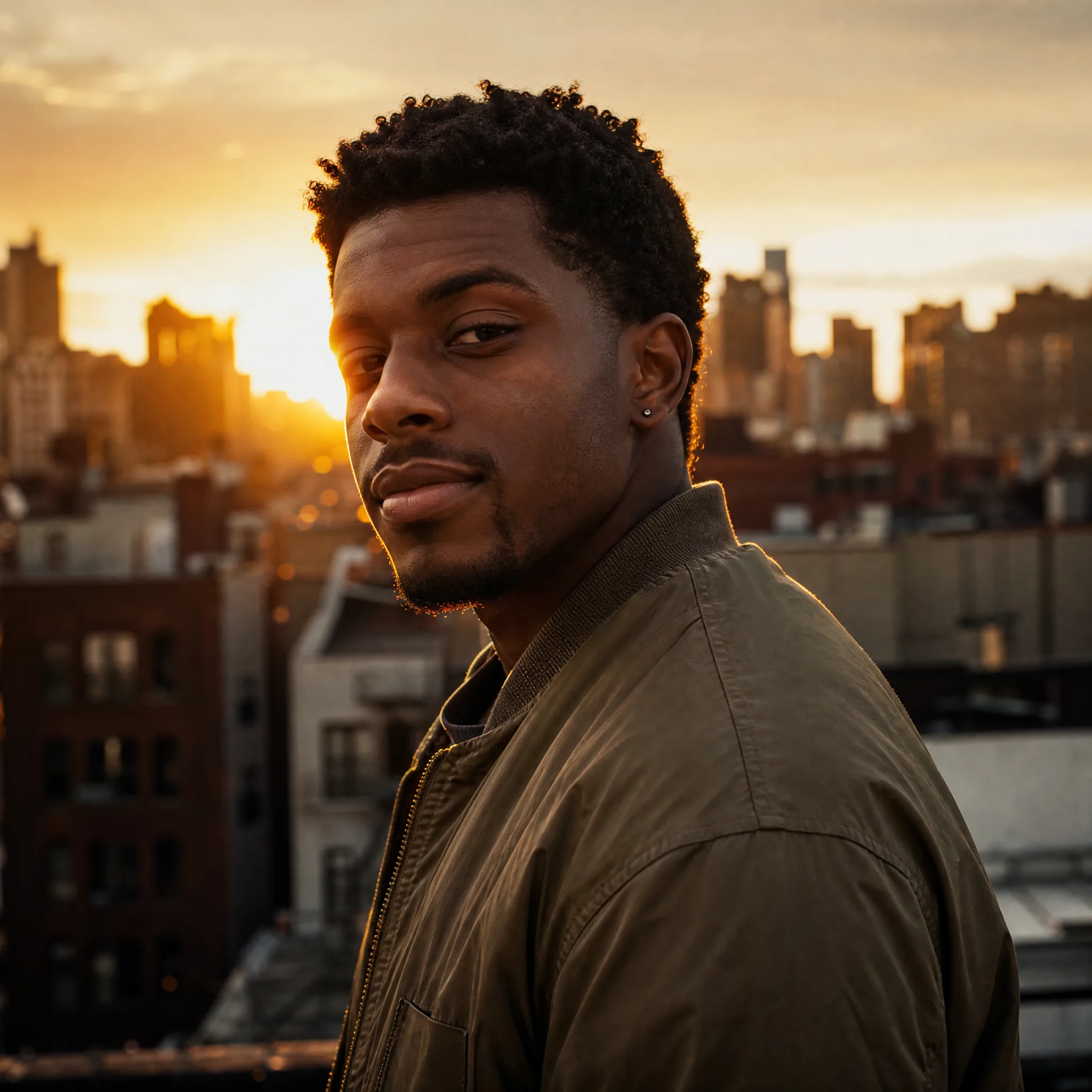
A still headshot gains a slow push-in, soft hair movement, and film-style lighting.
Cinematic portrait
A flat product shot becomes a slow rotating, ad-ready clip for a listing or reel.
Product hero
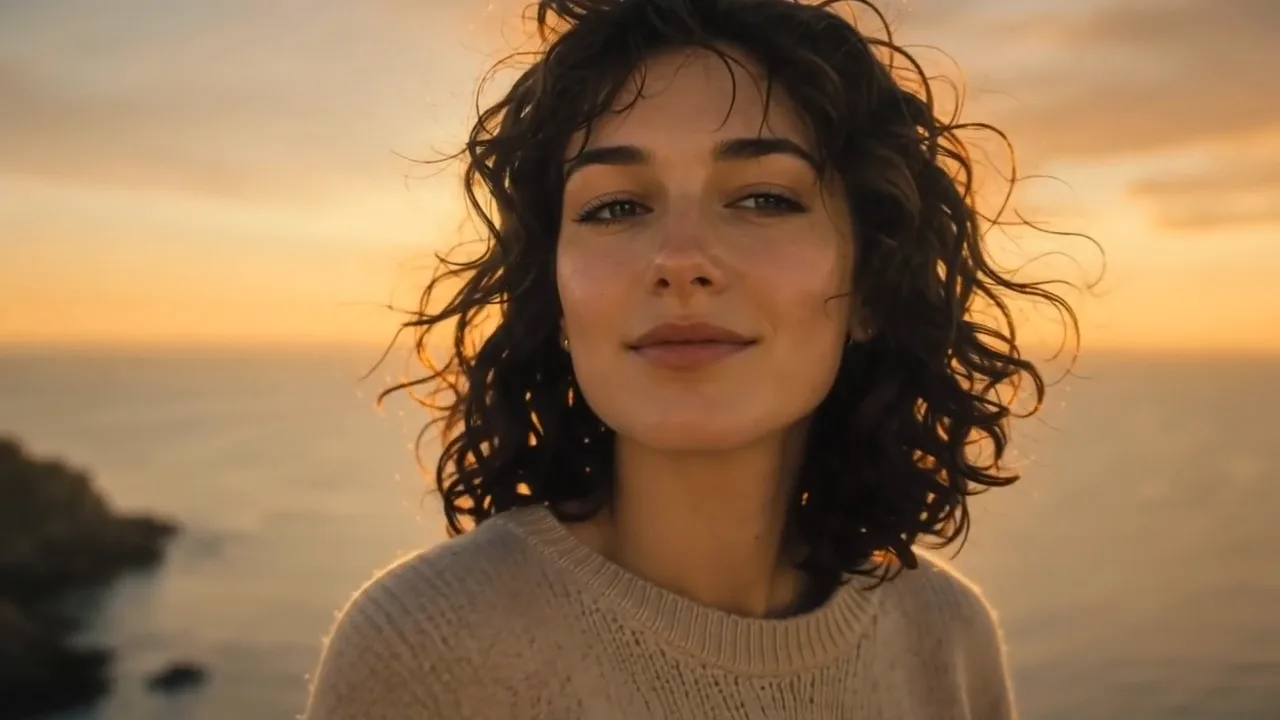
Clouds drift and water ripples as a scenic photo turns into a living wallpaper.
Landscape
A flat illustration starts to breathe with drifting hair and a moving background.
Anime still
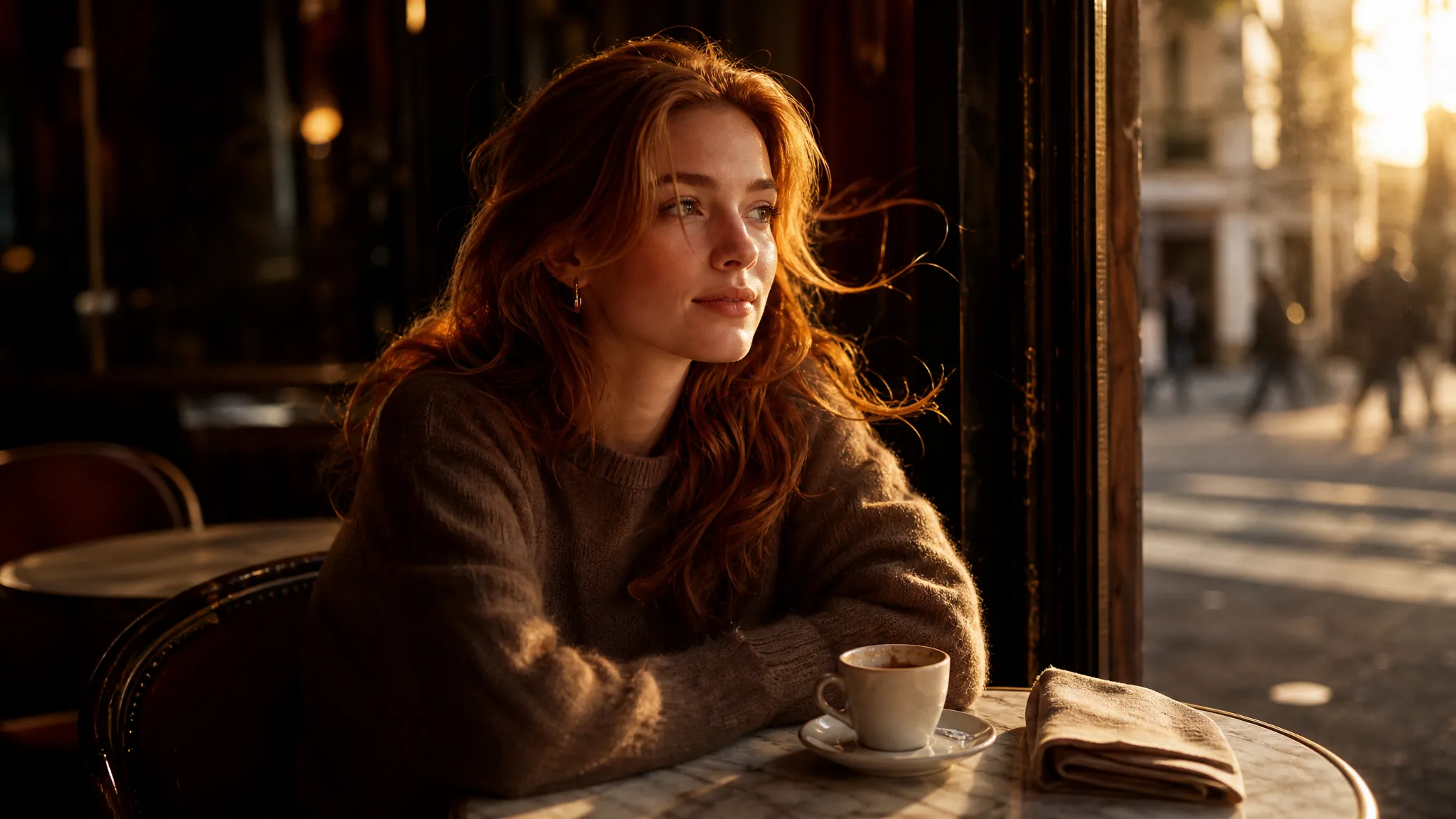
A still headshot gains a slow push-in, soft hair movement, and film-style lighting.
Cinematic portrait
A flat product shot becomes a slow rotating, ad-ready clip for a listing or reel.
Product hero
Clouds drift and water ripples as a scenic photo turns into a living wallpaper.
Landscape
A flat illustration starts to breathe with drifting hair and a moving background.
Anime still

How it works

How Seedance Image to Video Works

Three steps take you from a still photo to a finished clip — free to start with signup credits, and every export is watermark-free.

How Seedance Image to Video Works
  1. 1

    Upload your photo

    Sign in with Google, then drag in any JPG or PNG — a portrait, product, pet, or landscape. A clean, well-lit subject with a clear focal point animates most convincingly, but a phone snapshot works too.

  2. 2

    Describe the motion

    Write a short prompt for what should move and how the camera behaves — "slow zoom in, gentle wind, cinematic" is enough. Pick an AI model and an aspect ratio (9:16 for reels, 16:9 for YouTube) to match where you will post.

  3. 3

    Generate and download

    imgvid predicts new frames from your single image and returns a playable clip in seconds. Preview it, regenerate with a tweaked prompt for a different take, then download the finished video — watermark-free — for TikTok, Instagram, or an ad.

What you can do

Free Seedance Video Generator No Watermark

Seedance-style motion from one image

Upload a single photo and imgvid generates new frames to create Seedance-quality movement — a slow push-in, drifting hair, or a living background. It is a true image-to-video render, not a pan across a static picture.

Try it with your image

Watermark-free by default

Every clip exports clean and watermark-free, so what you download is ready for reels, ads, and client work — no badge or logo baked into the frame.

Generate a clean clip

Seedance image to video, free

No install and no Seedance account — imgvid runs in your browser, so you can try seedance image to video free and download a finished clip in a couple of minutes.

Start in your browser

Multiple AI models, one workflow

Beyond Seedance-style output, imgvid lets you switch between several image-to-video models to match your subject and budget — all from one account, with no per-model checkout.

Compare models

Why imgvid

imgvid as a Seedance Alternative

A watermark-free, browser-based way to get Seedance-quality motion from any photo, with several AI models to choose from.

Real generated motion

imgvid predicts new frames inside your image, so subjects and cameras genuinely move — the Seedance-style look you cannot fake with a slideshow or a Ken Burns pan.

Cinematic, HD-ready clips

Get film-style push-ins, orbits, and parallax that make a flat photo feel shot on a real camera — ready for reels, ads, and hero sections.

Fast enough to iterate

Most clips finish in under a minute, so you can regenerate a seedance ai video with a tweaked prompt and keep the best take instead of waiting in a render queue.

Free to start

Sign in with Google and eligible accounts get free signup credits with no card to begin — watermark-free clips from your very first render.

More than one model

imgvid is not locked to a single engine: switch between multiple image-to-video models from one account to match any subject or budget.

Use cases

What Creators Make with Seedance-Style Motion

From social clips to product ads, here is what people turn a single photo into with imgvid.

Reels and TikToks

Turn a still photo into a scroll-stopping vertical clip with real motion, no filming required.

Reels and TikToks

Product ads

Animate a flat product shot into a rotating, attention-grabbing hero for a listing or paid ad.

Product ads

Portraits and avatars

Give a headshot a slow push-in and soft movement for a striking profile video or intro shot.

Portraits and avatars

Old photos revived

Add gentle, lifelike motion to a vintage picture so a still memory feels alive again to share.

Old photos revived

Artwork and illustration

Bring a drawing, painting, or character design to life with Seedance-style drifting motion and subtle camera moves.

Artwork and illustration

Talking-style avatars

Give a face photo natural head movement and expression for a lively avatar clip or short channel intro.

Talking-style avatars

FAQ

Seedance FAQ

Seedance-style image to video means turning a still photo into a short, cinematic AI clip in the style associated with the Seedance model. imgvid is an independent Seedance alternative — not the official Seedance app and not affiliated with it — that produces equivalent image-to-video motion from your photo. You upload an image, describe the movement, and get a smooth, watermark-free clip in seconds.

Make Your First Seedance-Style Clip

Sign in with Google, upload a photo, and generate cinematic, watermark-free motion in seconds — free signup credits, no card to start.

Create your AI video