Imagen 4 Image Generator

Explore light, materials and composition in a new image

Google's Imagen 4 builds a picture from words alone, so the prompt carries the subject, the light and the materials. Describe the scene for a product concept, a portrait or an illustration, then compare Imagen 4 takes and finish any typography in your design tool.

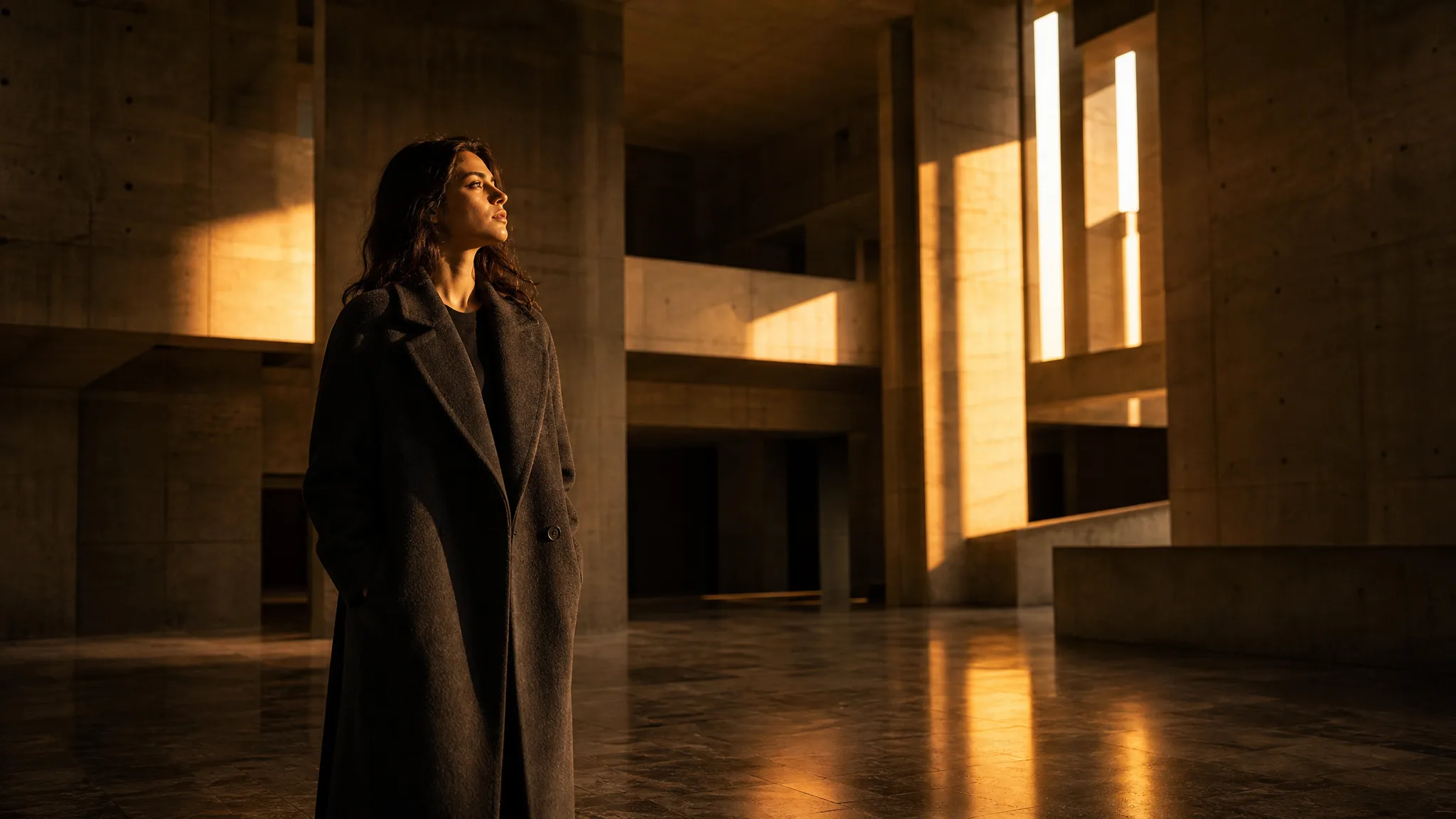
Woman in a charcoal coat in a concrete atrium crossed by golden light beams
Detailed scenes from a written idea
Portraits with a visual mood
Photographic light and materials
Image concepts for your project
Imagen 4
Prompt
0/5000
Negative prompt
Aspect ratio
Seed
Number of generations
Public Visibility
Required credits
8
Examples
Woman in a charcoal coat in a concrete atrium crossed by golden light beams

Explore Image Ideas with Imagen 4

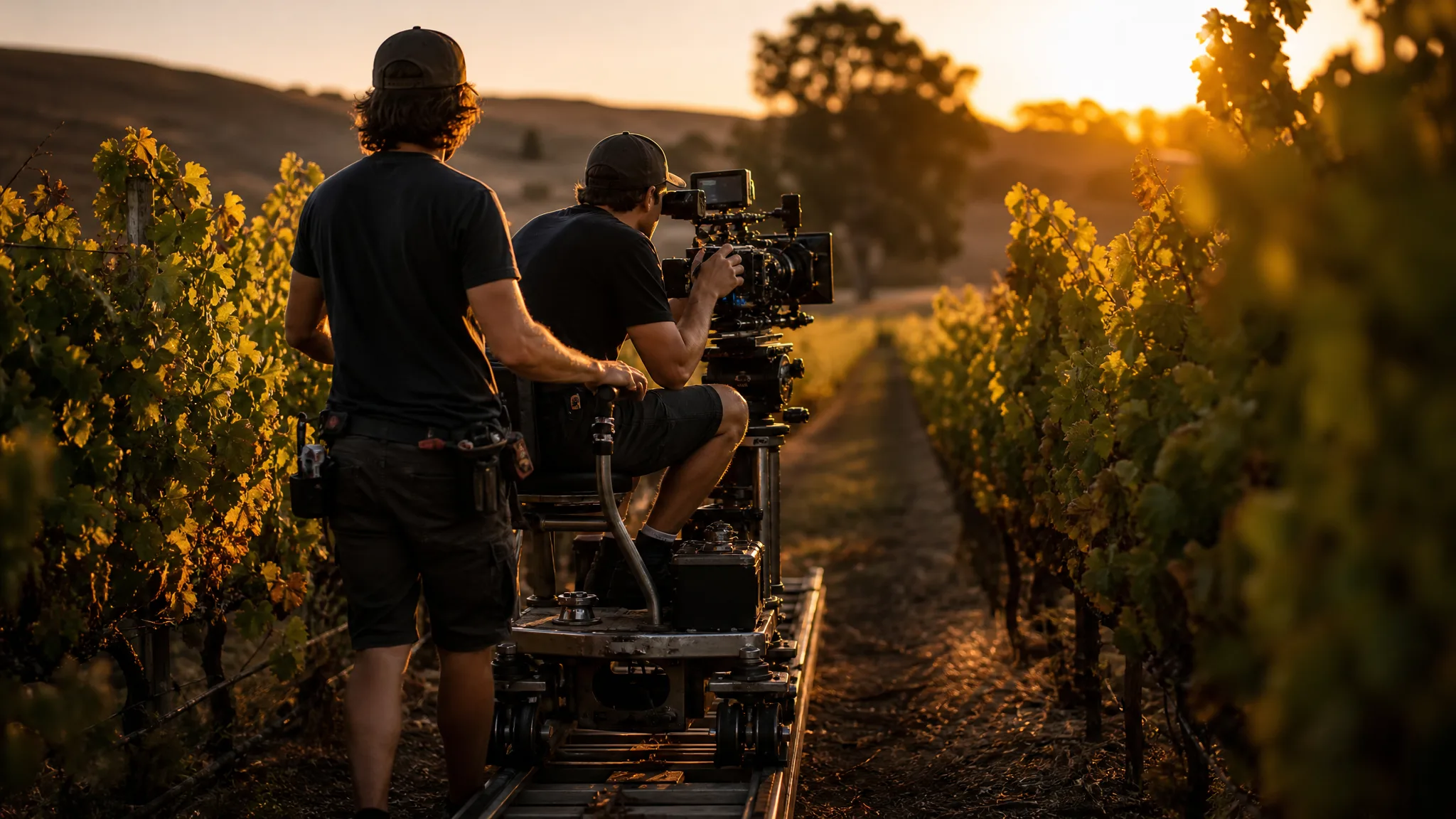
A cinematographer filming between vineyard rows at golden hour plans the light before anything else. Imagen 4 rewards the same care: write where the sun falls, what the camera sees and which details matter, then compare the takes with the shot you pictured.

Generate with Imagen 4
Cinematographer on a camera dolly filming between vineyard rows at golden hour

Explore Your Visual Direction with Imagen 4

Imagen 4 explores a scene through its light, its materials and the way the subject fills the frame. These benefits show what a clear written idea gives your next image.

Product scenes that tell a story

The way light meets glass, fabric or stone gives a product scene its character. Describe the materials and atmosphere you want, such as a linen shirt folded on sun-warmed sandstone, and Imagen 4 explores them in a new image you can compare against the product story.
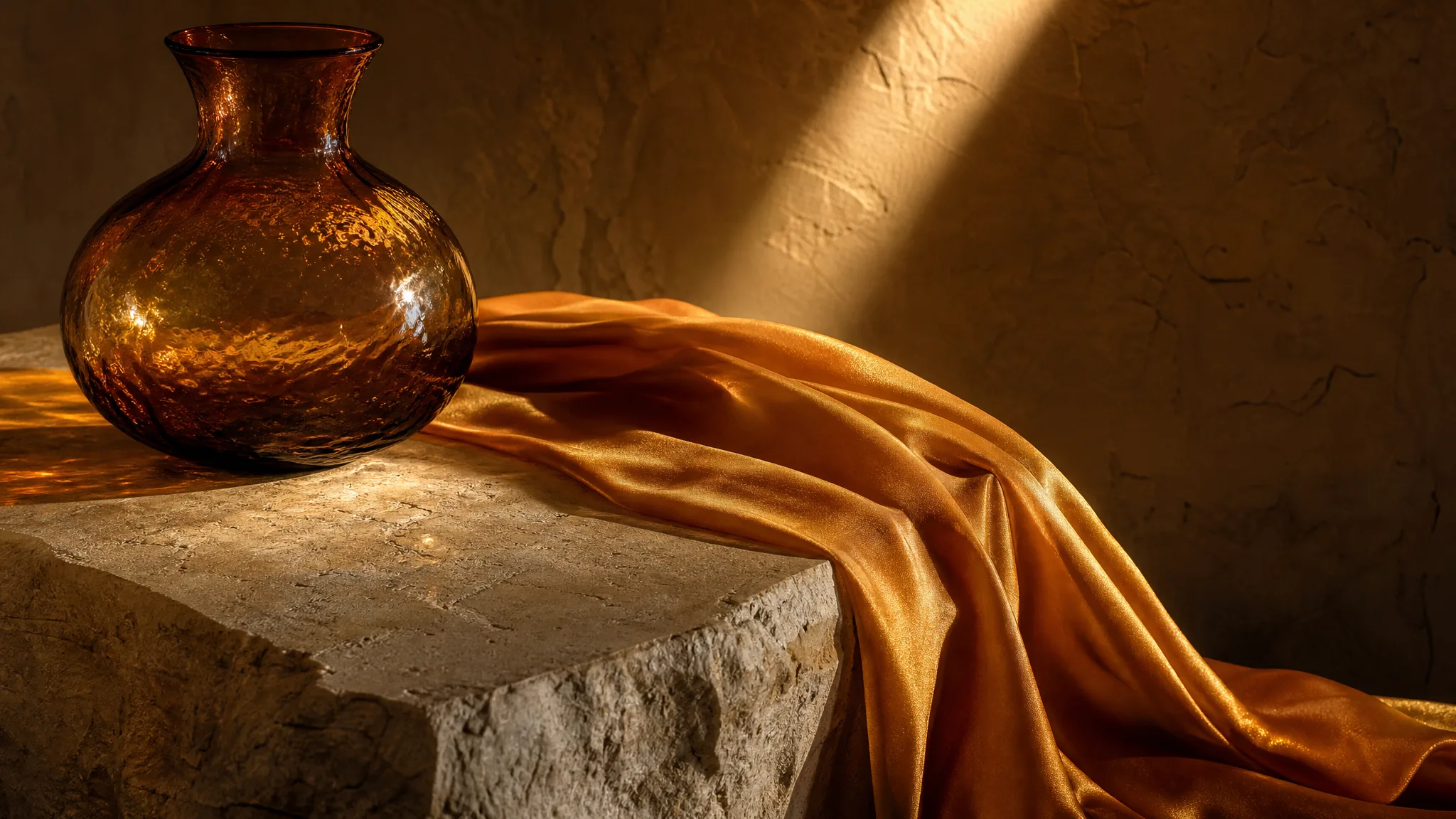
Saffron silk scarf over a marble block beside an amber glass vase in a sunbeam

Portraits with a clear visual mood

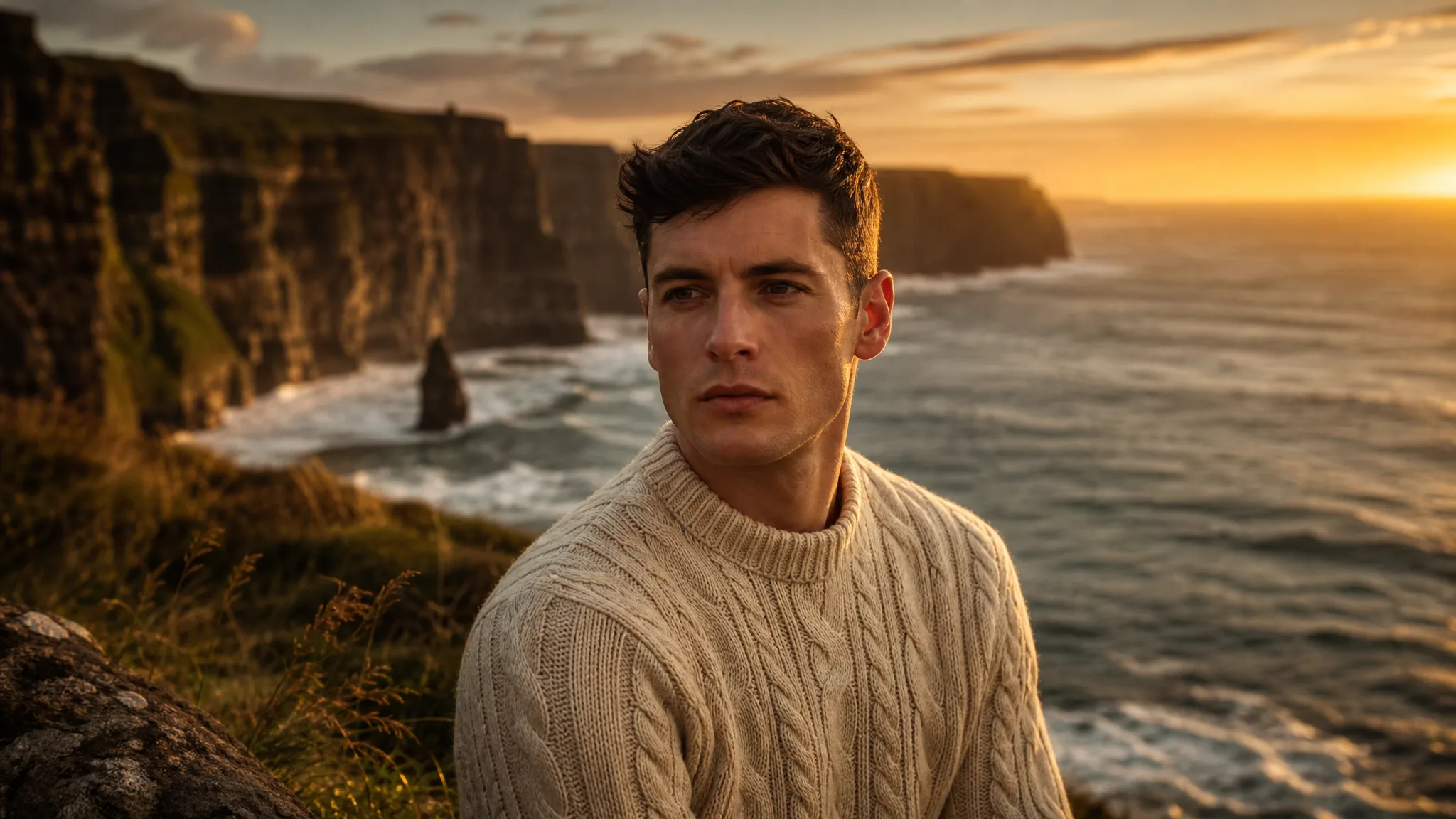
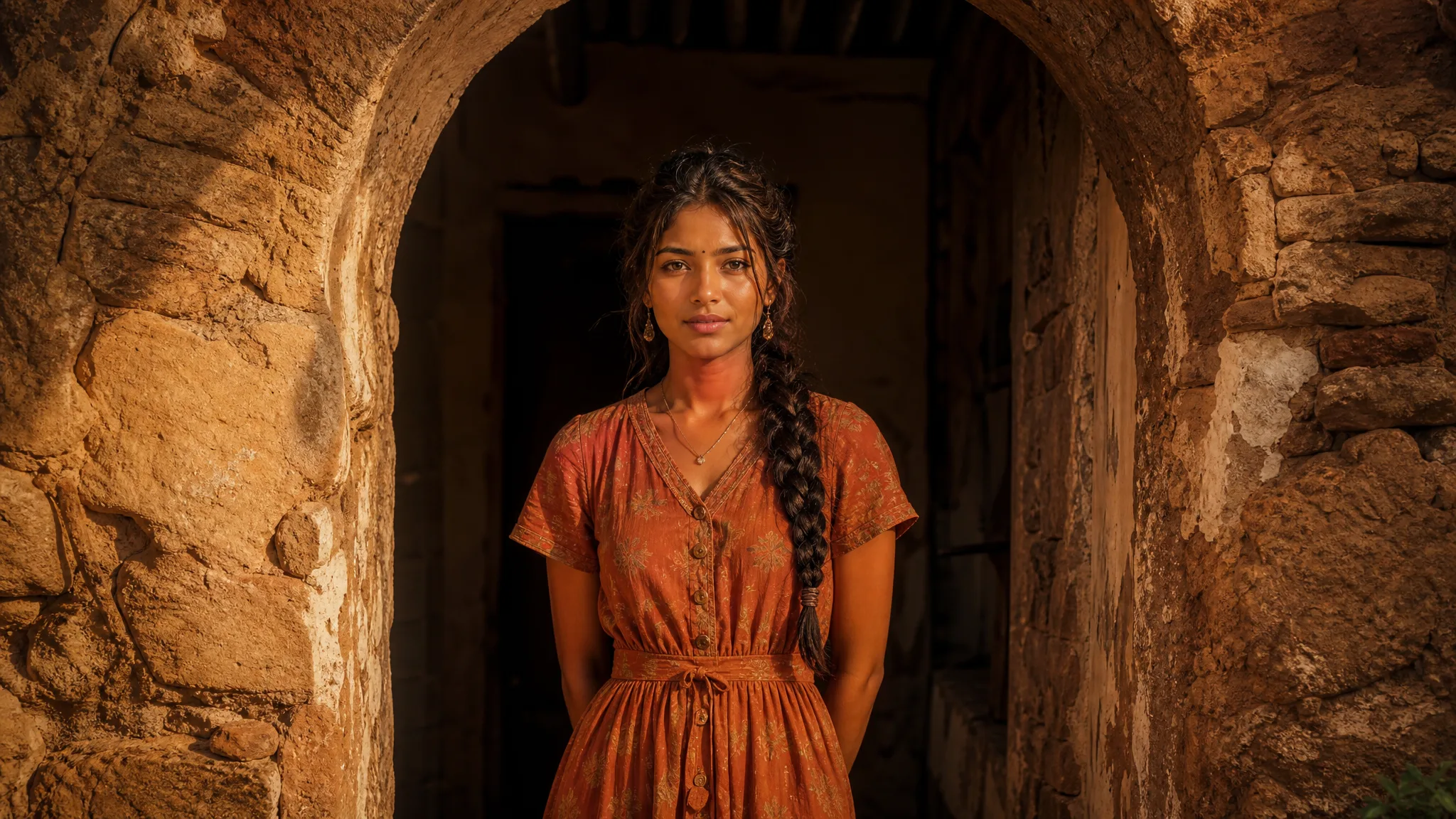
Framing directs attention to the subject. Choose a clear viewpoint and background in your Imagen 4 prompt, such as a waist-up framing inside a weathered stone archway, so a portrait communicates its mood before anyone reads a caption beside it.

Young woman in a terracotta dress framed by an arched stone doorway

Illustrations from a written idea

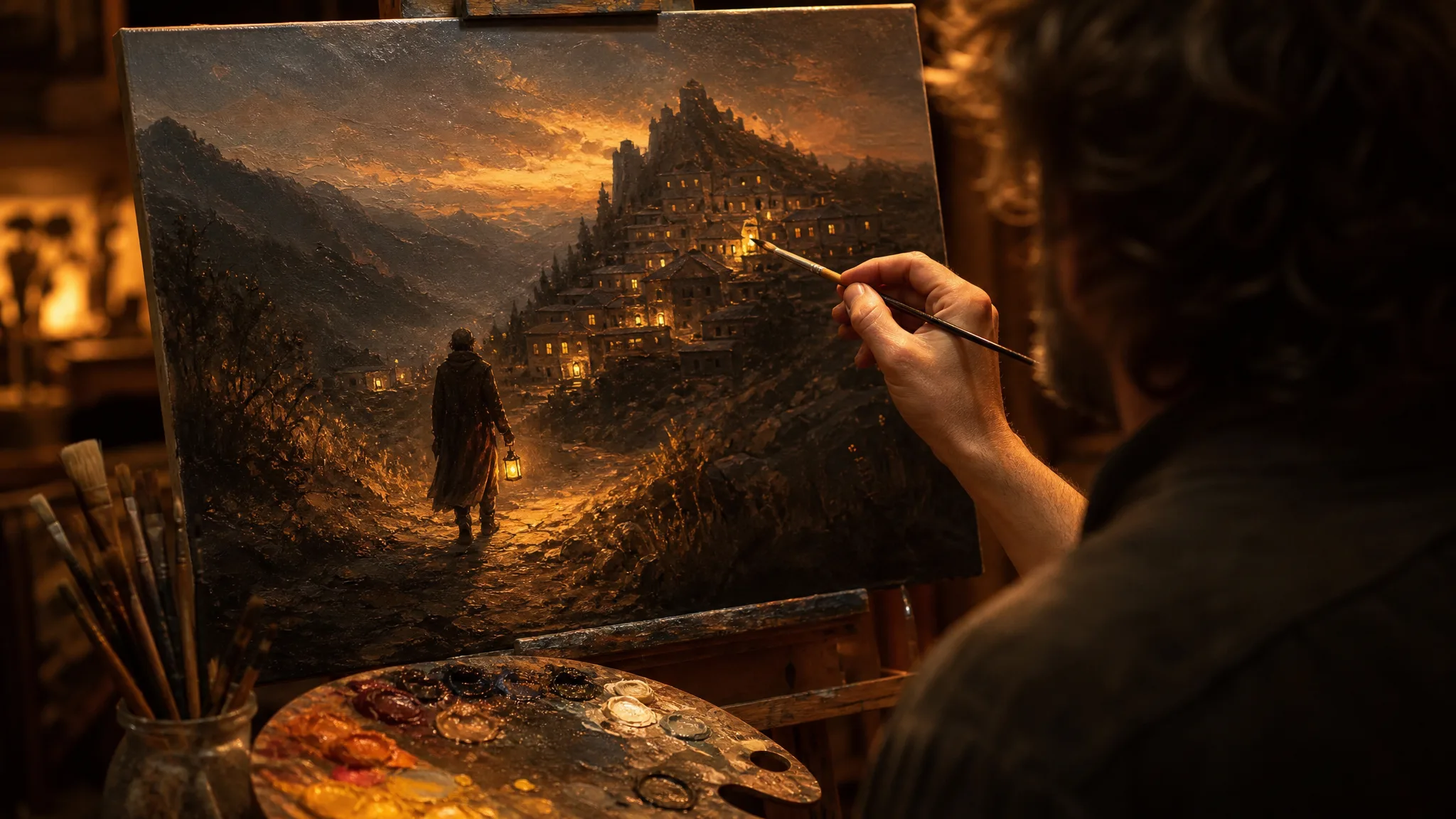
A concrete written scene is a useful starting point for illustration. Name the focal point and the supporting details that carry the story, such as a lantern-carrying traveler walking toward a hilltop village at dusk, and Imagen 4 gives you a composition to study before drawing.

Painter adding highlights to an oil painting of a traveler approaching a mountain village

Best AI Image Tools for Creative Projects

Create a new image from text or edit one you already have with the right image tool.

Develop Your Imagen 4 Image Idea

Imagen 4 text to image prompts suit product, portrait and illustration concepts. Each tab explains what to describe and what to inspect before the take joins your project.

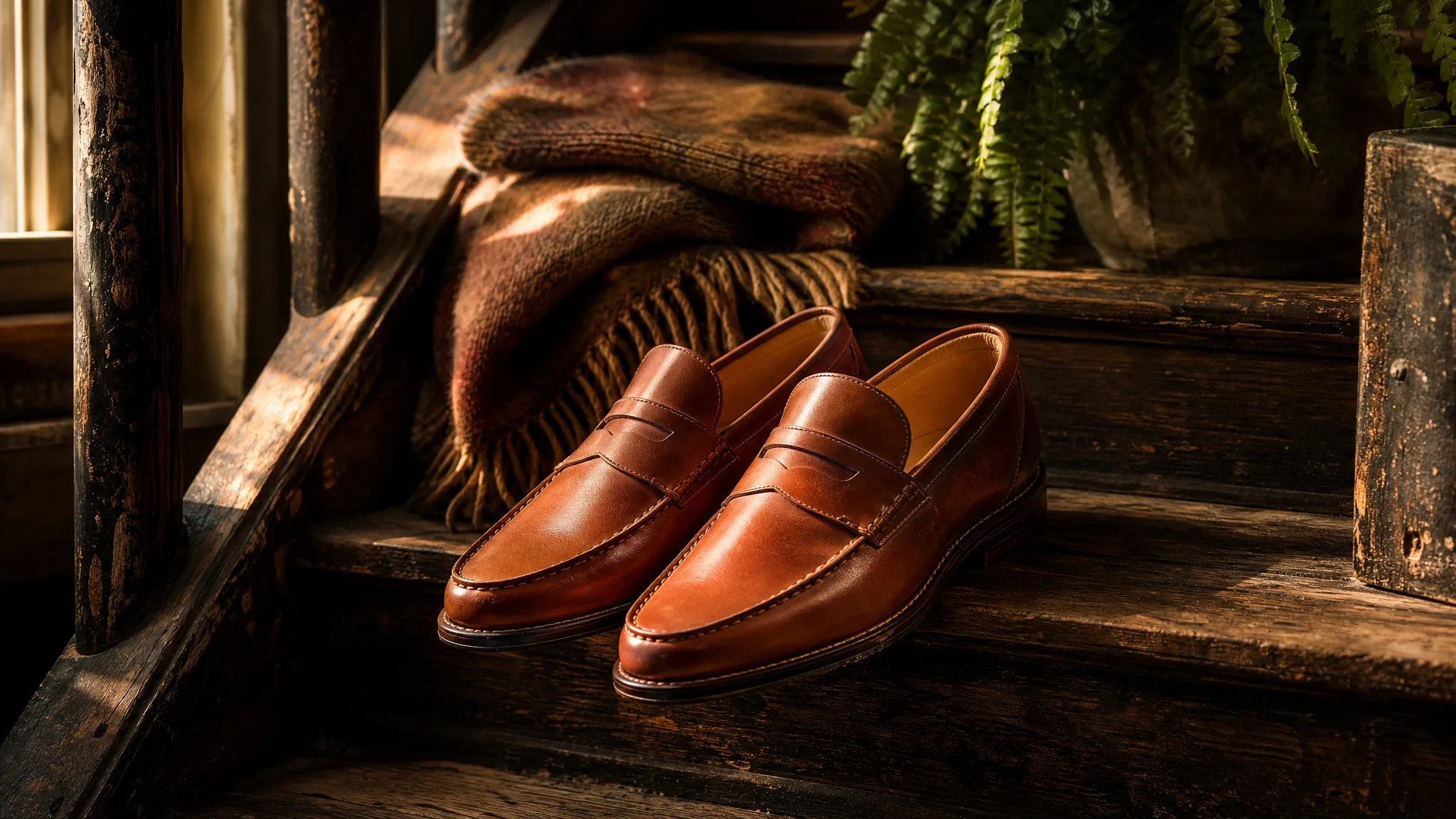
Pair of cognac leather loafers on a worn wooden staircase in morning light

Product scenes that tell a story

For product concepts, describe the object's material, the surface under it and where the light comes from, for instance leather loafers on worn wooden stairs lit from the side. Imagen 4 works from words only, so check proportions, finish and any details against the real product before using the image.

Imagen 4 Use Cases

Imagen 4 suits teams that start with a written idea and need to see it before production. These four cases pair a role with its prompt and the place the reviewed image goes.

Product scenes that tell a story

Product designers can describe a new perfume on a mirrored tray beside fresh peonies in Imagen 4. The image shows the story of the product and serves as a brief for the photographer or 3D artist.

Portraits with a clear visual mood

Portrait concept artists can write an Imagen 4 prompt for a sailor in rain gear under a stormy sky and compare framing and expression across takes. The chosen image becomes a reference for the final portrait.

Illustrations from a written idea

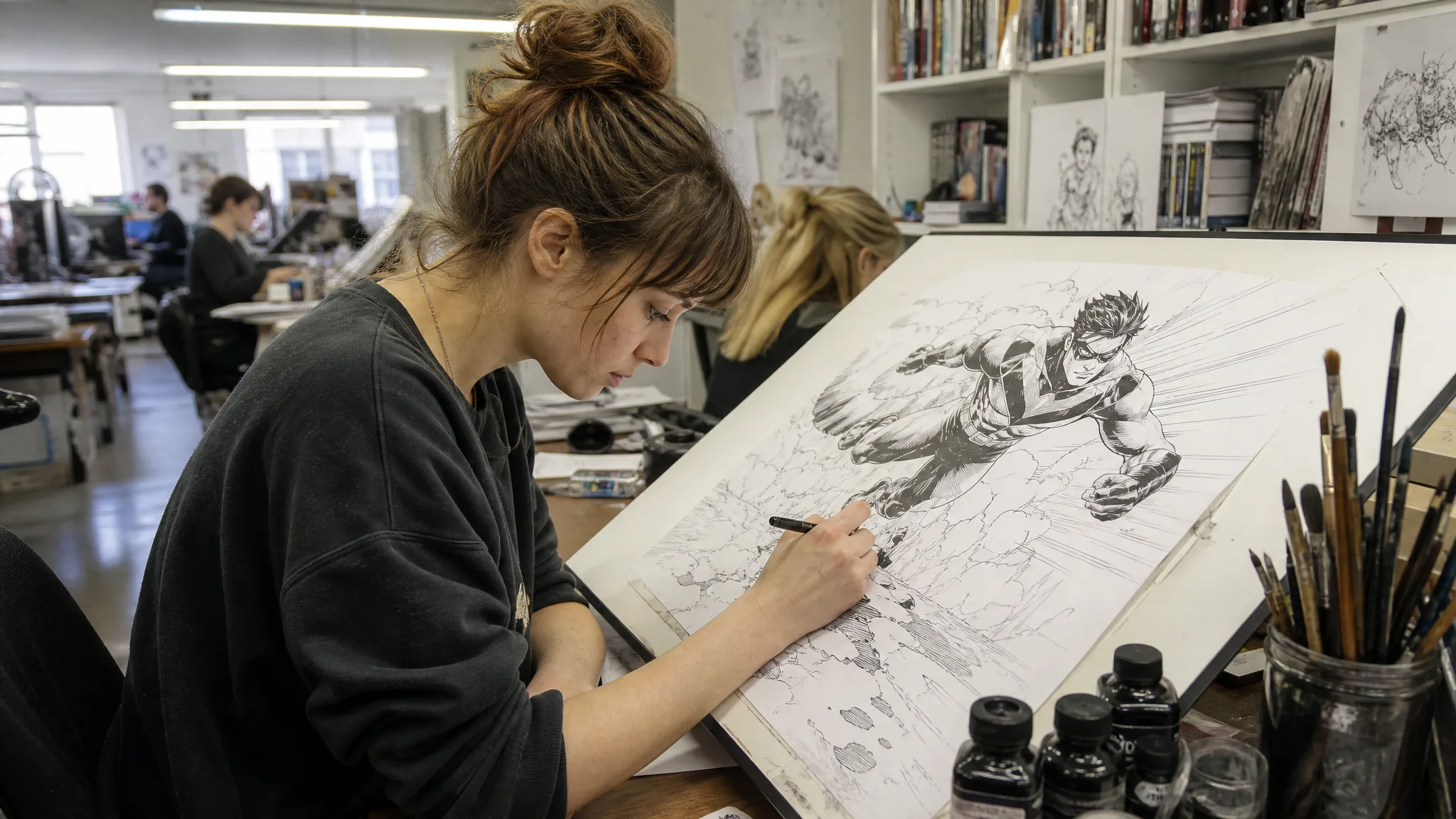
Illustrators can turn a written idea, such as a greenhouse full of glowing plants at midnight, into an Imagen 4 composition. Naming the style and focal point gives the hand-drawn version a clear direction from the start.

Campaign concepts before the final layout

Campaign art directors can compare an airy lifestyle scene and a bold graphic composition of one message with Imagen 4. Headline space is planned in both, and exact brand assets are added later in the design file.

Creative Scenarios with Imagen 4 Image Creation

Scenarios for using Imagen 4 image creation in real projects, from the photos or ideas you start with to the take you keep.

I'd describe how sunlight should fall across glass and stone in an Imagen 4 prompt for our product concept. The selected image would communicate the material contrast we want. I'd treat it as a mood reference and check the real product details separately before any final shoot.

Product Art Director
Creative workflow

Imagen 4 Frequently Asked Questions

These Imagen 4 answers explain what the model does on ImgVid, why it starts from text only, how to write a prompt, what access requires and which frame shapes you can pick.

Imagen 4 is a Google image model in the ImgVid image workspace that creates stills from a written description. Describe the subject, setting, light and style, then choose the image that communicates your brief and review its details before publication.

Imagen 4 starts from a written prompt and does not accept reference images in this workspace. When you want to edit an existing image, use the image-to-image tool with a model that supports references.

Start an Imagen 4 prompt with the main subject, then describe setting, composition, lighting and style in plain sentences. Give a product its surface and background, a portrait its framing and mood. A focused description is simpler to refine than a pile of effects.

Imagen 4 requires eligible paid access when the paid-plan gate is enabled, and each generation uses credits. Your selected variant and settings determine the estimate, which appears in the workspace before you start.

Imagen 4 offers these aspect ratios: 1:1, 16:9, 9:16, 3:4, 4:3. Resolution is not something you set separately for this model. Frame the subject for its final crop rather than resizing afterward.

Imagen 4 stills can feed campaign or editorial work after a careful review. Check each image for trademarks, likenesses and factual details, then set real typography and brand assets in your design tool; generating an image grants no third-party permissions.

Imagen 4 images are not published automatically, and the prompt is never shown with a published image. Free accounts and visitors keep Public Visibility on, so a finished Imagen 4 still may be selected for Explore after review; a subscription or one-time pack starts generations private.

Bring Your Next Image Idea to Life with Imagen 4

Write a scene with its subject, light and materials, choose a frame, and let Imagen 4 create a detailed image concept for your product, portrait or illustration. Review the result, then start your next idea in the workspace.

Create with Imagen 4
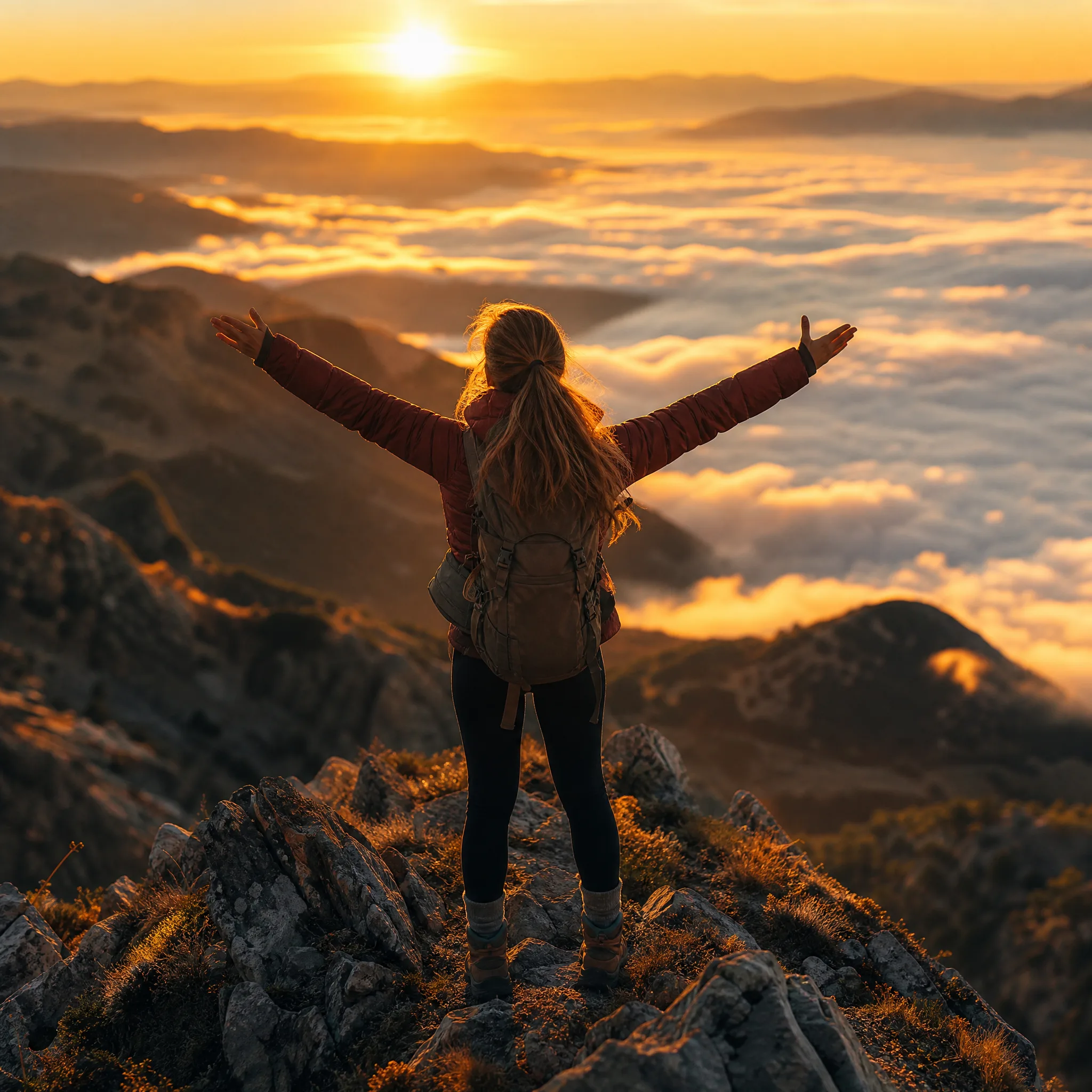
Woman hiker on a mountain ridge at sunrise with arms open above a sea of clouds