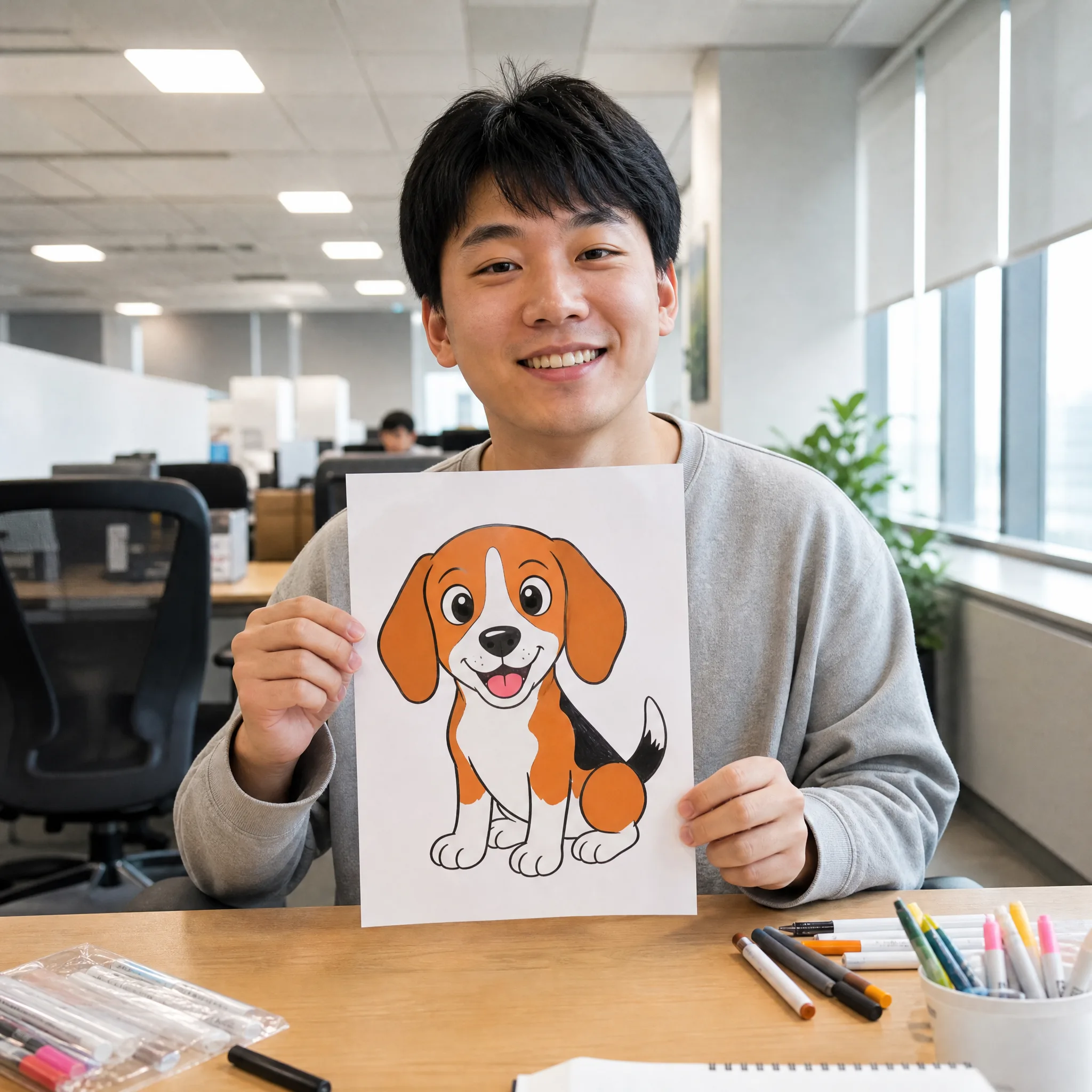
Cartoon profile avatars
Turn a selfie into a chibi or American cartoon character to use as an animated avatar across social profiles.
Turn a still picture into a fun, stylized cartoon clip. Upload a photo, pick a look, and let this photo to cartoon video maker turn photo into cartoon animation — chibi or American cartoon styles, no drawing skills needed, and every export is watermark-free.
Sign in with Google — eligible Gmail or googlemail accounts get free signup credits, no card needed to start. Make a cartoon animation from photo in seconds.
See it in action
Real clips generated from one still image — see how the tool restyles a single photo into a moving cartoon across chibi, American cartoon, and other stylized looks.
How it works
Three steps take you from a still picture to a stylized cartoon clip — free to start with signup credits, and every export is watermark-free.

Sign in with Google, then drag in any JPG or PNG — a selfie, a friend, a pet, or a full-body shot. A clear, well-lit face works best when you want to turn photo into cartoon animation, because the AI has more detail to restyle into a clean cartoon character.
Choose the look you want and add a short prompt for the motion. Go for the ai chibi cartoon video effect for a cute, big-headed character, or the ai american cartoon video effect for bold outlines and flat colors — then pick an AI model and an aspect ratio (9:16 for reels, 16:9 for YouTube).
The AI restyles your image and generates new frames, returning a playable photo to cartoon video in seconds. Preview it, regenerate with a different style or prompt for another take, then download the finished cartoon animation from photo — watermark-free — to post on TikTok, Instagram, or YouTube.
Cartoon styles
The ai chibi cartoon video effect shrinks the body and enlarges the head and eyes for an adorable, super-deformed character, then adds bouncy, sticker-style motion. It is the fastest way to get a cartoon character that looks straight out of a mobile game.
Try the chibi effectThe ai american cartoon video effect gives your subject thick black outlines, flat cel-shaded colors, and exaggerated expressions in a Western animation style. Upload a portrait and this photo to cartoon video tool animates it with lively, comic-strip movement.
Try the American lookThis is real generated animation, not a static overlay — the model repaints your photo into a cartoon and then moves it, so a cartoon animation from photo actually blinks, talks, and reacts instead of sitting still under a filter.
Animate your photoKeep the same upload and switch styles to compare takes, so your subject can be a chibi one minute and an American cartoon the next — no re-uploading, no separate tools.
Compare cartoon stylesWhy imgvid
A free-to-start photo to cartoon video maker focused on real, stylized motion and watermark-free output, not a one-frame filter.
From chibi cuteness to bold American cartoon lines, the styles are tuned to read as real cartoons — clean outlines, flat colors, and expressive faces that stand out in a feed.
The model generates new frames, so your cartoon animation from photo actually moves — heads turn, eyes blink, and mouths react instead of a frozen, filtered image.
Switch between the ai chibi cartoon video effect, the ai american cartoon video effect, and more without creating separate accounts or paying per style.
Most clips finish in under a minute, so you can cartoonize a photo, tweak the style, and pick your favorite take instead of waiting on a render queue.
Selfies, friends, pets, and full-body shots all work as input for a photo to cartoon video, so you are not limited to one type of image.
Sign in with Google and eligible accounts get free signup credits, with watermark-free clips and no card needed to begin making a cartoon animation from photo today.
Use cases
From profile avatars to reaction stickers, here is what creators do once they cartoonize their photos.
Turn a selfie into a chibi or American cartoon character to use as an animated avatar across social profiles.
Make looping cartoon stickers from your own face for chats, replies, and meme-worthy reaction posts.
Cartoonize a friend or family member into a playful animated card that feels far more personal than a photo.
Turn a pet photo into a springy cartoon mascot for a channel intro, sticker pack, or fun short.
Restyle photos into gentle, colorful cartoons for classroom projects, story time, or family videos.
Give a team photo or headshot a consistent cartoon look for lighthearted brand and creator content.
FAQ
The best way is an AI photo-to-cartoon tool that takes a single still image and turns it into a short, stylized cartoon clip. You upload a picture, choose a cartoon style, and the AI repaints your photo into a cartoon character and then generates new frames — so a still selfie or pet photo becomes a few seconds of animated, hand-drawn-looking footage with no drawing or timeline editing required.
Sign in with Google, upload your picture, pick a cartoon style such as chibi or American cartoon, add a short motion prompt, choose an AI model, and generate. The tool then produces a cartoon clip you can preview and download. If the first take is not quite right, switch the style or adjust the prompt and regenerate.
The ai chibi cartoon video effect turns your subject into a chibi character — a cute, super-deformed style with a large head, big eyes, and a tiny body — and then animates it with bouncy, sticker-like motion. It is a popular way to make an adorable cartoon animation from photo for avatars, stickers, and short social clips.
The ai american cartoon video effect restyles your photo in a Western animation look: thick black outlines, flat cel-shaded colors, and exaggerated, expressive faces. It then animates the result so your photo to cartoon video talks and reacts like a character from a Saturday-morning cartoon.
Generation requires Google sign-in so your credits, uploads, and history stay tied to your account. Eligible Gmail and googlemail accounts get free signup credits, so you can make a cartoon clip at no cost to start — no card needed, and no subscription required just to try it.
A cartoon filter just paints a single still image and leaves it frozen. This tool generates a real photo to cartoon video: it restyles your picture into a cartoon and then creates new frames, so the character actually moves — blinking, turning, and reacting. You get animation, not a one-frame effect.
Clear, well-lit images with a visible face give the AI the most to work with, but selfies, group shots, pets, and full-body photos all work. A simple background and a clear subject usually produce the cleanest cartoon animation from photo, whether you choose the chibi or American cartoon style.
Yes — exports are designed to be watermark-free, so the cartoon clips you generate from your own photos are clean and yours to post on TikTok, Instagram, and YouTube. Just make sure you hold the rights to the source picture you upload, which matters most for photos of other people.
Sign in with Google and turn photo into cartoon animation in seconds — free signup credits, watermark-free output.
Create your cartoon video