























Seedance Image to Video with ByteDance Seedance 2.0

Turn your photo into a cinematic story moment

Give a portrait a quiet glance, let a product catch the light, or bring an illustrated scene into motion. Start Seedance image to video with ByteDance Seedance 2.0 and your photo, then describe the action you want viewers to notice.

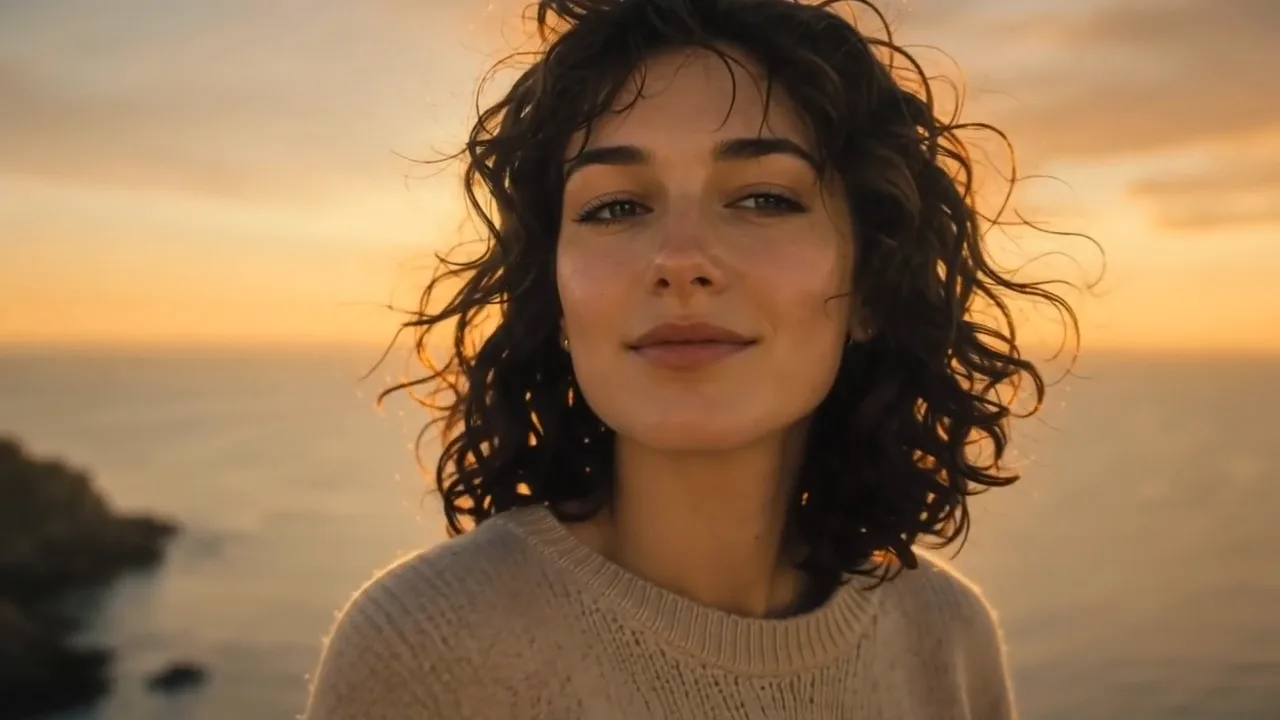
Woman with dark curly hair on a seaside cliff at golden hour turning toward the camera as the wind lifts her hair
Photo-led character actions
Camera-directed product reveals
Moving illustration concepts
Separate takes for creative edits
Motion shaped around your original scene
Seedance
First frame
Last frame
Image references
Video references
Audio references

With this model, audio references need at least one image or video reference.

Prompt
0/20000
Return last frame
Generate audio
Resolution
Aspect ratio
Duration
Web search
Number of outputs
Public Visibility
Required credits
117
Sample videos

Bring Your Image into Motion with Seedance

A portrait, product photograph or illustration is already the beginning of a scene. Seedance image to video gives that scene a next moment: a glance, a reveal or a camera move directed by your words. Explore the shot, then choose how it belongs in your story.

Try Seedance Image to Video
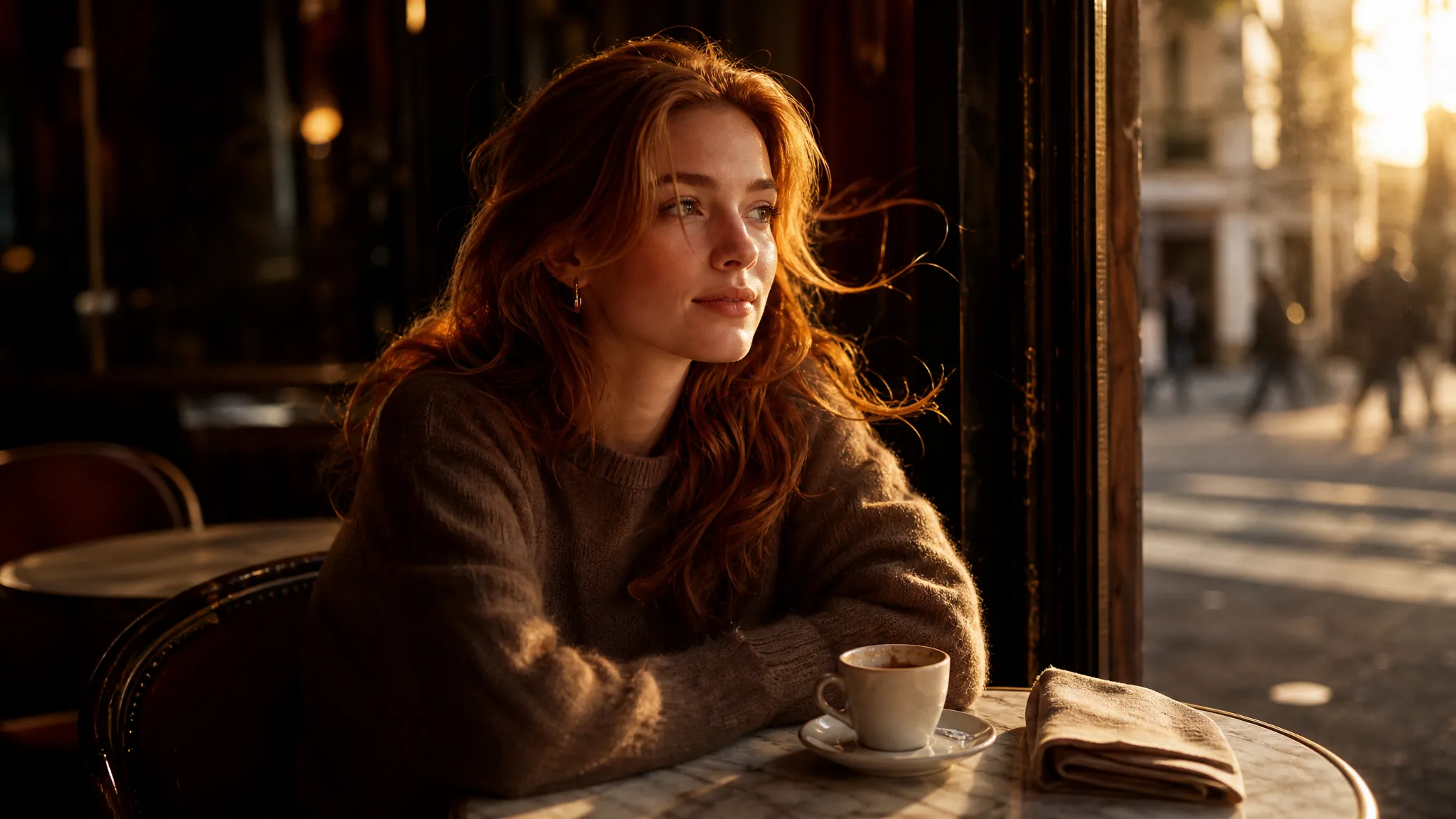
Young woman with auburn hair glancing toward warm morning light at a sunlit cafe window table

How Seedance Image to Video Works

Seedance image to video starts from your scene: choose the photo, describe the next moment and keep the take that fits your project.

1

Choose your starting scene

Upload a clear portrait, packshot or illustration as a JPG, PNG or WebP image. Seedance image to video opens on that composition, so pick the version that already communicates the subject and mood rather than a busy frame you plan to fix later.

2

Describe the next moment

Name one visible action and a camera direction: a person turns toward the light, a product catches a soft reflection, or the camera moves closer to a detail. Add the mood and pace you want so the Seedance image to video take has one clear tempo to follow.

3

Create your Seedance shot

Pick Seedance 2.0, Fast or Mini, then set a length between 4 and 15 seconds, a framing such as 9:16 or 21:9, and the resolution your variant offers. Turn on the audio option if you want sound, then generate the shot.

4

Choose the take for your story

Watch the Seedance image to video clip from beginning to end and compare it with the scene you intended, listening to the audio for timing. Download the take you want to develop into your reel, presentation or longer edit, and keep the prompt for the next shot.

Shape a Seedance Shot Around Your Idea

A person’s next gesture, a product reveal or a change in atmosphere gives Seedance image to video a clear purpose. Start with the image and decide which movement will tell the story.

Make the person the focus

A portrait already gives your scene a face, expression and setting. Describe a small turn, a glance or wind moving through the hair, and Seedance image to video builds a character moment around that starting image. Check the face and clothing across the whole clip, since character consistency is not guaranteed on longer durations.
Give a product its reveal

Use a clear product photograph and describe how the camera should discover it: a gentle push toward the label, a light sweep or a restrained orbit. Seedance image to video can render that reveal up to 4K on Seedance 2.0, which gives a launch edit room to crop for both widescreen and vertical placements.

Put atmosphere around a still image

Bring a single photo or illustration into a moving scene with drifting clouds, falling light or a subtle background action. Keep the main subject easy to read so the movement supports the image instead of competing with it. Seedance 2.0 Mini lets you test that direction at 480p before you commit to a longer render at a higher resolution.

Explore another version of the same idea

Try a different action or camera direction while keeping your source image. Running Seedance image to video twice with one change each time shows which instruction shaped the result, and comparing the takes helps you find the mood that suits a reel, a pitch or a scene opener.

Seedance Video Ideas for Your Next Project

Seedance image to video serves filmmakers, brands, photographers and families who want a still to carry a short story beat.

Character story beats

A filmmaker can use Seedance image to video on a character portrait to explore a glance, an entrance or a small action. The take gives a storyboard a concrete moment to discuss with the cast and crew before planning the next shot.

Product launch reveals

A campaign designer can describe a slow approach or light change around a product photograph and render it with Seedance image to video in 16:9 for the site and 9:16 for stories. Finish the chosen clip with launch titles and final timing in the campaign edit.

Scenic story openers

A travel photographer can begin with a landscape image and explore weather, light or a gentle camera direction with Seedance image to video. A 21:9 framing suits a cinematic opener that establishes the atmosphere of a travel story or a destination page.

Moving illustration concepts

An illustrator can describe background movement or a character action around finished artwork. The clip becomes a motion concept for a portfolio, an animated sequence pitch or a book trailer, with the original illustration kept as the opening frame.

Personal photo stories

A family storyteller can use Seedance image to video on a favorite picture as the beginning of an imagined scene, such as a grandparent looking up and smiling. Combine the selected take with the original photo and a personal message for an anniversary or reunion video.

Portrait-led introductions

A creator can build an opening shot around an existing headshot. A restrained camera move or expression from Seedance image to video gives a YouTube intro or channel trailer a particular mood before the rest of the edit begins.

Creative Scenarios with Seedance Image to Video

Product, portrait, storyboard and travel briefs that use Seedance image to video to give one still photo a focused next moment before the edit.

A launch photograph gives me the product, but the reveal still needs a mood. I'd use Seedance image to video for a slow push toward the label with light moving across the bottle. I'd check that the label text stays accurate, then use the short shot to open our launch reel.

Product Launch Designer
Creative workflow

Seedance FAQ

Learn how Seedance image to video fits a creative project, how a source image guides the scene and what to consider when choosing movement and sound.

Seedance image to video creates a moving clip from a still image and your motion prompt. This page opens ByteDance Seedance 2.0, with Seedance 2.0 Fast and Seedance 2.0 Mini available in the same workspace, to explore a character action, a product reveal or a camera move around the scene.

Not always — a clear reference gives Seedance image to video a starting appearance and composition. Describe a focused action, then check the face, clothing and important details throughout the take. Character consistency is not guaranteed, so compare the completed clip with your source before using it in a finished story.

For Seedance image to video on ImgVid, Seedance 2.0, Seedance 2.0 Fast and Seedance 2.0 Mini create clips from 4 to 15 seconds. Seedance 2.0 offers 480p, 720p, 1080p or 4K, while Fast and Mini offer 480p or 720p. Framing options are 16:9, 9:16, 1:1, 4:3, 3:4, 21:9 and adaptive; the workspace shows the choices for your selected variant and mode.

Yes — the configured Seedance 2.0 workflow offers an audio option for Seedance image to video. Choose it before generating, then listen to the completed take and check synchronization. A generated soundtrack or voice is not a guarantee that every requested sound, word or lip movement will match.

Your photo is passed to the selected generation service for processing and is not published. Free accounts and visitors keep Public Visibility on, so a finished Seedance image to video clip may be selected for Explore after review; a subscription or one-time pack starts generations private. Review the privacy policy before uploading sensitive images.

Yes — beginners can start Seedance image to video in the browser with a clear portrait, product photograph or illustration. Describe one visible action and a camera direction in plain words. Preview the take, check the important details and download the clip you want to develop; final titles and longer edits are assembled separately.

Partly — Seedance 2.0 Mini is the free-tier Seedance option on ImgVid, limited to 480p clips of up to five seconds, and each generation still uses credits. Seedance 2.0 and Seedance 2.0 Fast need a subscription or credit pack. ImgVid is an independent service with its own credits, and the exact quote appears before you generate. Free generations include an ImgVid watermark; eligible paid generations export without it.

Under ImgVid’s Terms of Service, you own the videos you generate from your uploads, subject to the rights in any source material you did not create. Before using a Seedance 2.0 clip in a launch edit or client project, confirm you have rights to the photo, any people or brands in it, and the publishing rules of the platform.

Make Your First Seedance Photo-Led Shot

Upload a portrait, product or illustration, describe the next action and camera move, and Seedance image to video creates a clip of 4 to 15 seconds, with sound if you choose it. Review the take for your story or creative pitch, and start with the still you already have.

Create with Seedance
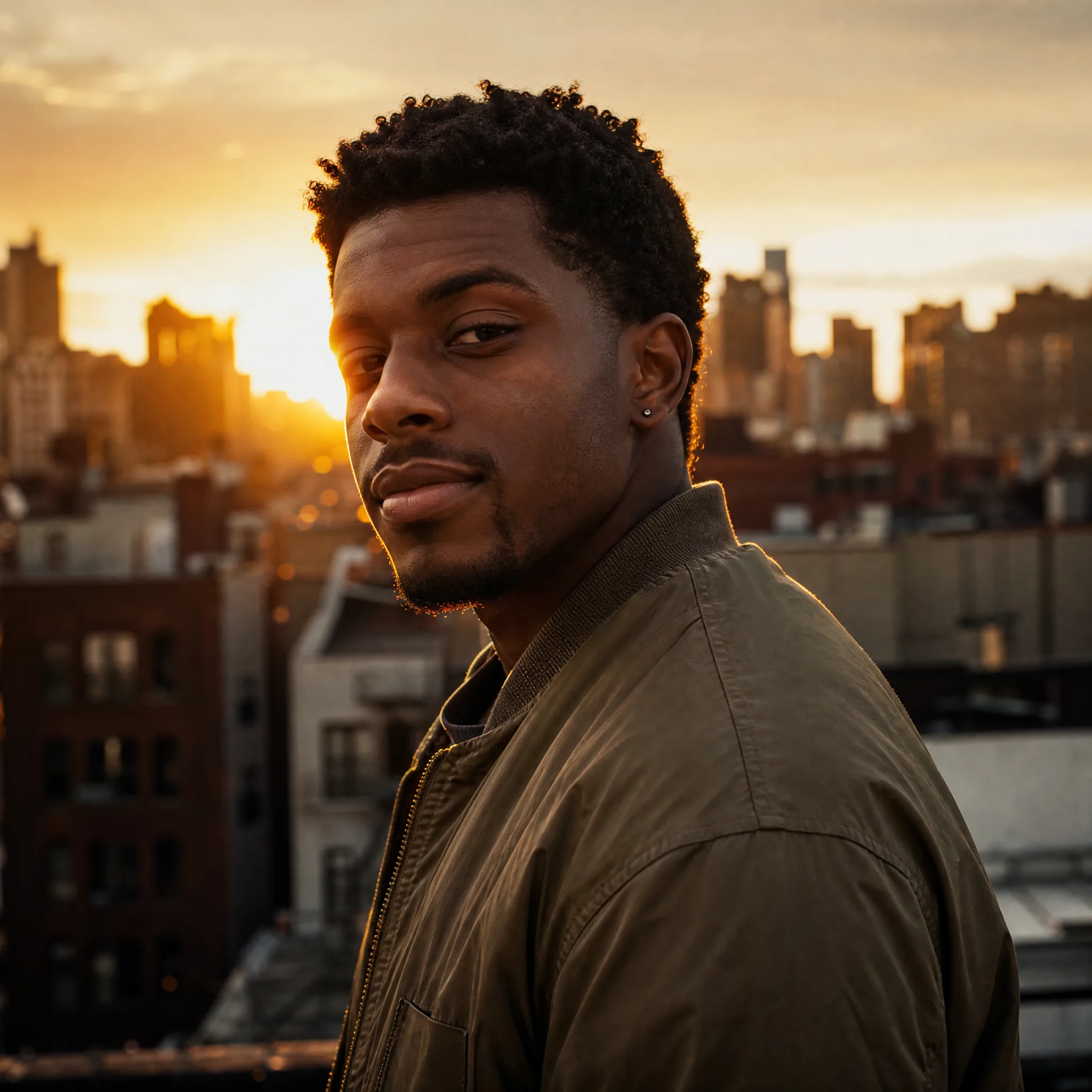
Young man in an olive bomber jacket turning toward the camera on a city rooftop at golden hour