











Hailuo AI Image to Video Generator (Free Online)

Run Hailuo on a photo you already have. This hailuo ai image to video tool takes one still, adds the motion you describe, and returns a watermark-free clip you can post straight away.

Per image · JPG, PNG or WebP · up to 10.0 MB · shorter side at least 300px · up to 6000×6000px

Sign in with Google — eligible Gmail or googlemail accounts get free signup credits, no card needed to start. Select Hailuo and animate your first image right away.

Free to startGoogle Sign-In RequiredWatermark-free outputHailuo 2.3 available

Reviewed by ImgVid TeamUpdated

Rendered output

Hailuo 2.3: What This Model Is Good At

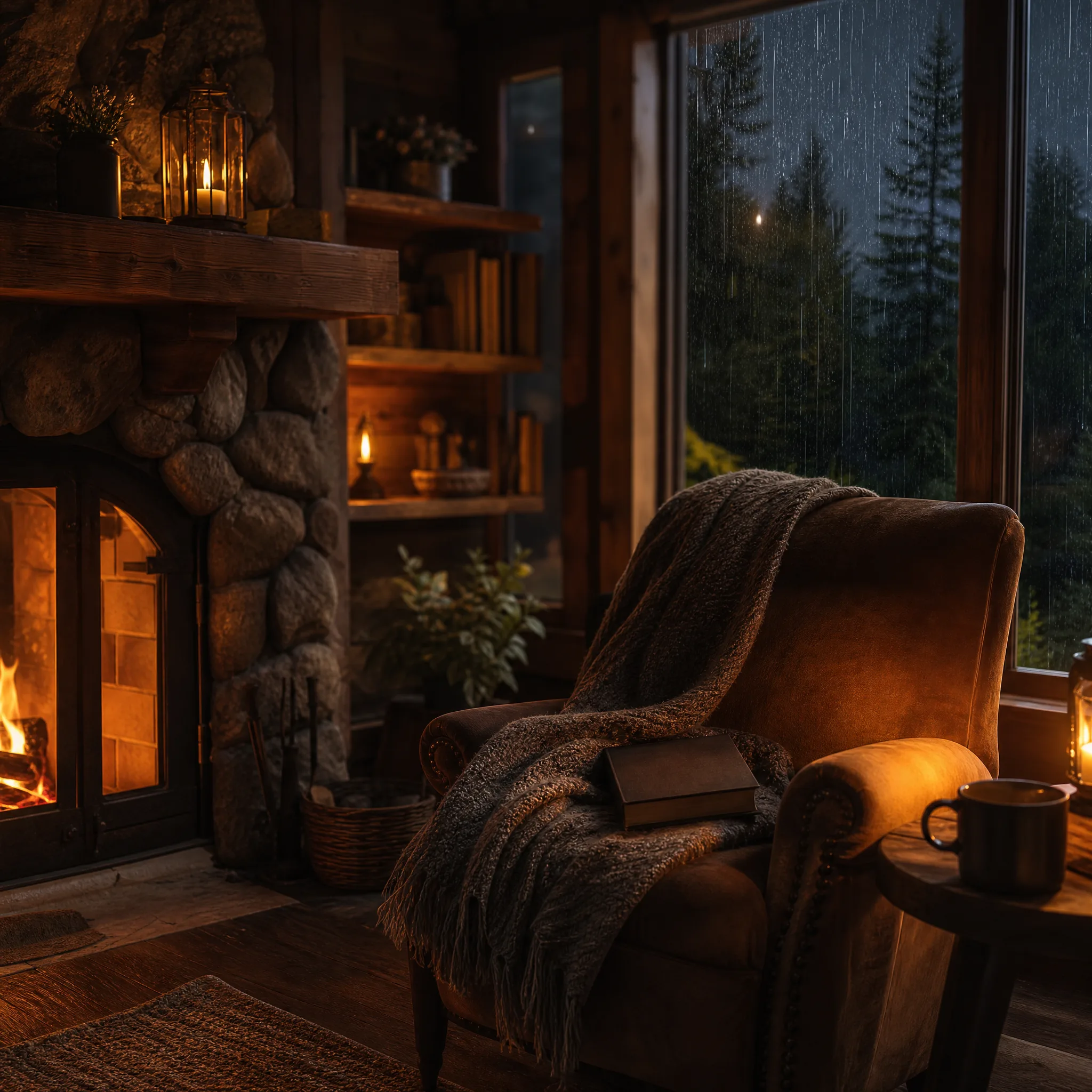
Every clip below began as a single still run through Hailuo on this site. The model holds a subject steady while the scene around it moves, which suits grounded, believable shots.

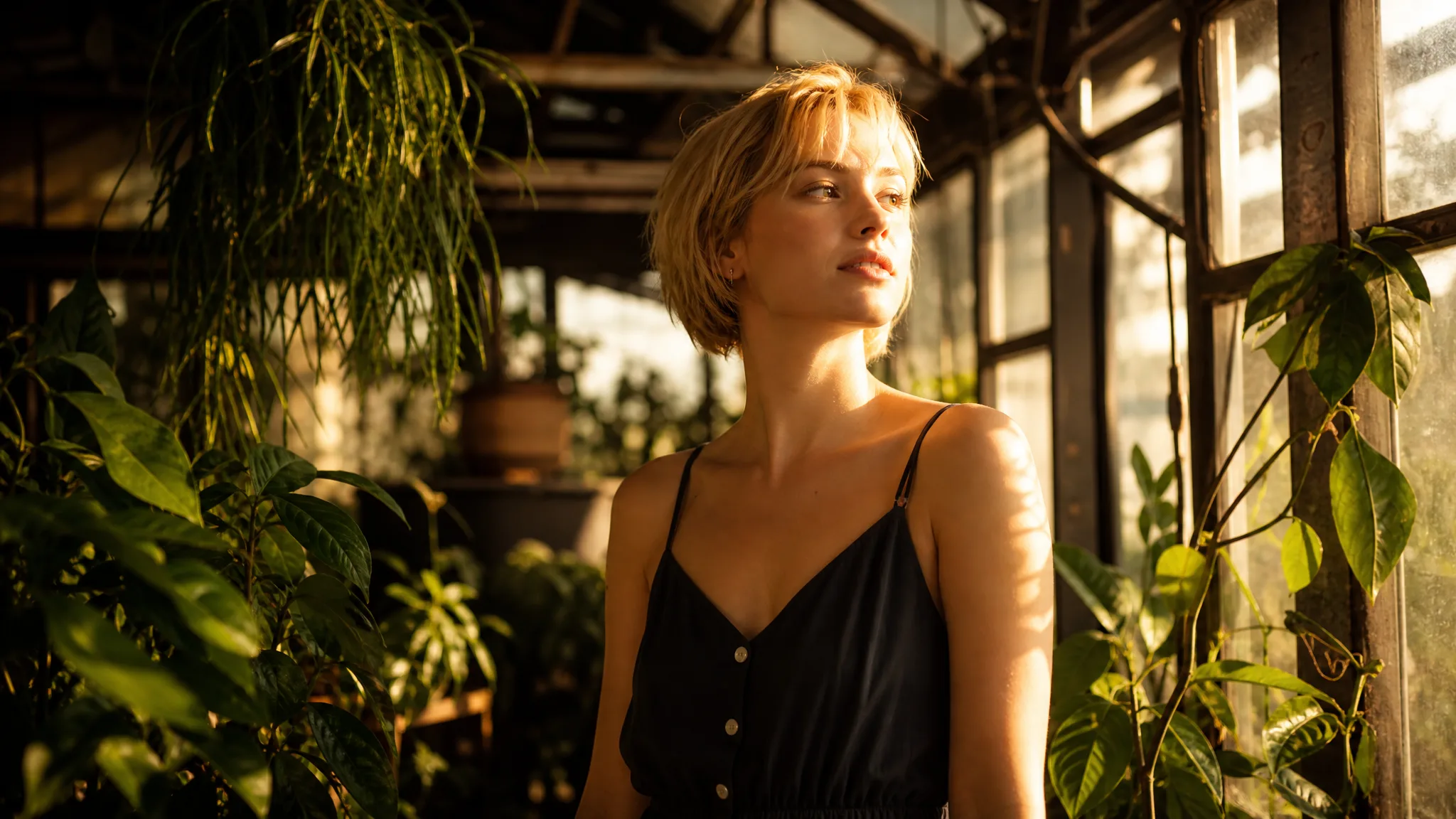
A still face gains a measured push-in and natural micro-movement without the features drifting out of shape.
Steady portrait motion
A packshot turns slowly with light tracking across the surface, keeping edges crisp rather than smearing.
Product with weight
A room photograph gains a slow parallax drift, with furniture holding position as the camera moves.
Interior that settles
Foliage stirs and light shifts across a landscape while the horizon stays where it should.
Outdoor scene in motion
A still face gains a measured push-in and natural micro-movement without the features drifting out of shape.
Steady portrait motion
A packshot turns slowly with light tracking across the surface, keeping edges crisp rather than smearing.
Product with weight
A room photograph gains a slow parallax drift, with furniture holding position as the camera moves.
Interior that settles
Foliage stirs and light shifts across a landscape while the horizon stays where it should.
Outdoor scene in motion

Three steps

How Hailuo AI Image to Video Works Here

Upload a still, describe the motion, download the clip. Signup credits cover the first renders and every export comes back watermark-free.

How Hailuo AI Image to Video Works Here
  1. 1

    Sign in and upload a still

    Sign in with Google, then add any JPG or PNG — a portrait, a product frame, an interior shot, or artwork made elsewhere. An even-lit subject against an uncluttered background gives the model the most to work with, and that is most of the gap between a solid render and a mushy one.

  2. 2

    Select Hailuo and set the shot

    Pick Hailuo from the model list, then write one plain sentence describing what should move and how the camera behaves. Choose the aspect ratio before generating — 9:16 for Reels and Shorts, 16:9 for YouTube, 1:1 for feed posts — so the clip lands the right shape first time.

  3. 3

    Generate and keep it

    The model builds new frames from your single image and hands back a playable clip, usually within a minute. Watch it, adjust the prompt and rerun if the motion missed, then download the finished video clean.

Key facts

  • Provides Hailuo 2.3 for image-to-video generation.
  • imgvid is independent and not affiliated with MiniMax or the Hailuo team.
  • imgvid does not generate images; the source still must already exist.
  • Other available models include Kling 3.0, Veo 3.1, Runway Gen-4 Turbo, Seedance 2.0 and Wan 2.7.
  • Exports in 16:9, 9:16 and 1:1 for YouTube, TikTok, Reels and Shorts.
  • Every generated video downloads watermark-free.
  • Generation runs on credits and requires Google sign-in; eligible accounts receive free signup credits with no card required.

Plain terms

Heiluo Free Tier: What Free Actually Covers

That misspelling shows up often enough in searches to be worth answering directly. Here is exactly what starting free means on this site.

Signup credits, not a daily reset

Eligible Google sign-ins receive a batch of credits when the account is created. They are yours to spend when you choose rather than trickling back on a timer, so a first session is not spent waiting.

See what credits cover

Cost is visible before you spend

Each model displays what a render will cost before it starts, so picking Hailuo over a heavier engine is a decision made with the number in front of you.

Compare the models

Credit-based, stated plainly

Renders consume credits and sustained use eventually needs a top-up. Being direct about that is worth more than a bigger promise carrying conditions further down the page.

Start with free credits

Why run it here

Where Hailuo Fits Among the Models

imgvid is an independent tool that provides Hailuo alongside several other engines; it is not MiniMax and not affiliated with the Hailuo team.

Grounded, stable motion

Hailuo tends to hold a subject in shape while the surroundings move, which suits product shots and interiors where drift is obvious.

Switchable against other engines

Kling 3.0, Veo 3.1, Runway Gen-4 Turbo, Seedance 2.0 and Wan 2.7 sit behind the same upload box, so a subject that renders poorly on one can be retried on another.

Quick enough to iterate

Most renders finish inside a minute, making it practical to run the same photo through several prompts and keep the strongest take.

Any source image works

Photographs, packshots, scans, sketches and generated art all animate. Nothing in the pipeline depends on where the picture came from.

Direction in plain language

Describe the motion the way you would to a camera operator. There are no keyframes to place, no curves to tune and no timeline to learn.

Sized and clean for posting

Render vertical, square or widescreen and download without a watermark, so the clip goes straight into a feed, a listing or a site header.

Typical work

Where a Steady Render Matters Most

These are the jobs where holding the subject together matters more than dramatic camera work.

Product listings

Give a packshot a slow turn so a storefront tile earns a second of attention without the edges warping.

Product listings

Property and interiors

Add a gentle parallax drift to a room photograph for a listing carousel or a walkthrough opener.

Property and interiors

Professional headshots

Bring a measured push-in to a portrait for a speaker slide, team page or channel intro.

Professional headshots

Menu and food shots

Let steam curl and light travel across a dish photo so a social post feels shot rather than scanned.

Menu and food shots

Archive photographs

Give a scanned print believable movement while keeping faces recognisable and stable.

Archive photographs

Background loops

Turn a scenic still into a quiet loop for a site header, event screen or stream holding card.

Background loops

Questions

Hailuo AI Image to Video FAQ

It means turning a still photograph into a short clip using a Hailuo model. On this site you upload the picture, select Hailuo, describe the motion you want, and the model generates the frames in between. Eligible Google accounts start with free signup credits, so the first renders cost nothing.

More tools

Explore more AI video tools

Animate Your Still with Hailuo

Sign in with Google, upload a photo, and download a clean clip in minutes — free signup credits, no card, no editing timeline.

Start your hailuo ai image to video render