























Kling AI Image to Video Free Online

Run Kling on your own photo right here. imgvid is a kling ai image to video free starting point — upload an image, describe the motion, and download a watermark-free clip without hunting for daily credits.

Per image · JPG, PNG or WebP · up to 20.0 MB · up to 6000×6000px

Sign in with Google — eligible Gmail or googlemail accounts get free signup credits, no card needed to start. Pick a Kling model and animate your first image right away.

Free to startGoogle Sign-In RequiredWatermark-free outputKling 2.6 / 3.0 / 3.0 Turbo

Reviewed by ImgVid TeamUpdated

Rendered with Kling

What Kling 3.0 Free Rendering Looks Like

Each clip started as one still photo run through a Kling model on this site. Free signup credits cover the first renders, and nothing below carries a watermark.

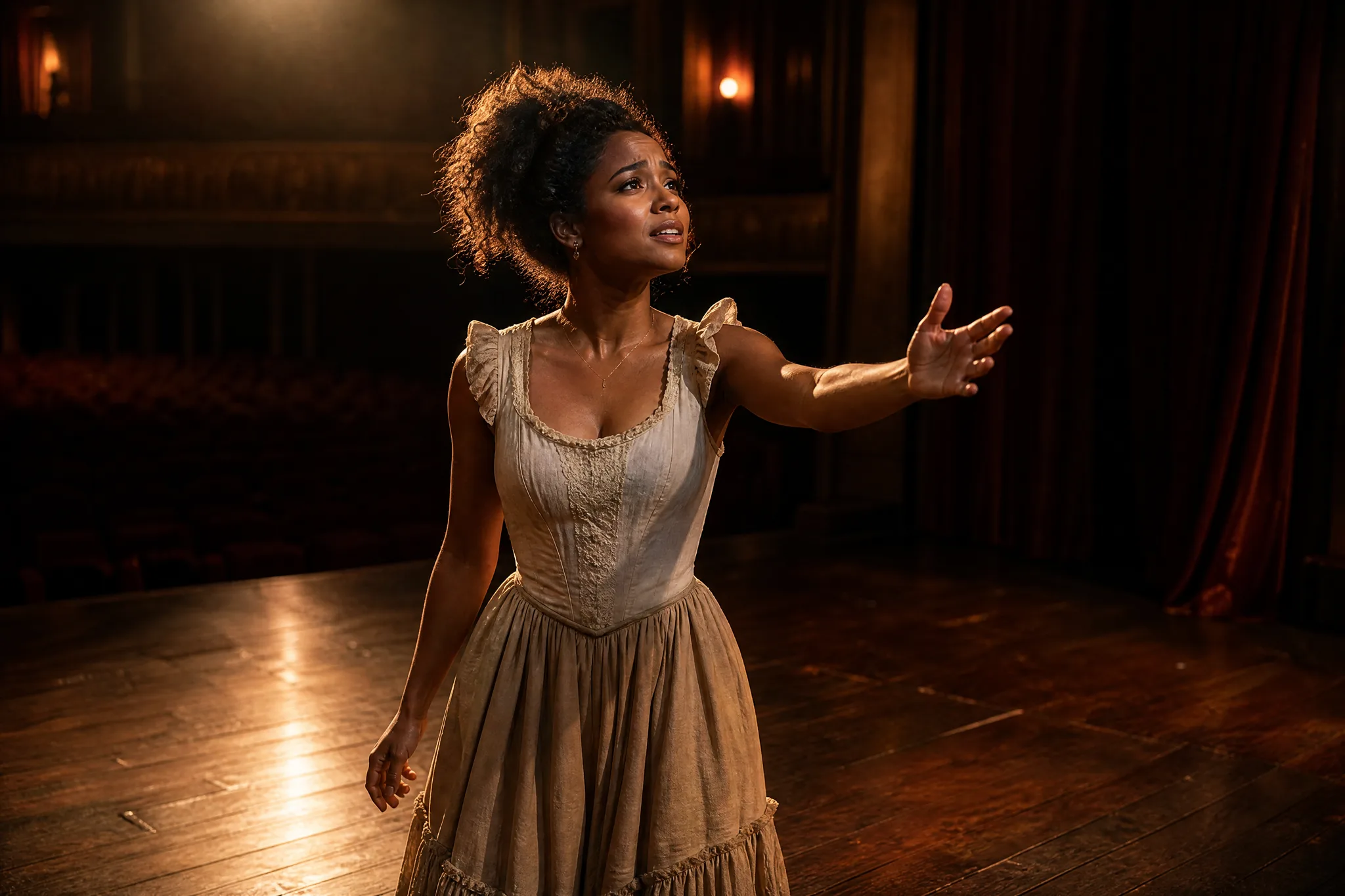
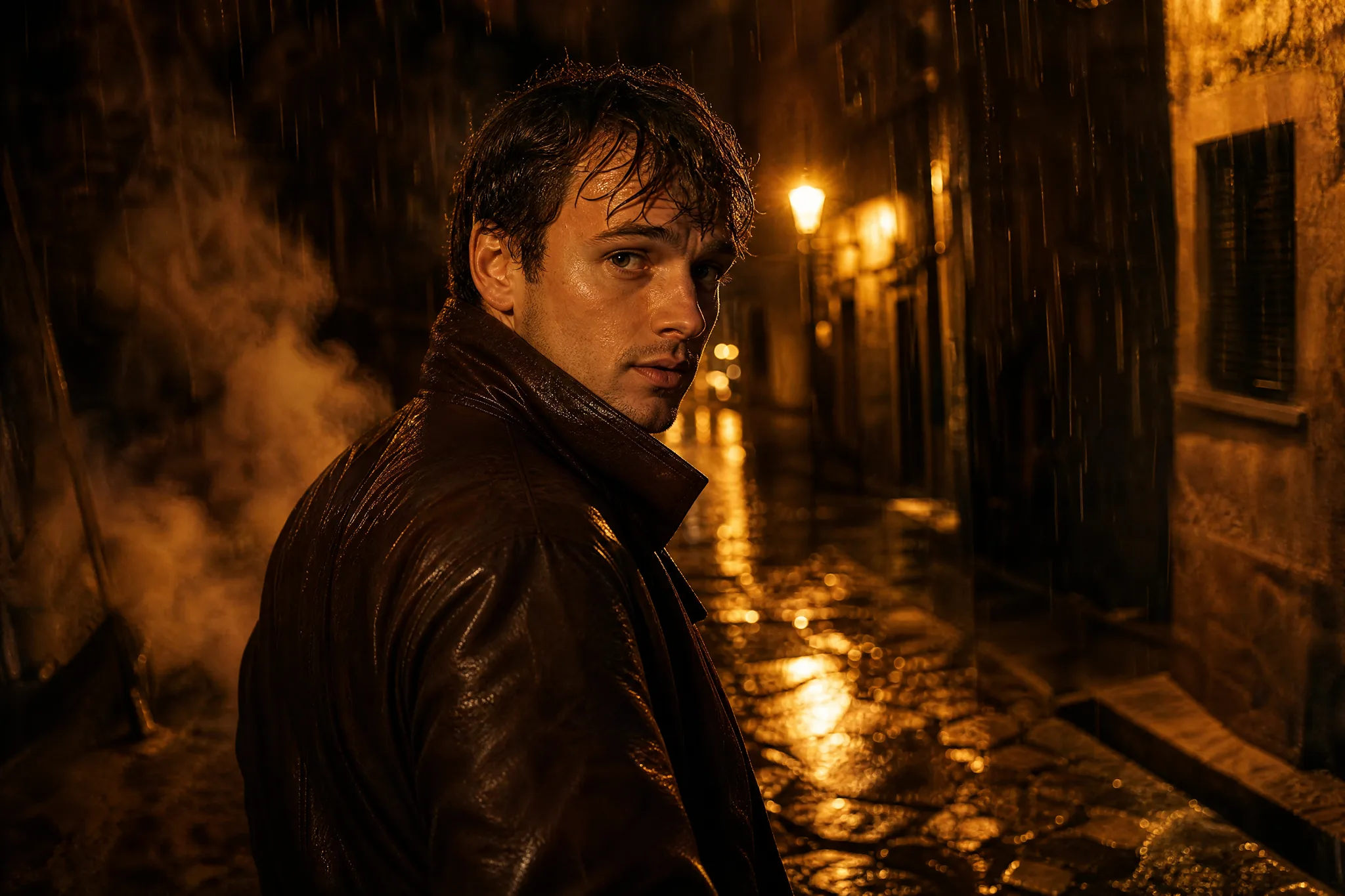
A frozen headshot picks up a slow push-in, softly moving hair, and light travelling across the face.
Portrait that breathes
A flat catalogue shot rotates under moving highlights, ready to drop straight into a listing.
Product on the turn
A drawn or rendered still gains drifting cloth, shifting light, and a background with real depth.
Illustration in motion
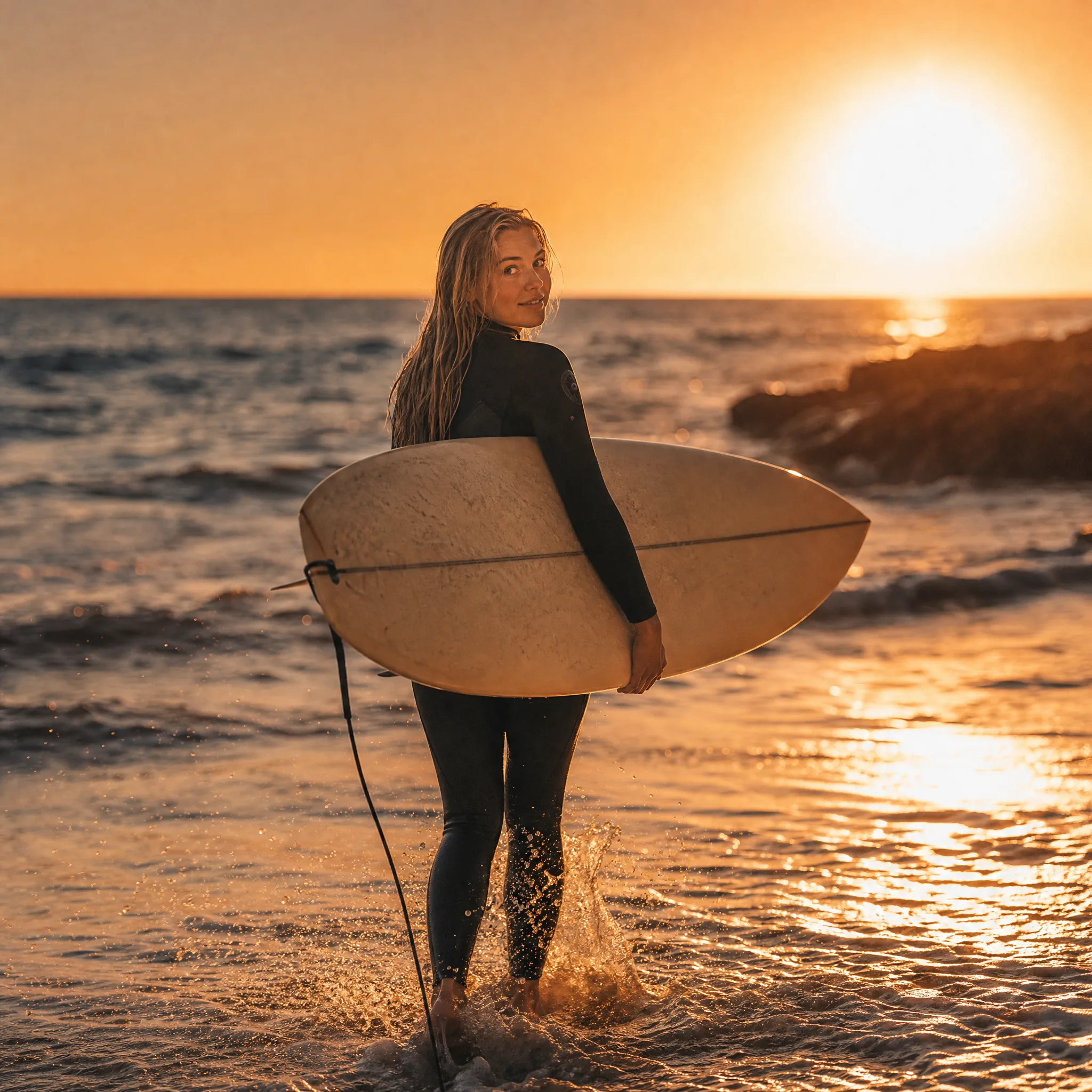
Cloud travels and water ripples as a still landscape turns into a quiet, loopable shot.
Scenery that keeps moving
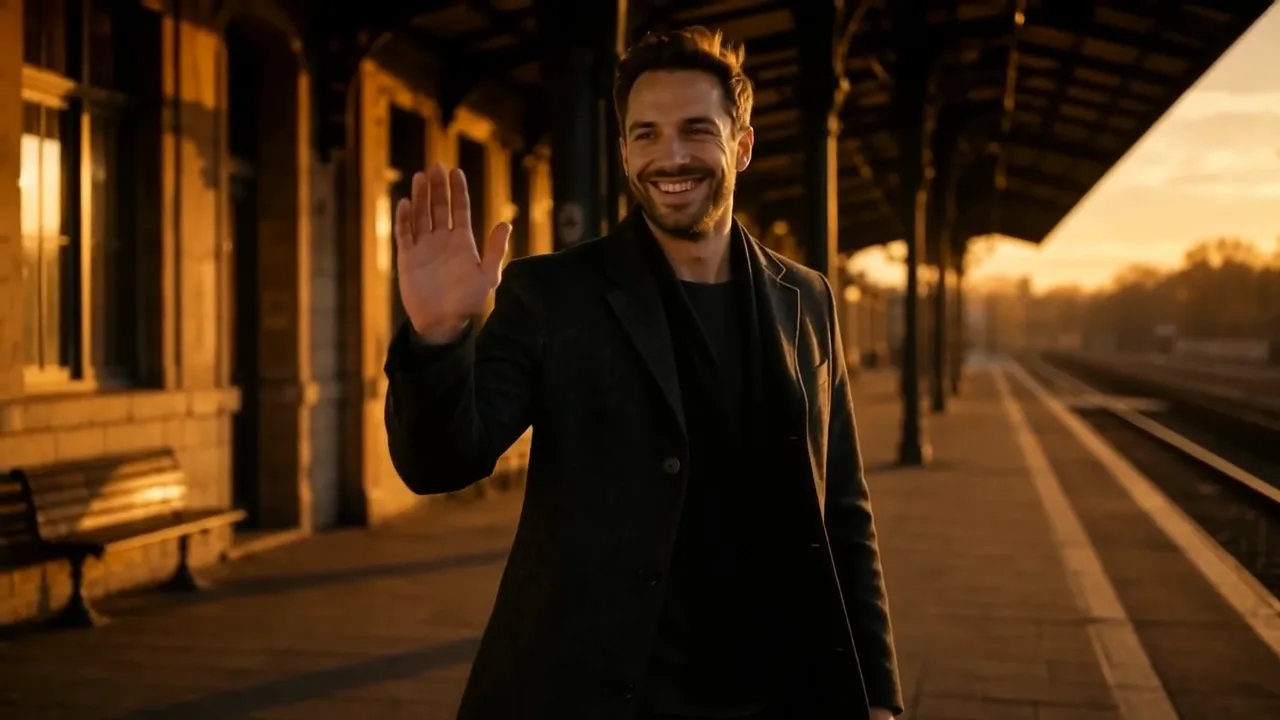
A frozen headshot picks up a slow push-in, softly moving hair, and light travelling across the face.
Portrait that breathes
A flat catalogue shot rotates under moving highlights, ready to drop straight into a listing.
Product on the turn
A drawn or rendered still gains drifting cloth, shifting light, and a background with real depth.
Illustration in motion
Cloud travels and water ripples as a still landscape turns into a quiet, loopable shot.
Scenery that keeps moving

Three steps

How Kling AI Image to Video Free Works

Upload a photo, describe the motion, download the clip. Signup credits cover your first renders and every export comes back watermark-free.

How Kling AI Image to Video Free Works
  1. 1

    Sign in and upload

    Sign in with Google, then drop in any JPG or PNG — a portrait, a product frame, a sketch, or artwork you made elsewhere. A clear subject with even lighting and an uncluttered background gives the model the most detail to animate, which is most of the difference between a convincing render and a smeared one.

  2. 2

    Pick a Kling model and describe the shot

    Choose between Kling 2.6, Kling 3.0 and Kling 3.0 Turbo depending on how much quality or speed you want, then write one plain sentence for the motion — "slow dolly in, hair moving in the breeze, cinematic grade" is enough direction. Set the aspect ratio before generating: 9:16 for Reels and Shorts, 16:9 for YouTube, 1:1 for feed posts.

  3. 3

    Generate and download

    The model invents new frames from your single image and returns a playable clip, usually inside a minute. Preview it, adjust the prompt and rerun if the movement missed, then download the finished video clean.

Key facts

  • Provides Kling 2.6, Kling 3.0 and Kling 3.0 Turbo for image-to-video generation.
  • imgvid is independent and not affiliated with Kuaishou or the Kling team.
  • Site credits are separate from any allowance on Kling own platform and do not reset daily.
  • Other available models include Veo 3.1, Runway Gen-4 Turbo, Seedance 2.0, Hailuo 2.3 and Wan 2.7.
  • Exports in 16:9, 9:16 and 1:1 for YouTube, TikTok, Reels and Shorts.
  • Every generated video downloads watermark-free.
  • Generation runs on credits and requires Google sign-in; eligible accounts receive free signup credits with no card required.

Straight answers

Kling Free Credits and How Ours Differ

Most people searching for Kling free credits mean the allowance on Kling own service. What you get here is separate, and it is worth being precise about which is which.

Our credits are not Kling daily credits

imgvid runs Kling models through its own account and gives eligible Google sign-ins a batch of signup credits. That allowance is ours, not a refresh of anything on Kling own platform, and it does not expire on a daily cycle.

See what credits cover

You can see the cost before you spend

Each model shows what a render costs before you start it, so choosing Kling 3.0 Turbo over Kling 3.0 is a decision you make with the number in front of you rather than after the balance moves.

Compare the models

Credit-based, and we say so

This is a credit product. Renders consume credits and heavy use eventually needs a top-up. Saying that plainly matters more than a larger promise that turns out to carry conditions further down the page.

Start with free credits

Why run it here

Kling AI Free: Why Run Kling 3.0 Here

A search for kling ai free usually ends at a daily timer or a paywall. imgvid is an independent tool that provides Kling models; it is not Kuaishou, not the Kling team, and not affiliated with either. What it offers is a shorter path to a finished clip.

Three Kling versions, one place

Kling 2.6, Kling 3.0 and Kling 3.0 Turbo sit behind the same upload box, so comparing them on your own image takes a swap in a dropdown rather than three accounts.

No daily-credit hunting

Signup credits arrive with the account instead of trickling in on a reset timer, so a first session is not spent waiting for an allowance to refresh.

Other engines alongside it

Veo 3.1, Runway Gen-4 Turbo, Seedance 2.0, Hailuo 2.3 and Wan 2.7 are available too, which helps when a subject renders better on something other than Kling.

Fast enough to retry

Most renders finish inside a minute, making it realistic to run the same photo through three prompts and keep the best take.

Any source image works

Photographs, product frames, sketches, scans and AI art all animate. The pipeline does not care where the picture originally came from.

Clean, sized for posting

Render vertical, square or widescreen and download without a watermark, so the clip drops into Reels, Shorts, YouTube or a site hero as-is.

What people render

Jobs Worth Starting From a Still

The same upload-and-prompt loop covers social output, storefront assets and personal archives. These are where it earns its keep.

Short-form posts

Turn one photo into a vertical clip so a TikTok or Reels feed keeps publishing on days with nothing new to shoot.

Short-form posts

Listing and ad assets

Animate a flat product image into a rotating hero clip for a storefront tile, paid placement or email banner.

Listing and ad assets

Channel openers

Give a headshot a slow push-in for a channel intro, podcast cover or an animated profile image.

Channel openers

Portfolio motion

Move an illustration or rendered concept so a portfolio entry plays as a short loop instead of sitting still.

Portfolio motion

Restored family photos

Give a scanned print gentle, believable movement so an old picture becomes something worth sending round.

Restored family photos

Ambient loops

Turn a scenic frame into a quiet background loop for a site header, event screen or stream holding card.

Ambient loops

Questions

Kling AI Image to Video Free FAQ

It means animating a still picture into a short clip with a Kling model without paying upfront. On this site you upload a photo, pick a Kling version, describe the motion, and the model generates the in-between frames. Eligible Google accounts start with free signup credits, so the first renders cost nothing.

More tools

Explore more AI video tools

Run Kling on Your Own Photo Now

Sign in with Google, pick a Kling model, and download a clean clip in minutes — free signup credits, no card, no daily reset to wait for.

Start your kling ai image to video free render