











Anime AI Image to Video Generator

Turn a photo, illustration, or line art into a moving anime scene. Upload an image, describe the motion you want, and let this AI tool animate it — a dancing anime girl, a manga panel in motion, or a portrait redrawn as anime — with every export watermark-free.

Sign in with Google — eligible Gmail or googlemail accounts get free signup credits, no card needed to start. Create anime clips from your photos in seconds.

Free to startGoogle Sign-In RequiredWatermark-free outputMultiple AI models

See it in action

Anime AI Image to Video in Action

Real clips animated from a single still — see how an anime image to video generator adds motion, camera moves, and life to photos, illustrations, and line art.

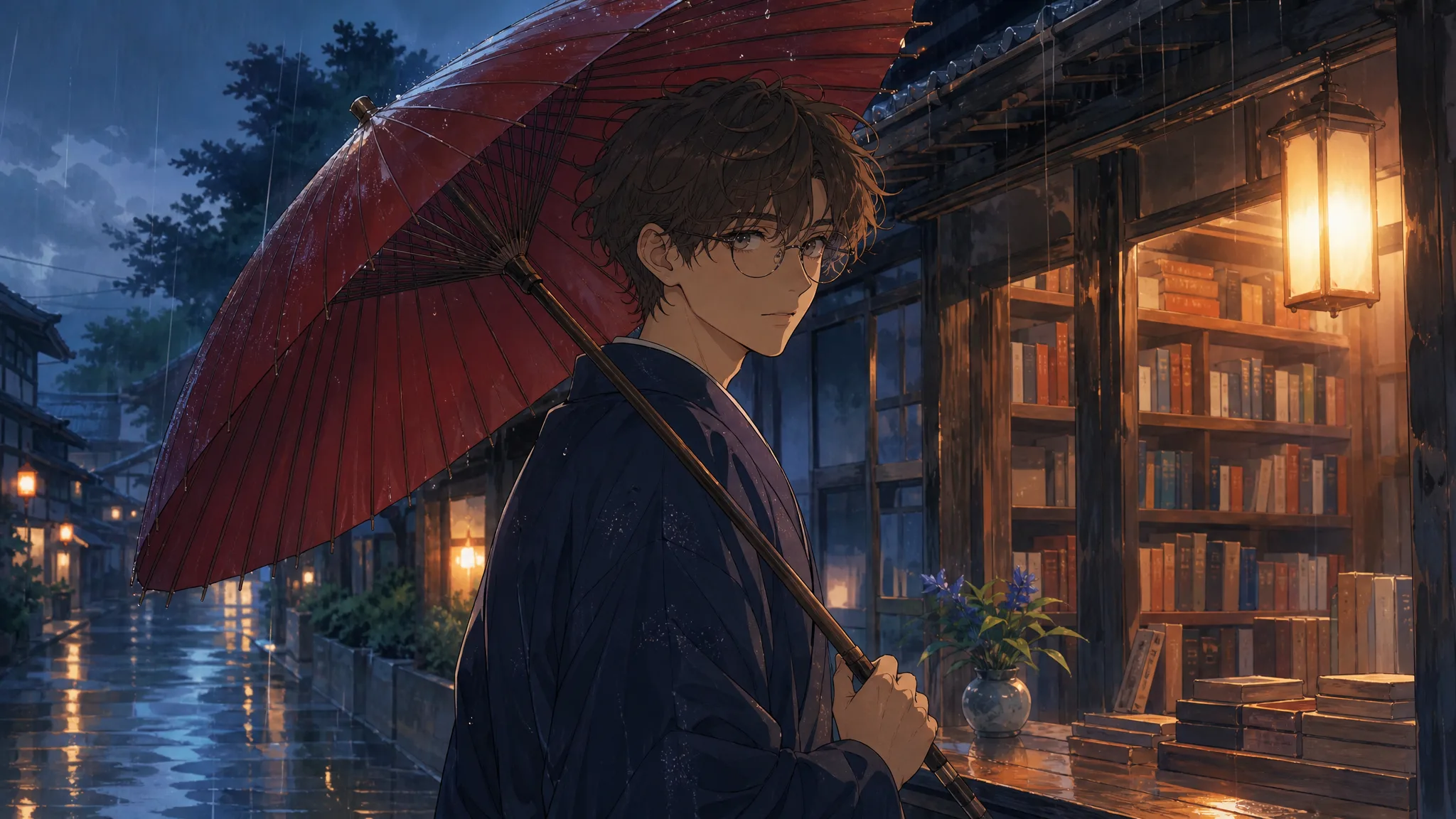
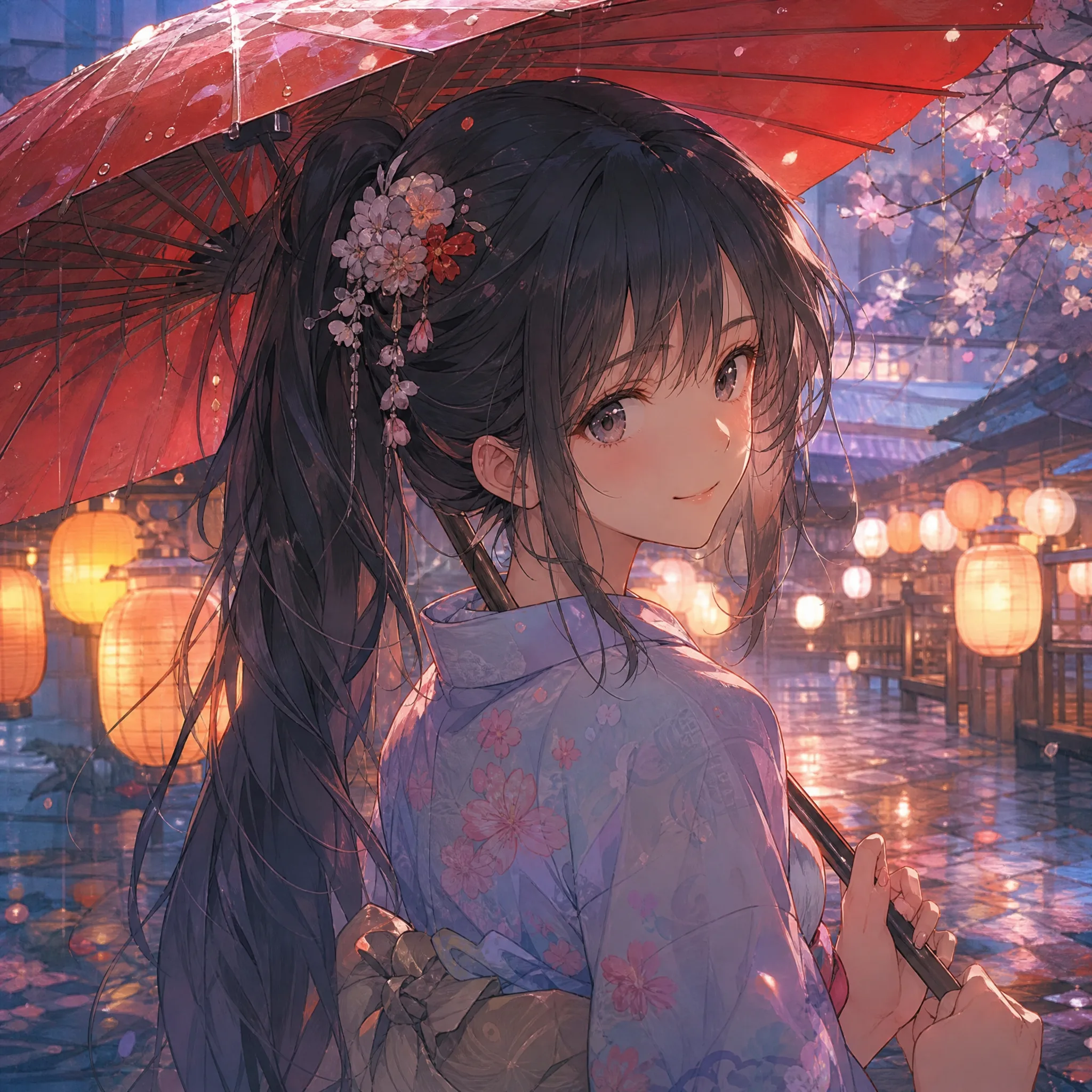
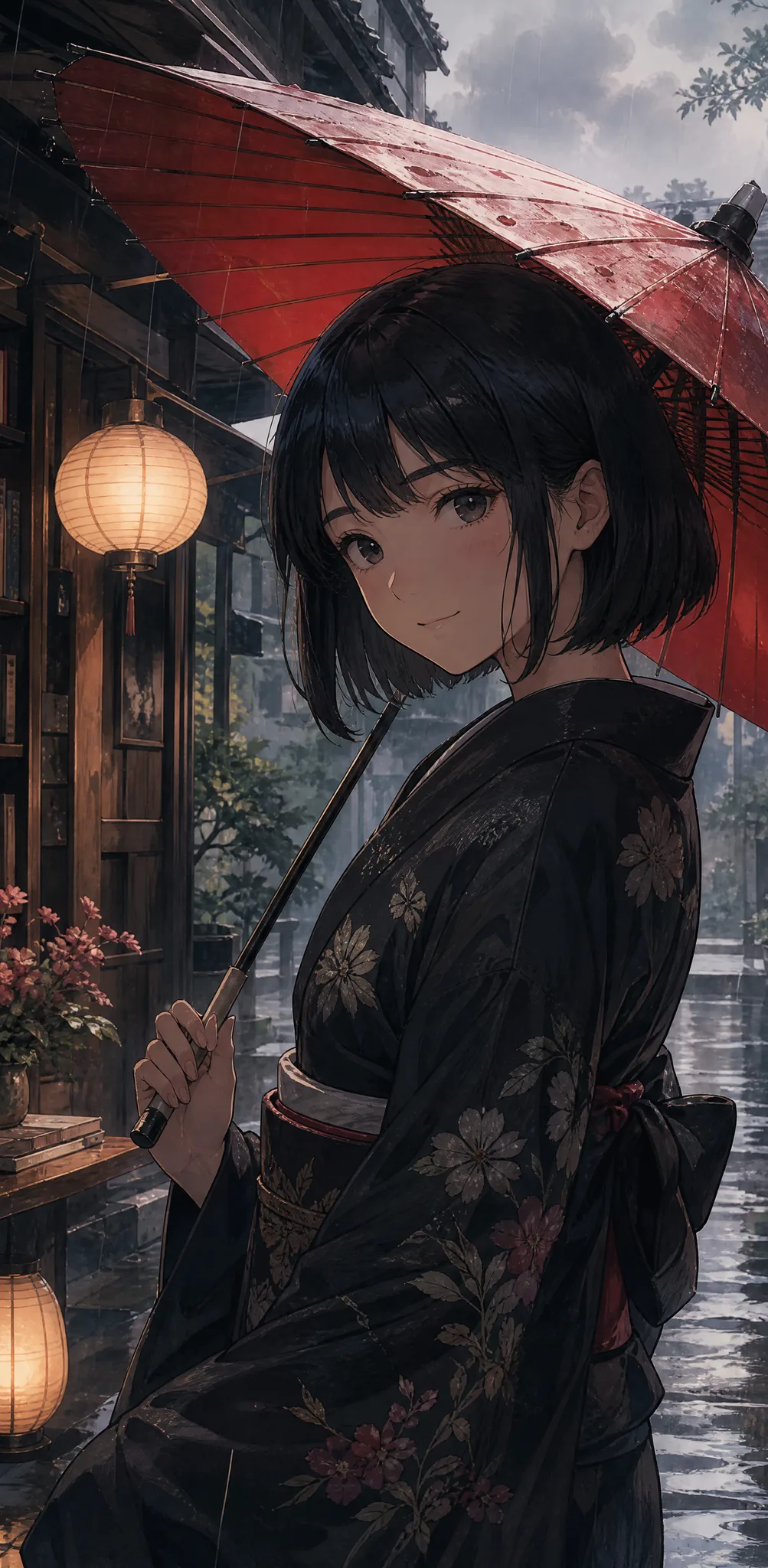
A static character illustration gains a looping dance — swaying hair, shifting weight, and a bouncing skirt for a lively short.
Dancing anime girl
A flat black-and-white manga frame starts to breathe, with drifting speed lines and a slow camera push into the action.
Manga panel in motion
A clean line drawing gets subtle color-in and gentle movement, turning a sketch into animated anime line art animation.
Line art comes alive
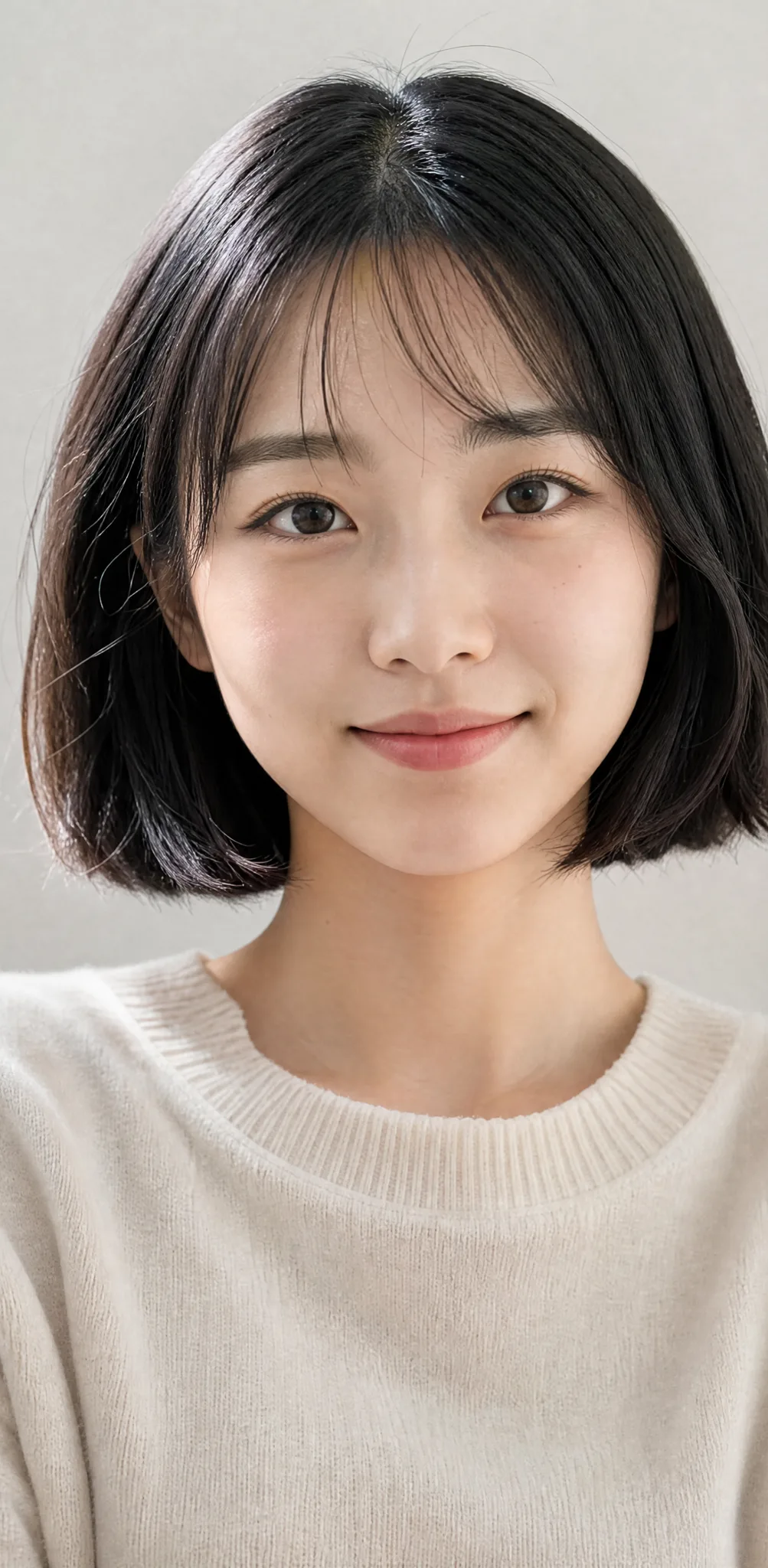
A selfie or portrait is reimagined in anime style, then animated with blinking eyes and a soft, cinematic head turn.
Photo redrawn as anime
A cute chibi character bobs and waves in a short seamless loop, ready for a profile banner or stream overlay.
Chibi mascot loop
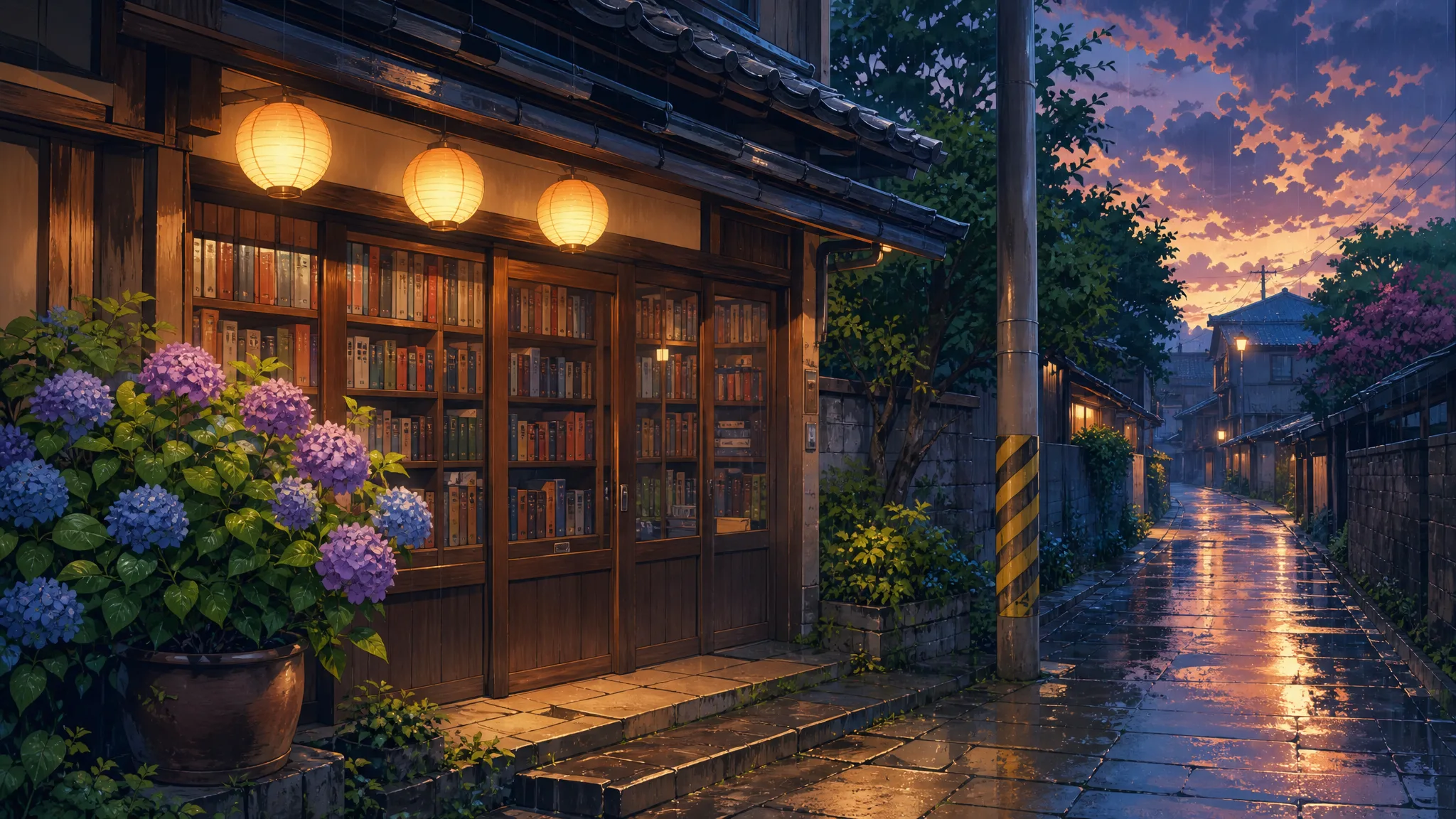
A painted anime background gains drifting clouds, swaying grass, and falling petals for a living wallpaper feel.
Anime scenery
A static character illustration gains a looping dance — swaying hair, shifting weight, and a bouncing skirt for a lively short.
Dancing anime girl
A flat black-and-white manga frame starts to breathe, with drifting speed lines and a slow camera push into the action.
Manga panel in motion
A clean line drawing gets subtle color-in and gentle movement, turning a sketch into animated anime line art animation.
Line art comes alive
A selfie or portrait is reimagined in anime style, then animated with blinking eyes and a soft, cinematic head turn.
Photo redrawn as anime
A cute chibi character bobs and waves in a short seamless loop, ready for a profile banner or stream overlay.
Chibi mascot loop
A painted anime background gains drifting clouds, swaying grass, and falling petals for a living wallpaper feel.
Anime scenery

How it works

How to Turn a Photo into Anime Video

Three steps take you from a still image to a finished anime clip — free to start with signup credits, and every export is watermark-free.

How to Turn a Photo into Anime Video
  1. 1

    Upload your image

    Sign in with Google, then drag in a JPG or PNG — a photo, an anime illustration, a chibi character, or a clean line drawing. The engine works with real photos you want restyled and with art you already drew. A clear subject with a defined face or pose animates most convincingly.

  2. 2

    Describe the anime motion

    Write a short prompt for what should move — "idol dance, swaying hair, camera slowly pushing in" is enough to steer an anime girl dance video ai render. Pick an AI model and an aspect ratio (9:16 for TikTok, 16:9 for YouTube) so your photo to anime video fits where you plan to post.

  3. 3

    Generate and download

    The AI predicts new anime frames from your single image and returns a playable clip in seconds. Preview it, regenerate with a tweaked prompt for a different take, then download the finished video — watermark-free — to share on TikTok, Instagram, YouTube, or a Discord server.

What you can do

Anime Girl Dance Video AI

Make an anime girl dance

Upload a character and describe a routine — an idol dance, a cute wiggle, or a slow sway. This anime girl dance video ai generates the in-between frames so your illustration actually moves, no rigging or keyframes needed.

Animate your character

Animate line art and sketches

Turn a clean drawing into motion with anime line art animation — subtle color, drifting hair, and a breathing pose bring a flat sketch to life without redrawing a single frame.

Animate a sketch

Photo to anime video

Feed the anime image to video generator a real photo and get an anime-styled clip back — a portrait turns into a moving anime scene with expression and gentle camera moves for a striking photo to anime video.

Turn a photo into anime

Loops made for socials

Generate seamless short loops in vertical, square, or widescreen so your anime clip is ready for Reels, TikTok, a stream overlay, or a profile banner — every take watermark-free and yours to download.

Create a loop

Why imgvid

Why Creators Choose This Anime AI Image to Video Generator

A free-to-start tool that generates real anime motion — dancing characters, moving manga, and animated line art — not a slideshow pan.

Real anime motion, not a pan

The model generates brand-new anime frames inside your image, so a character truly dances and a manga panel truly moves — the look you cannot fake with a slideshow or a Ken Burns zoom.

Built for illustration and line art

Anime line art animation is a first-class use case here: clean sketches, inked drawings, and flat cel art all animate cleanly instead of turning muddy.

Works from photos too

Start from a real photo and get an anime-styled clip back — the same anime image to video generator handles portraits, cosplay shots, and pet pictures, not just finished art.

Cinematic camera and lighting

Add push-ins, orbits, and soft rim light so your anime clip feels shot on a real camera — ideal for openings, AMV-style intros, and hero sections.

Multiple models, one tool

Switch between AI video models to match your art style and budget — no separate accounts to run an anime girl dance video ai, and no per-model checkout.

Free to start, watermark-free

Sign in with Google and eligible accounts get free signup credits, with watermark-free clips and no card needed to begin — an anime video generator you can try today.

Use cases

Anime Line Art Animation and Beyond

From dancing OCs to living manga panels, here is what creators turn this tool into.

Dancing original characters

Bring your OC to life with an anime girl dance video ai clip for a TikTok, a reveal, or a fandom post your followers will replay.

Dancing original characters

Living manga panels

Add motion and speed lines to a favorite manga frame so a single panel becomes a few seconds of animated action.

Living manga panels

Line art and sketch reels

Show your process by animating a clean line drawing — anime line art animation makes a static sketch feel finished and alive.

Line art and sketch reels

Anime profile and banners

Loop a chibi mascot or character bust into a moving avatar, header, or Discord banner that stands out from static art.

Anime profile and banners

Photo-to-anime shorts

Restyle a selfie or cosplay photo into an anime scene and animate it for a fun photo to anime video to share.

Photo-to-anime shorts

AMV-style intros

Generate short animated cuts from key art to open a video, stream, or edit with an energetic anime feel.

AMV-style intros

FAQ

Anime Video FAQ

Anime ai image to video is a tool that takes a single still image — a photo, an illustration, or line art — and animates it into a short anime-style clip. You upload the image, describe the motion or camera move you want, and the AI predicts new anime frames in between, so a static character can dance, a manga panel can move, and a line drawing can come to life without any timeline editing or animation skills.

Turn Your Photo into an Anime Video

Sign in with Google and create anime clips from your images in seconds — free signup credits, watermark-free output.

Create your anime video