









BLACK FRIDAY

2× credits · Ends Dec 1

Ends Dec 1, 11:59 pm PTGrab 2× credits

MAGI 2 AI Video Generator with Synchronized Audio

Turn text, images, frames and references into 1080p audio-video scenes

Create up to 30 seconds of 1080p video with synchronized audio using the MAGI 2 AI video generator. Start from text, an image, start-end frames or multimodal references in your browser.

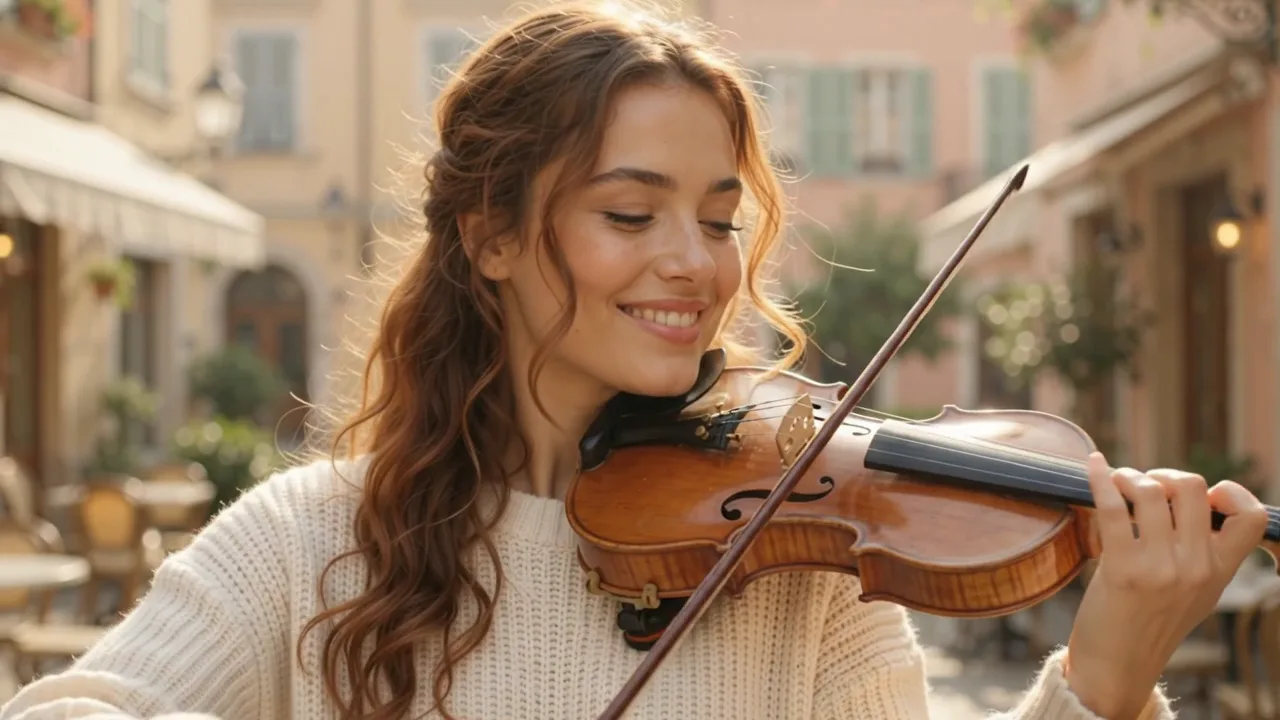
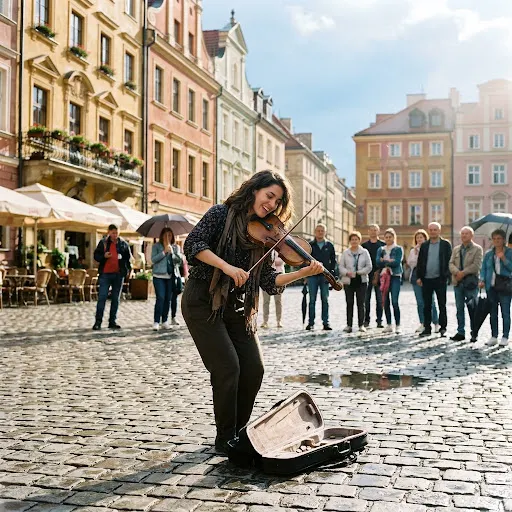
Smiling young woman playing an acoustic violin on a sunlit European cafe terrace with synchronized audio
Up to 30s 1080p video
Native synced audio
Multi-reference control
Text, image & keyframes
MAGI-2
First frame

JPG / PNG / WebP · 1 file · Max 20 MB per file

Last frame

JPG / PNG / WebP · 1 file · Max 20 MB per file

Image references

JPG / PNG / WebP · Up to 10 files · Max 20 MB per file

Video references

MP4 / MOV · Up to 5 files · Max 100 MB per file

Audio references

MP3 / WAV · Up to 5 files · Max 15 MB per file

Prompt
0/20000
File references

This media input is not available yet.

Reference files

This media input is not available yet.

Resolution
Aspect ratio
Duration
Audio
Seed
Number of outputs
Public Visibility
Required credits
320
Sample videos

How to Use the MAGI 2 AI Video Generator

Build a complete audio-video scene with the MAGI 2 AI video generator in four focused steps, from choosing your starting input to reviewing the finished 1080p clip.

1

Choose text, image, frames or references

Open the MAGI 2 AI video generator workspace and pick the input mode that matches your brief. Start from a text prompt for a brand-new scene, upload one photo for MAGI 2 image to video, pair a start and end frame, or attach multiple images, clips and audio references.

2

Direct the action, camera and sound

Write a clear prompt describing the subject movement, camera path and audio cues you want to hear together. Specify spoken dialogue, footsteps, rain or background music so the MAGI 2 video model aligns visual beats and acoustics in one continuous sequence.

3

Set duration, resolution and framing

Select a clip length from 2 to 30 seconds, choose 480p, 720p or 1080p output, and pick your target aspect ratio from widescreen to vertical. Keep native audio switched on when you want synchronized sound, then confirm the quoted credits before generating.

4

Review motion and audio, then export

Play the finished take from the MAGI 2 AI video generator all the way through to check facial continuity, camera pacing and sound sync. Download the clean MP4 file for immediate publishing, or refine one prompt detail and run another variation.

Key Capabilities of the MAGI 2 Video Generator

Explore how the MAGI 2 video generator brings native sound design, long single-take shots and multimodal reference conditioning into one browser workflow.

Generate Video and Synchronized Audio Together

The MAGI 2 AI video generator produces visuals and matching audio in a single pass instead of stitching a silent clip to separate sound effects later. Describe spoken lines, foley, street ambience or musical swells in your prompt and get a cohesive scene where movement and sound land on the same beat. You can also toggle audio off whenever your edit calls for a silent visual plate.
Produce Up to 30-Second 1080p Continuous Takes

Longer shots give stories room to breathe without abrupt cuts every few seconds. With the MAGI 2 video model on ImgVid, you can render clips from 2 up to 30 seconds in 480p, 720p or 1080p across widescreen, square and vertical aspect ratios. That extended window lets a character complete an action, a product rotate cleanly or a camera glide through an entire environment in one unbroken take.

Guide Scenes with Multimodal Omni-References

When a written description alone is not specific enough, the MAGI 2 video generator accepts rich visual and audio conditioning in the same request. Combine up to 10 reference images, 5 video clips and 5 audio files to lock character wardrobe, prop geometry, motion rhythm and sonic tone. Multi-reference workflows help Sand AI MAGI 2 creators keep branding and recurring characters consistent across shots.

Direct MAGI 2 Image to Video and Keyframe Transitions

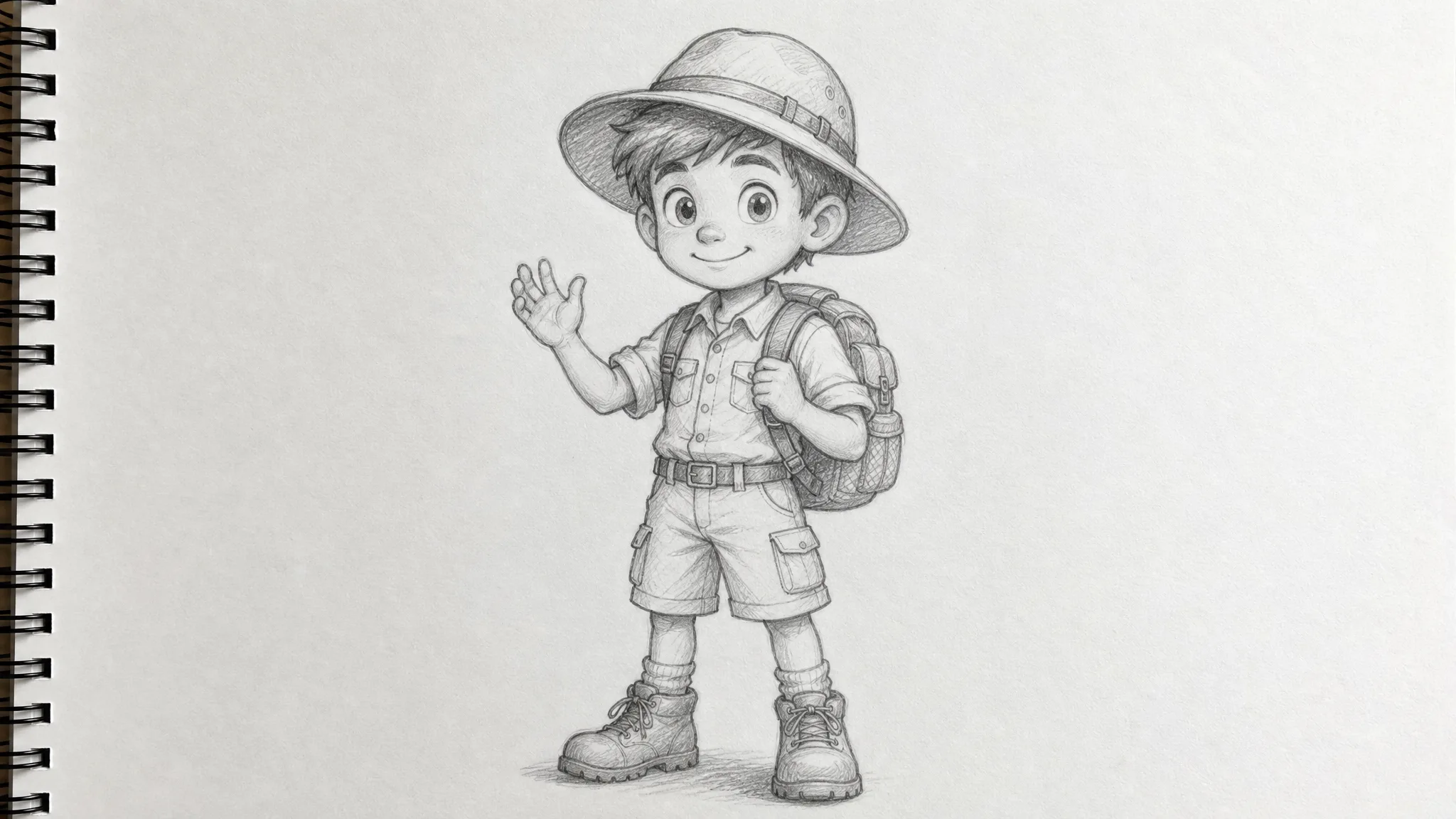
Turn an existing photograph, illustration or keyframe pair into controlled motion with MAGI 2 image to video. Upload a single opening frame to preserve your exact composition, or set both a first and last frame so the MAGI 2 AI video generator plots the camera move and subject transformation between them. This gives filmmakers and marketers predictable entry and exit frames for tight edits.

Creative Use Cases for MAGI 2 AI

See how creators, marketers and storytellers apply MAGI 2 AI across short-form video, product launches and narrative concepts.

Product Launch and Commercial Spots

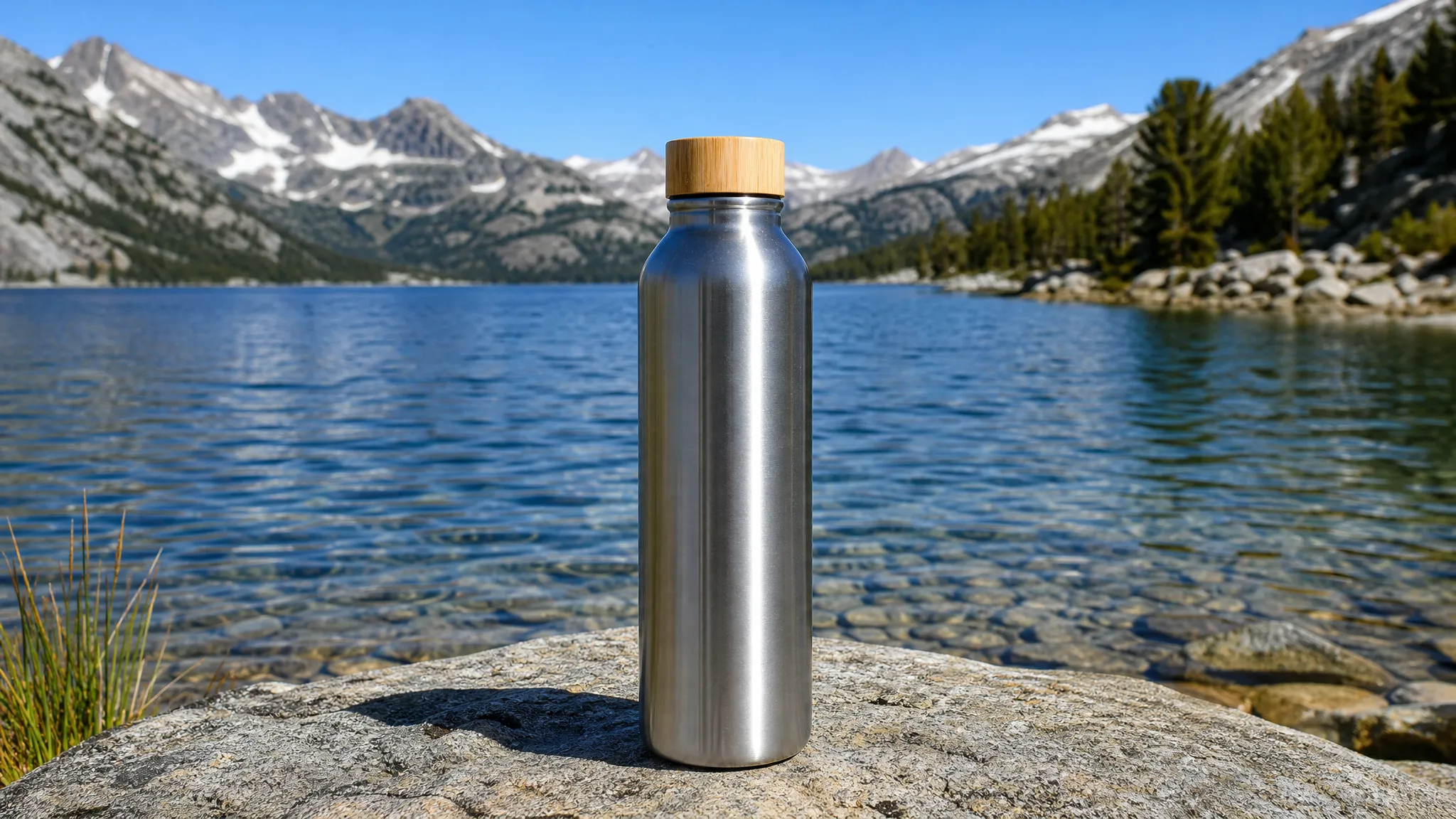
Marketing teams use the MAGI 2 AI video generator to turn studio product stills into 1080p launch clips with subtle ambient sound and tactile foley. Lock packaging details with reference images and test multiple camera angles before committing to a full shoot.

Dialogue and Character Story Beats

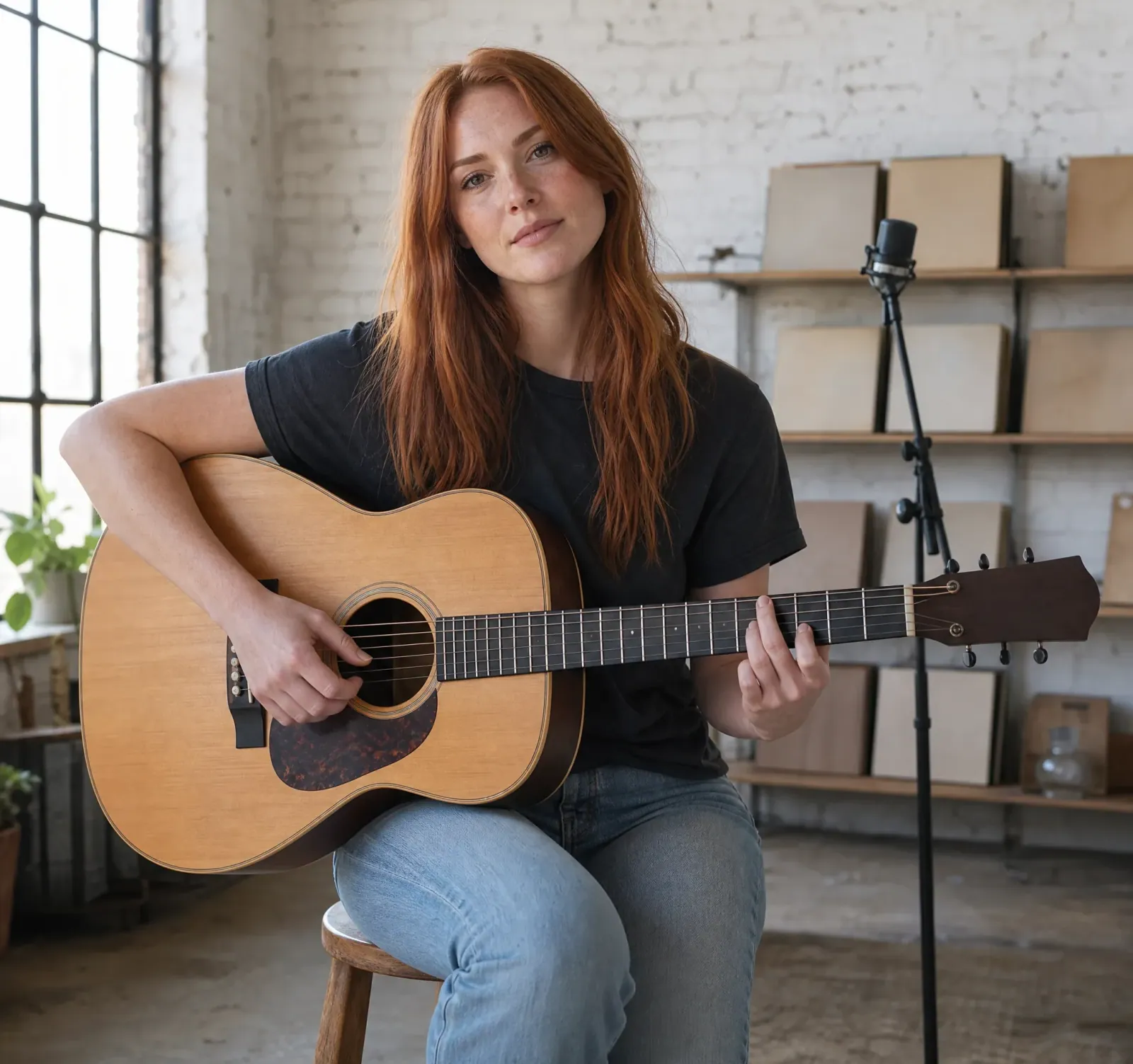
Filmmakers and indie storytellers build short character moments in MAGI 2 AI with synchronized dialogue and environmental ambience. Consistent framing across longer takes makes it easier to pitch scenes, test pacing and review emotional beats.

Social Reels and Vertical Shorts

Social creators generate 9:16 vertical clips directly in the MAGI 2 video generator with sound built in from frame one. Animate a single hook image or script a 15-second visual sequence ready for TikTok, Reels and YouTube Shorts.

Multi-Scene Storyboard Previsualization

Directors and art departments combine location photos, wardrobe swatches and mood clips to preview how a sequence moves before production day. Sand AI MAGI 2 reference workflows help teams align on lens choice, lighting and transitions early.

Start-to-End Visual Transitions

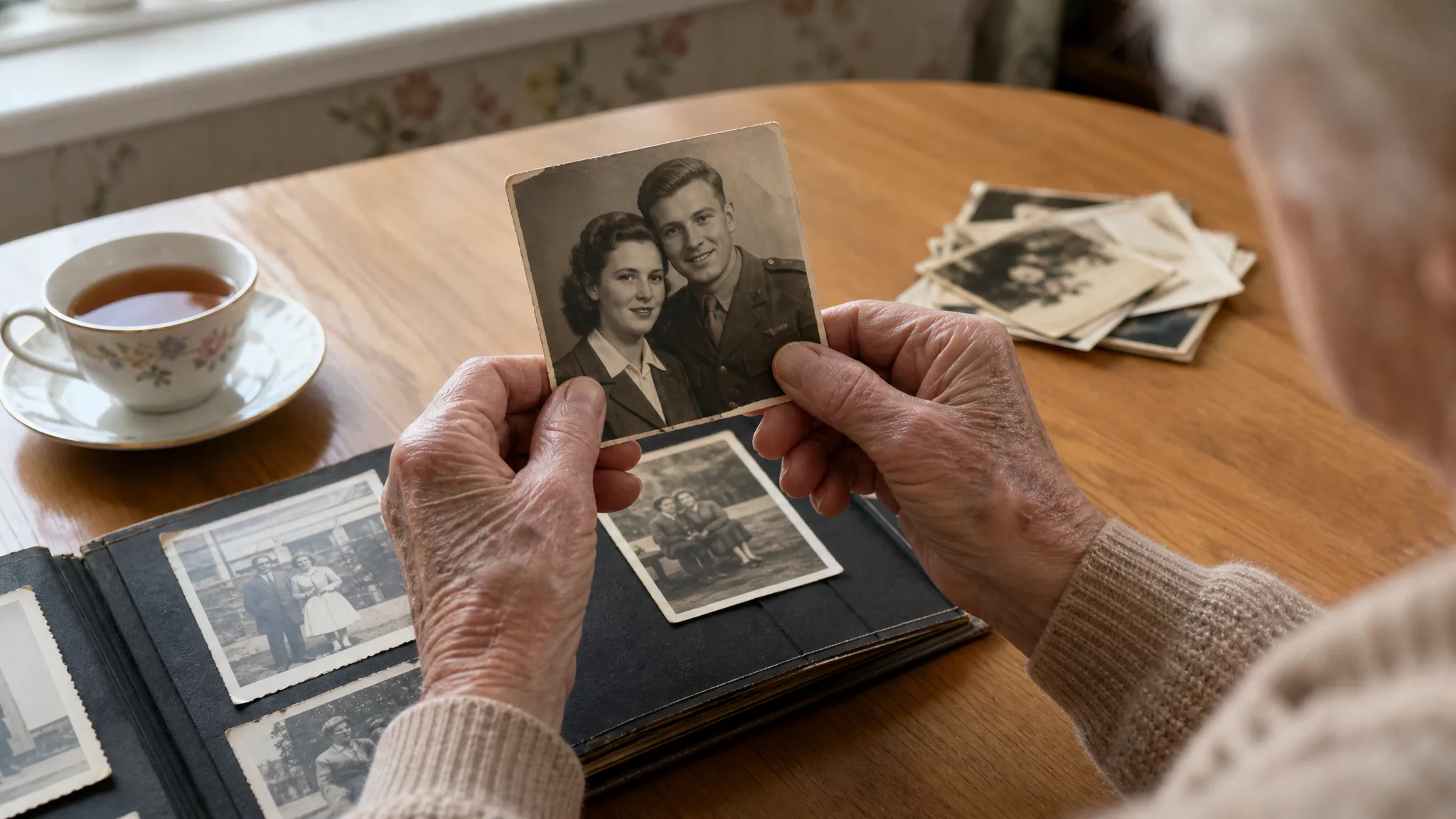
Motion designers pair two keyframe stills—such as a day-to-night exterior or a before-and-after room layout—and let MAGI 2 image to video bridge the transformation smoothly for campaign reveals and portfolio pieces.

Music Visualizers and Atmospheric Loops

Musicians and audio creators upload reference audio or describe rhythmic environments so the MAGI 2 video model generates moody, cohesive 1080p scenes that match the tempo and texture of a release.

What Creators Say About Magi 2 AI Video Generator

Our coffee roaster needed a 15-second launch teaser with pouring sound and warm cafe ambience. I used the MAGI 2 AI video generator from a single bag photograph and got synced audio and smooth steam motion in one pass, saving an entire afternoon of foley work.

Hannah Brooks
Brand Video Producer

MAGI 2 AI Video Generator FAQ

Direct answers to the most common questions about the MAGI 2 AI video generator, native audio, references, video length and free credits on ImgVid.

The MAGI 2 AI video generator is a browser workspace on ImgVid for unified audio-video creation. Built around Sand AI’s flagship MAGI-2 concept, it turns text, a single image, start and end frames or multimodal references into up to 30-second 1080p clips with synced sound.

Flagship Sand AI MAGI 2 scales over 4x larger than the August 2026 MAGI 2 Preview research release. It upgrades from 114B total parameters (6B active) and 10-second clips to 480B total parameters (28B active), 4T pre-training tokens, up to 30-second 1080p output and broader multimodal reference control.

You can try MAGI 2 free online on ImgVid with welcome credits when you create an account. You also earn extra credits through daily check-ins with streak bonuses up to 3x on day seven, all directly in your browser.

The MAGI 2 video generator creates clips from 2 to 30 seconds at 480p, 720p or 1080p resolution. Choose adaptive framing or pick 16:9, 9:16, 1:1, 4:3 or 3:4 to match widescreen players or vertical social feeds.

MAGI-2 generates native audio together with the video so sound stays aligned with on-screen motion. Dialogue, foley, ambient noise and background music are enabled by default, and you can switch audio off whenever you prefer a silent take.

MAGI 2 image to video accepts text prompts, single photos, keyframes and up to 20 multimodal references. Combine up to 10 reference images, 5 videos and 5 audio files in one request to guide characters, style and motion.

Select Start & End Frame mode to upload both an opening frame and a closing destination frame. Describe the motion connecting them and the MAGI 2 video model transitions smoothly between your two visual boundaries while keeping subjects consistent.

Sand AI open-sourced MAGI-2 Preview on GitHub and Hugging Face and announced open-source plans for the 480B flagship. Running it locally requires multi-GPU server hardware, whereas ImgVid lets you use the MAGI 2 AI video generator directly in any browser.

Start Creating with MAGI 2 AI Video Generator

Bring your script, photo or reference assets into the MAGI 2 AI video generator and produce up to 30 seconds of 1080p video with synchronized audio right in your browser. Sign in to claim free credits and generate your first scene today.

Open MAGI 2 Generator
Smiling violinist performing in a bright sunlit European cobblestone plaza with warm historic facades and listeners