























Raphael AI Video Generator Alternative for Finished Artwork

Bring your finished Raphael artwork into a moving scene

A Raphael AI video generator search can lead to the next step for your finished artwork. Upload it to ImgVid, describe the scene’s next moment and animate it with a supported video model. This is an independent image-to-video workflow, rather than a Raphael video engine.

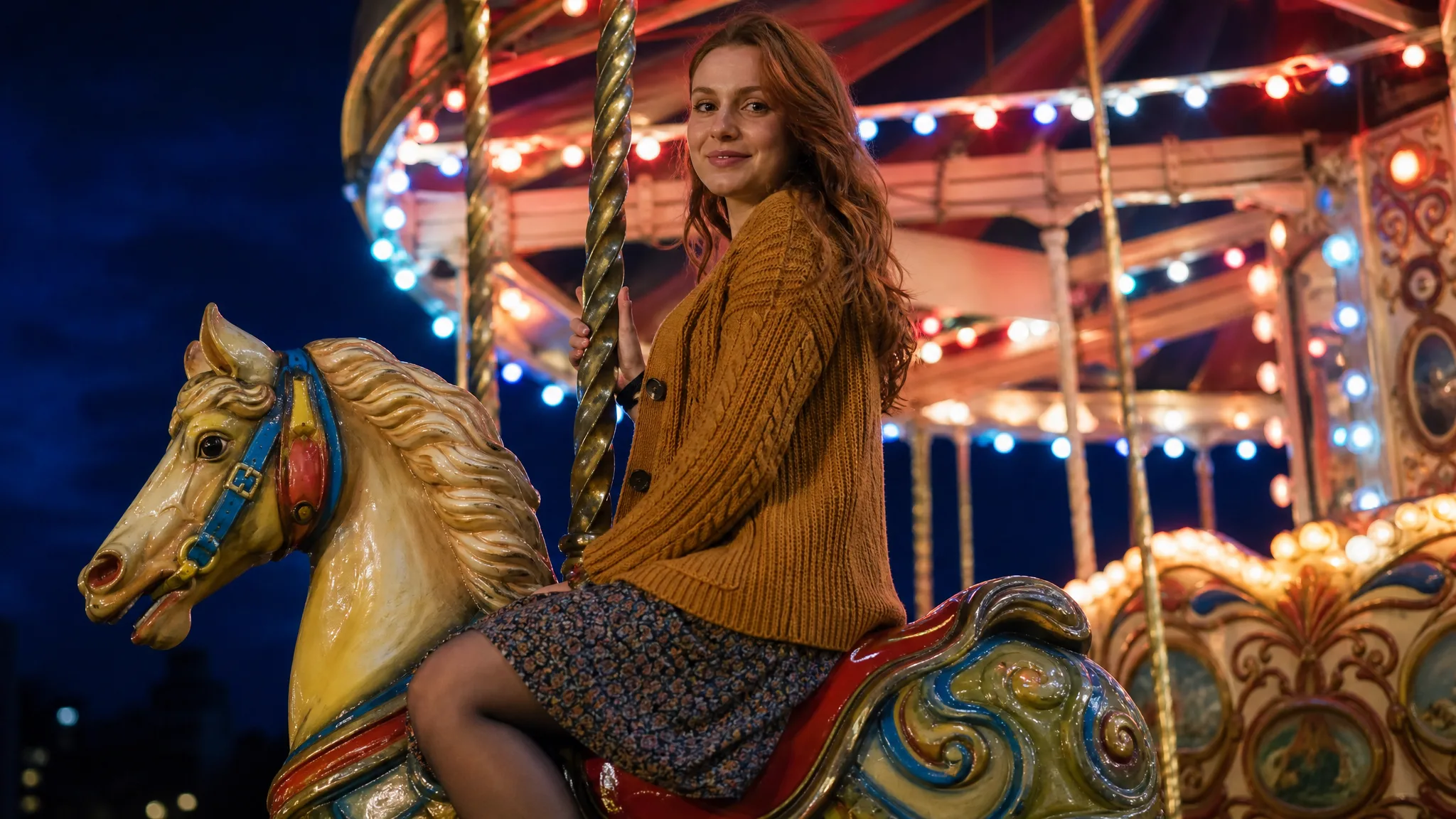
Woman in a mustard cardigan smiling on a painted carousel horse at night, colourful bulbs glowing on the canopy
Animate finished Raphael artwork
Independent image-to-video workflow
Prompt-directed action and camera
Create clips for creative presentations
Raphael
Reference images
Prompt
0/4000
Duration
Resolution
Aspect ratio
Translate prompt
Number of outputs
Public Visibility
Required credits
30
Sample videos

Give Your Raphael Artwork a Next Moment

A character or setting you created in Raphael can become the beginning of a short visual story. Upload the finished image and describe the action around it. ImgVid uses a supported video engine for this independent image-to-video step, rather than a Raphael video model.

Animate Your Raphael Image
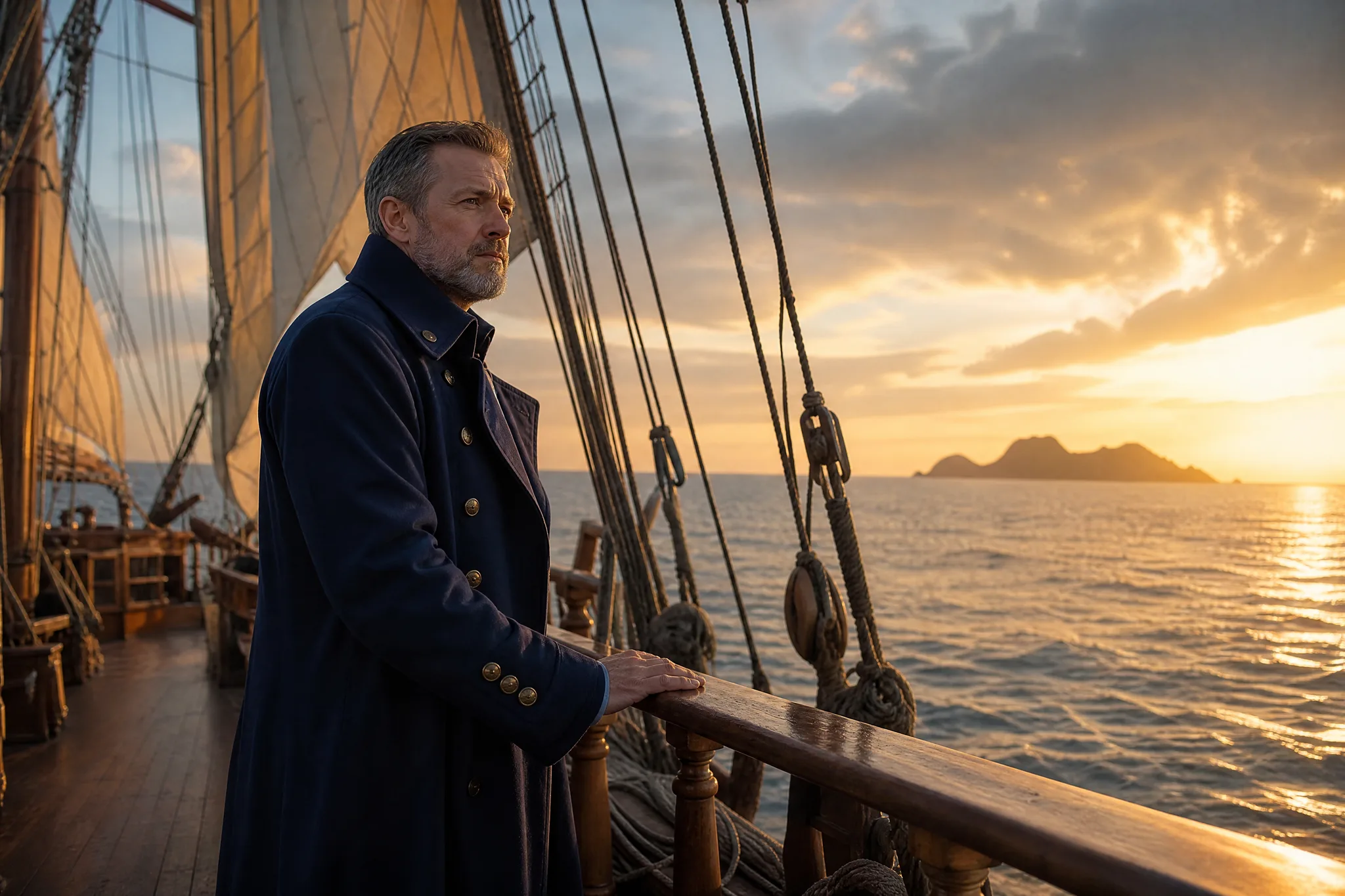
Bearded captain in a long dark-blue coat at the rail of a sailing ship, gazing toward a distant island at sunset

How This Raphael AI Video Generator Alternative Works

This Raphael AI video generator alternative starts with artwork you already made. Choose the motion for the scene, generate it and keep the take you want to share.

1

Bring your existing Raphael artwork

Upload the image you already made in Raphael, another image tool or your own camera. This Raphael AI video generator workflow treats Raphael as the source of the artwork only; an ImgVid video model supplies the animation, and your upload becomes the opening frame of the clip.

2

Choose the motion for the scene

Describe a small subject action or camera move that belongs in the image, such as a figure turning toward the light or the camera easing closer. Keep it to one idea so the Raphael AI video generator alternative has a clear direction to follow around your artwork.

3

Generate your motion study

Choose a compatible ImgVid video model and the duration, framing and resolution it offers for image input. Create a take when the reference and direction describe the scene you want to explore.

4

Choose the moving version to keep

Watch how the motion from the Raphael AI video generator workflow changes the composition and important details of the artwork, including faces and lettering. Download the take that suits your portfolio, social story or presentation, and finish the larger edit in your chosen tools.

Turn Your Raphael Image into a Video Idea

This Raphael AI video generator alternative brings existing Raphael artwork into a moving scene using a compatible ImgVid video model.

Build on the picture you already made

A finished portrait, concept image or illustration can give your video a starting composition. Bring that picture to the Raphael AI video generator workflow here and describe a small movement that follows its mood and subject. You keep the look you already approved, and the video model only has to decide what happens next.
Choose what changes inside the scene

A moving light, a gentle glance or drifting clouds can give a still image another dimension. Name the action and the camera direction in separate phrases so the motion brief stays easy to picture, and so you can change one without rewriting the other when a take from this Raphael AI video generator alternative misses.

Carry the artwork into a new format

Use the selected clip as a portfolio opener, a story insert or an animated social visual. Preview the subject and fine details first, because video generation can change lettering and small textures. Then download the take you want to finish in your editor, where exact titles and logos can be added back precisely.

Make the image part of a larger story

A finished artwork can become an opener, a character introduction or a detail between other shots. Explore a short action with the Raphael AI video generator workflow, then assemble the selected take with the rest of the edit in your preferred editor so the artwork sits inside a longer sequence.

Video Ideas from Your Raphael Artwork

The Raphael AI video generator workflow adds the motion step after artwork creation, with a different purpose for each visual project.

Moving illustration portfolios

An illustrator can upload finished Raphael artwork to this Raphael AI video generator alternative and explore a subtle character or background action. The chosen take becomes a moving companion to the original image on a portfolio site or a client gallery.

Character story moments

A storyteller can give a character portrait a small glance or turn through the Raphael AI video generator workflow. The clip introduces the figure at the start of a book trailer, a webcomic teaser or a longer edit before the story continues.

Concept presentation shots

A designer can turn an existing scene image into a measured camera study, like a slow push across an interior. The result gives a client pitch or a mood board review a concrete way to discuss movement and atmosphere before production begins.

Artwork-led social posts

A social creator can use the Raphael AI video generator workflow to explore motion around the detail that makes an image interesting. A short visual reveal opens a Reel or TikTok with the artwork as its starting point, before captions and music take over.

Illustrated scene atmosphere

A fantasy or landscape artist can describe clouds, fabric or changing light in a finished picture. The motion develops the atmosphere already present in the artwork and can loop behind a stream overlay, a website header or an exhibition screen.

Personal creative stories

A hobbyist can bring a favorite generated image into a short scene with this Raphael AI video generator alternative. Combine the selected clip with titles, photos and music to finish a personal visual story for friends, a family chat or a creative journal.

What Creators Say About Raphael AI Video Generator

A handmade chair was the central object in my brand concept, but the presentation needed a moving reference. I used the Raphael AI video generator to explore a restrained scene from the photograph. The clip made the material and surrounding light easier to discuss, helping the client respond to the intended mood.

Emma Wright
Freelance Brand Designer

Raphael AI Video Generator FAQ

Raphael AI video generator questions: how to animate a finished Raphael image, develop a portrait or artwork into a scene and choose the motion. Image creation and video creation are separate steps here.

The Raphael AI video generator workflow here is independent: it animates an existing Raphael image with a supported ImgVid video engine. It does not provide a Raphael video model or claim affiliation with Raphael AI.

The source gives your motion brief a subject, composition and atmosphere. Describe a next action or camera direction to explore how that finished artwork could become a story beat or portfolio concept.

Yes — the Raphael AI video generator workflow accepts a portrait, product photograph or finished artwork as a reference. Choose a clear focal subject and review the moving face, surfaces and important details throughout the result.

Add exact titles, logos and other typography in your final editor, where they stay precise. Let the Raphael AI video generator workflow focus on the motion of the scene. Check lettering and fine detail in the completed take.

Start the Raphael AI video generator workflow with a clear source and describe a focused action. Compare the appearance through the take with the original artwork. If important details drift, revise the brief or choose the take that stays closest to the original.

Artists, storytellers and creators can use a finished image to explore a short moving concept. The selected video engine and settings set the credits for each take, shown as a quote before you start. Free credits get you started: they arrive when you sign up, and checking in each day adds more, with a streak building to the largest reward on day 7, ready for images and videos.

Commercial use depends on your rights to the Raphael image you animate. Check the terms under which you created it and the chosen video model’s terms before using a clip from this Raphael AI video generator workflow. Check the rights to any person’s likeness, artwork or brand in the image as well.

Raphael images you upload here are not published. Free accounts and visitors keep Public Visibility on, so a finished Raphael AI video generator clip may be selected for Explore after review; a subscription or one-time pack starts your generations private.

Bring Your Raphael Artwork into Motion

Upload artwork you already created in Raphael or another image tool, describe a character moment, camera reveal or moving atmosphere, and this Raphael AI video generator alternative animates it with an ImgVid video model. Review the take, then share your art in motion.

Animate Your Artwork
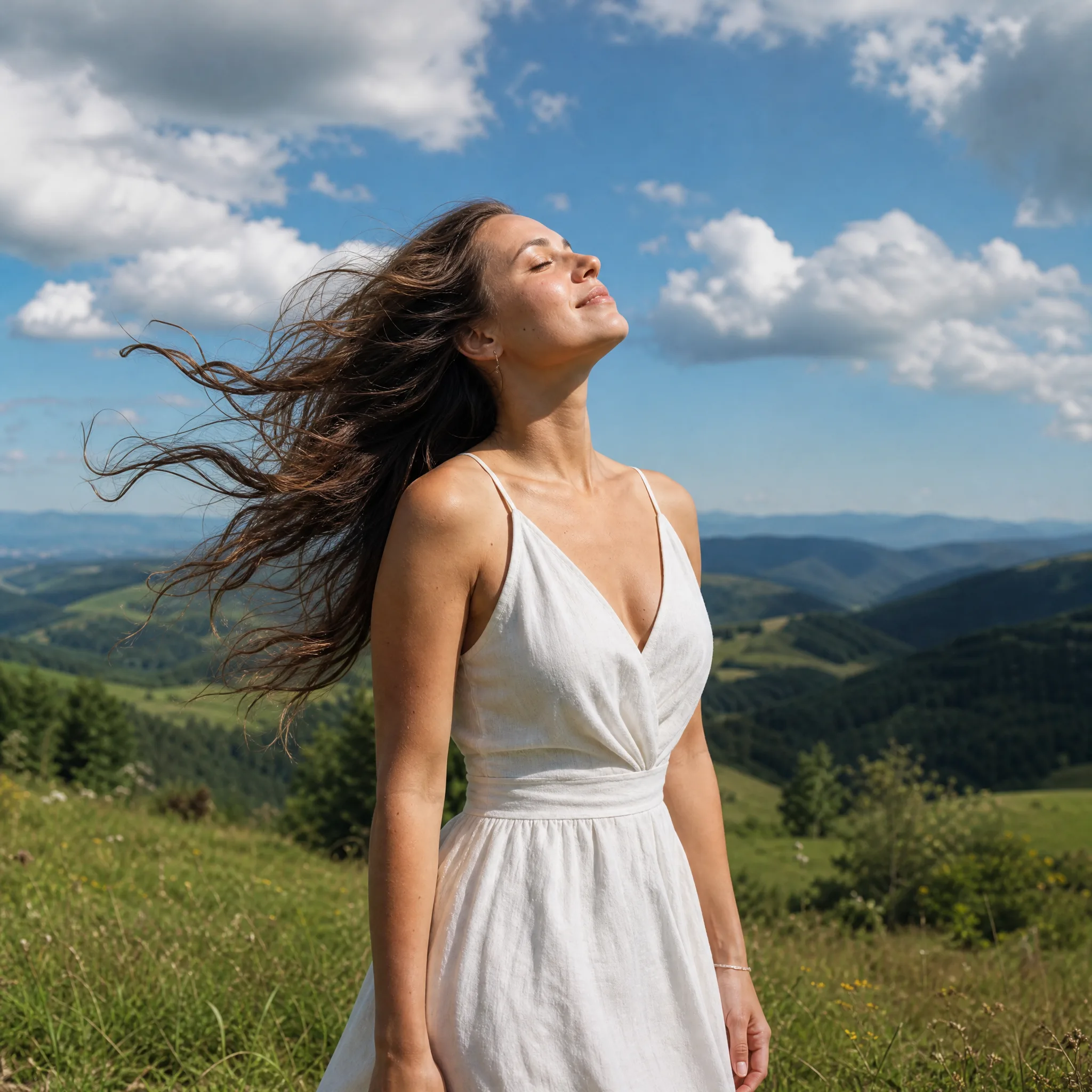
Woman in a white linen dress on a grassy hilltop on a breezy day, eyes closed and hair blowing under a blue sky